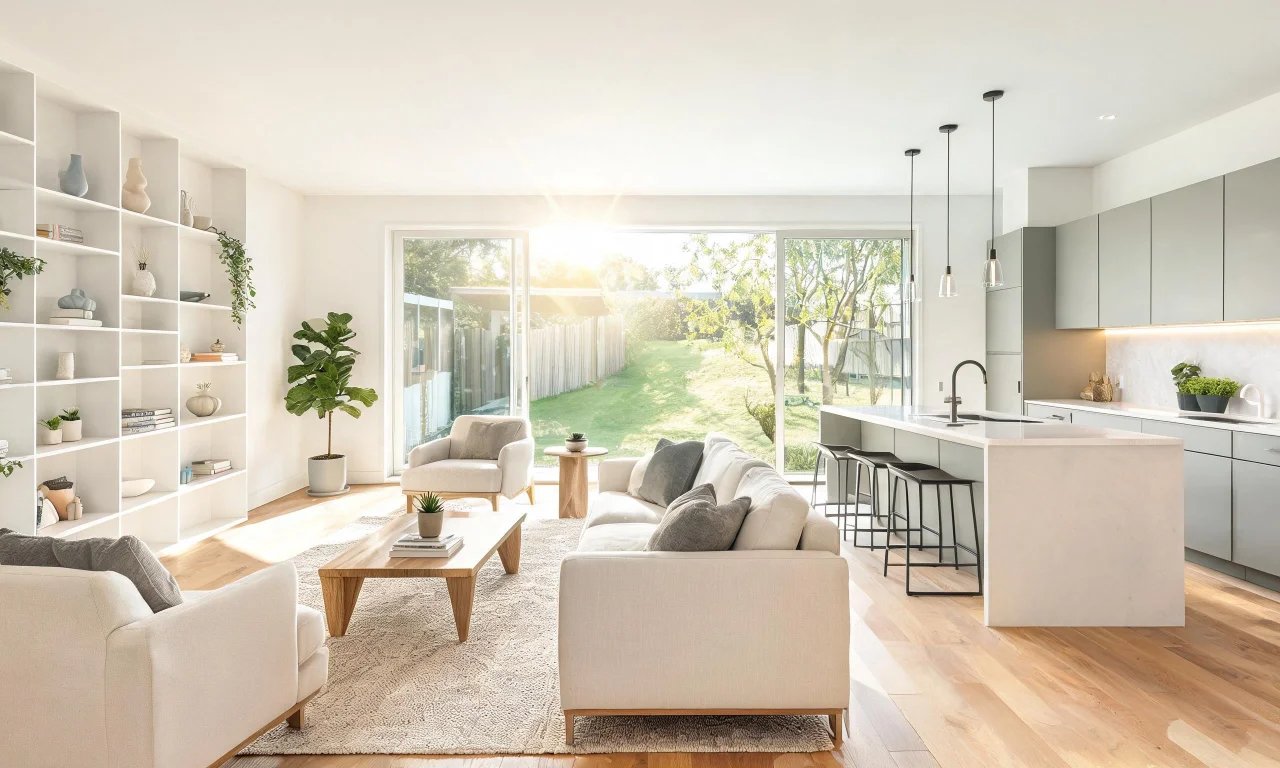
You want to design interior house spaces before you spend a single dollar on paint or furniture. That instinct is smart, not lazy.
The problem is choosing a tool. Dozens of apps promise photorealistic redesigns, and most reviews just list logos without explaining who each one actually suits.
This guide breaks down seven real options, what each is built for, and where it falls short. You will also see concrete cost comparisons, not vague guesses.
Key takeaways
- Free AI apps are enough for early-stage mood boards and quick furniture swaps.
- Paid tiers unlock object removal, outdoor redesign and exterior renovation previews.
- Physical staging still costs far more than AI virtual staging per room.
- Real estate agents, flippers and homeowners need different feature sets.
- No app replaces a licensed contractor for structural or measurement work.
What to Look For When You Design Interior House Projects With an App
Not every app covers the same ground. Before you commit, check whether it handles both interior and exterior spaces.
Also check how it treats your existing layout. Some tools restyle a furnished room, others only work on empty spaces.
- Does it offer a genuinely free tier, or just a trial that expires?
- Can it handle decluttering, not just full restyles?
- Does it support exterior and landscape work, or interiors only?
- Is there a path to renovation-level previews like flooring or wall finishes?
A good starting point is a full suite of AI design tools rather than a single-purpose generator.
Pro tip
Test any app on a photo of your actual room first. Generic demo images rarely show how it handles your lighting or clutter.
The 7 Best Apps for Interior and Exterior Design Projects
These seven cover the range from free quick edits to professional-grade 3D capture. Each entry includes who it suits and where it hits a wall.
1. vividoo
Best for: homeowners, flippers, agents and designers who need both interior and exterior previews in one place.
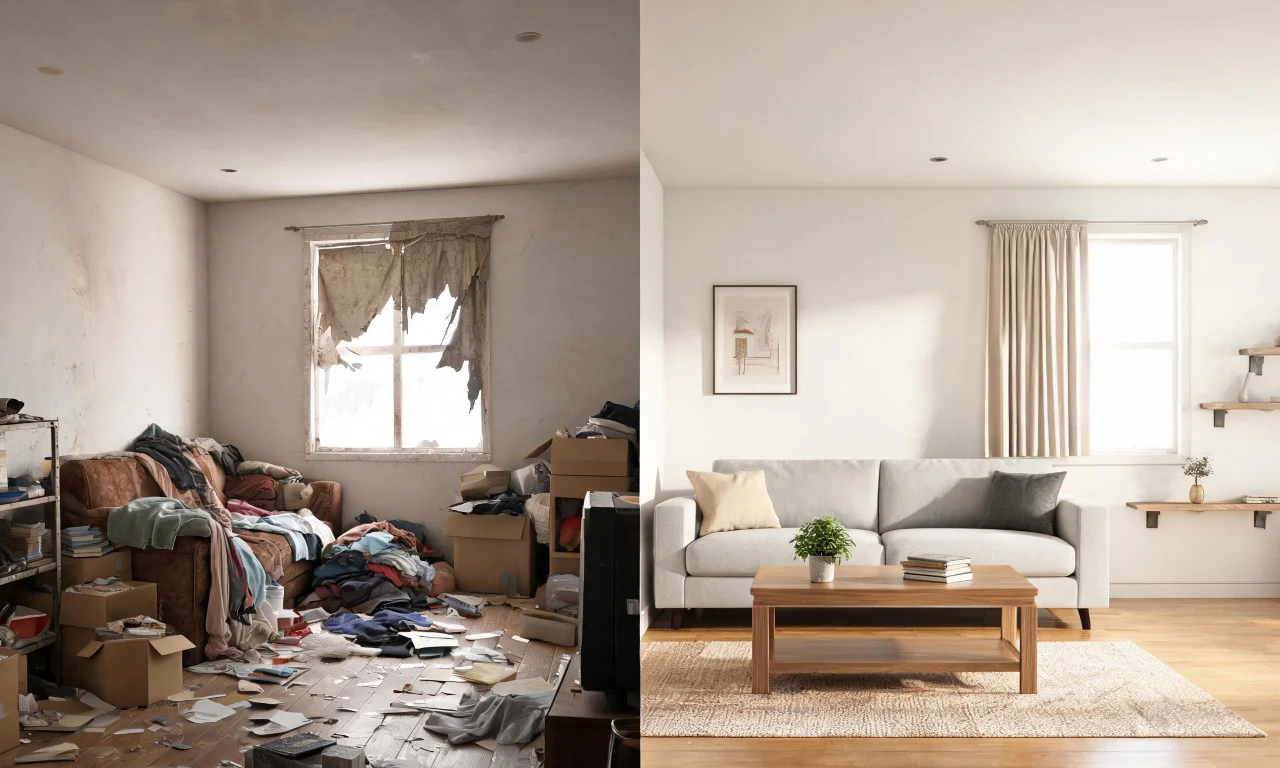
The workflow is simple. Upload a photo, pick a tool such as AI Room Redesign, and let it restyle a furnished room.
The free plan also covers Virtual Decluttering, the Empty Room Generator for clearing a space, AI Exterior Redesign for facades, and AI Room Renovation for previewing materials.
The limitation: tools like object removal, outdoor redesign, furniture add-or-replace and exterior renovation sit behind the Starter or Pro plans. Check the pricing page before assuming everything is free.
2. Roomvo
Best for: homeowners comparing specific flooring, paint or tile brands before buying.
Roomvo works by overlaying real retailer products onto a photo of your room, so you see an actual tile or carpet SKU in context.
Its strength is retail integration. You are not just seeing a generic style, you are previewing products you can actually purchase nearby.
The limitation is scope. It is built around product visualization for retailers, not full-room restyling or exterior work.
3. Planner 5D
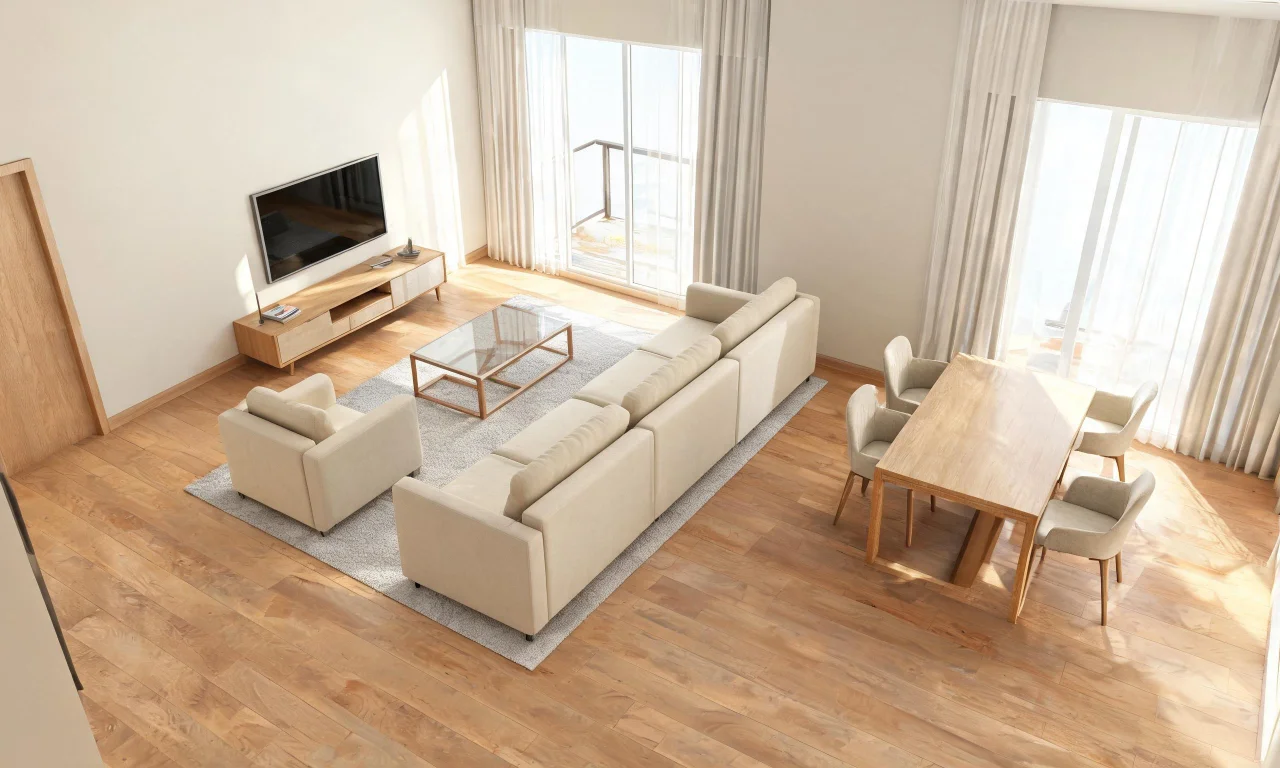
Planner 5D is a popular choice for anyone looking to design interior house layouts in 2D and 3D. It offers drag-and-drop furniture placement and room templates for quick experimentation.
The app suits hobbyists and homeowners who want to sketch floor plans before committing to renovations. Its library includes a wide range of furniture styles and textures for visualizing different room concepts.
While it provides strong layout tools, it leans more toward floor-plan creation than photorealistic redesign. Users wanting to visualize an existing room's new look may find other apps faster for that purpose.
4. Houzz
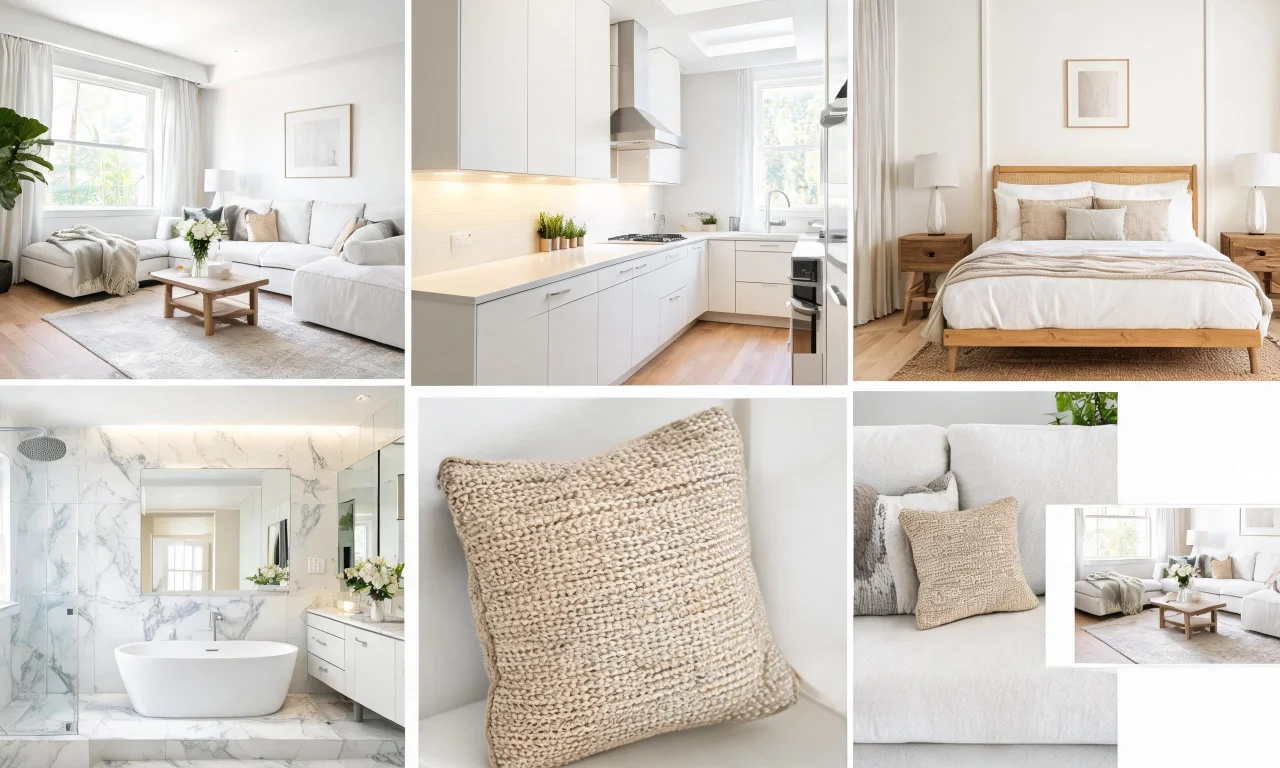
Houzz combines a vast design idea gallery with tools for connecting homeowners to professionals. It's widely used for inspiration when planning to design interior house projects of any scale.
The platform features a "View in My Room" tool, letting users preview certain products in their own space using augmented reality on mobile devices.
Houzz works well for browsing styles and finding contractors, though its visualization tools are more limited compared to apps built specifically for full room redesign or renovation previews.
5. SketchUp
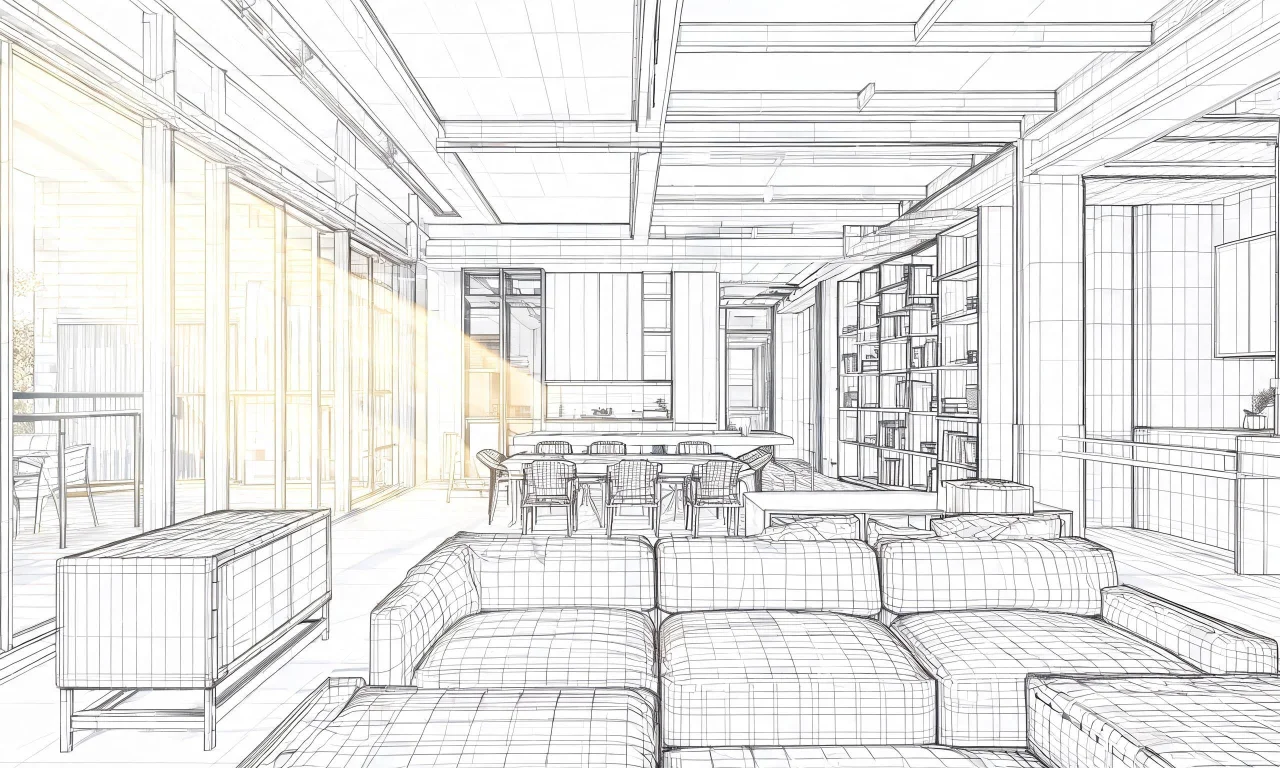
SketchUp is a professional-grade 3D modeling tool often used by architects and designers to design interior house spaces with precise structural detail.
It supports detailed modeling of walls, furniture and fixtures, making it useful for users comfortable with a steeper learning curve than typical consumer apps.
Because SketchUp requires more technical skill, it may not suit casual homeowners seeking fast, photorealistic previews of their existing rooms or exteriors.
6. Modsy
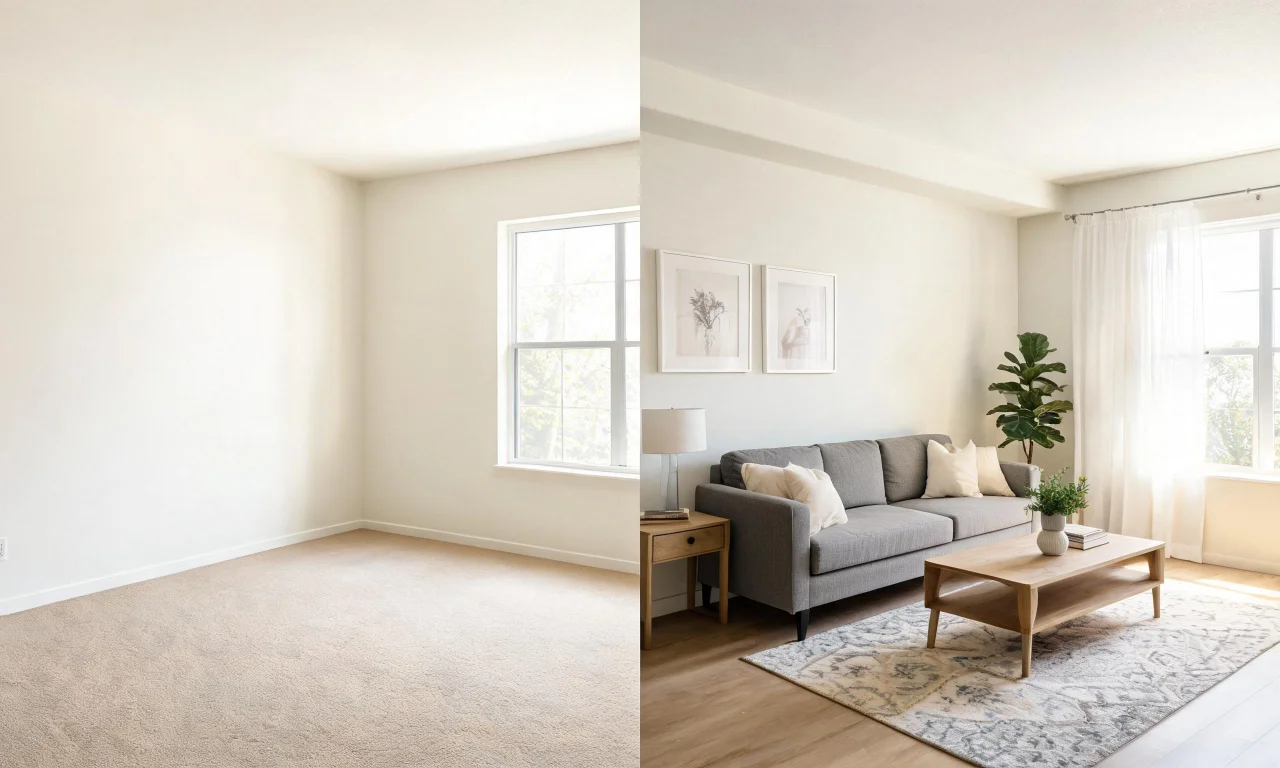
Modsy offers personalized design packages where users submit room photos and receive custom 3D renderings. It's geared toward those who want guided help to design interior house layouts.
The service pairs customers with design professionals who curate furniture and layout suggestions based on uploaded photos and style preferences.
This hands-on approach can be helpful for users wanting expert input, though it typically involves longer turnaround times than instant AI-generated previews.
7. Havenly
Havenly connects homeowners with interior designers for virtual consultations, helping users design interior house spaces through personalized recommendations and curated shopping lists.
Users complete a style quiz, then receive mood boards and layout concepts tailored to their rooms, along with suggested furniture and decor pairings.
Havenly is best suited for those wanting ongoing designer guidance rather than instant, automated visualizations of their existing rooms or exteriors.