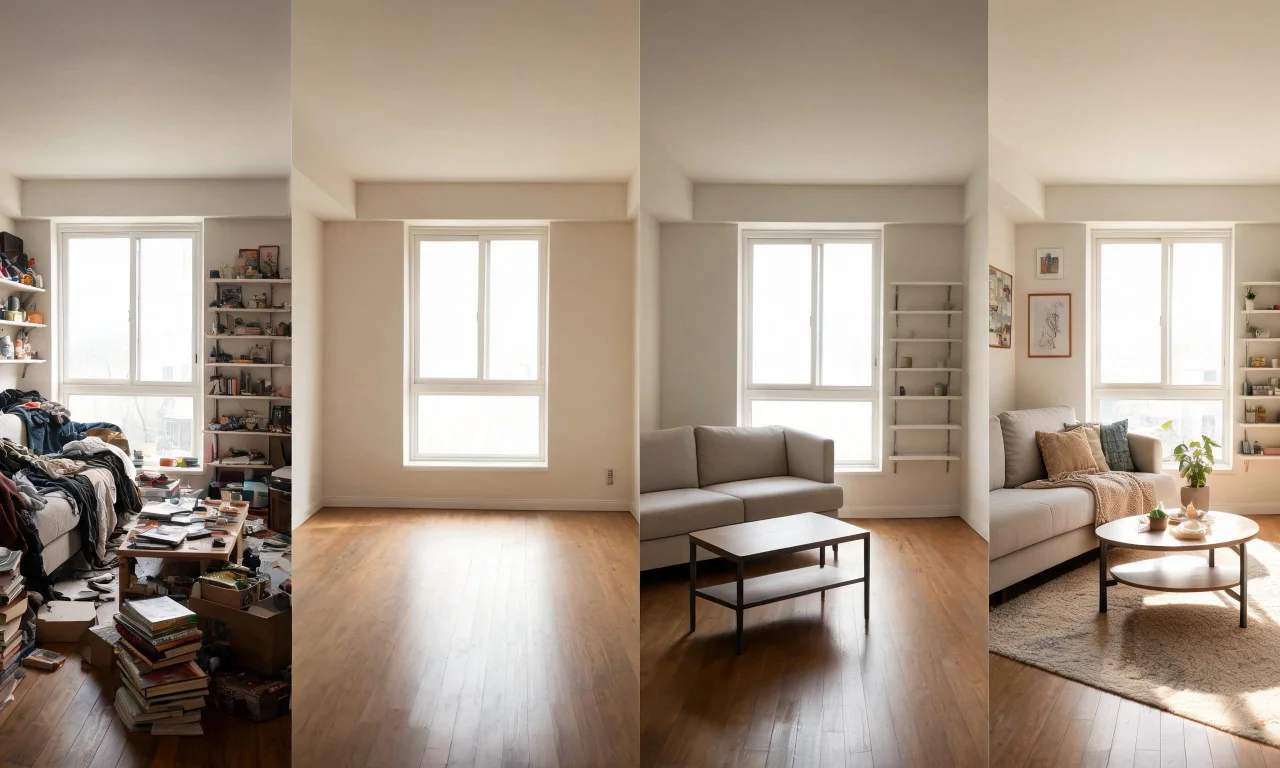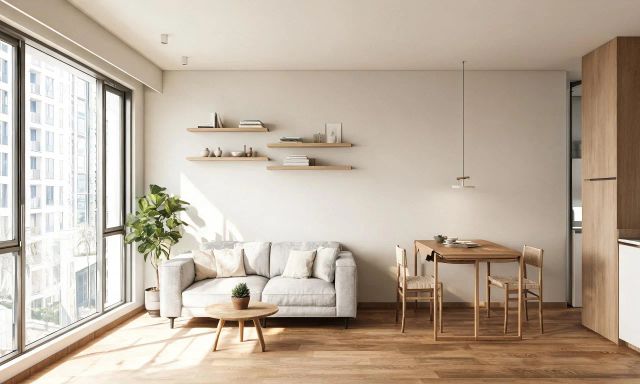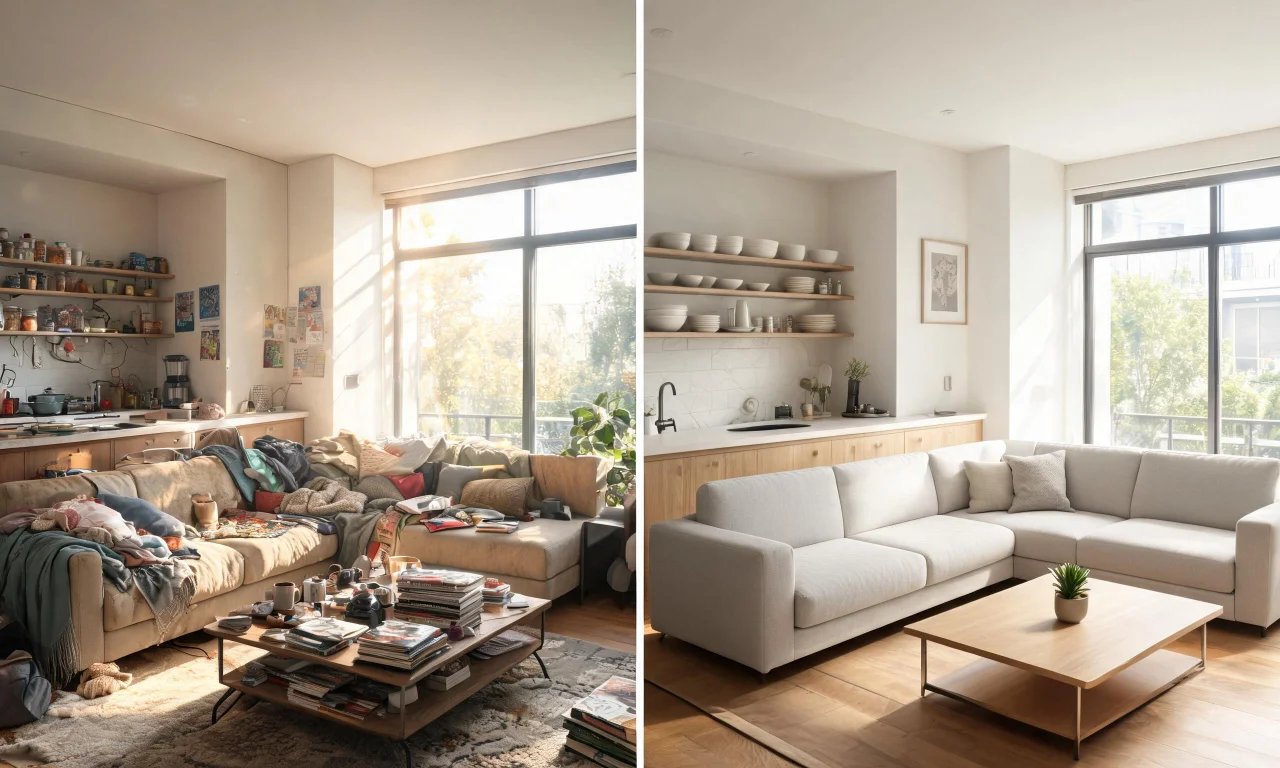
You want to see a redesigned living room before you spend a cent on paint or furniture. A free ai design generator makes that possible in minutes, not weeks.
This guide tests the free tiers of seven popular tools. It shows exactly where they save money, and where they stop being enough.
Key takeaways
- Free AI design generators let you preview redesigns before spending on materials or contractors.
- Most free tiers cover single-room restyling, decluttering, or empty-room previews, not full renovation planning.
- vividoo's free plan covers AI Room Redesign, Virtual Decluttering, Empty Room Generator, AI Exterior Redesign, and AI Room Renovation previews.
- Bigger projects, like outdoor redesign or object removal, usually need a paid Starter or Pro plan.
- Free tools can save hundreds of dollars in early-stage design decisions before you hire anyone.
Why a Free AI Design Generator Saves Money Upfront
A free ai design generator removes the guesswork before you commit any budget.
Instead of imagining how a sofa colour might look, you upload a photo and see it rendered.
That avoids a common costly mistake: paying for a renovation, then disliking the result.
- No design consultation fee just to test an idea.
- No wasted paint or flooring samples bought "just in case."
- No repeat contractor visits caused by indecision.
Free tools work best as a filter. They help you decide what to pursue before spending real money.
What Free Tiers Really Include in 2026
Free tiers in 2026 are more capable than a year ago, but they are still deliberately limited.
Most free plans cover single-image restyling, basic decluttering, or generating an empty version of a room.
vividoo's free plan, for example, includes AI Room Redesign for furnished indoor rooms, Virtual Decluttering, the Empty Room Generator for indoor or outdoor spaces, AI Exterior Redesign for facades, and AI Room Renovation for material previews.
What's usually missing from free tiers across the market: object removal, furniture swapping, and outdoor landscaping tools.
Pro tip
Test the free tier on your worst-lit or most cluttered room first. That's where AI redesign tools show the clearest before-and-after value.
Top Free AI Design Generators Compared
These seven tools were chosen because each offers a genuinely usable free tier, not just a locked demo.
For each one: who it suits, how the free workflow actually works, one real strength, and one real limitation.
1. AI Room Redesign: Restyle a Furnished Room in Minutes
vividoo's AI Room Redesign tool takes a photo of your furnished living room, bedroom or kitchen and applies new styles, colors and layouts digitally. It works with the free plan, no design experience required.
Homeowners weighing a costly renovation can test several aesthetic directions first. Instead of committing to paint or furniture purchases blind, you see a realistic preview and decide whether the investment matches your taste.
Real estate agents also use this free ai design generator to show sellers how staged rooms could look with different finishes, helping justify listing price adjustments before spending on physical staging.
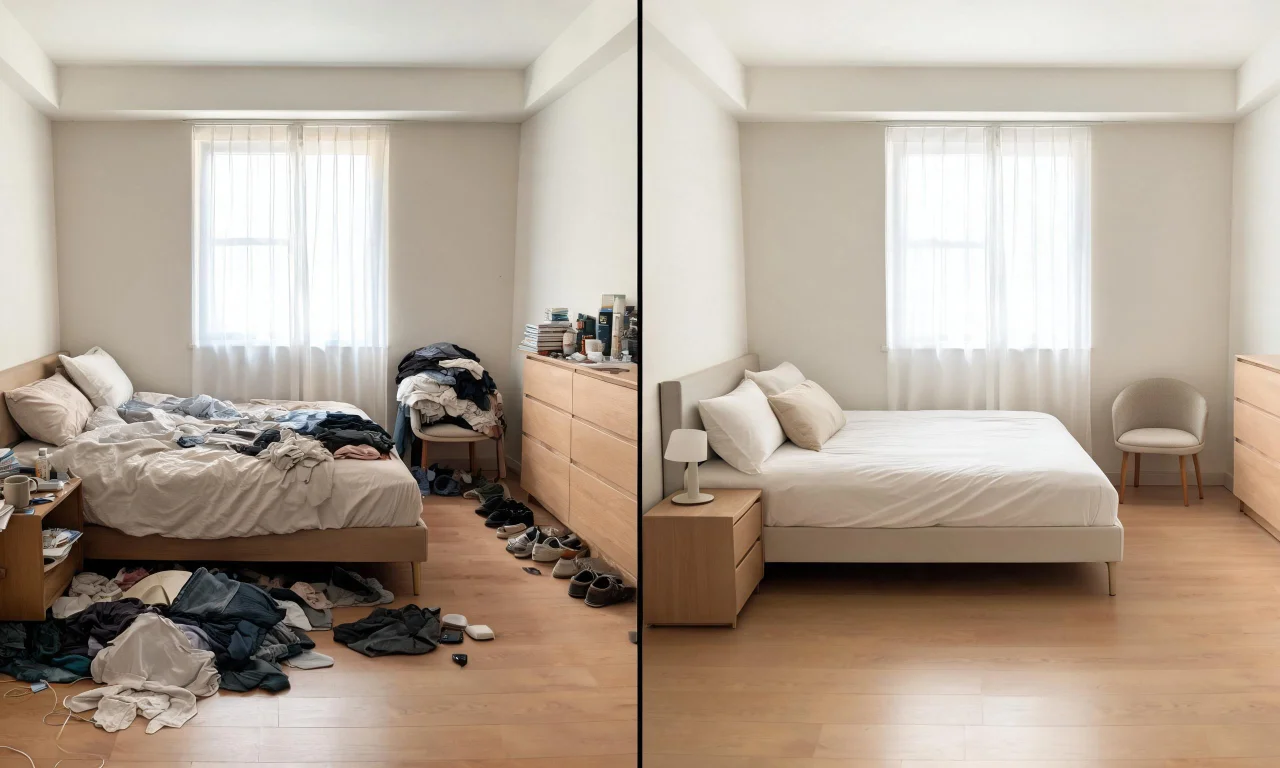
2. Virtual Decluttering: Clear Visual Clutter Before You Renovate
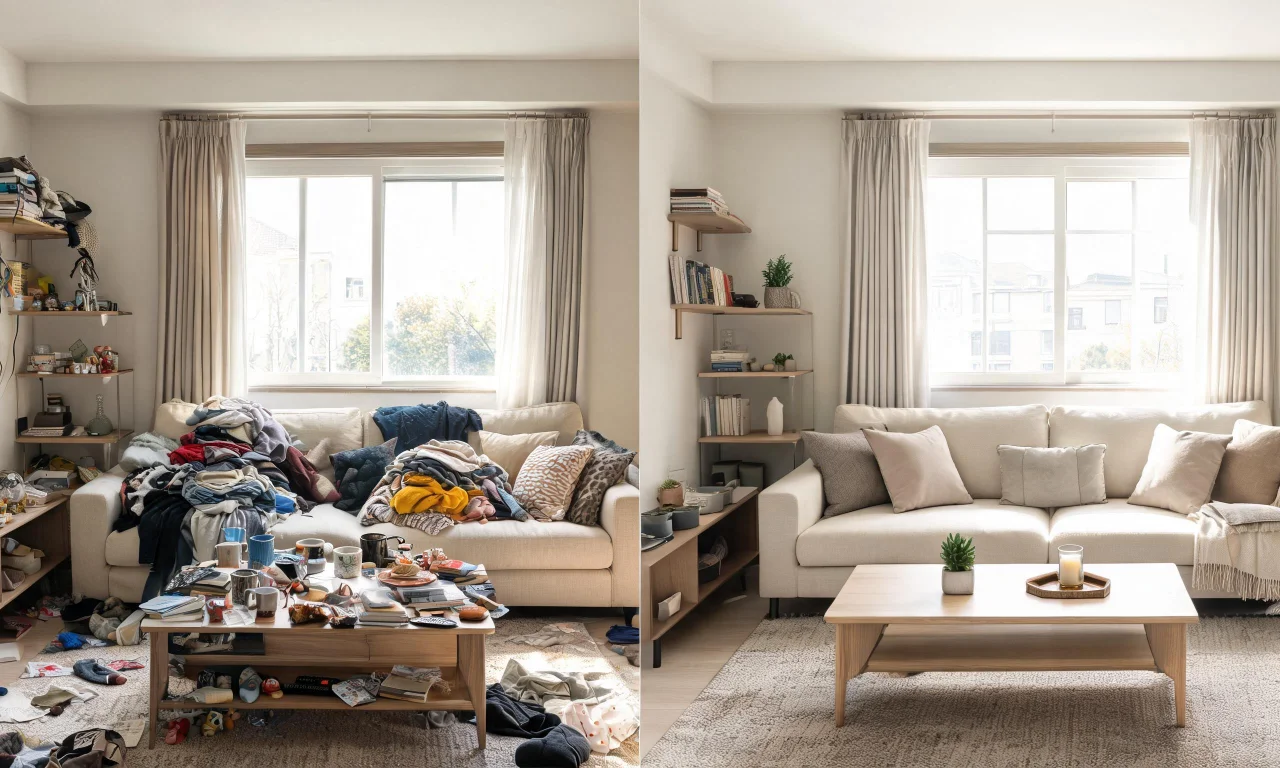
Before any renovation planning begins, vividoo's Virtual Decluttering tool removes light indoor clutter from photos, letting you and contractors focus on the actual structure, layout and finishes of a room.
This free feature is especially useful for flippers photographing occupied properties. It strips distracting personal items so the underlying condition of walls, floors and fixtures becomes clearer for renovation estimates.
Designers benefit too, presenting cleaner base images to clients rather than asking them to mentally edit out toys, papers or laundry scattered across a room.
3. Empty Room Generator: Turn a Furnished Room Into a Blank Canvas
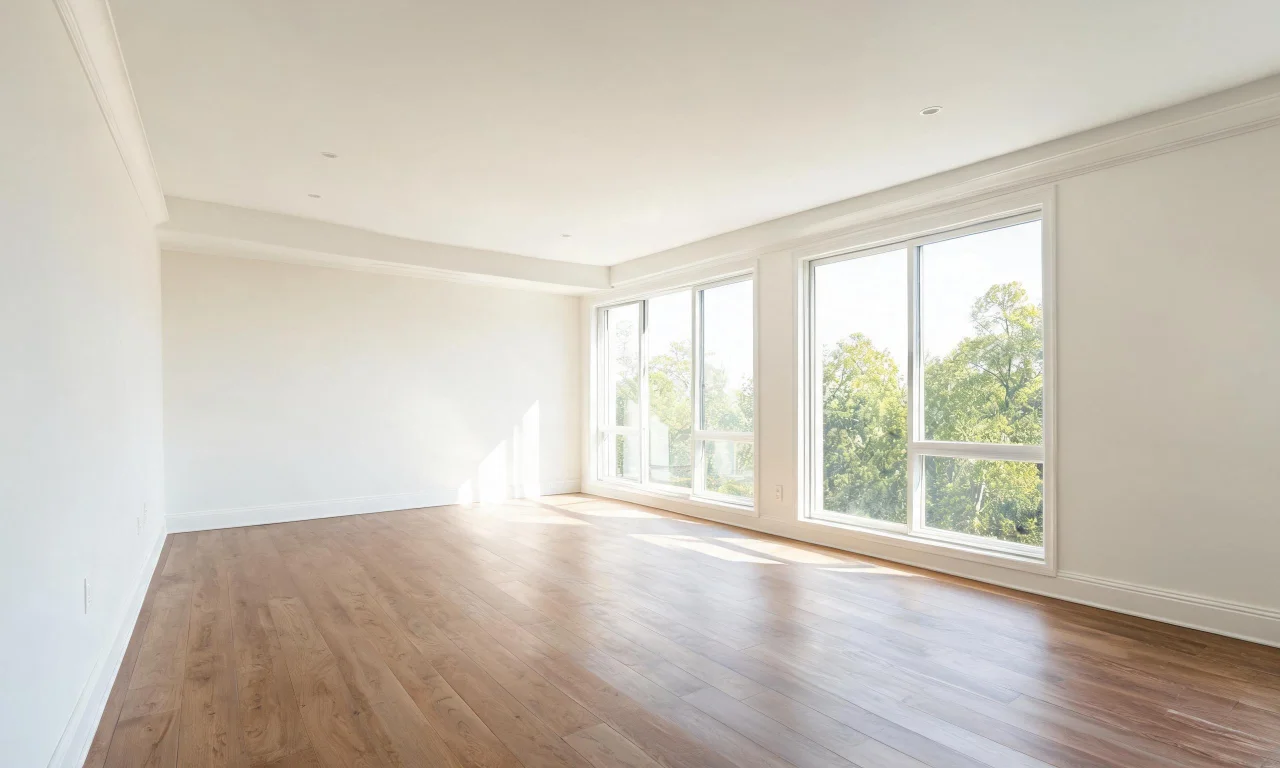
vividoo's Empty Room Generator clears an indoor space entirely, removing furniture and decor so you see the bare room. This free ai design generator is ideal before planning any layout changes.
Real estate agents photographing vacant listings can present a truly neutral space, while renovators use the empty view to judge proportions, natural light and architectural features without distraction.
Because the tool works on indoor, outdoor or exterior spaces, it gives a consistent starting point across an entire property before deciding where renovation dollars go.
4. AI Exterior Redesign: Reimagine Facades Without Touching Brick
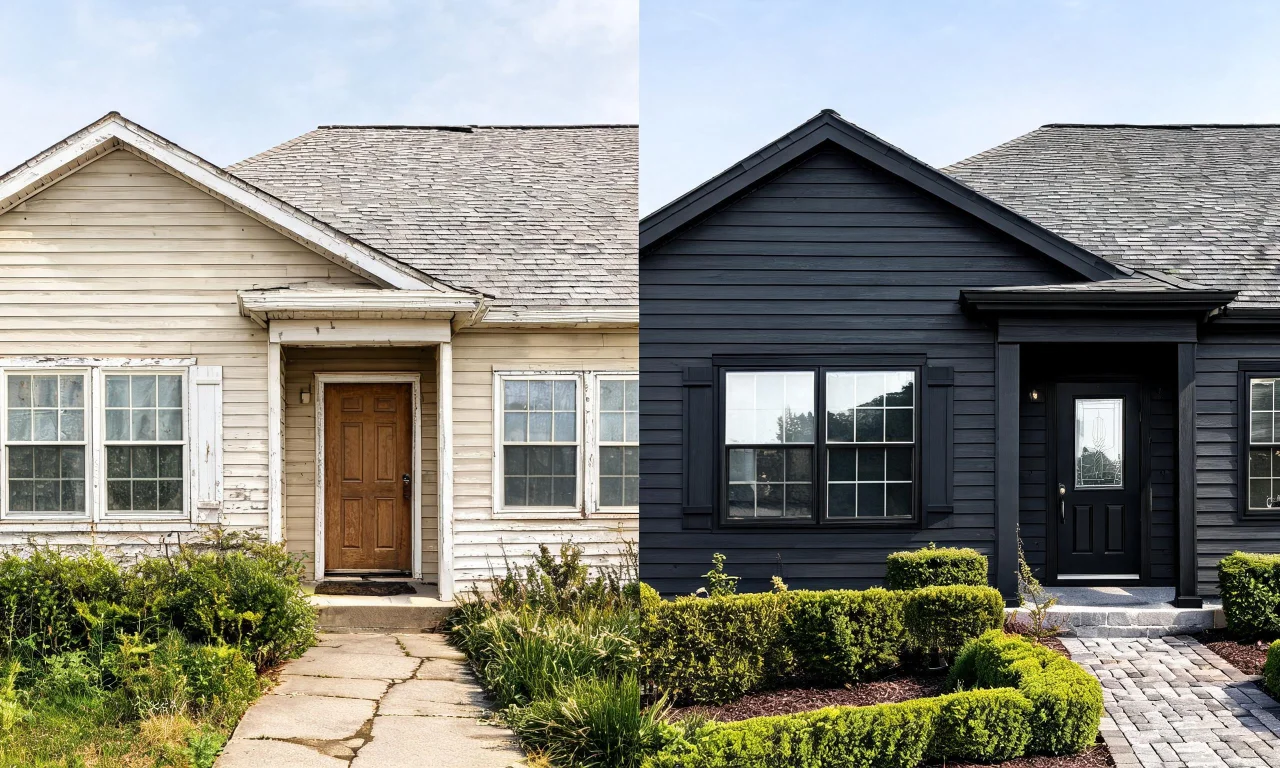
vividoo's AI Exterior Redesign tool restyles facades and exterior spaces, offered free to homeowners exploring curb appeal upgrades. Upload a photo and preview different siding, paint or trim directions instantly.
This helps flippers decide whether an exterior refresh is worth the cost before committing to materials, and lets homeowners visualize changes without disturbing existing brick, stucco or siding.
Agents preparing listing photos can also test how a facade might look refreshed, supporting conversations with sellers about exterior improvements ahead of a sale.
5. AI Room Renovation: Preview Materials and Finishes Before You Buy
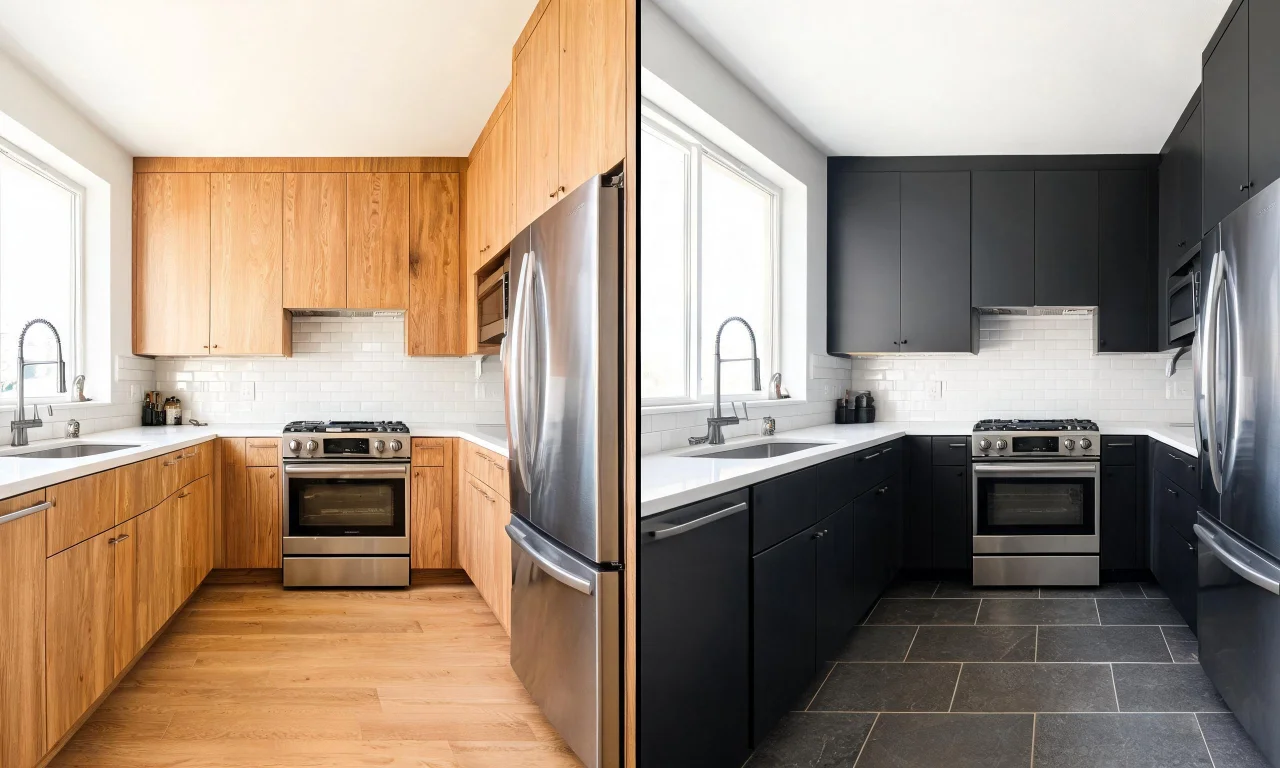
vividoo's AI Room Renovation tool previews indoor materials and finishes such as flooring, wall treatments or cabinetry style directly on a photo of your existing room, free of charge.
This helps homeowners compare finish options side by side before ordering samples or committing budget, reducing the risk of expensive material choices that do not suit the space.
Designers can share several finish previews with clients quickly, streamlining early-stage conversations before formal renovation quotes or contractor visits begin.
6. Empty Room Generator for Outdoor Spaces: Clear Yards and Patios Digitally
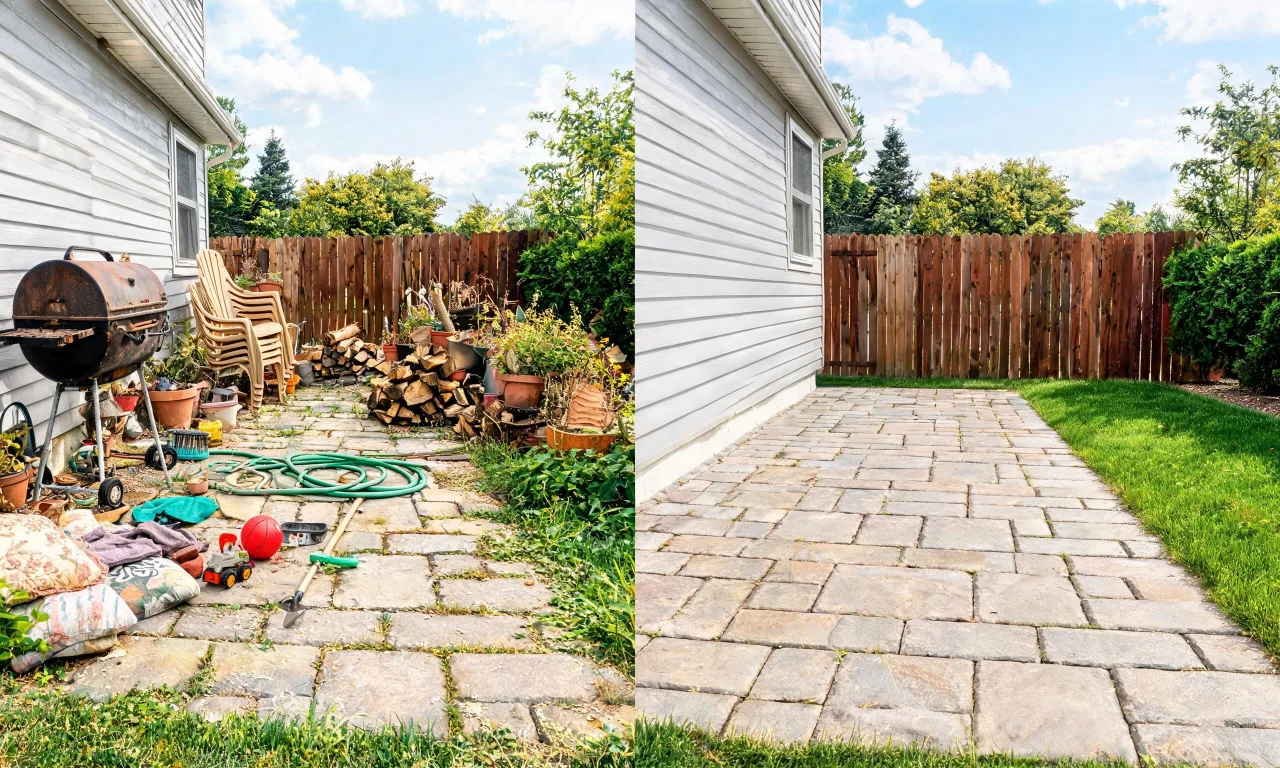
Beyond interiors, vividoo's Empty Room Generator also clears outdoor and exterior spaces, removing furniture, planters or debris from a patio, yard or porch photo at no cost.
This free ai design generator gives flippers and agents a neutral outdoor starting point, useful for judging hardscaping, deck condition or landscaping potential before renovation planning begins.
Homeowners preparing an outdoor refresh can see the space stripped back to its essentials, making it easier to imagine new layouts or materials later.
7. Combining vividoo's Free Tools: A Full Renovation Preview Workflow
Used together, vividoo's free tools form a simple workflow: declutter a room, empty it fully, then apply AI Room Redesign or AI Room Renovation to test styles and finishes.
For exteriors, the same logic applies using the Empty Room Generator followed by AI Exterior Redesign, giving a complete before-to-preview picture without any paid upgrade.
This layered approach helps homeowners, agents and flippers make renovation decisions with visual confidence, narrowing down direction before spending on materials or contractors.