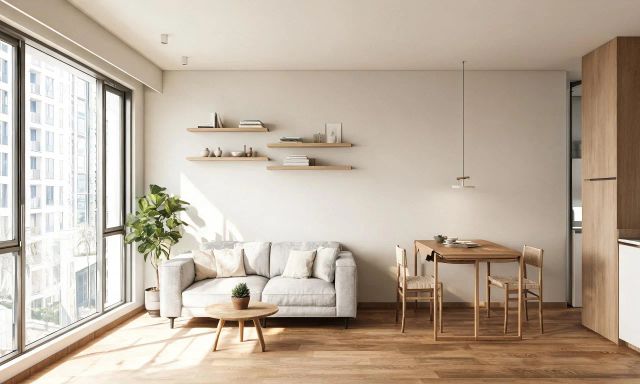
You're standing in a dated kitchen wondering if new paint solves it, or if you need to gut the whole room. Before you spend a cent, home design ai tools can show you the answer on your phone.
This roundup covers nine free tools worth trying, what their free tiers actually include, and where the limits kick in.
Key takeaways
- Free plans usually cover one core task well, not full renovation planning.
- vividoo's five free tools cover restyling, decluttering, empty-room views, exteriors, and finish previews.
- Furniture add/remove and structural exterior edits typically sit behind paid tiers.
- Desktop and catalog-based tools like Sweet Home 3D suit layout planning more than photorealistic previews.
- Compare the real cost of DIY tools against staging and photography before committing to a paid plan.
What Free Plans Really Include
Most "free" design AI tools give you one solid capability, not the whole toolkit. That's true across the category, not just for one brand.
Free tiers typically let you restyle a room, clear a space, or sketch a rough layout. They rarely let you add furniture, edit structural exterior features, or process unlimited images.
vividoo's free plan, for example, includes five separate tools: AI Room Redesign, Virtual Decluttering, the Empty Room Generator, AI Exterior Redesign, and AI Room Renovation.
Each one does a specific job well. Knowing which tool matches your task saves time and avoids frustration later.
Pro tip
Match the tool to the task first. Trying to declutter with a redesign tool, or restyle with a decluttering tool, wastes your free credits.
Nine Free Tools Worth Trying
Here are nine tools DIY renovators can try without paying upfront. Five are vividoo's free-plan features, four are general design tools worth knowing about.
1. vividoo AI Room Redesign
Best for homeowners who want to restyle a furnished room without moving anything physically.
You upload a photo of the room as it stands, pick a style direction, and the tool restyles walls, decor, and finishes around your existing furniture.
Its strength is speed: you get a realistic style preview in minutes. The limitation is that it works with what's already in the room, it doesn't swap furniture pieces.
Try AI Room Redesign first if you're testing a new palette before buying paint.
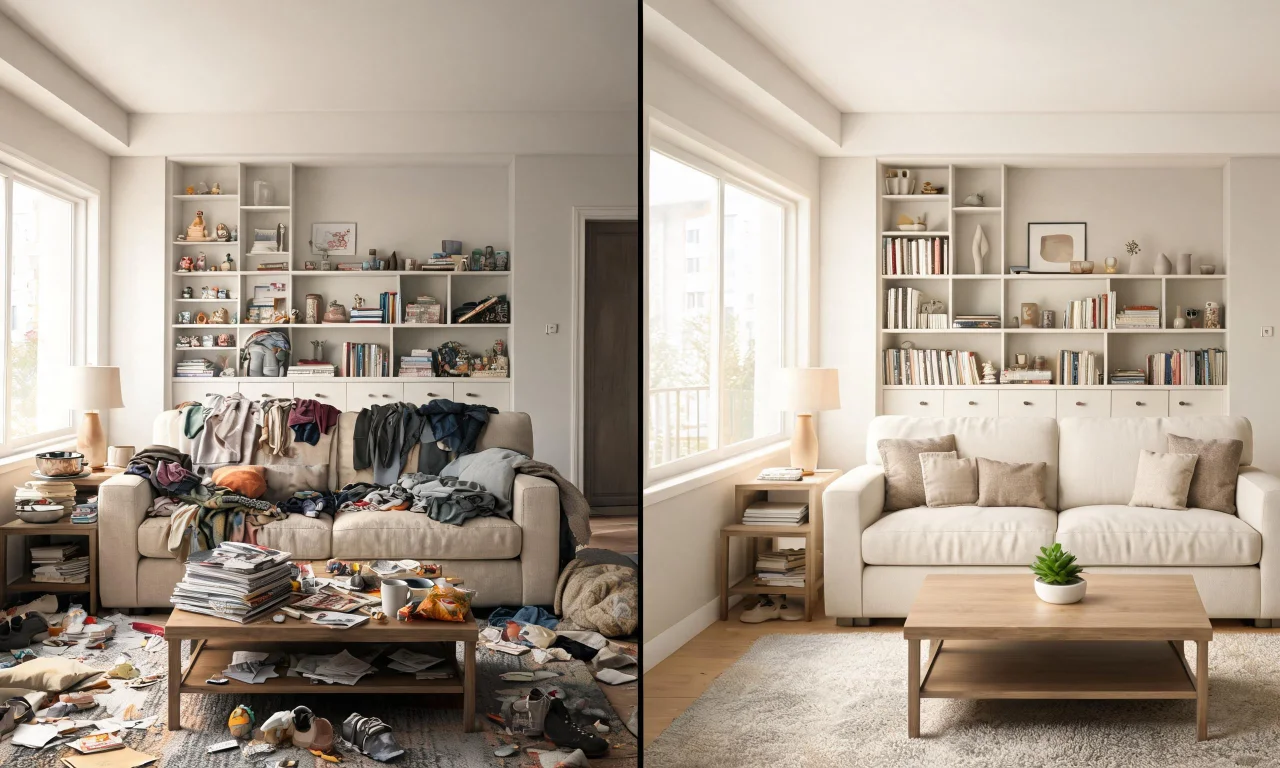
3. vividoo Empty Room Generator
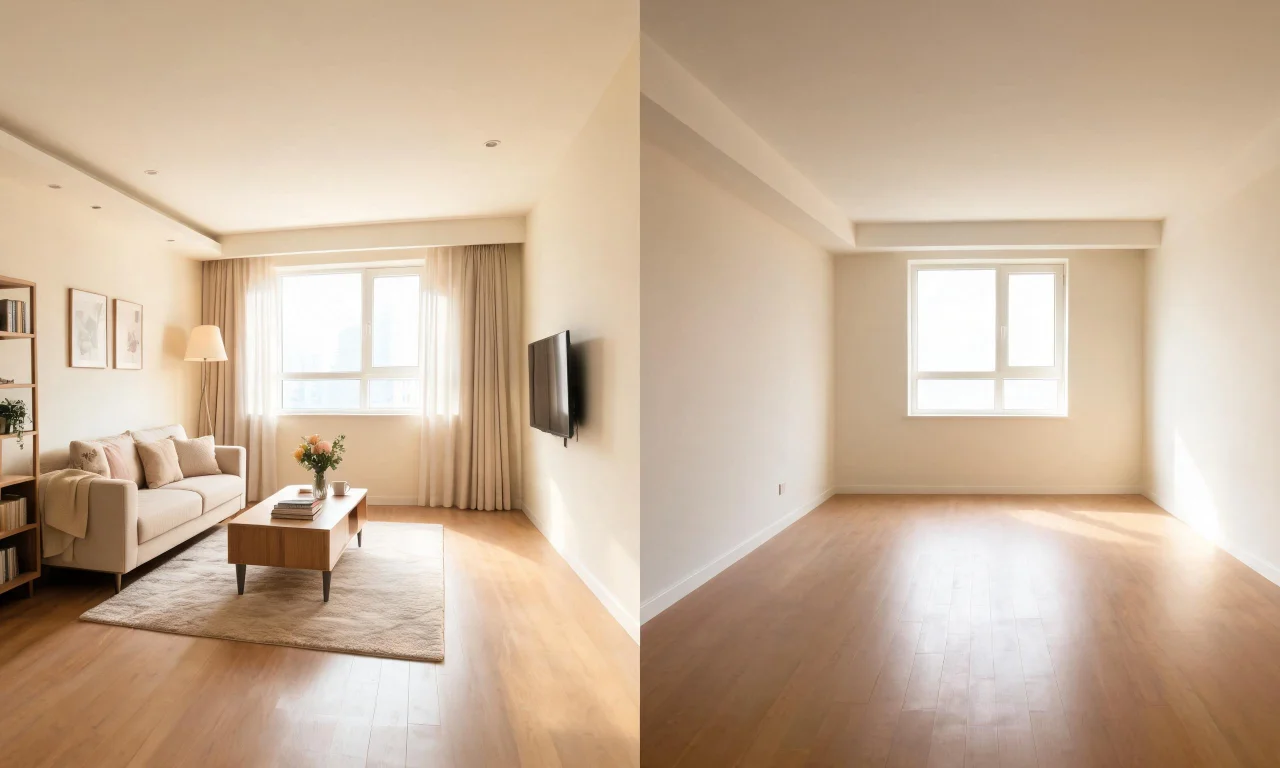
The Empty Room Generator clears indoor, outdoor or exterior spaces entirely, stripping away furniture, decor or landscaping to expose the raw architecture underneath.
This blank-slate view is ideal for renovators who want to imagine a space from scratch before deciding on new furnishings, finishes or layouts.
The same emptied space can then be furnished through vividoo's virtual staging workflow, giving homeowners a realistic sense of how a fully styled room might look.
4. vividoo AI Exterior Redesign
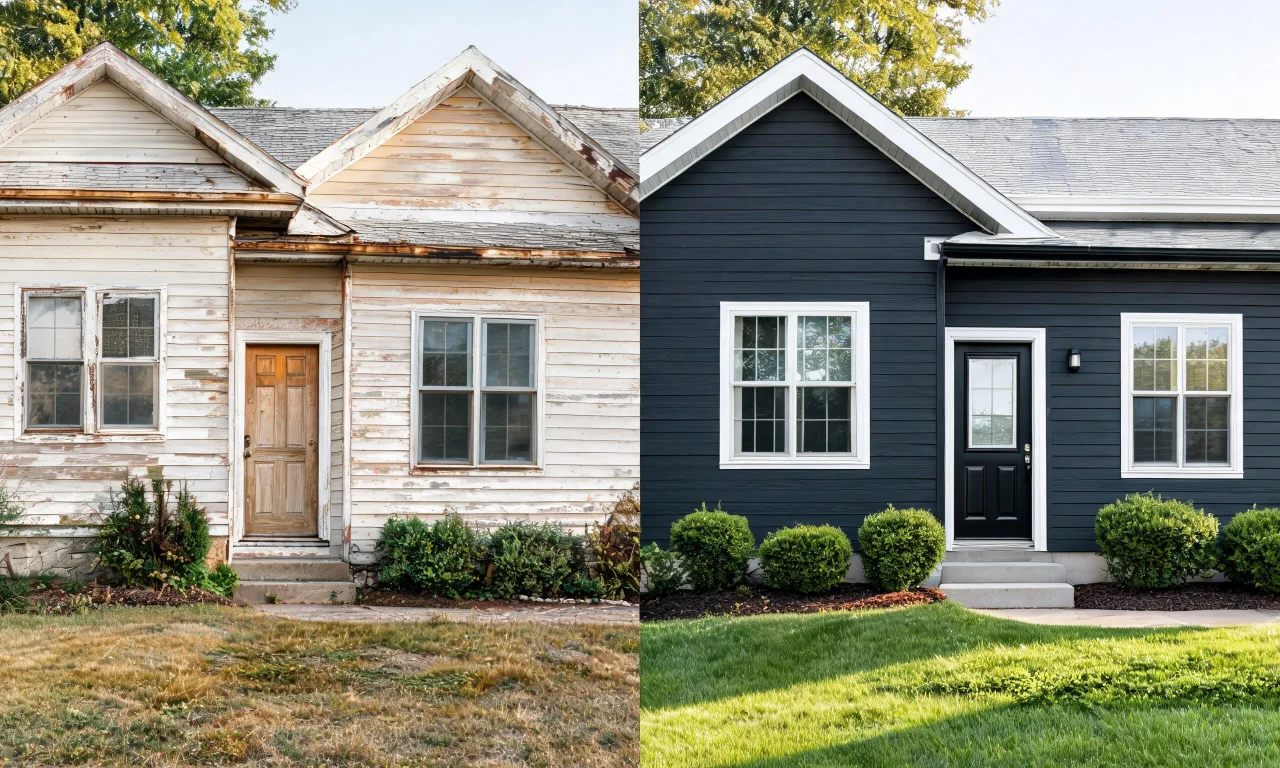
Curb appeal matters just as much as interior style. vividoo's AI Exterior Redesign restyles facades and outdoor spaces, letting homeowners test new colors, siding or architectural details.
DIY renovators can experiment with different exterior looks before investing in materials, helping avoid costly mistakes and mismatched design choices.
This free tool is particularly valuable for flippers and agents wanting to preview how updated exteriors might attract more buyer interest.
5. vividoo AI Room Renovation
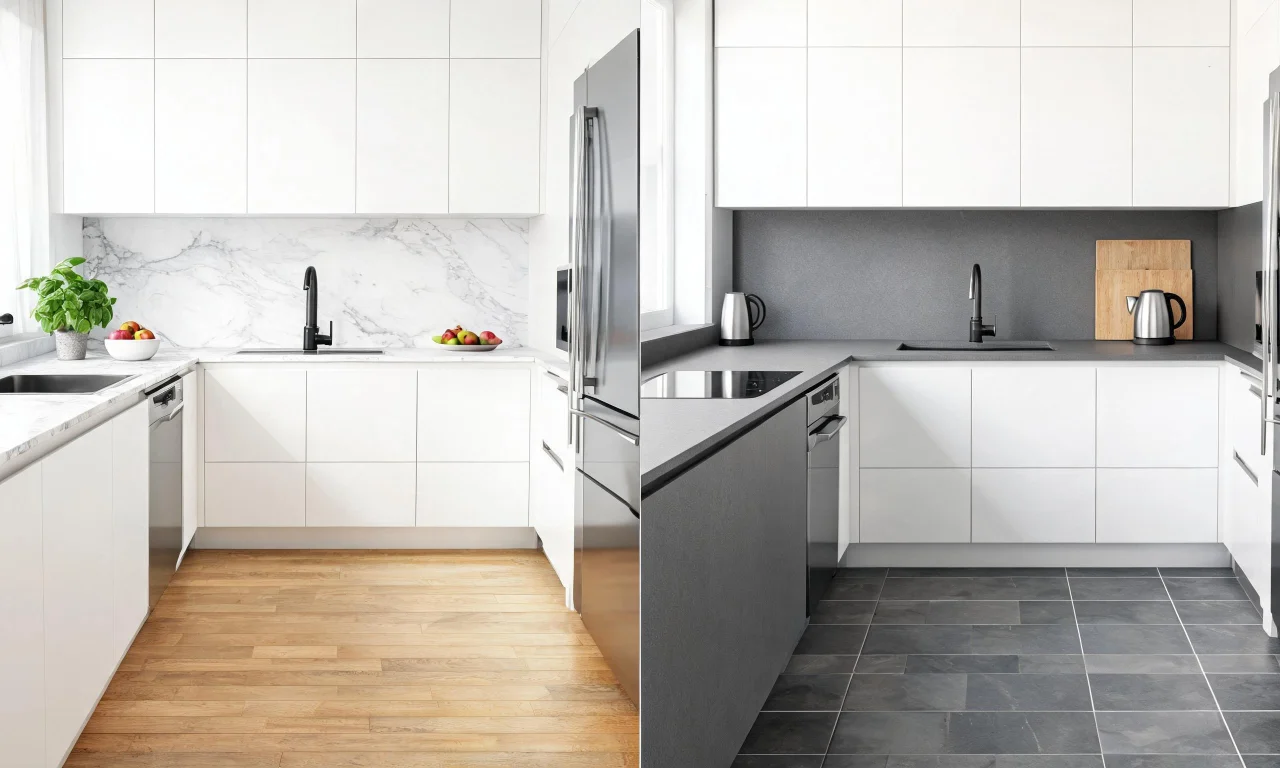
Choosing materials can be overwhelming. vividoo's AI Room Renovation lets users preview indoor finishes like flooring, countertops or wall textures directly within their existing room photo.
This free tool helps DIY renovators compare multiple material options quickly, reducing guesswork and supporting more confident purchasing decisions before renovation begins.
It pairs well with Room Redesign, allowing a full visual journey from furniture styling to finish selection within one platform.
6. Combining vividoo's Free Tools for a Full Room Makeover
DIY renovators get the most value by layering vividoo's free tools together, starting with decluttering, then emptying, restyling and finally previewing renovation finishes.
This sequential workflow mirrors a real renovation process, letting homeowners visualize each stage without touching a single wall or piece of furniture.
Using multiple free tools in combination also helps clarify priorities, showing which changes deliver the biggest visual impact before any spending occurs.
7. Using AI Home Design Tools for Real Estate Listings
Real estate agents can use vividoo's free tools to present properties more attractively, clearing clutter and showcasing empty rooms with stronger visual appeal.
The virtual staging workflow, built on the Empty Room Generator, helps buyers imagine how a vacant space could look fully furnished and lived in.
Exterior Redesign also allows agents to demonstrate curb appeal improvements, supporting stronger first impressions in online listing photos.
8. Tips for Getting Realistic Results from AI Home Design Tools
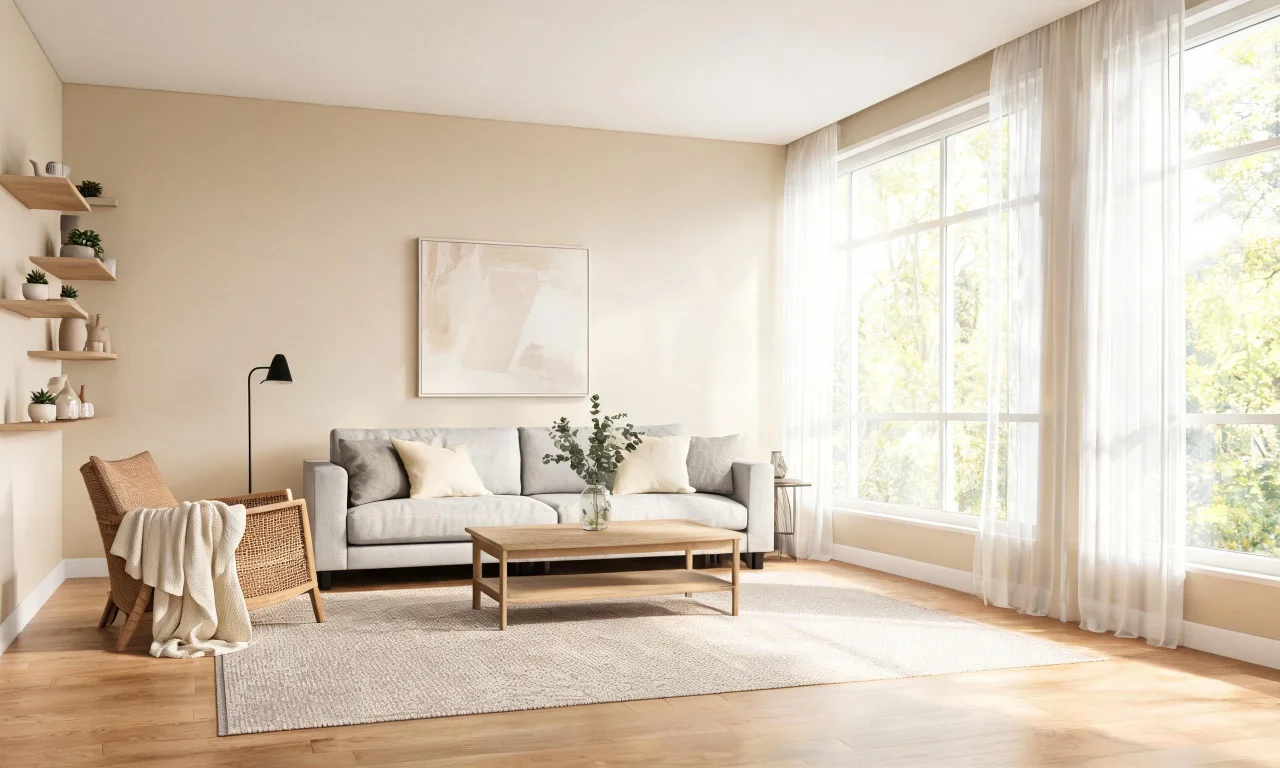
Quality input photos matter most. Well-lit, straight-on shots of a room or facade help vividoo's AI tools generate more accurate and useful design previews.
Avoid extreme angles or heavy shadows, since these can distort proportions and reduce the clarity of the redesigned or renovated result.
Testing multiple styles or finishes across different tools helps DIY renovators compare options side by side before making final decisions.
9. Why Free AI Design Tools Are a Game-Changer for DIY Renovators
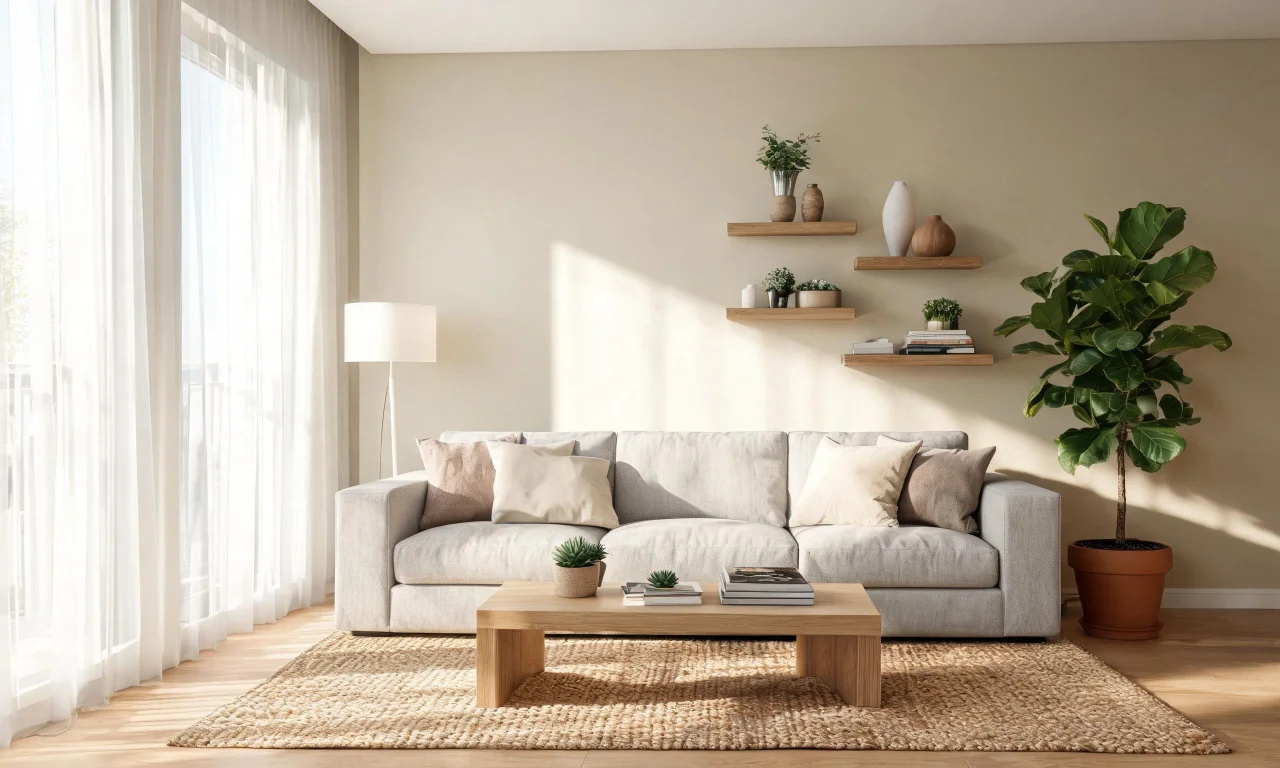
Free tools like vividoo's remove financial risk from the early planning stages, letting homeowners experiment freely before committing to any physical renovation work.
This accessibility empowers DIY renovators, flippers and agents alike to visualize possibilities quickly, saving time and avoiding costly design missteps.
As AI home design tools continue to expand, free features make professional-level visualization available to anyone starting a renovation project.