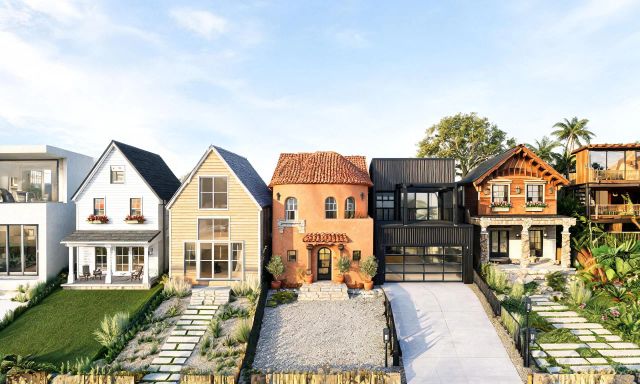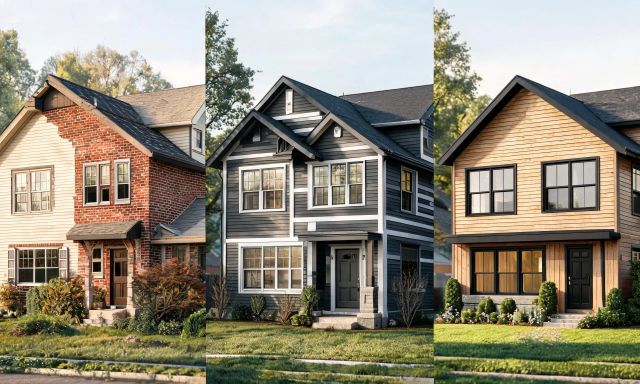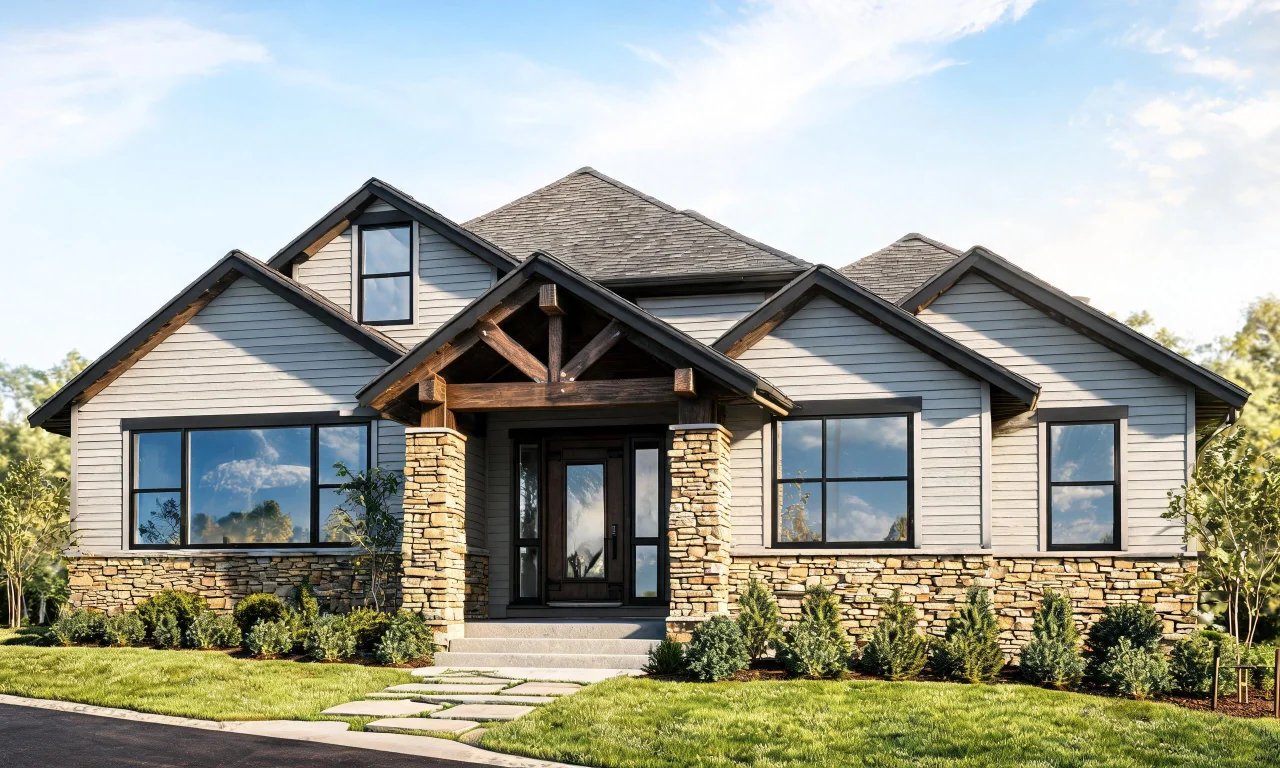
Searching for the right exterior for home design software feels harder than it should be.
Most apps promise photorealistic facades, but few explain how the workflow actually holds up.
This review tests HomeByMe specifically for exterior work, then compares it against other popular tools.
We also break down real costs, so you know what you are actually trading off.
Key takeaways
- HomeByMe is built primarily for interior 3D planning, with exterior features as a secondary layer.
- SketchUp, Canva and AutoCAD each suit different exterior design skill levels and budgets.
- Professional architect concept work typically costs $2,000-$5,000 in the US, versus far less for software subscriptions.
- vividoo offers a free AI Exterior Redesign tool for restyling facades without any design software learning curve.
- The right choice depends on whether you need quick visualization or precise construction-ready drawings.
What We Looked For When Testing Exterior Design Software
Not every tool claiming to handle exterior for home design actually does it well.
We judged each option against four practical criteria that matter to real homeowners and agents.
- Ease of use for someone without CAD or architecture training
- Whether exterior features feel like an afterthought or a real focus
- Cost transparency and whether a free tier exists
- Realistic output quality for facades, roofing, landscaping and materials
We also noted whether each tool suits a quick style preview or a construction-ready plan.
Those are very different jobs, and confusing them wastes time and money.
HomeByMe for Exterior Home Design: Hands-On Review
HomeByMe started as an interior room planner, and that heritage still shows in its exterior tools.
It suits homeowners who already use it for floor plans and want a quick exterior add-on.
How the Workflow Actually Works
You build a 3D model of your home, then apply exterior finishes like siding, roofing and paint colors.
The interface is drag-and-drop, so there is no steep learning curve for basic facade changes.
Landscaping elements are available too, though they read as simplified icons rather than photorealistic plants.
Strengths and Limitations
The strength here is continuity: if you already planned interiors in HomeByMe, exterior work sits in the same file.
That saves time compared to jumping between separate apps for indoor and outdoor design.
The limitation is realism.
Exterior renders can look more like a video game than an actual photo of your home.
Pricing details for HomeByMe were not fully available at the time of writing, so check homebyme.com directly for current plans.
Pro tip
Before paying for any exterior planner, test its free tier on your actual facade photo, not a demo house.
Other Exterior Design Tools Worth Comparing
HomeByMe is not the only option, and it is not always the best fit for exterior-specific work.
Here is how three other widely used tools handle the same job.
SketchUp
SketchUp suits people who want genuine 3D modeling precision, including architects and serious DIYers.
You build your home's exterior geometry from scratch or import existing plans, then apply materials and lighting.
Its strength is control: you can model rooflines, extensions and landscaping with real measurements.
The limitation is the learning curve, which is steep for anyone without prior CAD experience.
At the time of writing, SketchUp lists a Go Annual plan at $10.75, a Pro Annual plan at $33.25, and a Studio Annual plan at $71.58, all in USD.
Check SketchUp's own pricing page before buying, since plans and features change.
Canva
Canva suits agents and flippers who want fast, simple facade mockups rather than technical modeling.
You upload a photo of the house and use basic editing tools to swap colors or add simple overlays.

Its strength is speed and familiarity, since many marketers and agents already know the interface.
The limitation is realism: it cannot generate new materials or structural changes convincingly.
Exact pricing details were not confirmed at the time of writing, so visit Canva's pricing page for current numbers.
AutoCAD by Autodesk
AutoCAD suits professional architects and contractors who need construction-ready exterior drawings.
You draft precise 2D and 3D plans with exact measurements, then hand them to a builder.