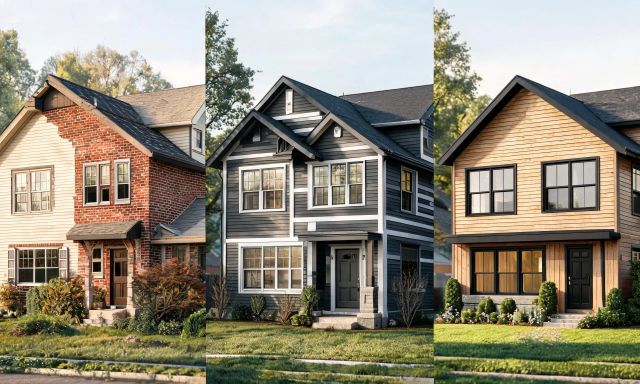
Picking a new siding color from a tiny paint chip is a gamble. Most homeowners want to see the whole house transformed before committing a single dollar.
That's why AI-powered home exterior design tools have exploded in popularity over the last two years. This roundup compares seven genuine alternatives, what they cost at the time of writing, and who each one actually suits.
Key takeaways
- Free color visualizers are great for paint, but weak on full facade or landscape changes.
- Measurement and estimating apps like Hover suit contractors more than homeowners exploring style ideas.
- AI exterior generators vary widely in transparency around pricing and credit limits.
- vividoo covers restyling, decluttering and exterior redesign inside one workflow, with clearly tiered plans.
- A worked cost example later in this article shows how much a rendering service can cost versus an AI subscription.
Why homeowners look for home exterior design alternatives
Most people start with one frustration: they can't picture the finished house from a swatch or a sketch.
Architects and rendering studios can produce photorealistic exteriors, but that route is slow and often expensive for a single repaint or renovation decision.
So homeowners, agents and flippers go looking for software that turns a smartphone photo into a preview in minutes.
We judged the tools below on four practical criteria:
- How fast you get a usable exterior image, from upload to result
- Whether pricing is public, and how it scales with usage
- Whether the tool handles full facades, or just paint colors
- How much control you get over materials, landscaping and structural features
Pro tip
Before paying for any exterior tool, upload the same photo to two or three free options first. Compare realism before committing to a subscription.
The 7 best home exterior design tools compared
1. Hover
Hover is best for contractors and homeowners who need accurate exterior measurements alongside design previews.
You take photos of your house with the Hover mobile app, and it builds a 3D model with measurements for siding, roofing and trim.
Its notable strength is precision: it's built for generating material estimates, not just visual inspiration.
The limitation is cost and complexity for someone who just wants a quick style preview rather than a full measurement report.

At the time of writing, Hover lists a Starter plan around $59 for average structures and $99 for complex ones, with Pro tiers from $39 to $119 depending on project type, plus an annual option at $999/year. Always check Hover's current pricing page before buying, since these figures change.

2. Renoworks
Renoworks suits building product manufacturers and contractors who want branded visualization tools for clients.
The workflow lets a user upload a house photo, then apply specific manufacturer siding, roofing or stone products to see a photorealistic result.
Its strength is the depth of real product catalogs tied to actual manufacturer SKUs, which is useful when a homeowner has already chosen a supplier.
The limitation is that pricing isn't publicly listed, so you'll need to contact Renoworks directly to understand plan costs for your situation.
Verdict: a solid pick if you already know your preferred siding or roofing brand and want to preview it accurately.
3. ExteriorAI
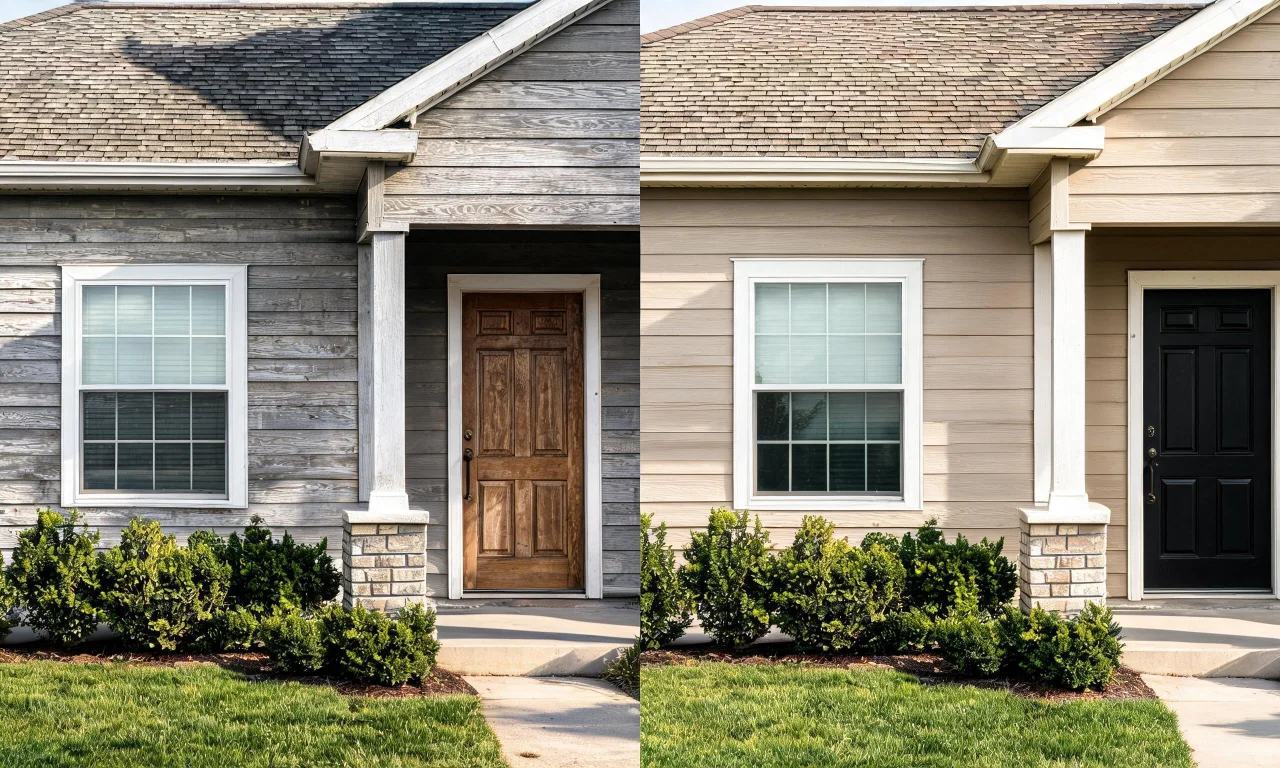
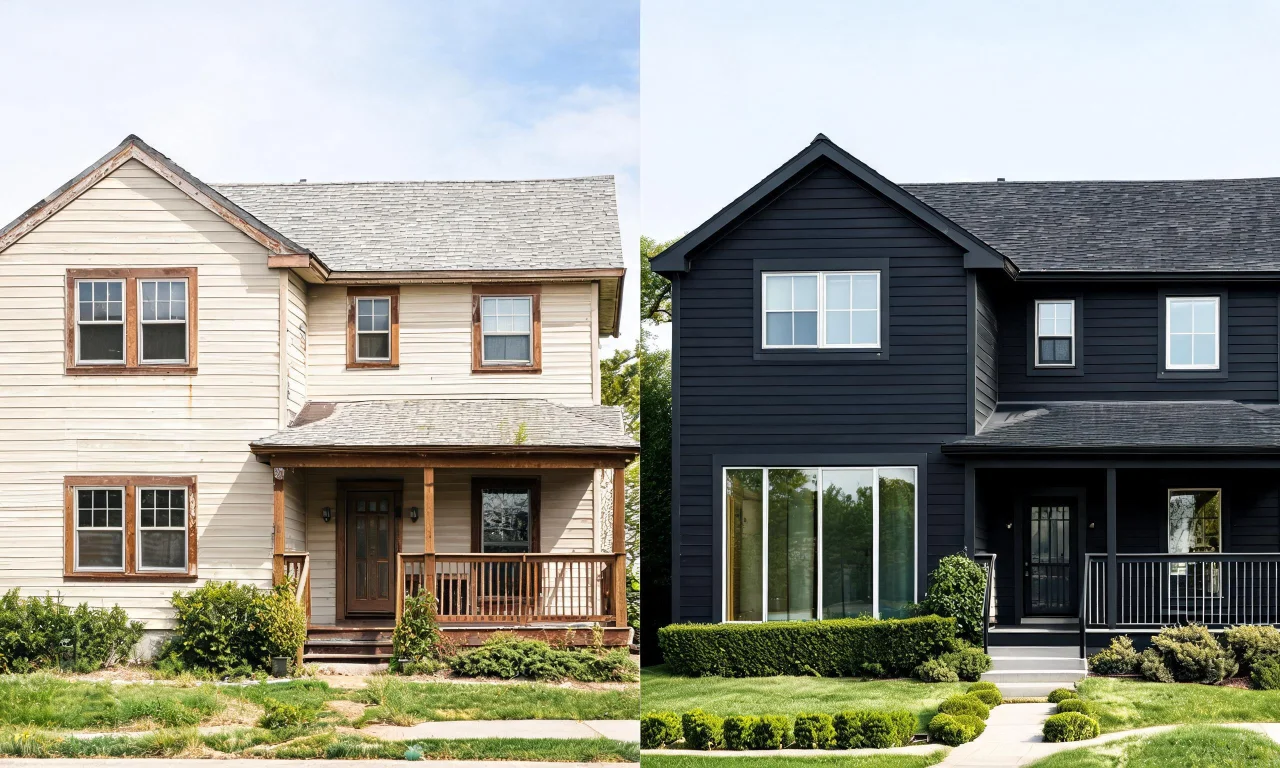
ExteriorAI is aimed at homeowners who want a fast, AI-generated exterior makeover from a single photo.
You upload an image of your house, choose a style prompt, and the tool generates new facade options in seconds.
Its strength is speed and simplicity, with minimal setup required before your first result.
The limitation is that specific plan pricing isn't publicly listed on its site, so budget-conscious users will want to check current terms before signing up.
Verdict: worth trying for early-stage inspiration, less suited to final material decisions.
4. Home Designer Software
Home Designer Software suits homeowners who want detailed, desktop-based exterior and structural planning rather than quick AI previews.
It works like CAD software: you build a 3D model of the house manually, then adjust rooflines, materials and landscaping elements by hand.
Its strength is precision and control, since every element is manually placed rather than AI-generated.
The limitation is the learning curve, and again, public pricing wasn't listed on the current site, so you'll need to check directly before purchasing.

Verdict: a better fit for serious renovation planning than for a same-day style preview.

5. Sherwin-Williams ColorSnap Visualizer
This tool suits anyone deciding purely on paint color, nothing more.
You upload a house photo, then apply Sherwin-Williams paint colors to siding, trim and doors to compare combinations.
Its strength is that it's free and tied directly to a real, purchasable paint catalog.
The limitation is scope: it only changes color, not materials, landscaping or structural features.
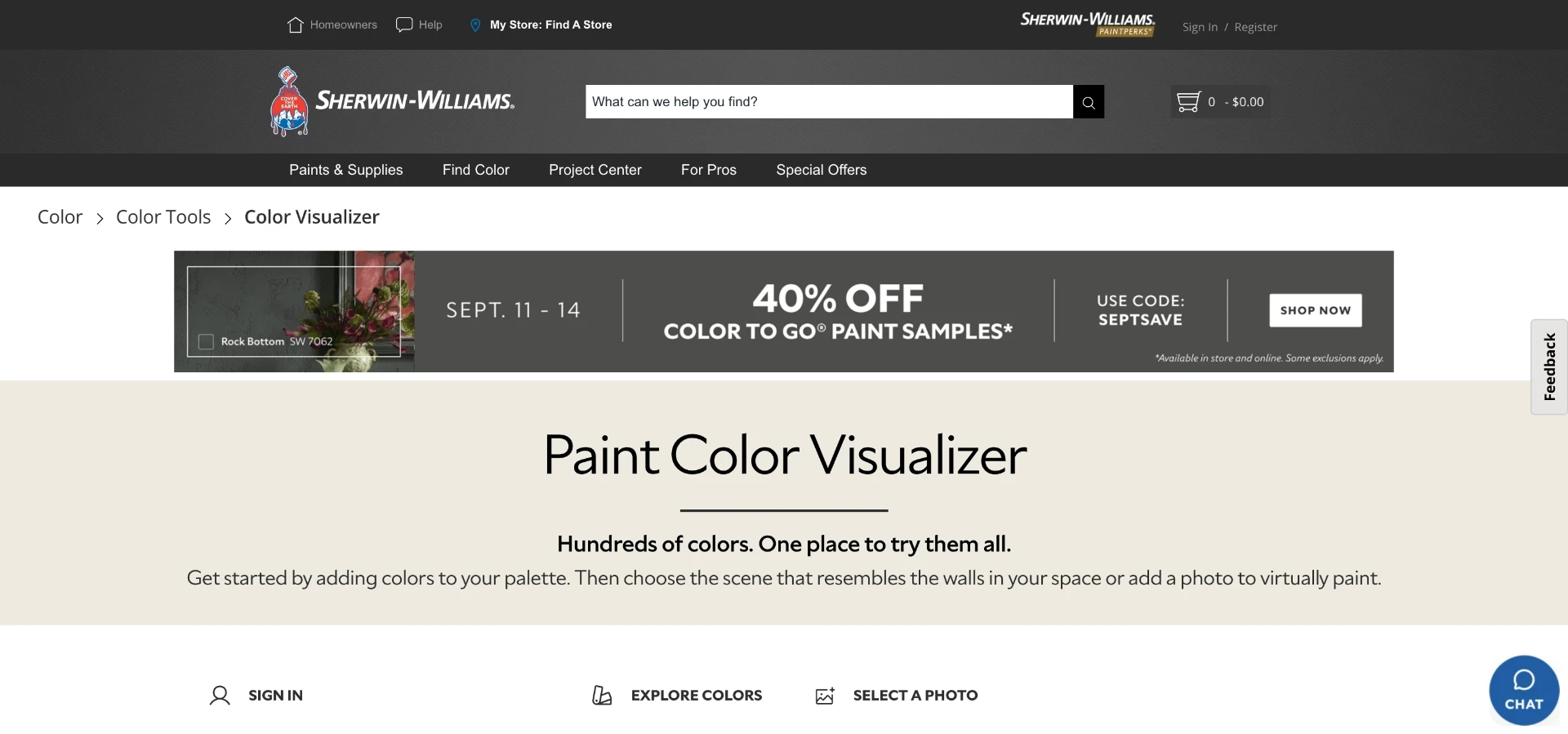
Verdict: great as a free companion tool, not a replacement for a full exterior redesign platform.

6. Benjamin Moore Color Viewer
Benjamin Moore's Color Viewer serves the same narrow purpose: paint-only visualization for homeowners and painters.
You upload a photo or choose a sample house, then test Benjamin Moore's color library against different exterior surfaces.
Its strength is a large, well-known color catalog and simple, free access.
The limitation, again, is that it can't touch materials, roofing, landscaping or structural elements.