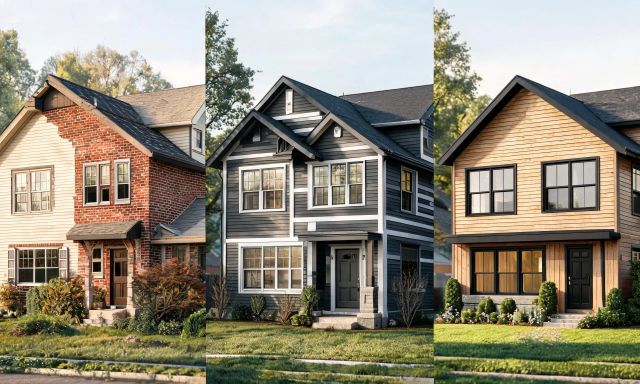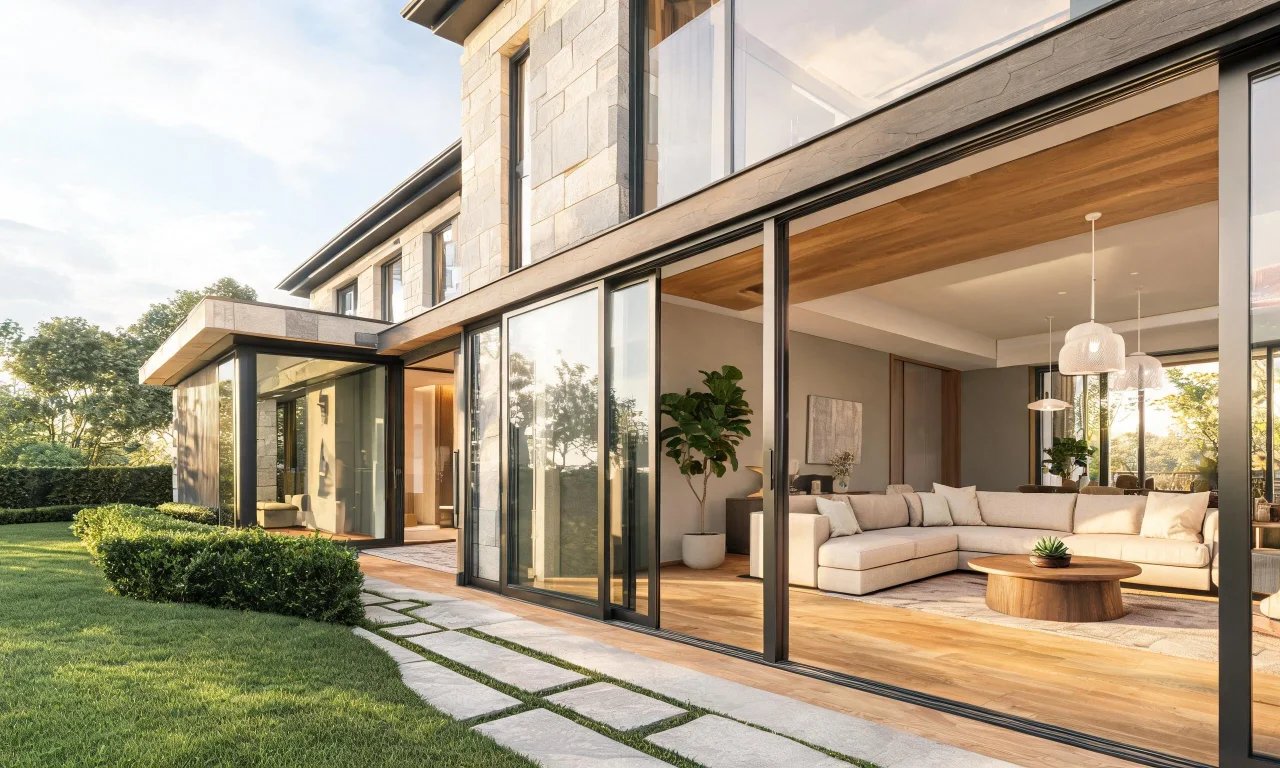
Hiring an interior designer used to be the only way to see a room transformed before committing to paint or furniture.
Now a growing set of ai home design apps let you preview changes in minutes, often for a fraction of a designer's day rate.
This guide compares seven realistic options, starting with vividoo, so you can pick the right one for your project and budget.
Key takeaways
- ai home design tools cost far less than hiring a designer or staging a home physically.
- vividoo covers both indoor and outdoor redesign on its free plan, which few competitors match.
- Some alternatives specialise in floor plans, landscaping or human-guided design rather than instant AI images.
- Always check a provider's current pricing page before comparing plans, since tiers change often.
Why Homeowners Look Beyond Hiring a Designer
A traditional interior designer typically charges by the hour or a flat per-room fee.
In the US market, that generally runs from $50 to $150 per hour, or $500 to $2,000 per room as a flat project fee, according to industry remodelling cost reports published in 2026.
Physical home staging adds another layer of cost for sellers, often $500 to $2,000 per room, per month.
- Speed: AI tools generate a new look in seconds, not weeks.
- Iteration: you can try five styles before committing to one.
- Budget: many apps offer usable free tools before any payment is needed.
- Remote flexibility: no need to schedule site visits or wait for revisions.
What to Look for in an AI Home Design Tool
Not every ai home design tool solves the same problem, so it helps to judge them against a few consistent questions.
We looked at what each tool actually does, who it suits best, and where its free tier stops and paid plans begin.
- Does it handle furnished rooms, empty spaces, or exteriors?
- Is there a genuinely usable free tier, or just a trial?
- How much control do you get over style and structure?
- Does it fit a homeowner's project, or is it built for professionals?
Pro tip
Test any new tool on a photo you already know well, like your own living room, so you can judge accuracy fairly.
vividoo for Indoor and Outdoor Redesign
1. vividoo
Best for homeowners, real estate agents and flippers who need both interior and exterior redesigns in one place.
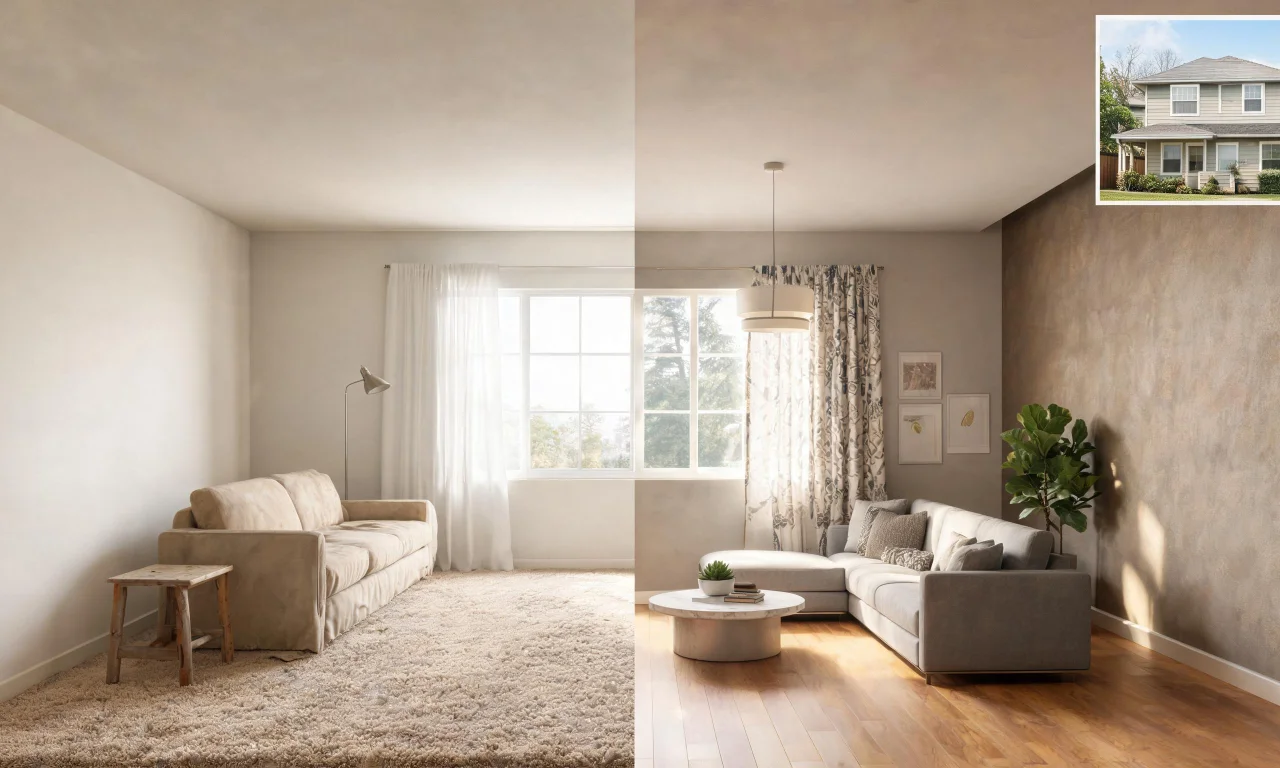
The free plan includes AI Room Redesign for restyling a furnished room, Virtual Decluttering for light indoor clutter, and an AI Empty Room Generator for clearing indoor, outdoor or exterior spaces.
It also covers AI Exterior Redesign for facades, plus AI Room Renovation for previewing materials like flooring or countertops.
Its main limitation is that heavier editing tools, such as object removal or adding new furniture and exterior features, sit on paid Starter and Pro plans rather than the free tier.
Six More AI Home Design Alternatives to Compare
Beyond vividoo, the market splits into a few clear categories: text-to-image stylers, 3D planners, landscape specialists and hybrid human services.
Here is where each one fits, and where it falls short.
2. Palladio
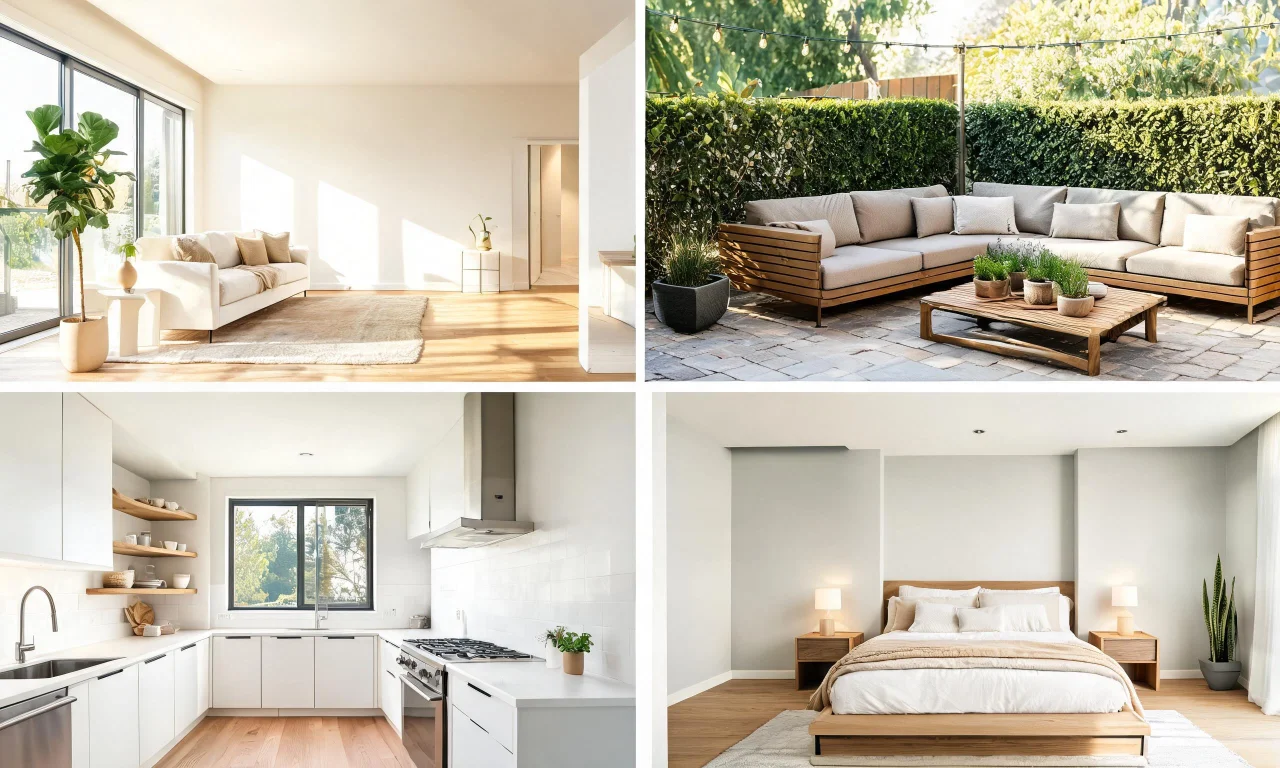
Best for anyone who wants mood-board style interior concepts generated from a text prompt rather than an uploaded photo.
You describe a style, upload a room photo, and it renders several interpretations for inspiration rather than a precise match to your space.
Its limitation is control: results can drift from your actual room layout and furniture, so it works better for ideas than final decisions.
Verdict: a solid brainstorming tool, but not a replacement for a photo-accurate redesign preview.
3. RoomStyler
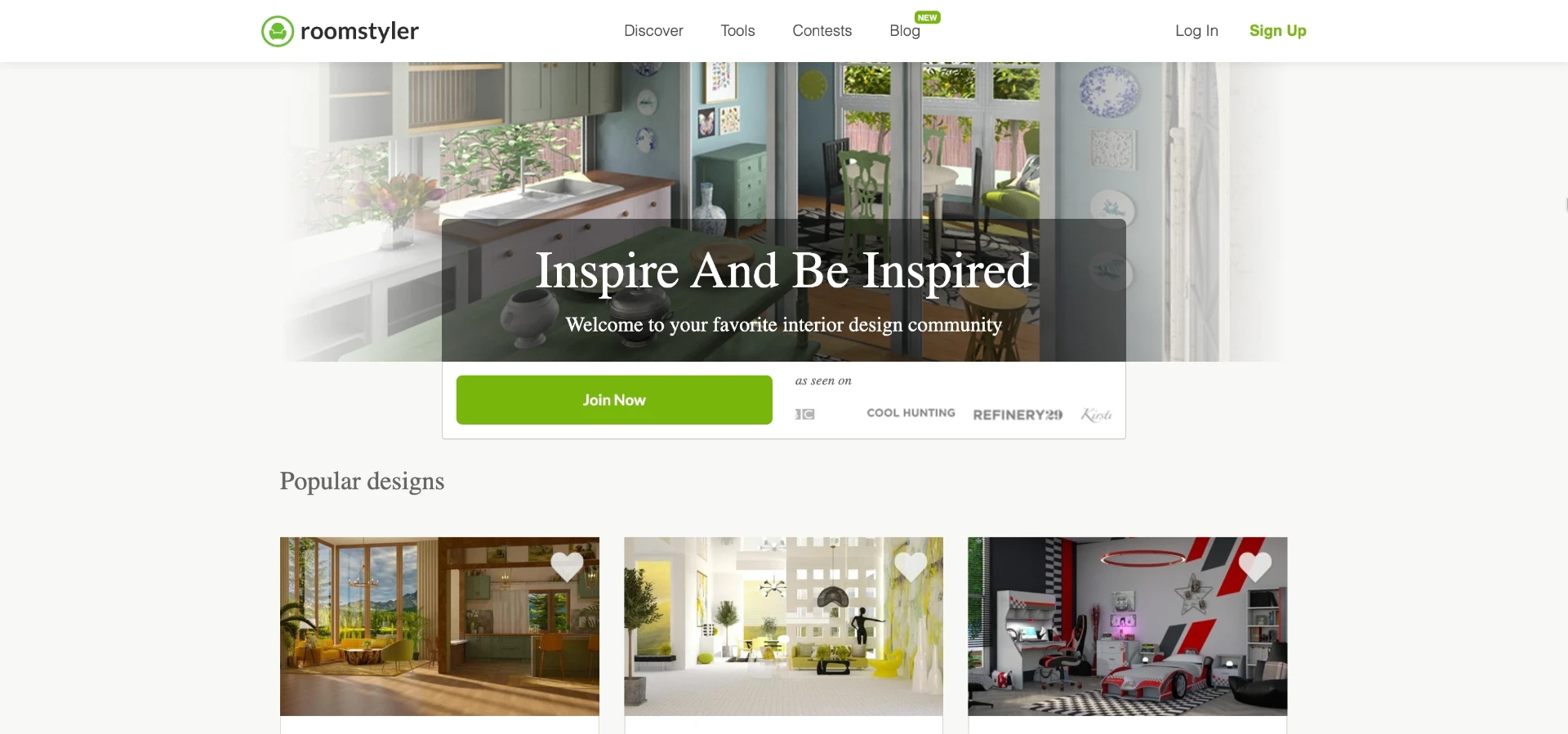
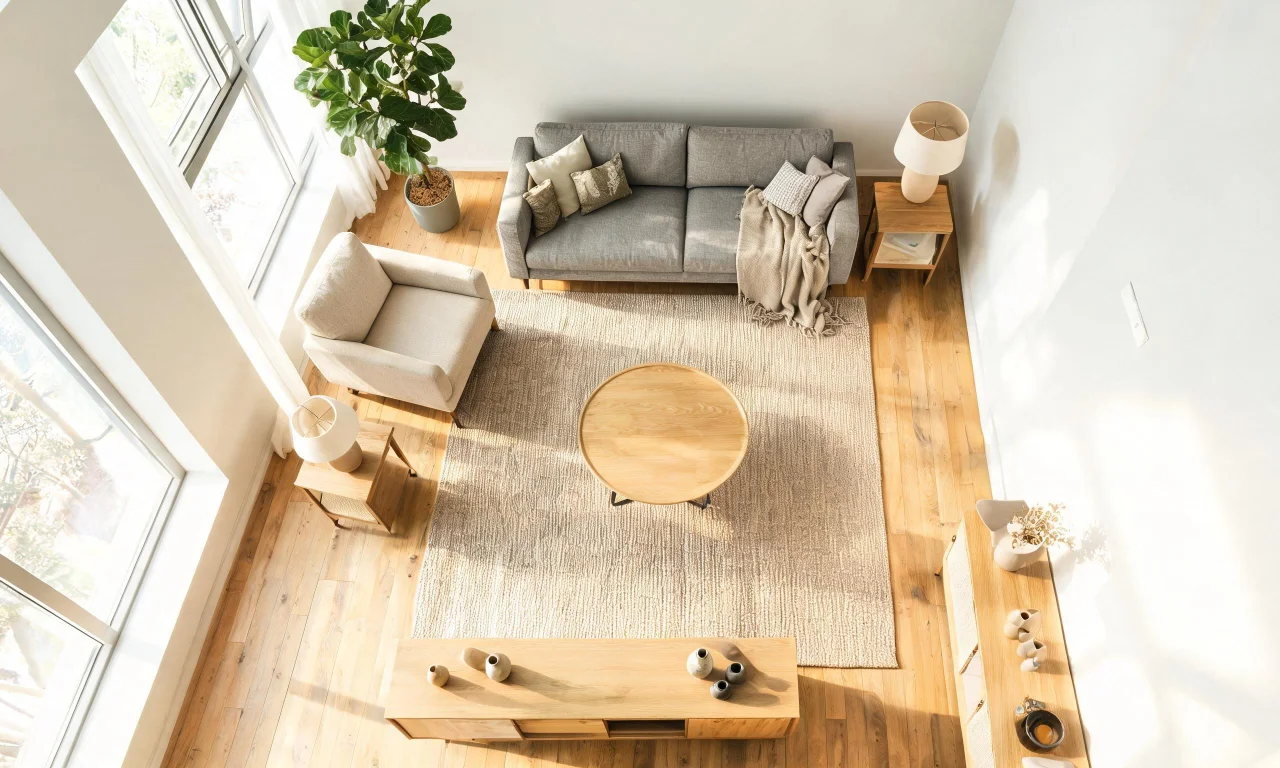
Best for people who enjoy manually placing furniture in a 3D model rather than letting AI generate the whole look.
You build a room from scratch in a browser-based planner, dragging in a furniture catalogue and adjusting a 3D view as you go.
The catch is time: manual placement takes far longer than an AI-generated redesign from a single photo.
Verdict: good for hands-on planners, less practical if you just want a fast visual preview.
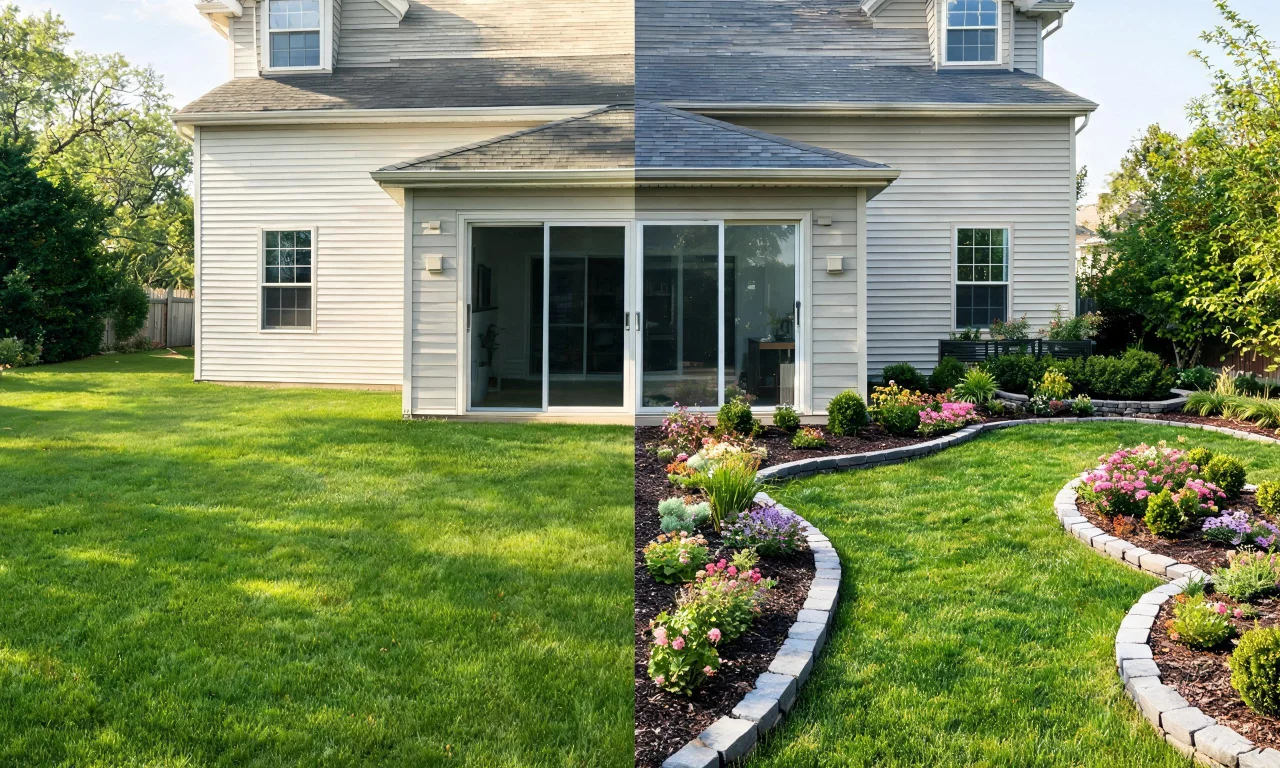
4. Yardzen
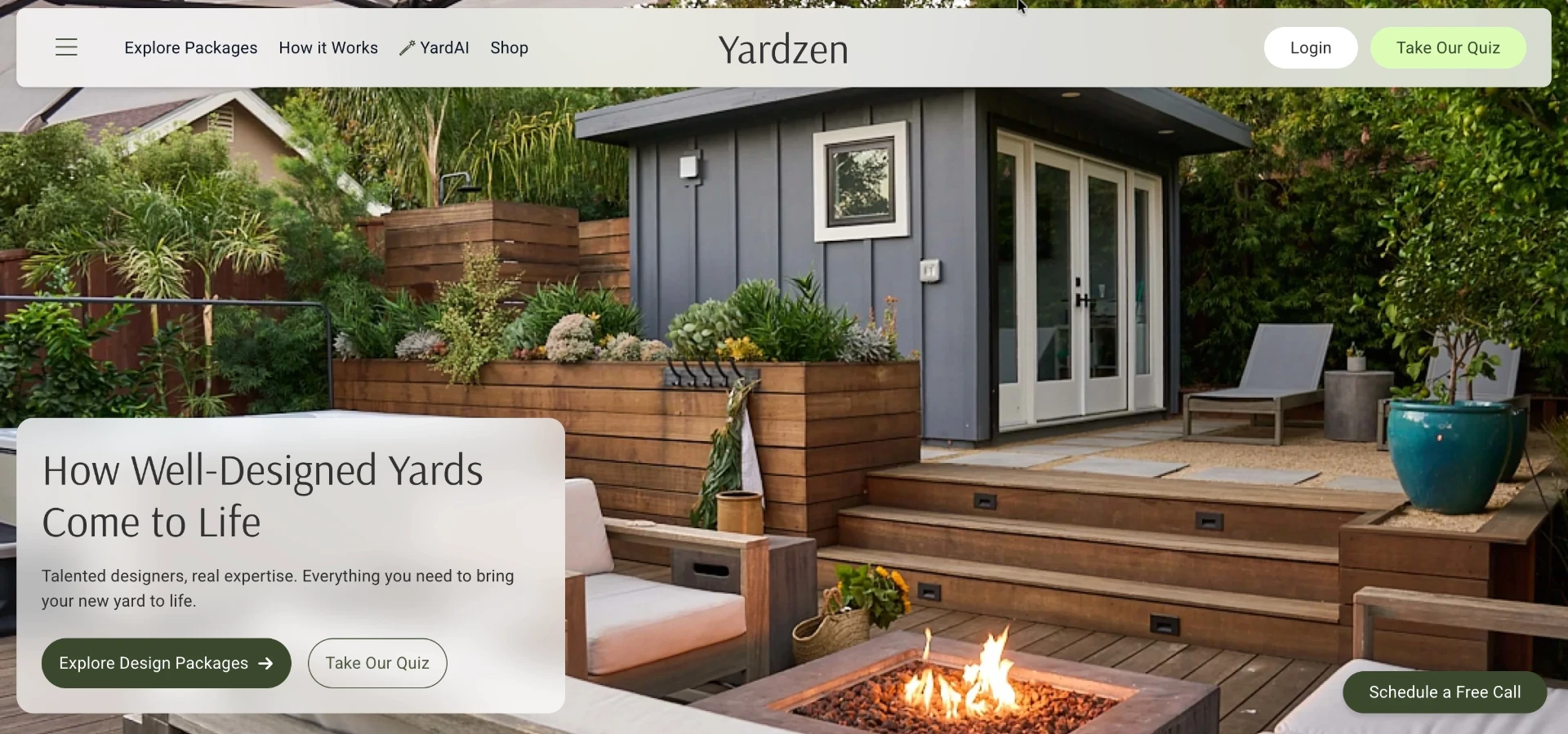
Best for homeowners tackling outdoor and landscape projects who still want expert input, not just an automated image.
You submit photos and answer a style questionnaire, then receive a landscape design package guided by designers using digital tools.
It is slower than an instant AI render and sits closer to a paid design service than a self-serve app.
Verdict: worth it for a full backyard overhaul, overkill for a quick facade preview.
5. Decorist
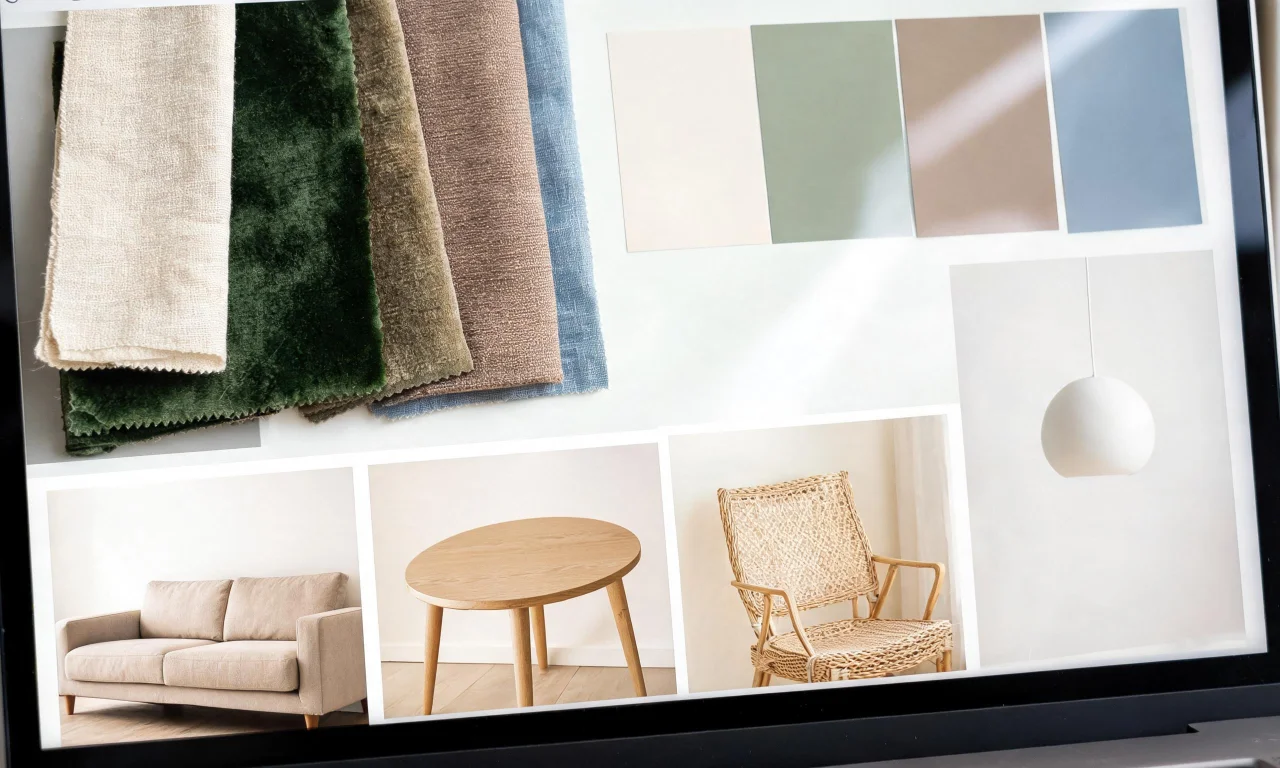
Best for homeowners who want a human interior designer's eye but delivered online instead of in person.
You upload room photos and a budget, then a matched designer sends back concept boards and shopping recommendations.
Turnaround takes days rather than seconds, and pricing sits closer to traditional design services than a software subscription.
Verdict: a genuine alternative if you want a person involved, not just an algorithm.
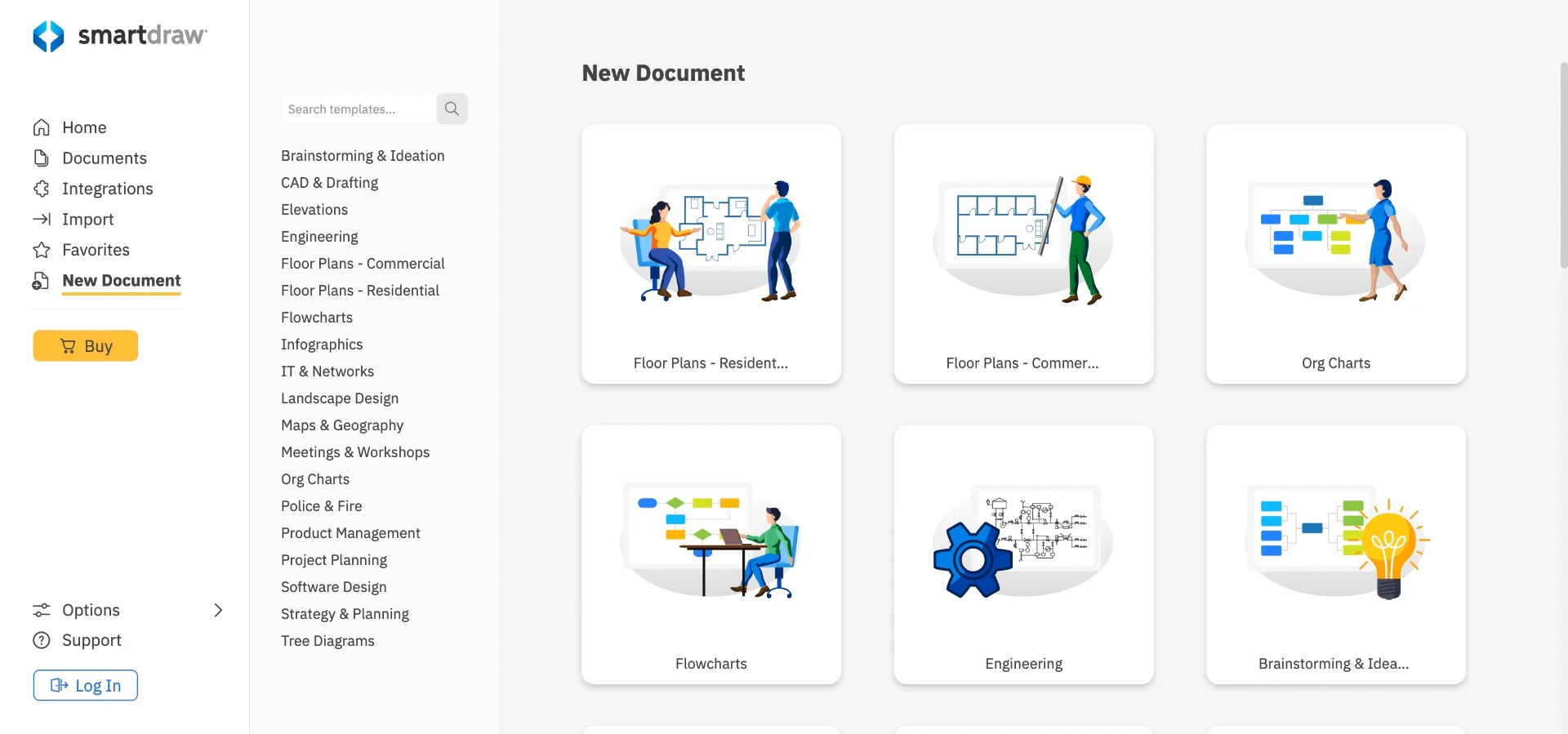
6. SmartDraw
Best for anyone who needs an accurate floor plan or space layout before thinking about style at all.
It works as diagramming software, letting you draw walls, rooms and furniture footprints to scale.