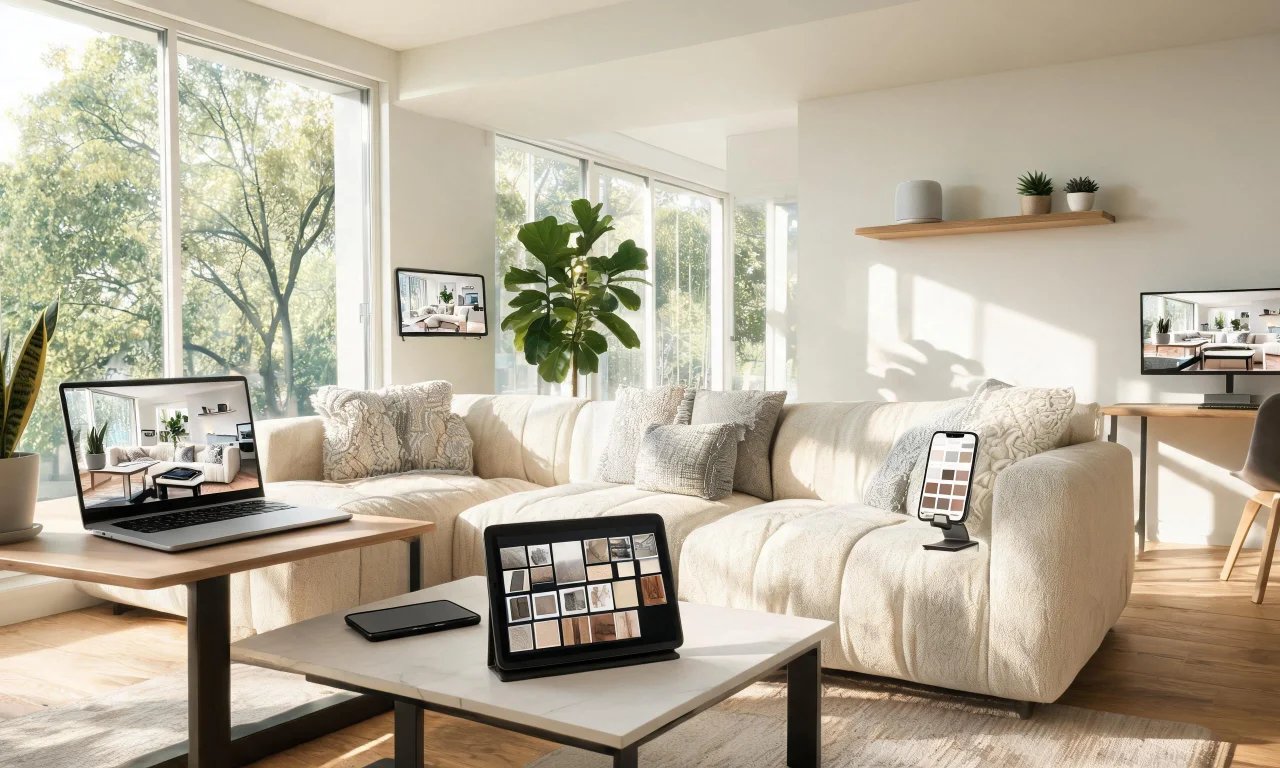
You've scrolled past another gorgeous living room online and thought, "why can't mine look like that?"
Hiring an interior designer feels like overkill for one room. But guessing at paint swatches and furniture layouts is risky too.
The
1. AI Room Redesign
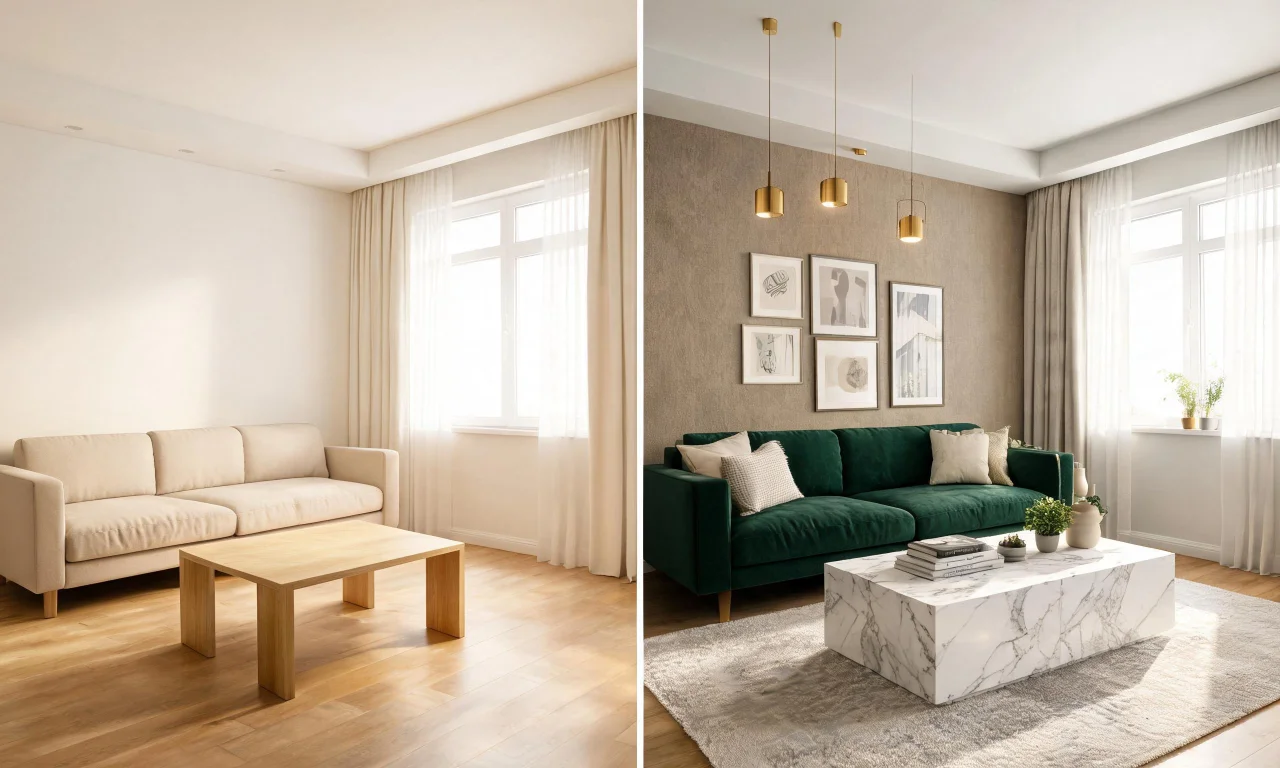
vividoo's AI Room Redesign tool lets you reimagine a furnished room in seconds. Upload a photo of your living room, bedroom or kitchen and explore new color palettes, styles and layouts instantly.
This free tool removes the guesswork from interior design a room without needing a professional consultation. You can experiment with modern, traditional or minimalist aesthetics before committing to any purchase.
Homeowners use this feature to test ideas quickly, saving time and money on trial-and-error decorating. It's ideal for anyone wanting a fresh perspective on an existing space.
2. Virtual Decluttering
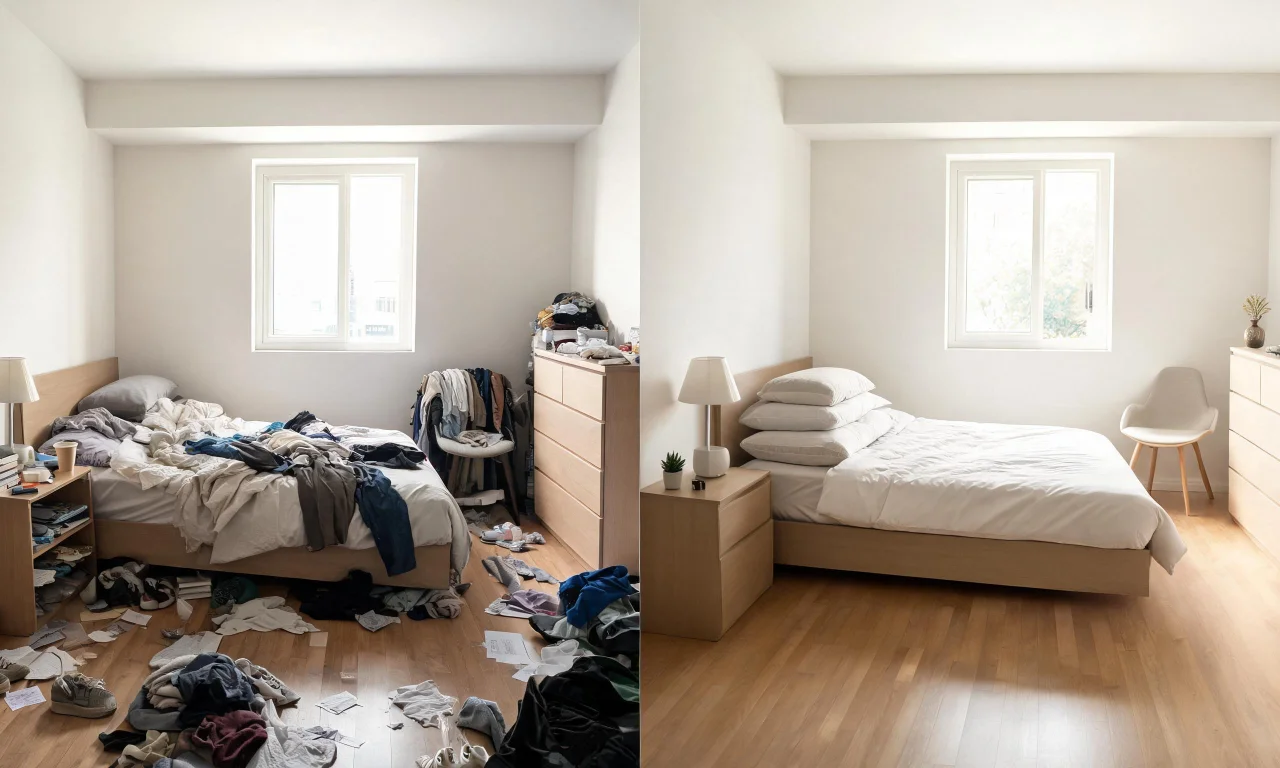
Cluttered rooms make it hard to visualize new design possibilities. vividoo's Virtual Decluttering tool digitally removes light indoor clutter from photos, revealing a cleaner canvas for planning.
This free feature helps homeowners and real estate agents present spaces more attractively without physically tidying up first. It's especially useful before trying other design tools.
By clearing visual noise, you can better judge proportions, lighting and furniture placement, which supports smarter decisions when you interior design a room from scratch.
3. Empty Room Generator
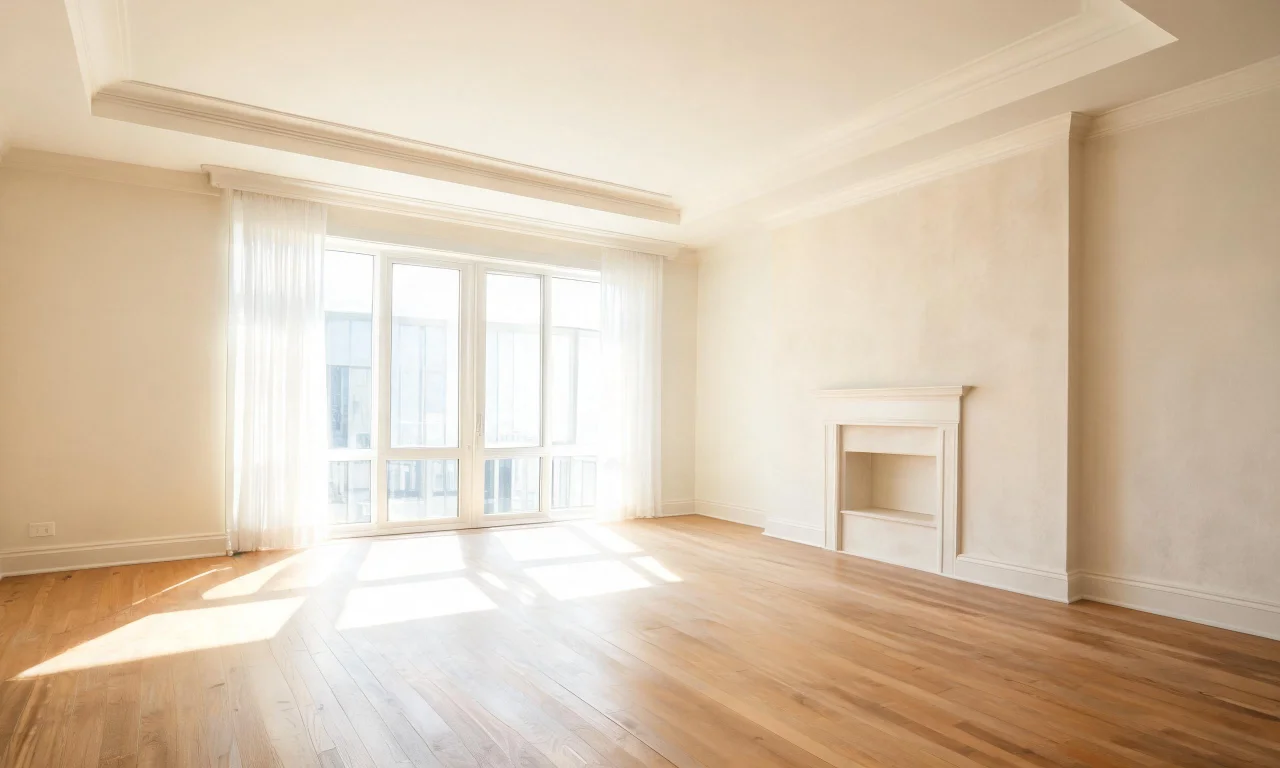
Sometimes the best starting point is a blank slate. vividoo's Empty Room Generator clears an indoor, outdoor or exterior space entirely, removing existing furniture and decor from any photo.
This free tool is perfect for visualizing a room's architecture, flooring and natural light without distraction. It also supports virtual staging workflows for presenting empty spaces to potential buyers.
Once emptied, the space becomes a flexible foundation for testing new furniture arrangements, color schemes or entirely different design concepts.
4. AI Room Renovation
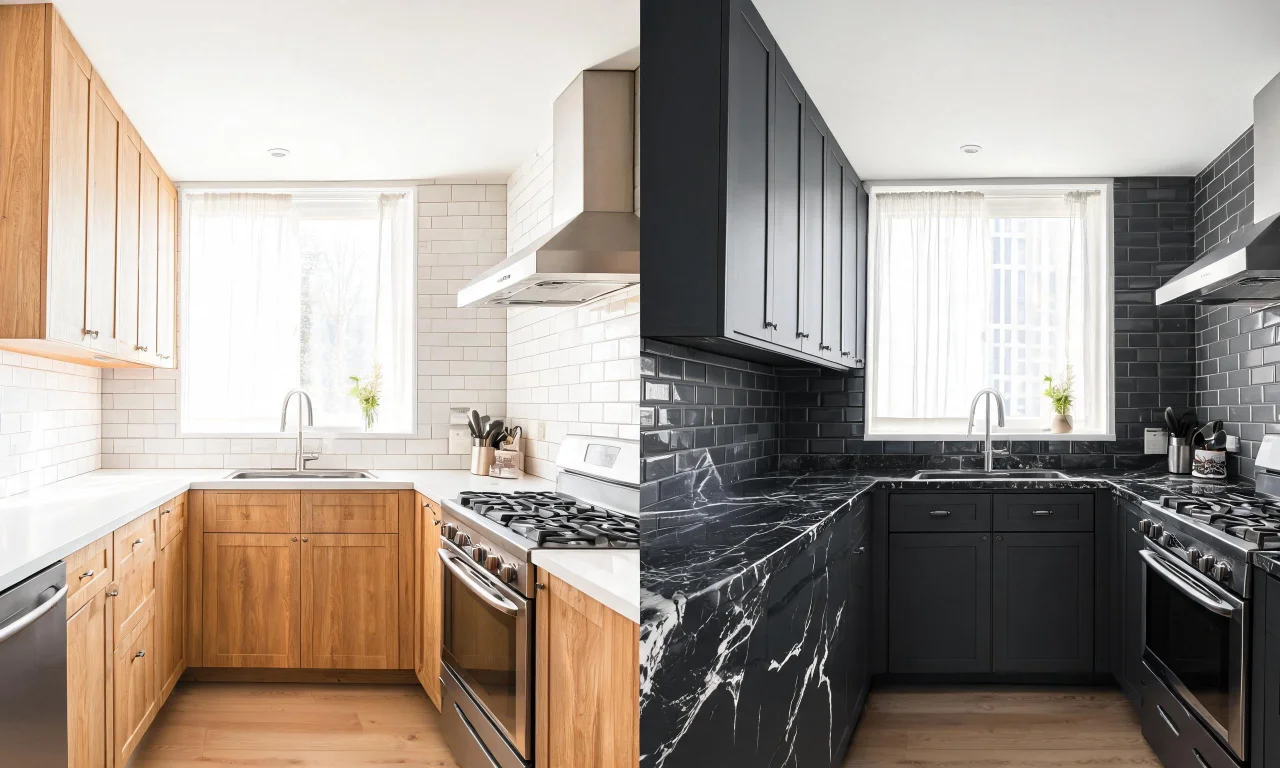
For those considering structural or material updates, vividoo's AI Room Renovation tool previews indoor materials and finishes before any work begins. Test flooring, wall textures, cabinetry and more.
This free tool helps homeowners confidently choose renovation directions without hiring a designer. It's especially valuable for kitchens and bathrooms where material choices matter most.
By visualizing finishes in your actual space, you reduce costly guesswork and gain clarity before purchasing materials or committing to a renovation plan.
5. AI Add or Replace Furniture
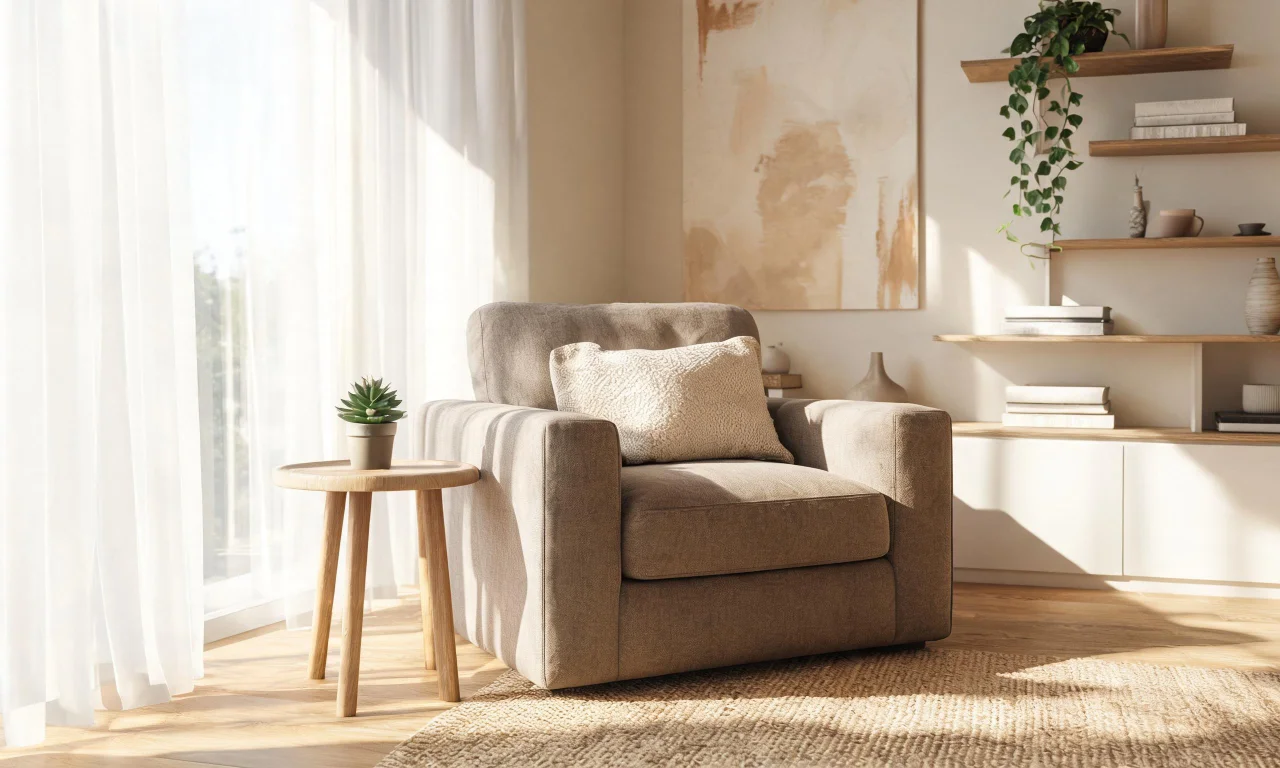
Once you've settled on a direction, vividoo's AI Add or Replace Furniture tool lets you insert or swap specific items within a room photo, refining your design further.
Available on the Starter plan, this tool builds on the free features by offering more targeted control over individual pieces like sofas, tables or lighting fixtures.
It's a natural next step for homeowners who want to fine-tune a design after using the free redesign and decluttering tools.
6. AI Exterior Redesign
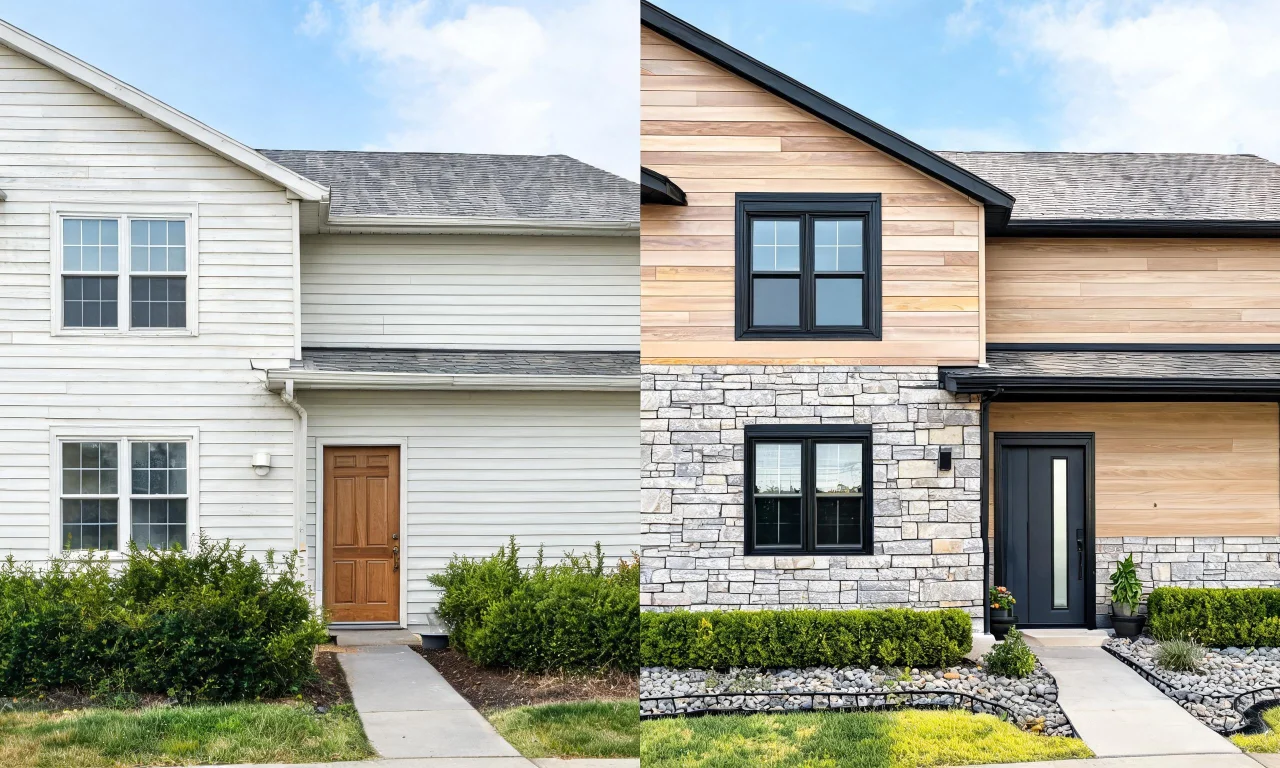
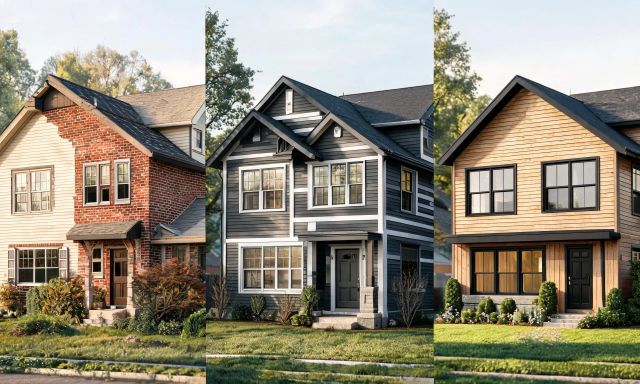
Interior design a room often connects to how a home presents itself outside. vividoo's AI Exterior Redesign tool restyles facades and exterior spaces, complementing interior updates with a cohesive look.
This free tool lets homeowners experiment with siding, paint colors, and exterior architectural details, ensuring the whole property feels intentionally designed.
Pairing interior and exterior tools gives a complete picture of a home's transformation, all without hiring outside help.