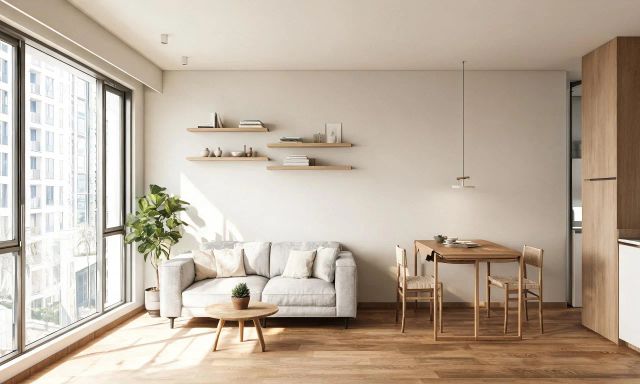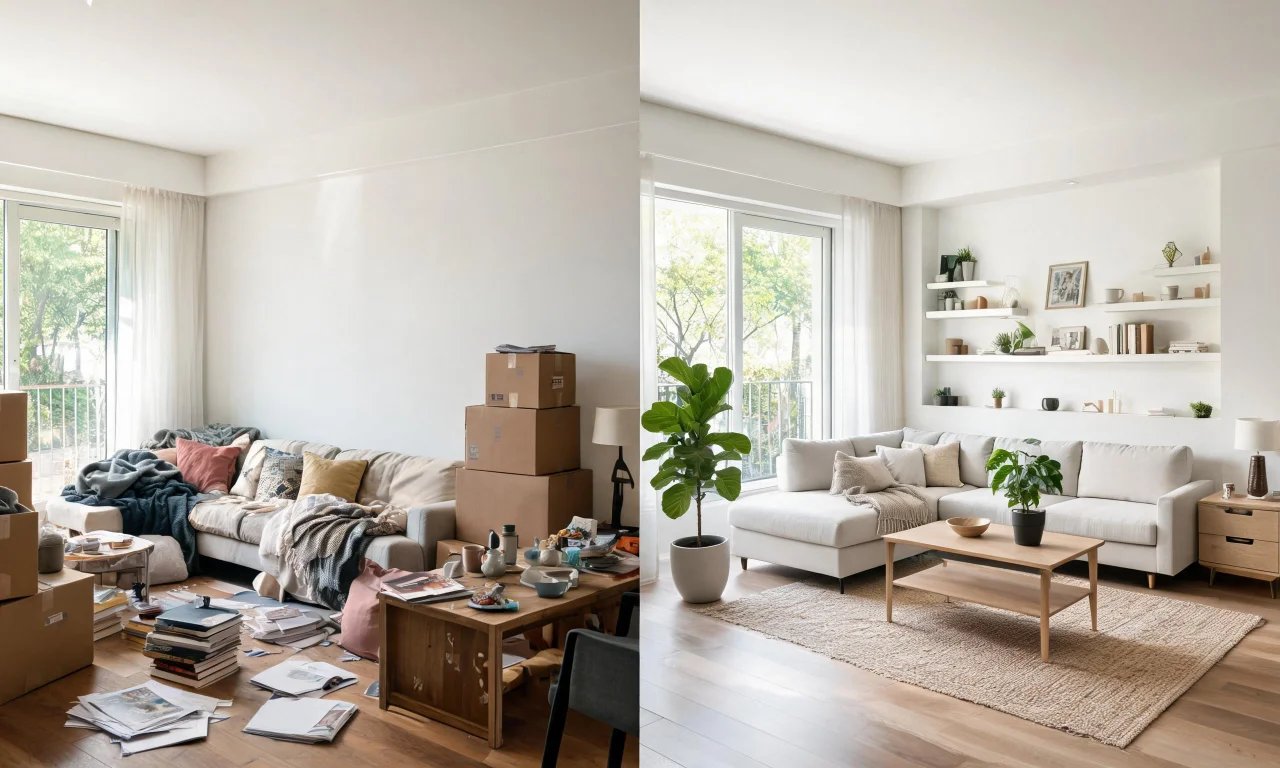
You have twenty minutes before the photographer arrives and the living room still looks like a storage unit. Every agent knows this scramble.
Free ai design tools have become the quiet fix for exactly this problem. They clean up rooms, furnish empty listings, and refresh tired facades without hiring a stager or waiting days for edits.
This guide compares the free tools worth your time in 2026, explains what "free" actually covers, and shows where the line to paid plans sits.
Key takeaways
- Most reputable AI design apps offer a genuinely free tier, but the tools included vary widely between platforms.
- Free plans are best for indoor redesign, decluttering, and clearing empty spaces, not for adding or swapping specific furniture.
- vividoo's free plan covers AI Room Redesign, Virtual Decluttering, the Empty Room Generator, AI Exterior Redesign, and AI Room Renovation.
- Vacant listings benefit most from an empty room generator that furnishes the space digitally before photos are taken.
- Upgrading usually makes sense once you need object removal, furniture swaps, or exterior feature edits at scale.
Why Agents Need AI Design Tools
Listing photos sell homes before buyers ever step through the door. A cluttered or empty room photographs poorly and gets scrolled past.
Staging a vacant property with real furniture is expensive and slow. AI tools compress that timeline from days to minutes.
- Vacant listings look furnished without moving a single sofa.
- Occupied homes look photo-ready without a professional declutter visit.
- Tired exteriors get a quick visual refresh before a shoot.
- Sellers can preview material or finish changes before committing budget.
None of this replaces real renovation or staging work. It replaces the guesswork of deciding whether that work is worth doing at all.
Top Free Tools Compared
We looked at tools agents actually mention when asked how they prep listing photos on a budget. The criteria were simple.
Each tool needed a usable free tier, a workflow suited to real estate photos, and no requirement to install desktop software.
vividoo
vividoo's ai design tools suit agents who need several free workflows in one place rather than a single trick.
The free plan includes AI Room Redesign for restyling furnished rooms, Virtual Decluttering for light indoor clutter, the Empty Room Generator for vacant spaces, AI Exterior Redesign for facades, and AI Room Renovation for previewing finishes.
Its notable strength is breadth. Few free tiers cover both interior and exterior workflows without a paywall appearing immediately.
The limitation is scope, not depth. Free tools handle restyling and clearing well, but adding or replacing specific furniture pieces sits on the Starter plan.
Pro tip
Run the same room through both AI Room Redesign and the Empty Room Generator to see which sells the space better in your MLS photos.
ApplyDesign
ApplyDesign suits agents who mainly need quick interior style changes for furnished rooms already looking presentable.
The workflow is upload-and-style: you pick a room photo, choose a design theme, and the tool generates a restyled version.
Its strength is simplicity for casual, occasional use rather than a full listing workflow.
The free tier typically limits how many images you can generate, so heavy users will hit a wall fast. Check the current plan page for exact limits.
REimagineHome
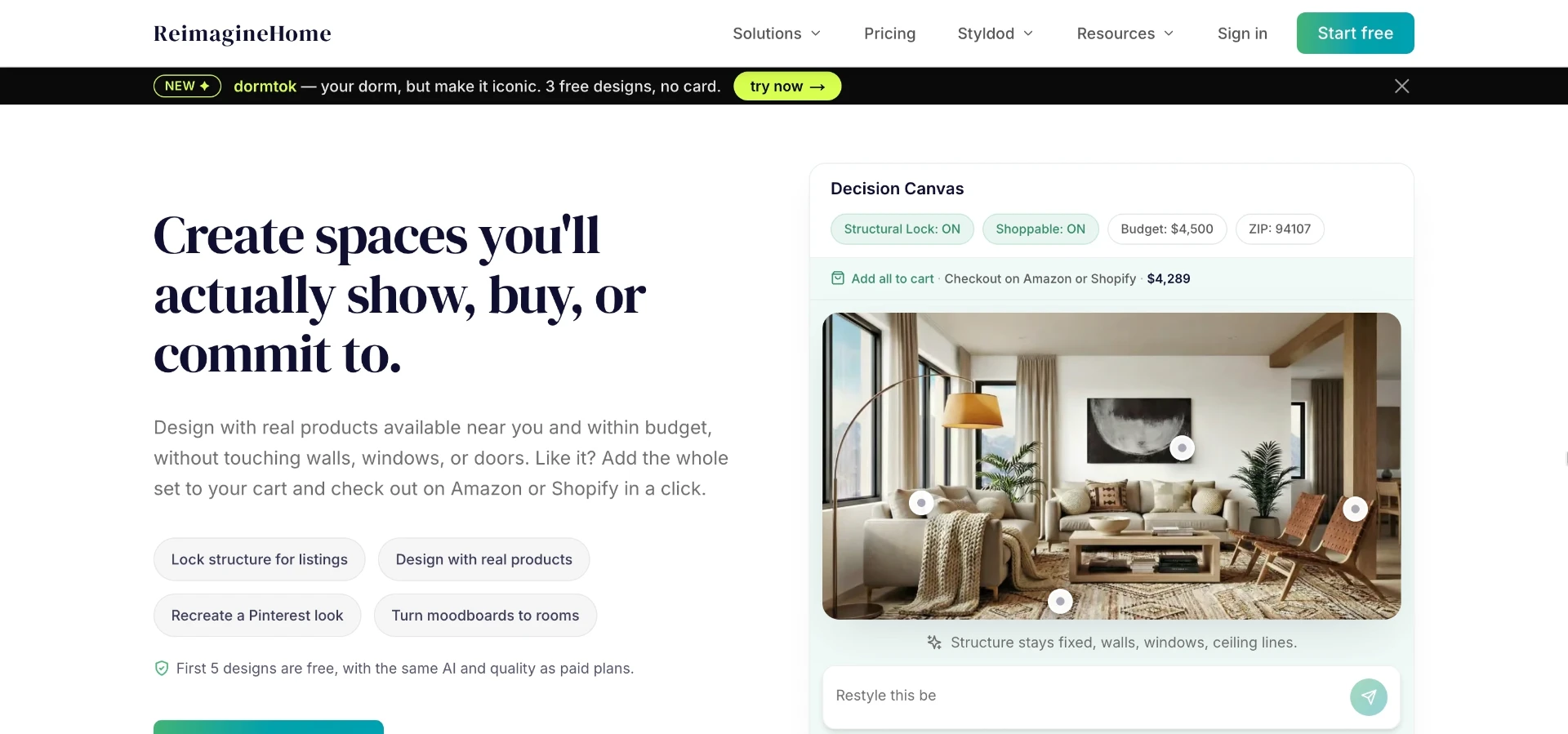
REimagineHome is aimed at agents and stagers who want virtual staging alongside renovation-style previews.
Users upload a room image and select a staging style or renovation preview, then the platform generates variations.
Its strength is the staging-focused feature set built specifically with real estate listings in mind.
Free usage is generally credit-limited, so a busy agency will likely need a paid tier for regular listing volume. Confirm current terms before relying on it.
Styldod
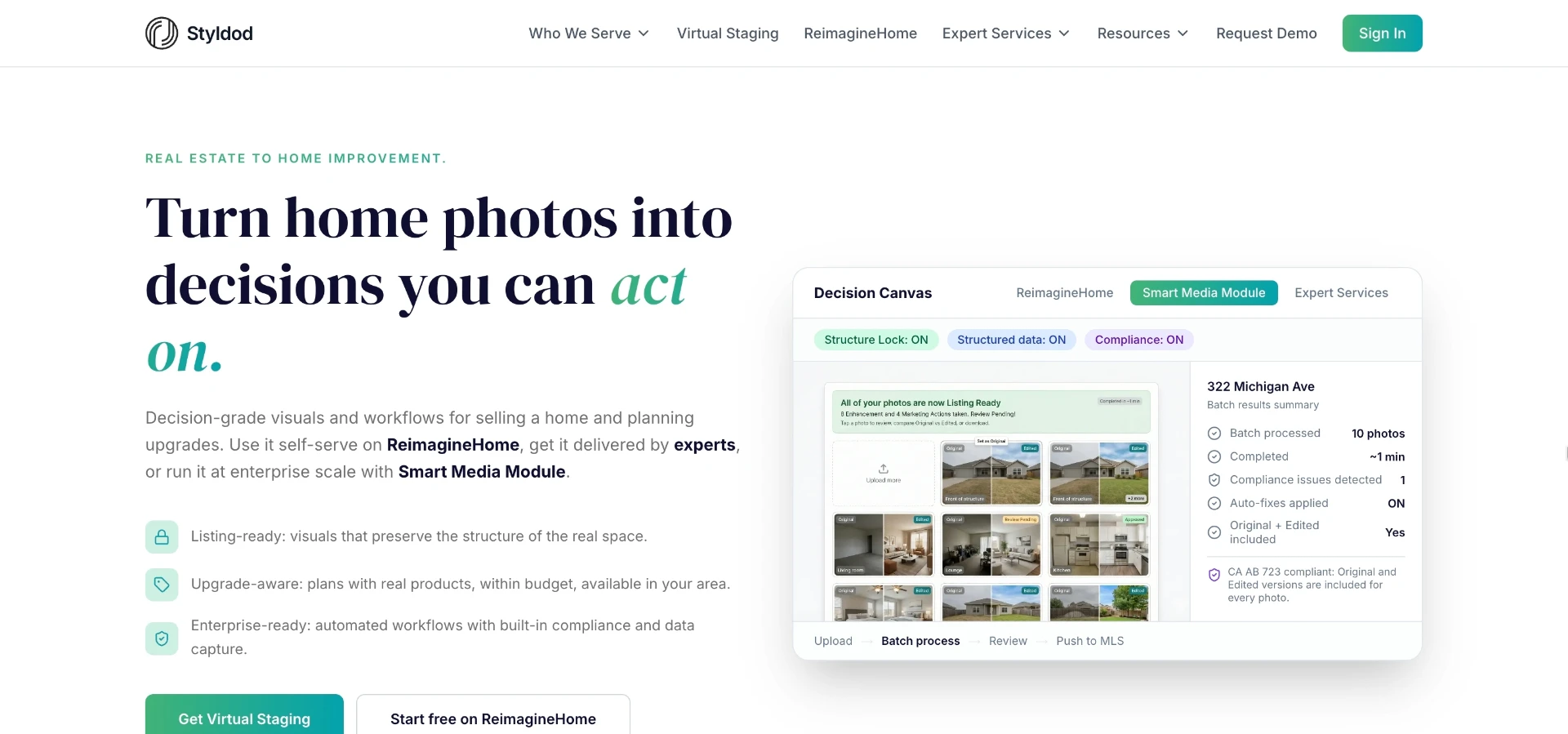
Styldod suits agents who want a mix of automated tools and human-assisted photo editing services.
Its workflow blends AI staging with optional manual retouching, positioning it between a pure app and a full photo-editing service.
The strength here is flexibility for agents who want an AI pass but occasionally need a human polish on a hero image.
That hybrid model usually means the fully free tier is more limited than app-only competitors, with paid add-ons for manual work.
Virtual Staging AI
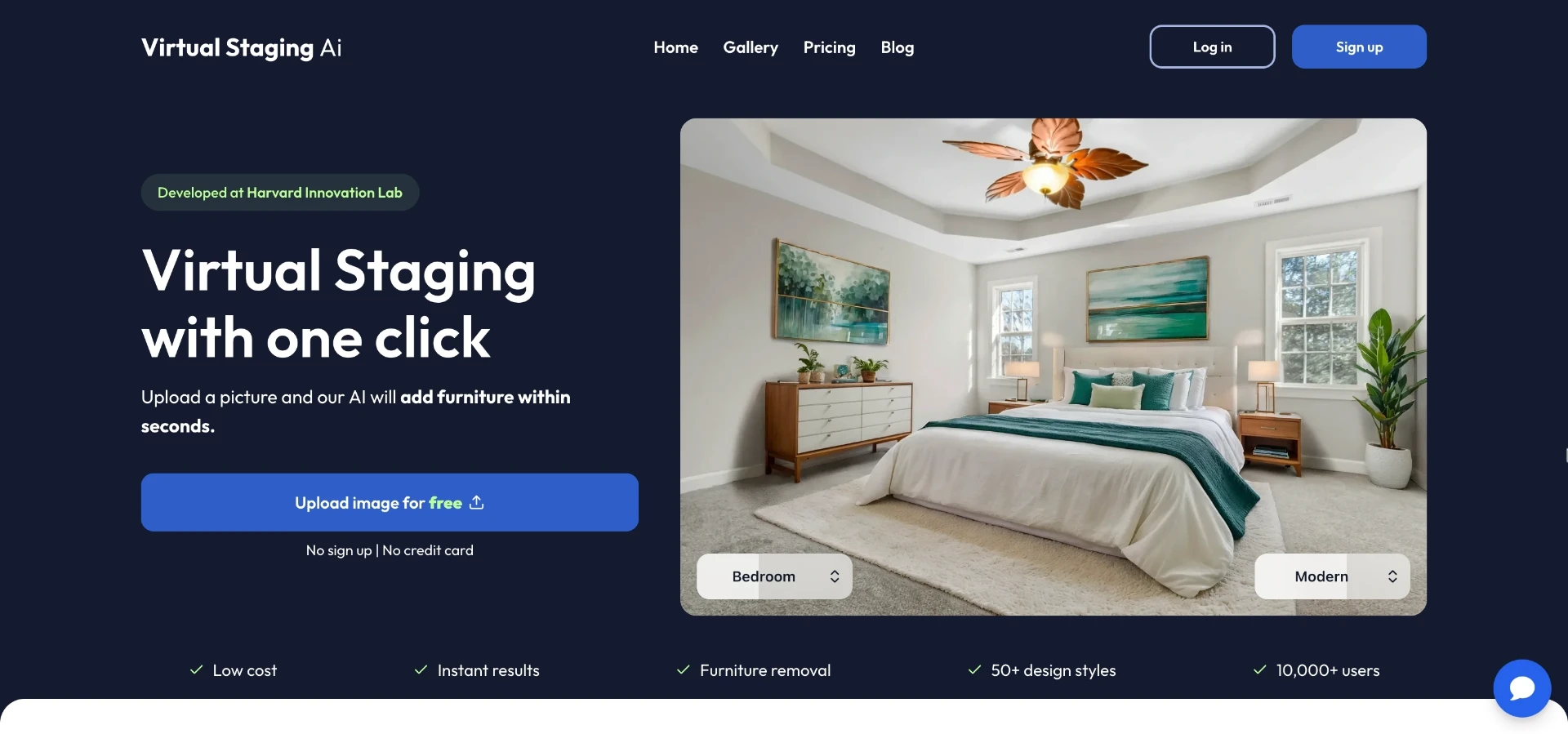
Virtual Staging AI is built specifically around furnishing empty rooms for listing photos.
The workflow is straightforward: upload a vacant room photo, pick a furniture style, and download the staged result.
Its strength is a narrow, well-executed focus on the single task agents ask for most often.
Because it specializes in staging, it offers less for exterior shots or material previews, so agents needing both may end up juggling two apps.
| Tool | Best for | Free tier covers | Exterior support |
|---|---|---|---|
| vividoo | Agents needing interior and exterior in one app | Room redesign, decluttering, empty room generator, exterior redesign, renovation preview | Yes, on free plan |
| ApplyDesign | Quick style changes on furnished rooms | Limited style-transfer generations | Not a core focus |
| REimagineHome | Virtual staging plus renovation previews | Credit-limited staging and preview generations | Limited, check current plans |
| Styldod | AI staging with optional human editing | Basic AI pass, paid add-ons for manual work | Limited |
| Virtual Staging AI | Furnishing vacant rooms specifically | Limited staged image generations | Not a core focus |
What Free Plans Really Include
"Free" rarely means unlimited, and it rarely means every feature is unlocked. It's worth reading the fine print before you commit a workflow to it.
On vividoo specifically, the free plan covers AI Room Redesign, Virtual Decluttering, the Empty Room Generator, AI Exterior Redesign, and AI Room Renovation.
Tools like Object Remover, AI Add or Replace Furniture, Outdoor Redesign, Landscape Renovation, and AI Clear Outdoor Space sit on the Starter plan instead.
Exterior Renovation, AI Add or Replace Exterior Features, and AI Clear Exterior Space are Pro-tier tools built for heavier commercial or renovation-focused use.
Pro tip
Match the tool to the task before you upload anything. Free covers restyling and clearing; paid covers precise additions and removals.
Empty Room Generator for Vacant Listings
Vacant listings are the hardest sell in real estate photography. Empty rooms feel smaller and colder in photos than they do in person.
An empty room generator solves this by digitally furnishing the space, which is how vividoo's Empty Room Generator is used in practice.
The workflow is simple: upload a photo of the vacant indoor, outdoor, or exterior space and let the tool generate a furnished version.
This is the closest free equivalent to traditional virtual staging, since it turns an empty shell into a lived-in-looking room.
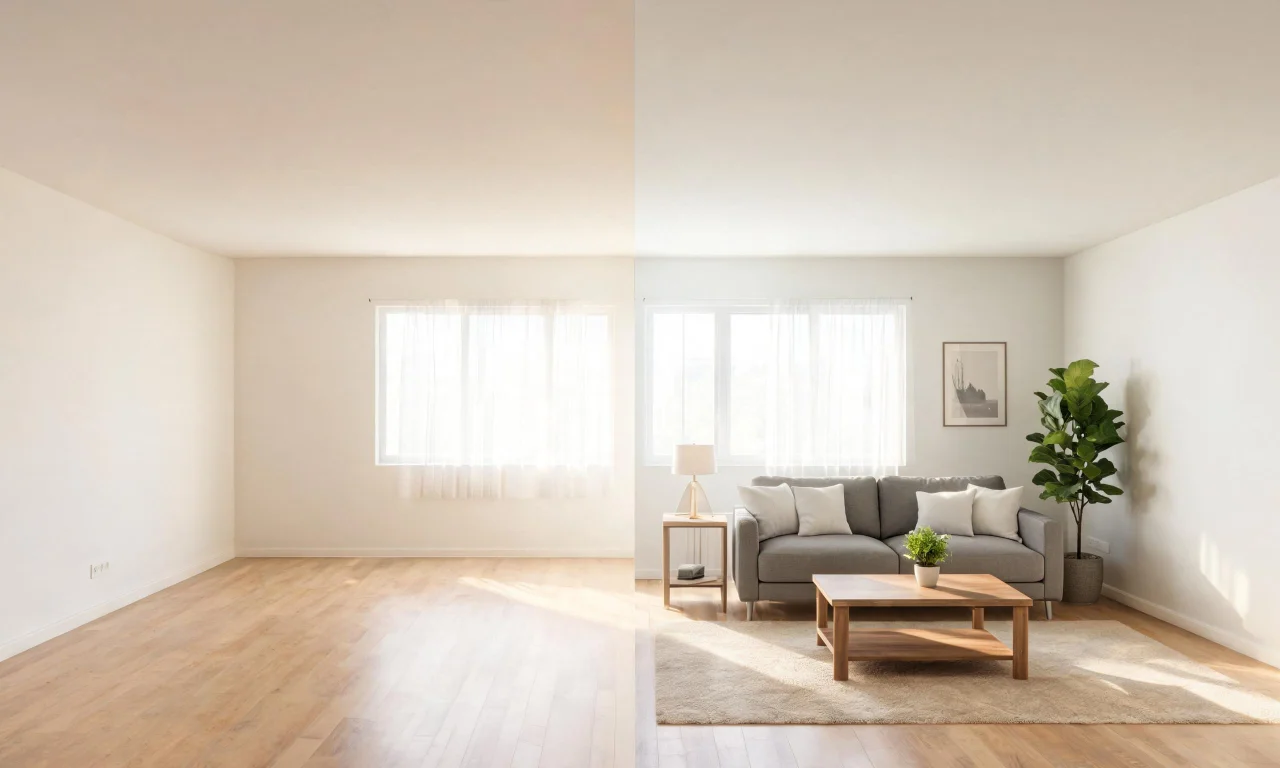
Agents listing new construction or recently vacated homes get the most value here, since these listings often have zero furniture to photograph around.
Virtual Decluttering Before Photos
Occupied homes bring a different problem: too much stuff, not too little. Toys, laundry piles, and cluttered counters distract from the room itself.
Virtual Decluttering removes light indoor clutter from photos without asking the seller to do a deep clean first.
The workflow is upload-and-clean: the tool identifies clutter in the image and generates a tidier version of the same room.
This is meant for light clutter, not for removing large furniture or fixtures, which falls under the paid Object Remover tool instead.
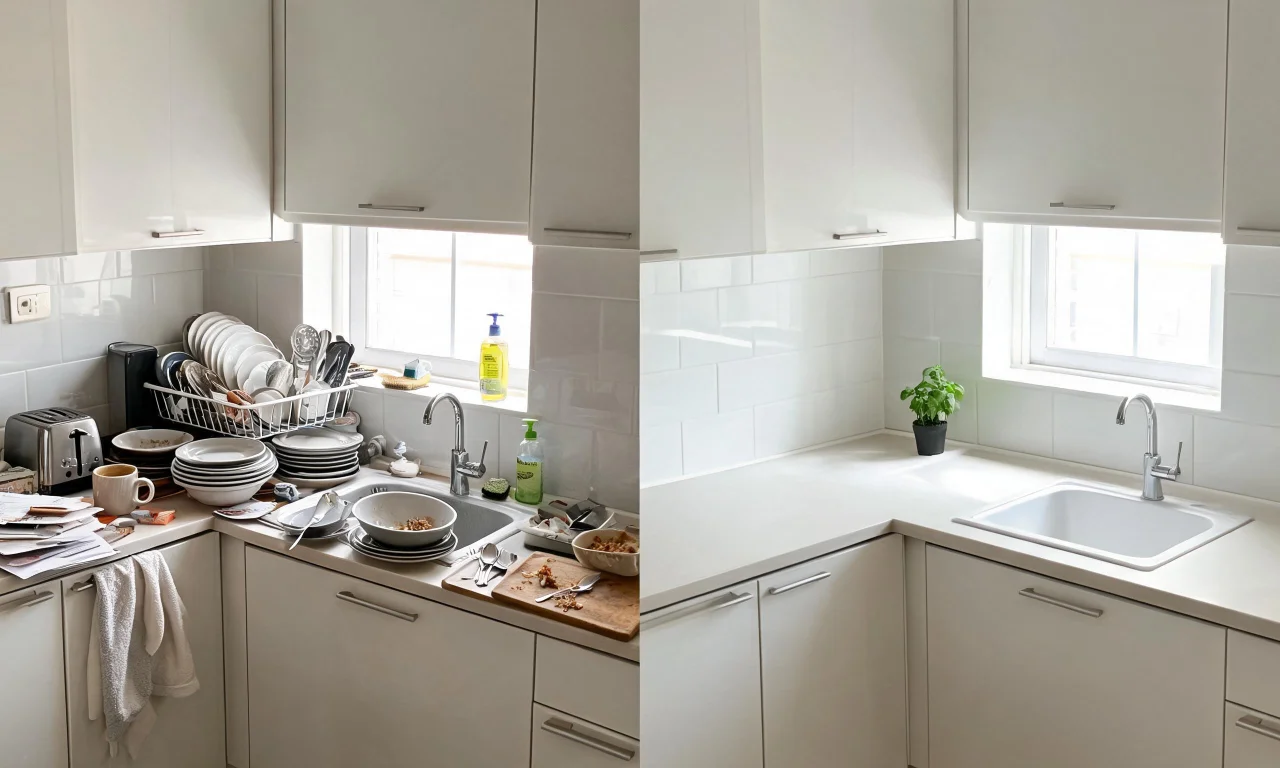
It's a fast pre-shoot pass, best used on rooms that are 80 percent photo-ready already.
When to Upgrade to Paid Plans
Free tools cover a surprising amount of listing prep, but agents working at volume eventually hit their edges.
If you regularly need to add or replace specific furniture pieces, remove large objects, or redesign outdoor spaces, that's Starter-plan territory.
- You're staging multiple vacant listings a week and need faster turnaround.
- Sellers ask for specific furniture swaps, not just a general style change.
- You need outdoor or landscape redesigns beyond a basic exterior refresh.
- You manage exterior renovation previews for flippers or developers, which points toward Pro-tier tools like Exterior Renovation and AI Add or Replace Exterior Features.
Compare current plan details on the pricing page before committing, since feature sets can shift between tiers.
For inspiration on what finished results look like across styles, the community gallery is worth browsing before you choose a plan.
Free ai design tools won't replace a stager for a luxury listing shoot, but they close the gap for everyday inventory.
Start with the free workflows that match your immediate problem, whether that's an empty room, a cluttered kitchen, or a tired facade.
For a broader look at what's available across categories, the vividoo blog tracks new tools and workflow tips as they roll out.