Your front yard is the first thing buyers, neighbors and delivery drivers actually see. If it looks tired, no amount of interior staging fixes that first impression.
An ai house designer app lets you test facade colors, siding, landscaping and lighting before you spend a cent on materials. This roundup covers five tools worth trying in 2026, plus how vividoo's exterior tools fit into the picture.
Key takeaways
- The best curb appeal tools separate facade, material and landscaping edits into clear steps.
- Some apps focus on plants and hardscaping, others on paint or structural changes.
- vividoo's AI Exterior Redesign restyles facades and exterior spaces on the free plan.
- Paid tiers unlock feature swaps, landscape renovation and outdoor decluttering tools.
- Match the tool to your project stage: inspiration, planning, or final visual proof.
What Makes a Great Curb Appeal Design Tool
A genuinely useful ai house designer does more than slap a filter on your porch photo.
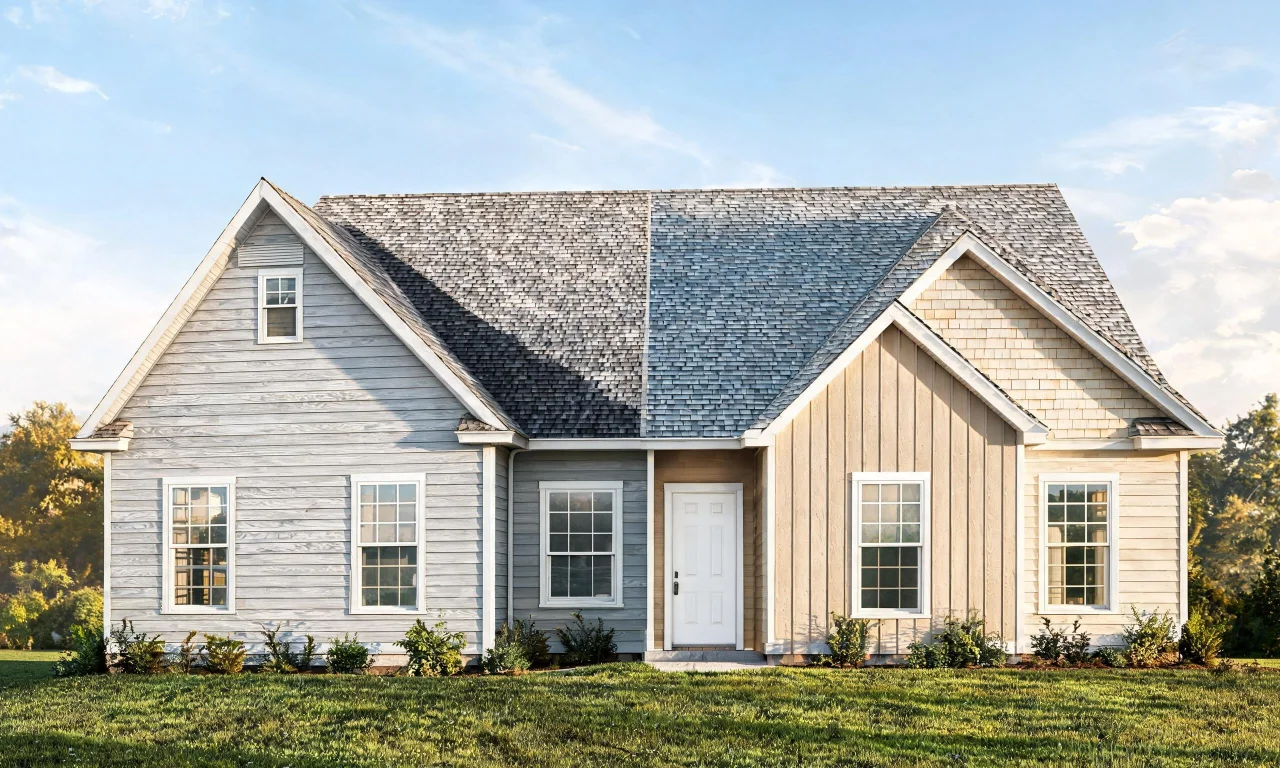
It needs to understand your home's actual structure, not just repaint everything the same shade.
- Accurate handling of rooflines, windows and door placement
- Realistic material options: siding, brick, stone, stucco, paint
- Landscaping controls for plants, lawns, paths and lighting
- Fast turnaround so you can compare several looks quickly
- A free or low-cost way to test the tool before committing
Keep these criteria in mind as you compare the options below.
Top Picks for AI House Designer Apps in 2026
These five tools take different approaches to exterior design, from full AI generation to color-matching and landscaping libraries.
None of them are identical, so the right pick depends on what stage your project is at.
1. iScape
Best for: homeowners planning landscaping rather than structural changes.
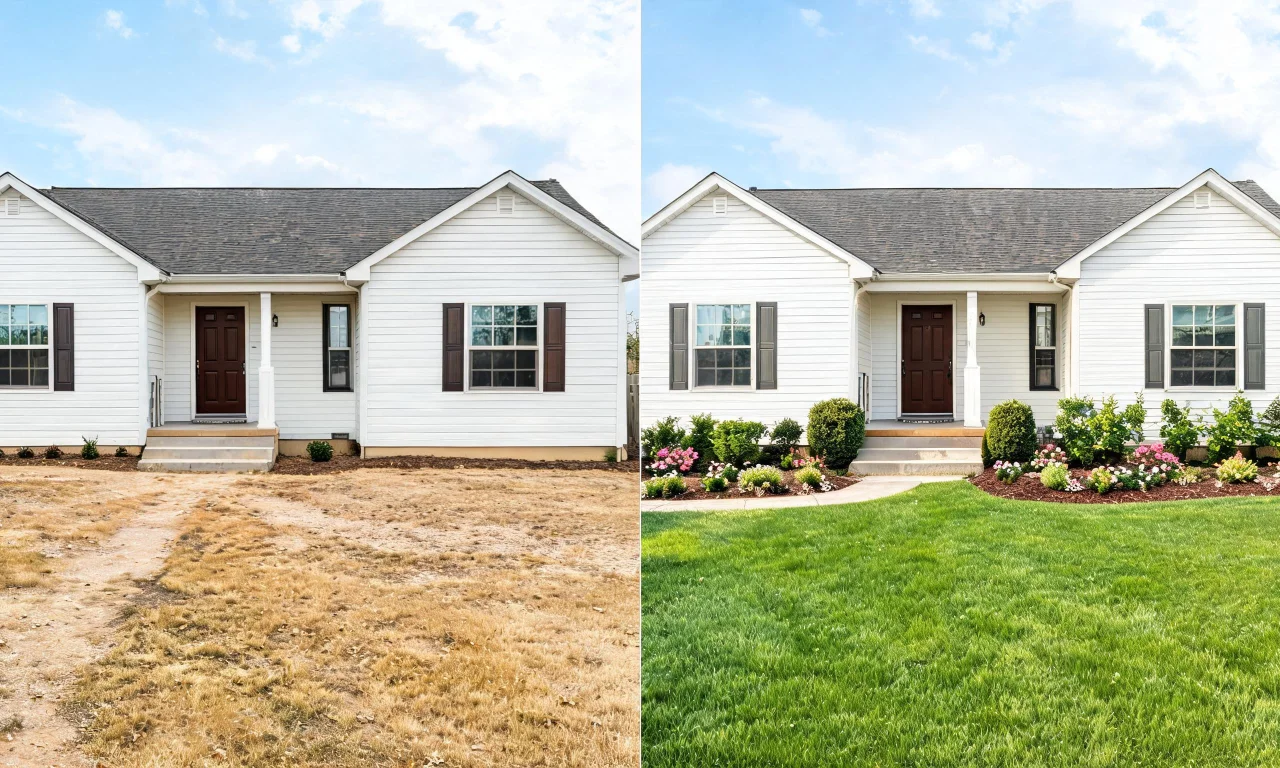
You photograph your yard, then drag plants, trees and hardscaping elements onto the image.
Its plant library is its biggest draw, letting you preview mature sizes before planting anything.
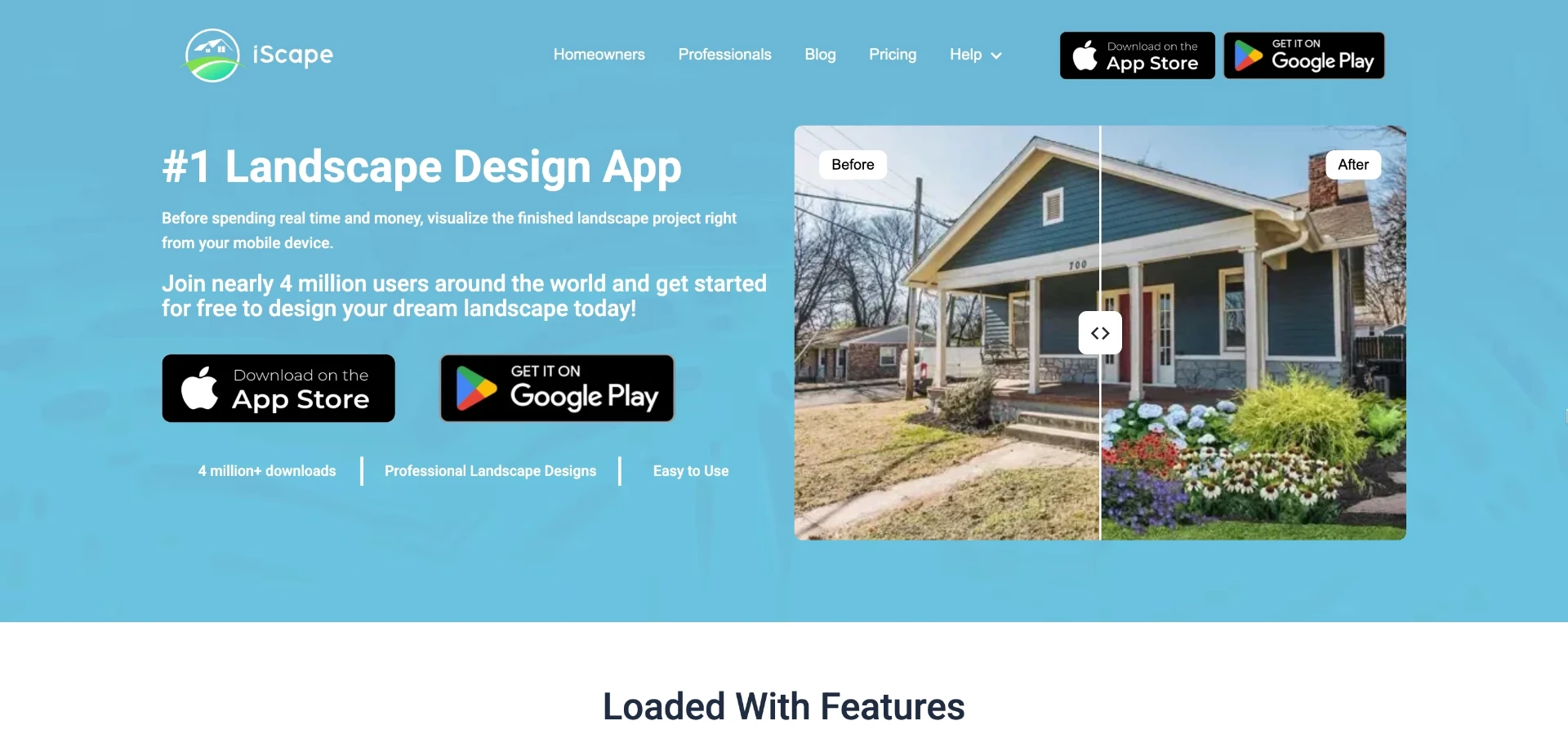
Limitation: it does a poor job with siding, roofing or paint changes, since it's built for greenery and outdoor structures.
2. Behr ColorSmart
Best for: narrowing down an exact exterior paint color before buying cans.
Upload a photo, mask off the surfaces you want to recolor, then apply real Behr paint swatches.
The strength here is accuracy: what you see maps to a purchasable product, not a generic hue.
Limitation: it only handles paint. Siding materials, landscaping or structural tweaks are out of scope.
3. RoomGPT
Best for: quick, exploratory style inspiration when you don't know what look you want yet.
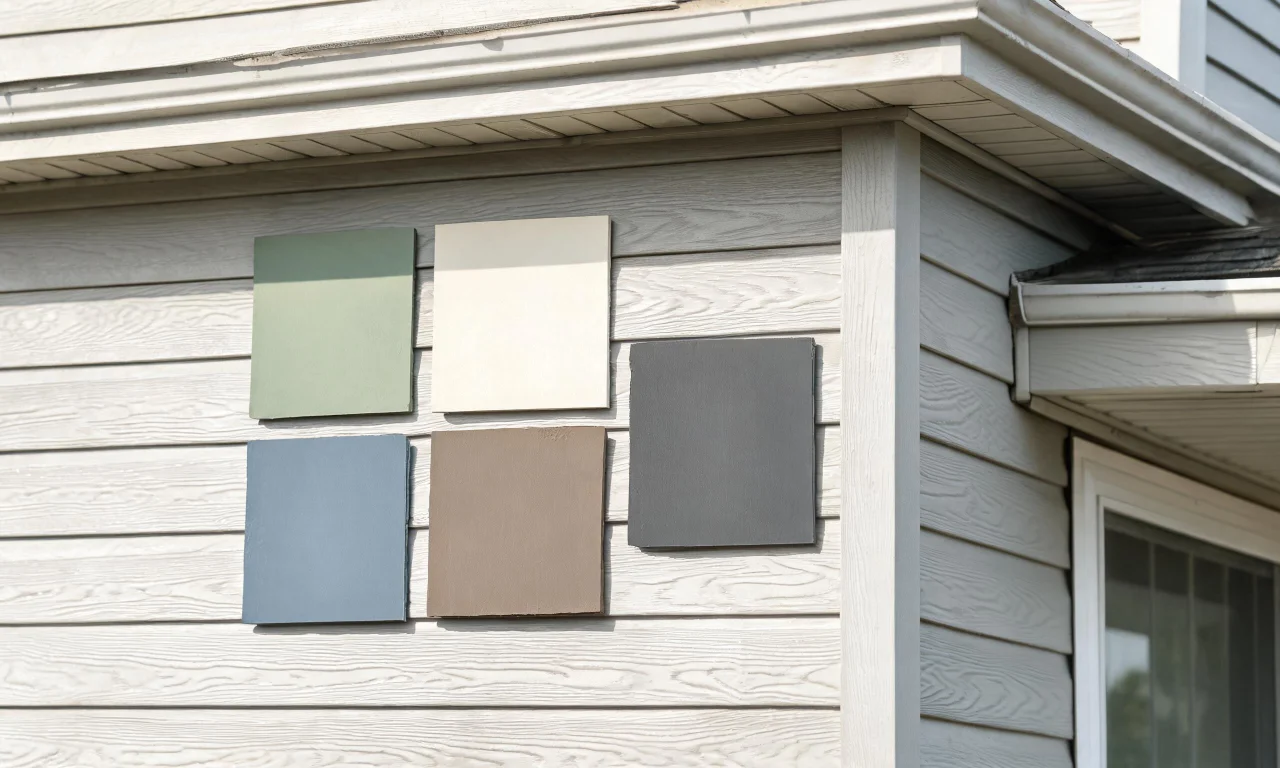
Upload an exterior photo, pick a style preset, and the AI generates a reimagined version in seconds.
Its speed and variety of styles make it a fun starting point for brainstorming.

Limitation: results can be inconsistent, and you have limited control over specific materials or colors.
4. Planner 5D
Best for: people who want to combine structural planning with exterior finishes in one project.
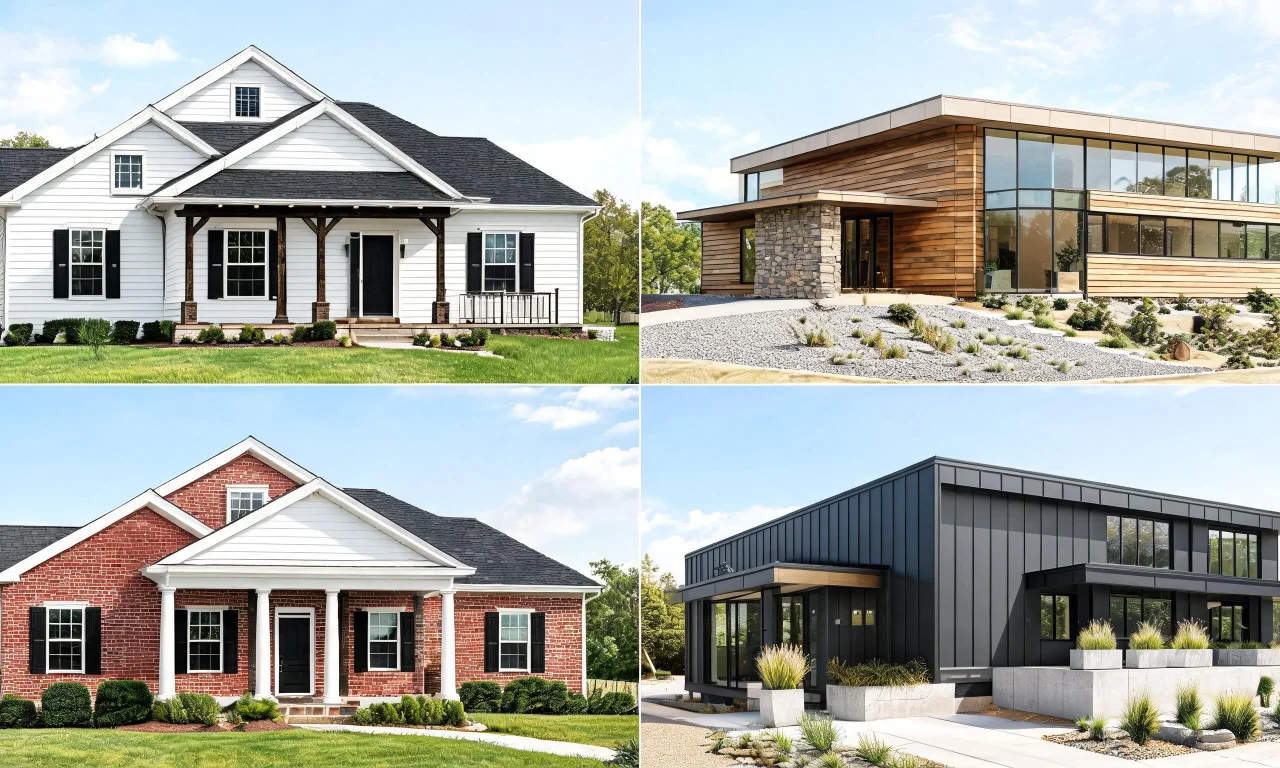
You build or import a home layout, then apply siding, roofing and paint options in a 3D view.
It offers more granular control than most AI-only apps, including rooflines and add-on structures.
Limitation: the learning curve is steeper, and the full exterior material catalog often sits behind a subscription.
5. Houzz
Best for: gathering inspiration and finding contractors for the work once you've decided on a direction.
You browse curb appeal photos, save favorites to idea boards, and use a basic visualizer for some materials.
Its biggest strength is scale: an enormous photo library plus a directory of local pros.
Limitation: the visualizer is basic compared to dedicated AI renderers and won't generate a true preview of your specific house.

Pro tip
Use an inspiration tool like Houzz first, then move to a rendering tool to test that look on your actual facade.
Features to Look For: Facades, Landscaping, Materials
Not every ai house designer app handles all three areas equally well.
It helps to think of curb appeal projects as three separate layers.
Facade edits
This covers paint color, siding type, trim and window styling.
Look for tools that let you isolate surfaces instead of recoloring the whole photo at once.
Landscaping
Plants, lawns, walkways and outdoor lighting fall here.
Apps built specifically for landscaping tend to have far larger plant libraries than general design tools.
Materials and finishes
Brick, stone, stucco and roofing fall into this category.
Good tools show these as swappable textures rather than flat color fills, so the render still looks physically plausible.
For a broader look at how AI handles interiors as well as exteriors, browse vividoo's full set of AI design tools.
How vividoo's AI Exterior Redesign Compares
vividoo takes a more direct approach to facade and exterior work than most of the tools above.
AI Exterior Redesign restyles facades and exterior spaces from a single uploaded photo, and it's available on vividoo's free plan.
That means you can test paint colors, siding looks and general exterior styles without committing to a paid tier first.
If your yard or porch is empty and needs a clean starting point, the free Empty Room Generator can also clear indoor, outdoor or exterior spaces before you redesign them.
Where vividoo differs from single-purpose apps like Behr ColorSmart or iScape is scope: it handles the whole exterior, not just paint or just plants.
More advanced landscaping and feature-swapping tools sit on paid plans, which we cover next.
Pricing and Free Tier Availability
Pricing structures vary a lot across this category, so it's worth checking each provider's current plan page before you commit.
Here's a general comparison of how these tools typically gate their features.
| Tool | Free access | Primary focus | Paid tier unlocks |
|---|---|---|---|
| vividoo | Room redesign, decluttering, empty room generator, exterior redesign, room renovation preview | Interior and exterior AI redesign | Object removal, furniture/feature swaps, landscape and outdoor clearing tools |
| iScape | Limited free plant placement | Landscaping | Full plant library, advanced hardscaping |
| Behr ColorSmart | Free color visualizer | Paint color matching | Not applicable, tool is free but paint-only |
| RoomGPT | Limited free AI generations | Quick style exploration | Additional credits or generations |
| Planner 5D | Basic free plan | 3D structural and exterior planning | Full material catalog, advanced editing |
vividoo's free plan covers a genuinely useful chunk of exterior work, which isn't always true of competitors.
For feature swaps, landscape renovation or clearing outdoor clutter, you'll need a Starter or Pro plan.
Pro tip
Start on a free tier to confirm the tool understands your specific home's layout before upgrading for advanced edits.
See exact plan details on the vividoo pricing page.
Choosing the Right Tool for Your Exterior Project
The right pick depends on where you are in the project, not just which tool has the flashiest AI.
- Early inspiration stage: browse Houzz or a general design blog for ideas first.
- Testing a paint color: use Behr ColorSmart or a similar color-matching tool.
- Planning landscaping: try iScape for plant and hardscaping placement.
- Structural changes: use Planner 5D for rooflines, additions or layout shifts.
- Fast, whole-facade previews: try vividoo's AI Room Redesign and Exterior Redesign together for a full-property view.
Real estate agents and flippers often need speed more than granular control, so an AI-first tool tends to fit better.
Homeowners planning a slower renovation may prefer a structural planner like Planner 5D instead.
Browse real examples from other users in the community gallery, or read more project breakdowns on the vividoo blog.
Whichever tool you choose, testing before you buy materials is always cheaper than repainting a mistake.