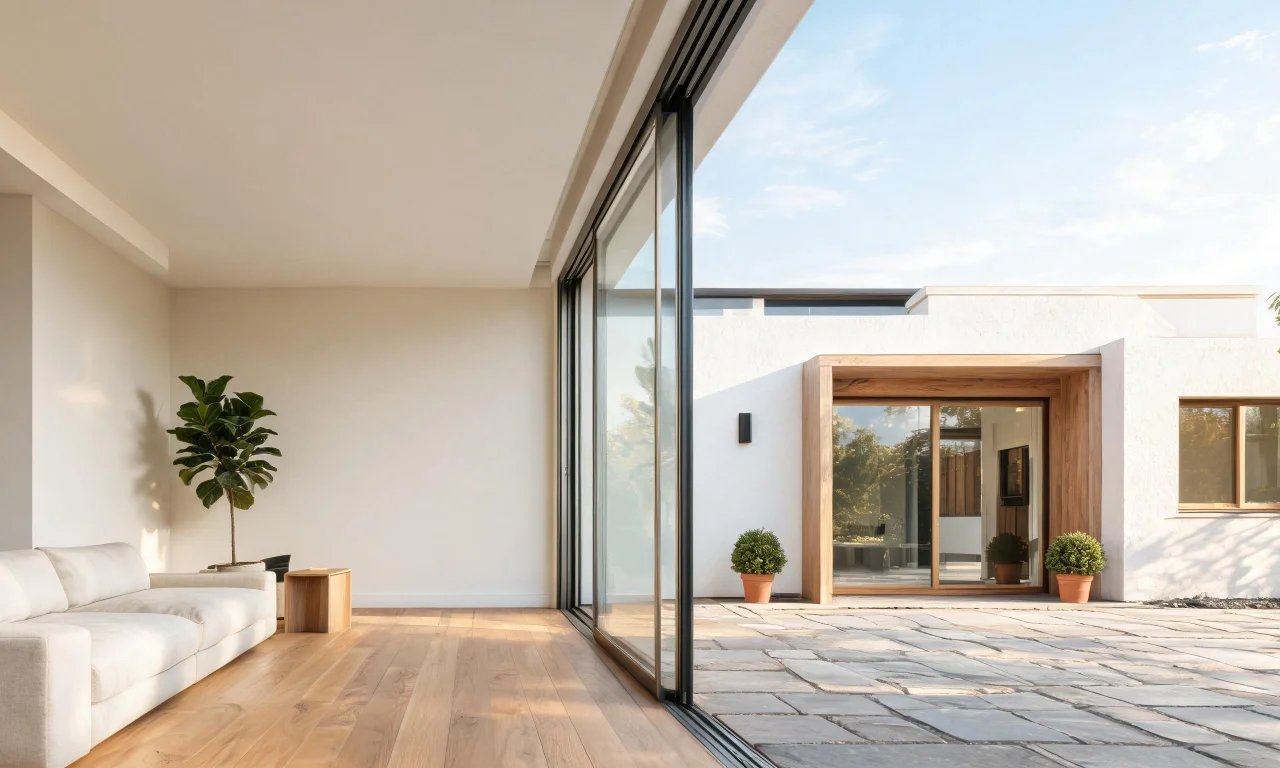
You scroll past a dozen dream living rooms online, then look at your own beige walls and mismatched sofa. An ai design generator promises to close that gap in seconds, not months.
These tools use AI to reimagine a photo of your space, no designer fee or moodboard required. This guide breaks down five worth trying, how they actually work, and how to pick the right one.
Key takeaways
- Free ai design generators can restyle, declutter or empty a room from a single photo.
- vividoo offers five free tools covering indoor redesign, decluttering, empty rooms, exterior restyling and material previews.
- Other free tools vary in focus, from quick style filters to more detailed room planning.
- The best pick depends on whether you need indoor styling, exterior work, or ongoing project planning.
- AI design tools are moving toward more realistic renders and broader outdoor capabilities.
The Rise of AI Design Generators
A few years ago, visualising a renovation meant hiring a designer or learning 3D software. Now an ai design generator does it from your phone.
Homeowners use them to test paint colours before buying. Real estate agents use them to stage empty listings faster.
Flippers use them to preview a renovation before spending on materials. The common thread is speed: results in seconds, not weeks.
Pro tip
Use a well-lit, straight-on photo of your room. Cleaner input photos consistently produce cleaner AI redesigns.
5 Free AI Design Generators Worth Trying
Each tool below has its own strengths, limits and ideal user. Here is how they compare in practice.
1. vividoo
vividoo is best for homeowners and agents who want indoor and exterior options in one free plan.
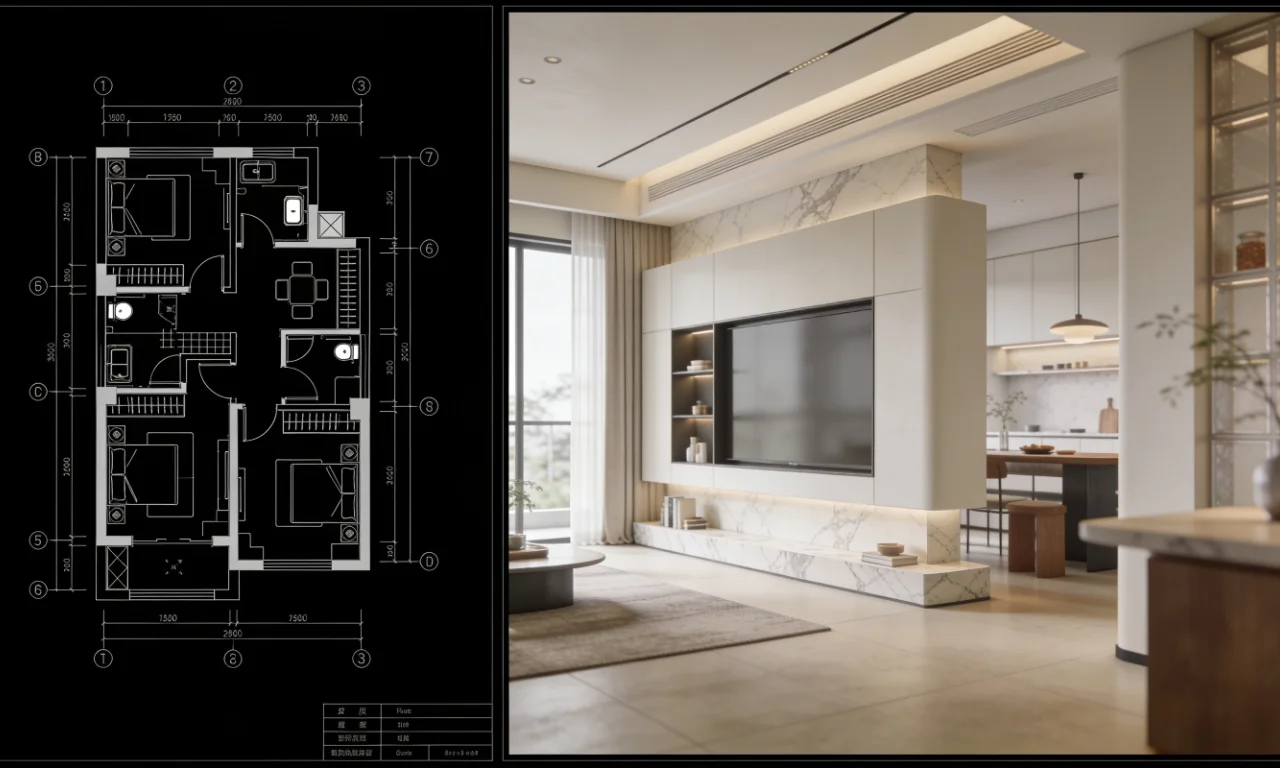
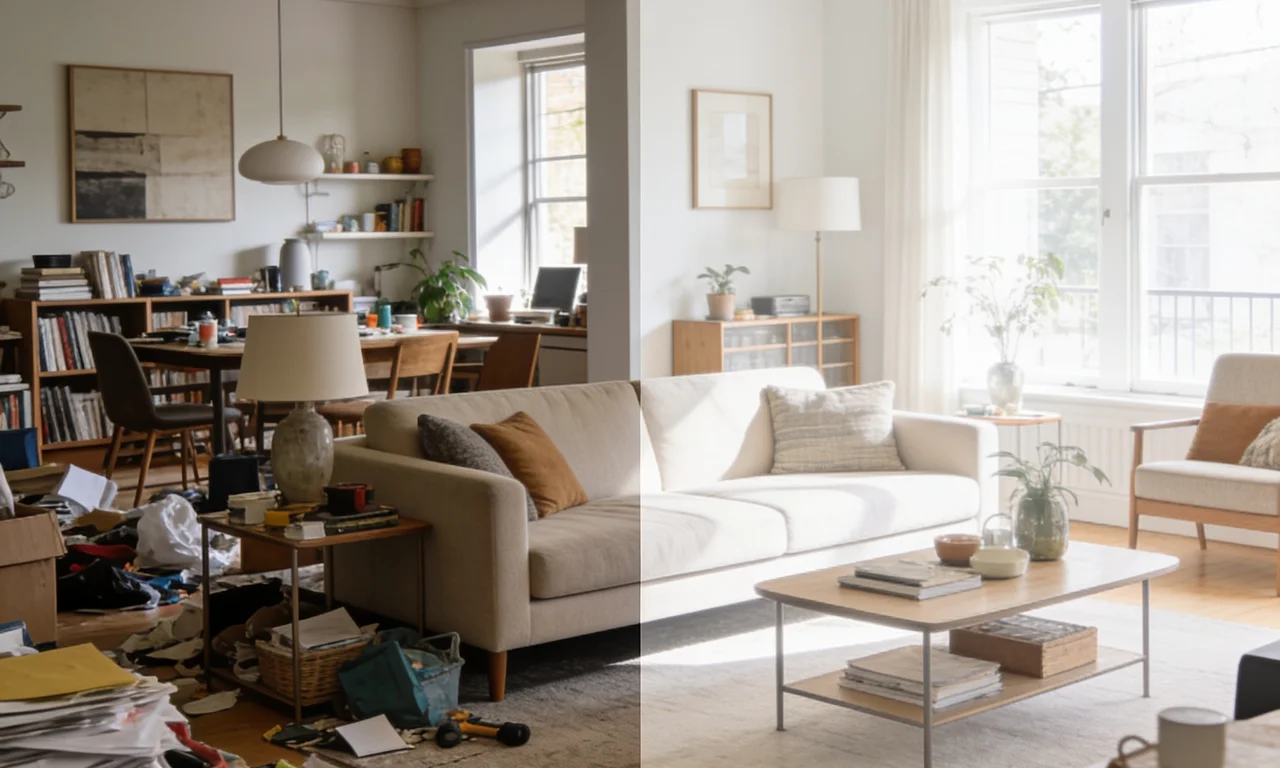
Its free tools include AI Room Redesign for restyling a furnished room, Virtual Decluttering for tidying light indoor mess, and an Empty Room Generator for clearing a space so it can be reimagined empty or restaged.
It also offers AI Exterior Redesign for facades and AI Room Renovation for previewing materials and finishes.
The main limitation is that heavier tasks, like removing furniture entirely or reworking outdoor landscaping, sit on paid plans rather than the free tier.
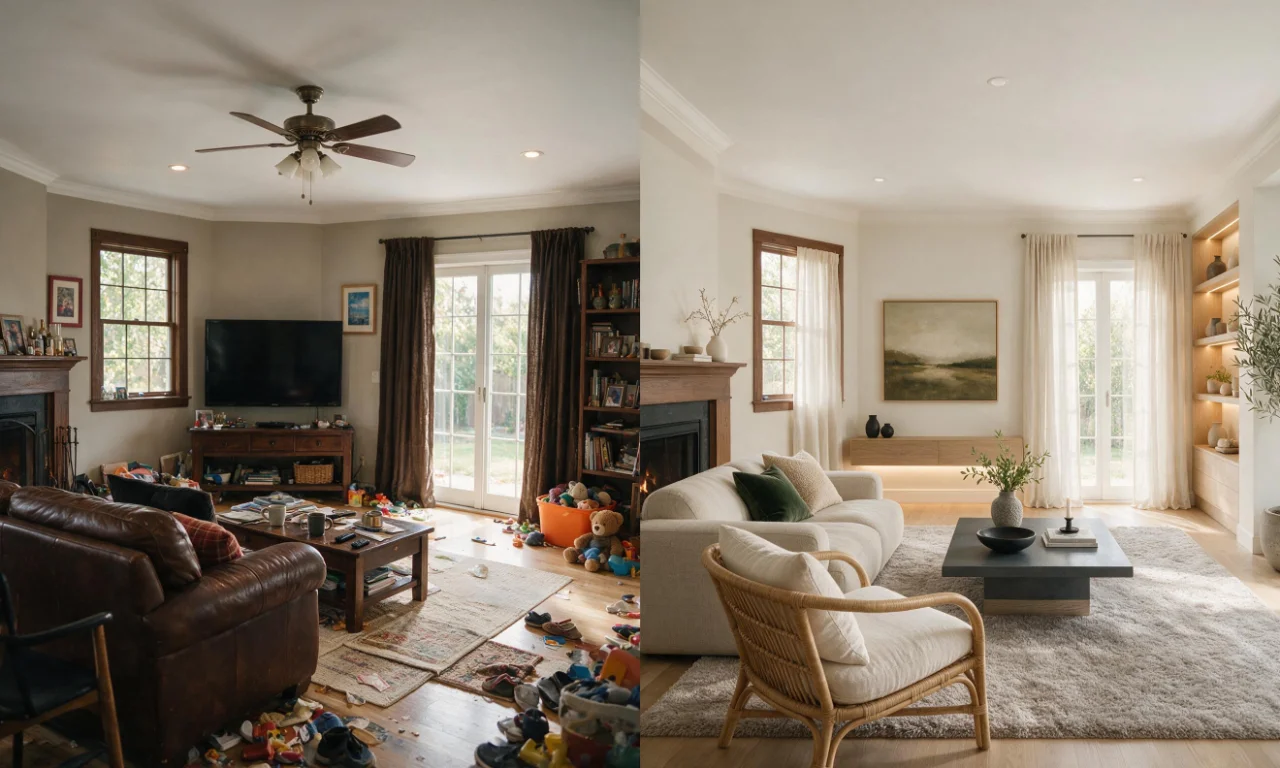
Explore the full range of AI design tools or start with AI Room Redesign if you already have furniture in place.
2. RoomGPT
RoomGPT suits casual users who want a quick style preview without creating an account for every test.
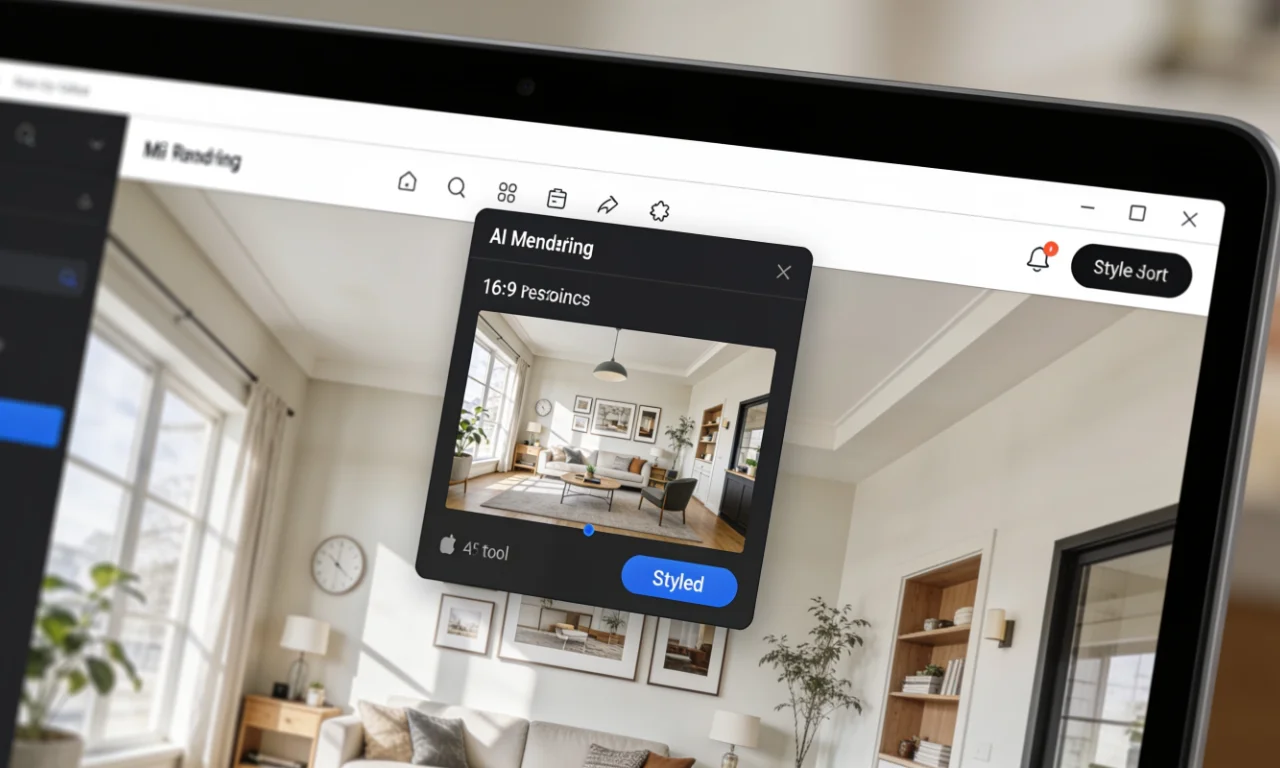
You upload a photo, pick a theme like modern or coastal, and the tool generates a restyled version of the room.
Its strength is simplicity. There is very little setup between uploading a photo and seeing a result.
The limitation is control. You get fewer options for guiding specific changes like furniture placement or material choice.

3. Interior AI
Interior AI works well for people who want a wider set of design styles to browse through.
The workflow is similar to other generators: upload a photo, select a style, and generate variations of the room.
Its notable strength is style variety, with a long list of aesthetic options to test against the same photo.
The limitation is that free usage is typically capped by credits, so heavy testing may require a paid tier. Check its current plan page for exact limits.
4. REimagine Home
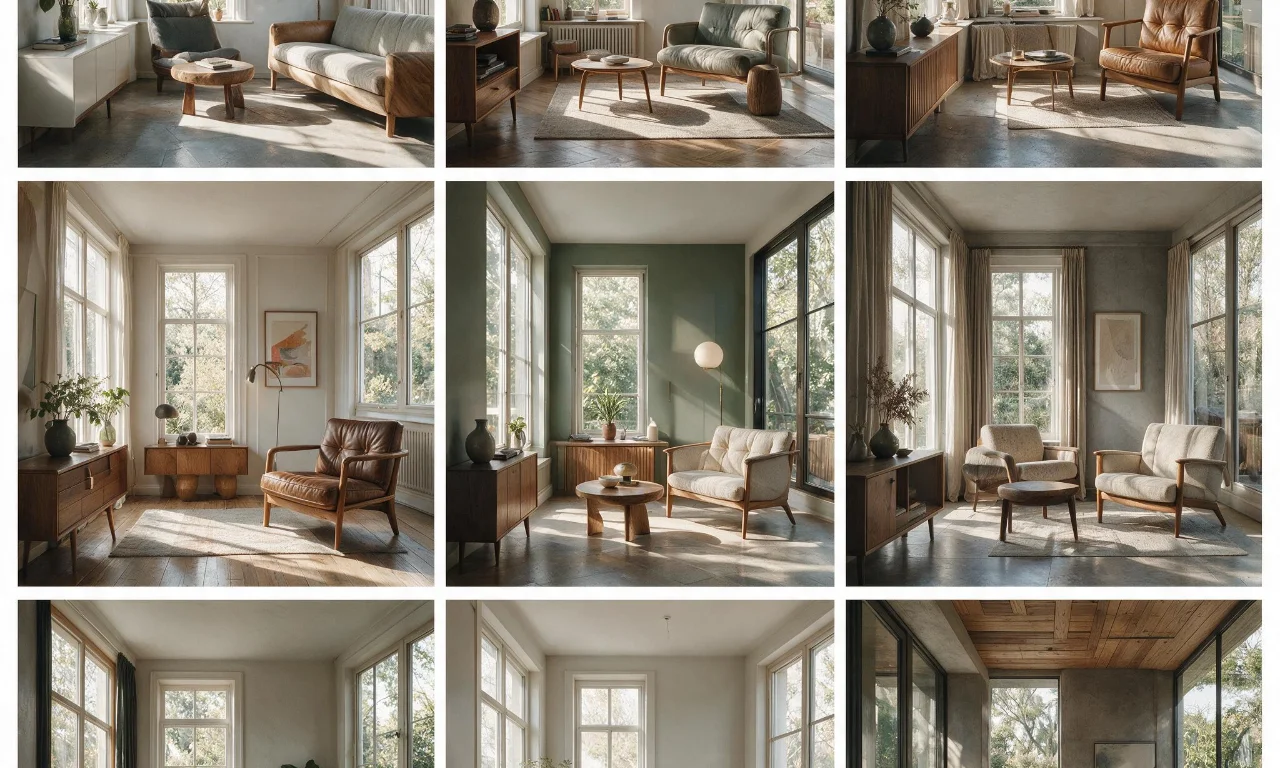
REimagine Home is aimed at users who want both interior and some exterior style previews in one tool.
You upload an image, choose a room type and style, and the AI generates a redesigned version for review.
Its strength is the breadth of style categories, useful for comparing very different design directions quickly.
A common limitation across tools like this is that free credits are limited, so extensive testing may hit a paywall sooner than expected.
5. Homestyler
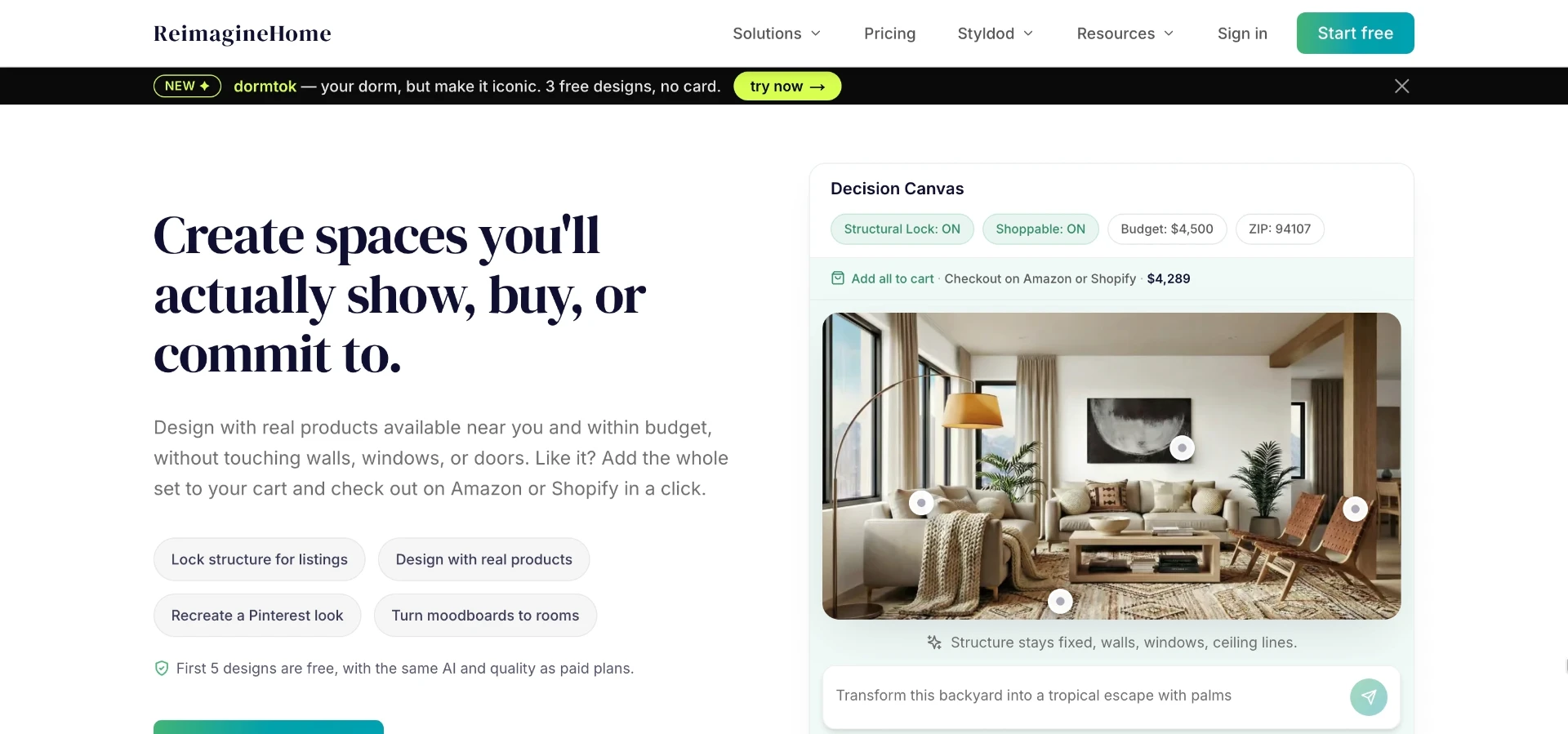
Homestyler suits users who want to combine AI restyling with more traditional room planning features.
Alongside AI-generated style previews, it includes furniture catalogues and layout tools for more hands-on planning.
Its strength is flexibility for people who want to go beyond a single AI image and build out a fuller plan.
The limitation is a steeper learning curve, since it offers more features than a simple upload-and-generate tool.
Choosing the Best Generator for You
The right ai design generator depends on what you are trying to solve, not just which tool looks flashiest.
If you need both indoor and exterior previews without juggling multiple apps, a broader free plan matters more than style count alone.
If you just want a fast, low-commitment preview, a simple upload-and-theme tool may be enough.
| Need | Best-fit approach | Watch for |
|---|---|---|
| Restyle a furnished room | AI room redesign tools | How much control you get over style direction |
| Declutter before listing a home | Virtual decluttering tools | Whether it handles light clutter only, or claims more |
| Preview an empty or staged room | Empty room generators | Free credit limits on repeated generations |
| Restyle a facade or exterior | Exterior redesign tools | Whether exterior features sit on a paid tier |
| Preview materials or finishes | Room renovation preview tools | How realistic the material rendering looks |
Real estate agents often lean toward tools that handle both decluttering and empty-room previews, since listings need both stages.
Flippers and homeowners planning renovations may value material previews more than style filters.
Browse the community gallery for real examples of finished redesigns before choosing a workflow, and compare plan details on the pricing page.
Future of AI in Home Design
AI design tools are getting better at handling lighting, shadows and material texture realistically.
Outdoor and landscape features are also expanding, since exterior projects were historically harder for AI to render convincingly.
Expect more tools to blend quick AI previews with more detailed planning features, similar to the gap between simple filters and fuller studio tools today.
- More realistic exterior and landscape rendering
- Faster generation with fewer visible artifacts
- Broader free tiers as competition between tools increases
Pro tip
Save both the original and generated photos. Comparing them side by side makes it easier to judge which changes are actually worth making.
For ongoing exterior projects, tools like AI Exterior Redesign and the AI Empty Room Generator are worth bookmarking as this space develops. You can also follow updates on the blog or explore the design studio for a more guided workflow.