
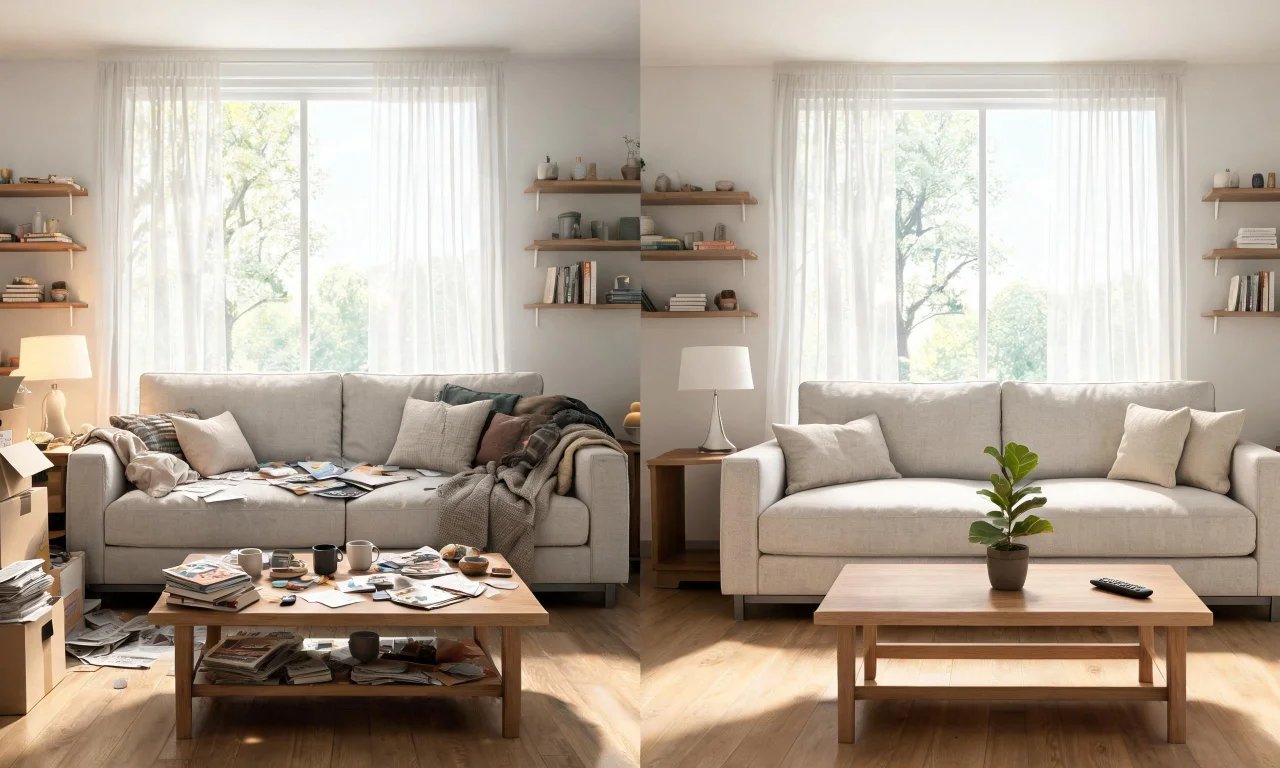
Clutter kills a listing photo faster than bad lighting. It also makes a lived-in room feel smaller and harder to plan around.
Whether you are prepping a home interior design project, staging a sale, or just trying to see a room clearly, decluttering is the first real step. This roundup covers five tools that actually help, from AI-powered visual cleanup to old-fashioned project boards.
Key takeaways
- Free AI tools can remove light clutter or empty a room entirely before you plan a redesign.
- Physical organizing apps and project boards solve a different problem: sorting what to keep, sell or donate.
- Professional decluttering and staging services cost real money, often hundreds of dollars per room.
- Combining a free visual tool with a simple checklist app covers most homeowner and agent needs.
- Not every tool suits every user, so match the tool to the job rather than picking the flashiest option.
How we chose these five decluttering tools for home interior design
We looked for tools that solve a real decluttering problem, not just general design software with a decluttering feature bolted on.
Each tool had to be easy to start using in under five minutes, with no steep learning curve. We also checked whether free access was genuinely useful, or just a locked demo.
- Does it remove or organize clutter, rather than just redesign a finished room?
- Is there a free or low-cost way to try it before paying?
- Does it suit homeowners, agents, flippers or designers specifically?
- Is the workflow simple enough to use without training?
Pro tip
Photograph the room before decluttering. It is the easiest way to prove progress and compare before and after shots later.
5 decluttering tools for home interior design projects
These five tools cover two different jobs: visually clearing a room, and organizing the physical process of decluttering it.
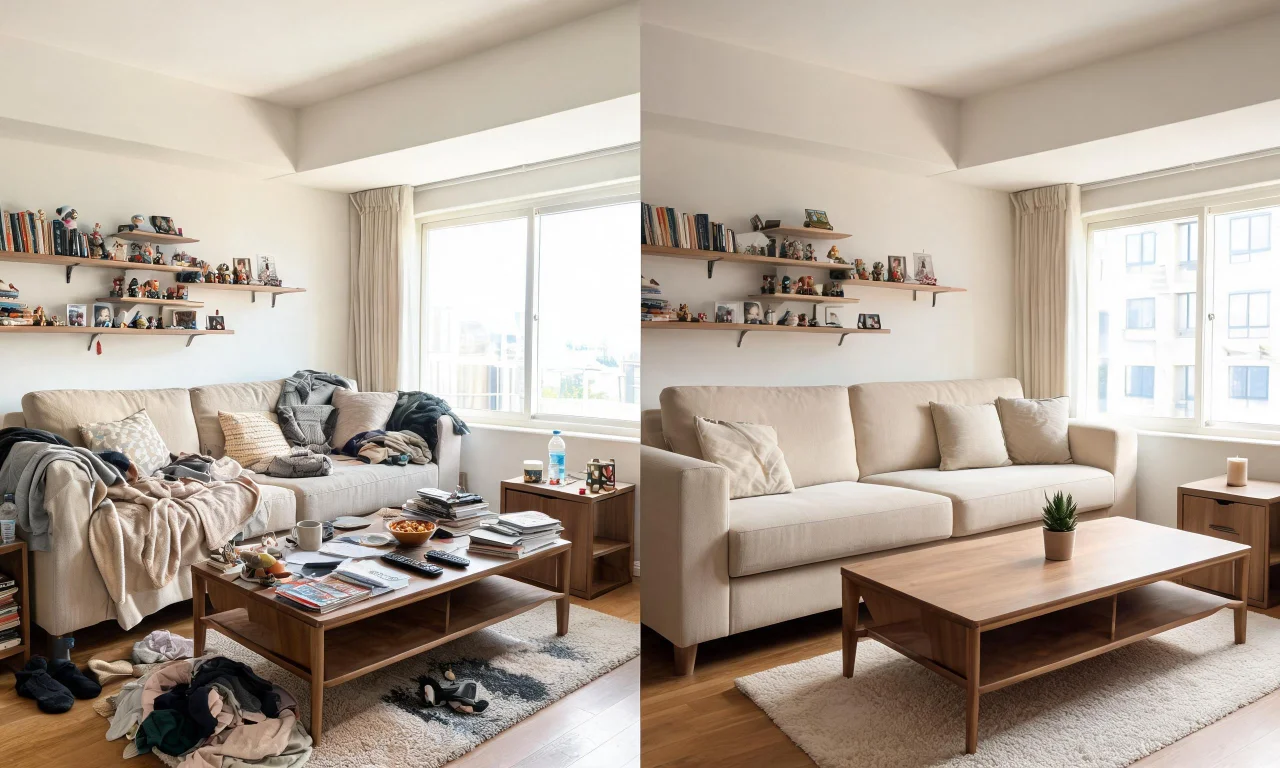
1. vividoo AI Virtual Decluttering
Best for homeowners who want to see a furnished room without the mess, fast, before deciding what to change.
You upload a photo of a furnished indoor room, and the tool removes light clutter like loose items, clothes, and surface mess.
It is a free-plan tool, so there is no cost barrier to testing it on a real photo today. The limitation is scope: it clears light clutter, not heavy furniture or structural changes.
2. vividoo AI Empty Room Generator
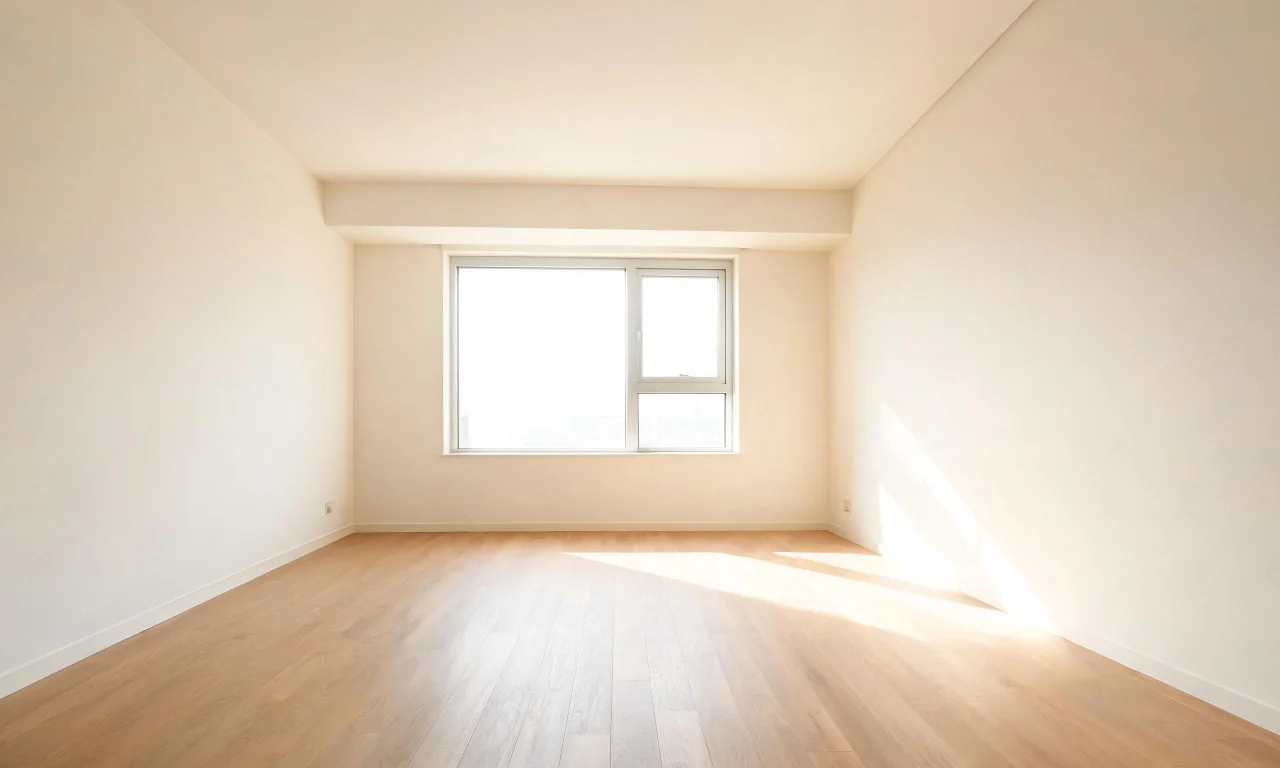
Best for anyone who needs a completely blank slate, including agents preparing listing photos or designers starting from scratch.
This tool clears an indoor, outdoor, or exterior space entirely, stripping out furniture and belongings to leave a bare room or yard.
It is also the tool behind vividoo's virtual staging workflow, which furnishes the empty room afterward. You can try the AI Empty Room Generator on the free plan.
The tradeoff is that a fully empty room removes context, so it works best as a first step before redesigning, not a final image on its own.
3. Sortly
Sortly is best for flippers and agents managing physical inventory across multiple properties, not a single room.
It works as a mobile app where you photograph and tag items, then sort them into categories like "keep," "sell," or "donate."
Its strength is barcode and photo-based cataloguing, which is useful when clearing out a house full of belongings before a sale or renovation.
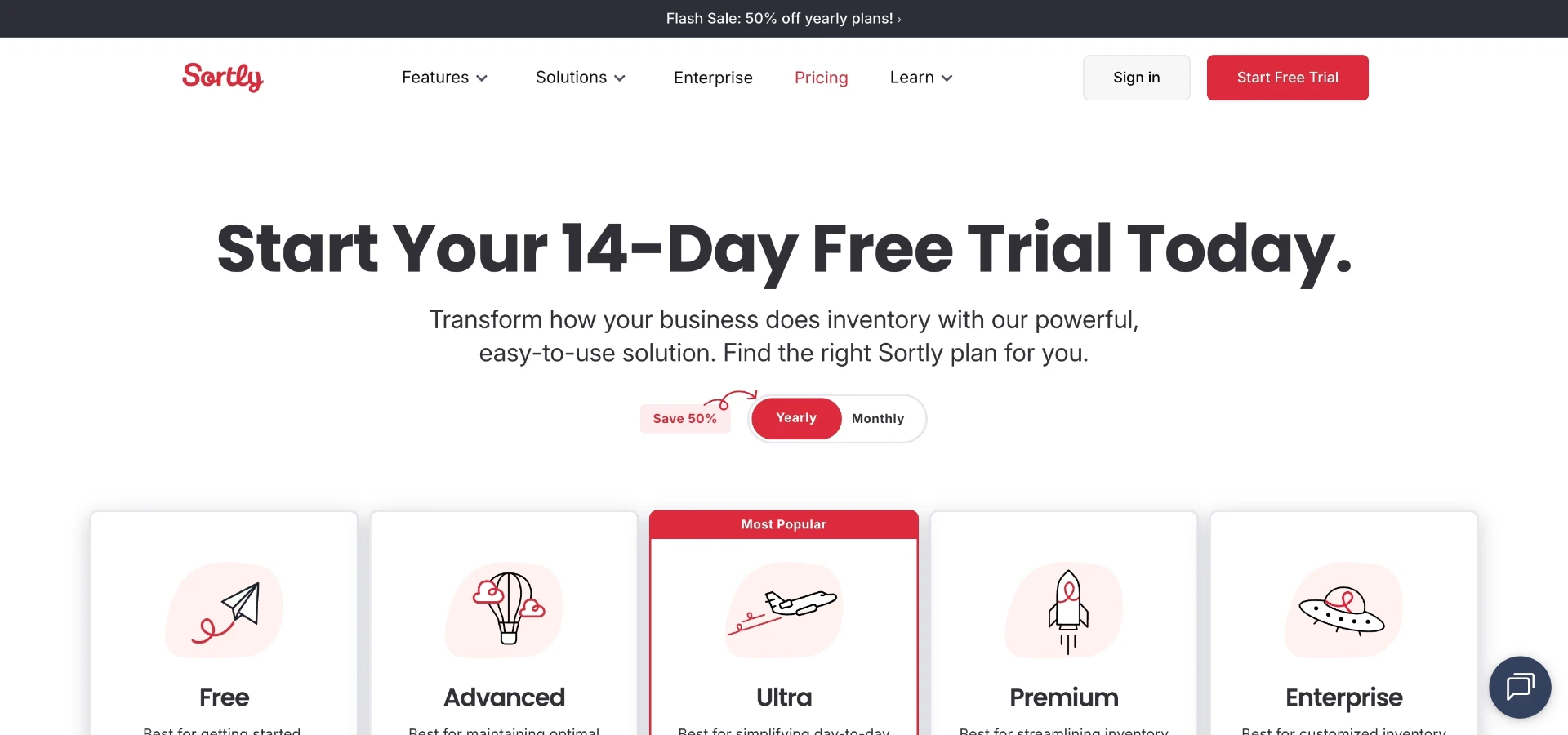
At the time of writing, Sortly lists a free plan at $0, an Advanced plan around $49 per month (or $24 per month billed annually), and higher tiers up to $299 per month. Check Sortly's current pricing page before committing, since plans change.

4. Notion
Notion suits homeowners and designers who want a single place to plan a room-by-room decluttering project.
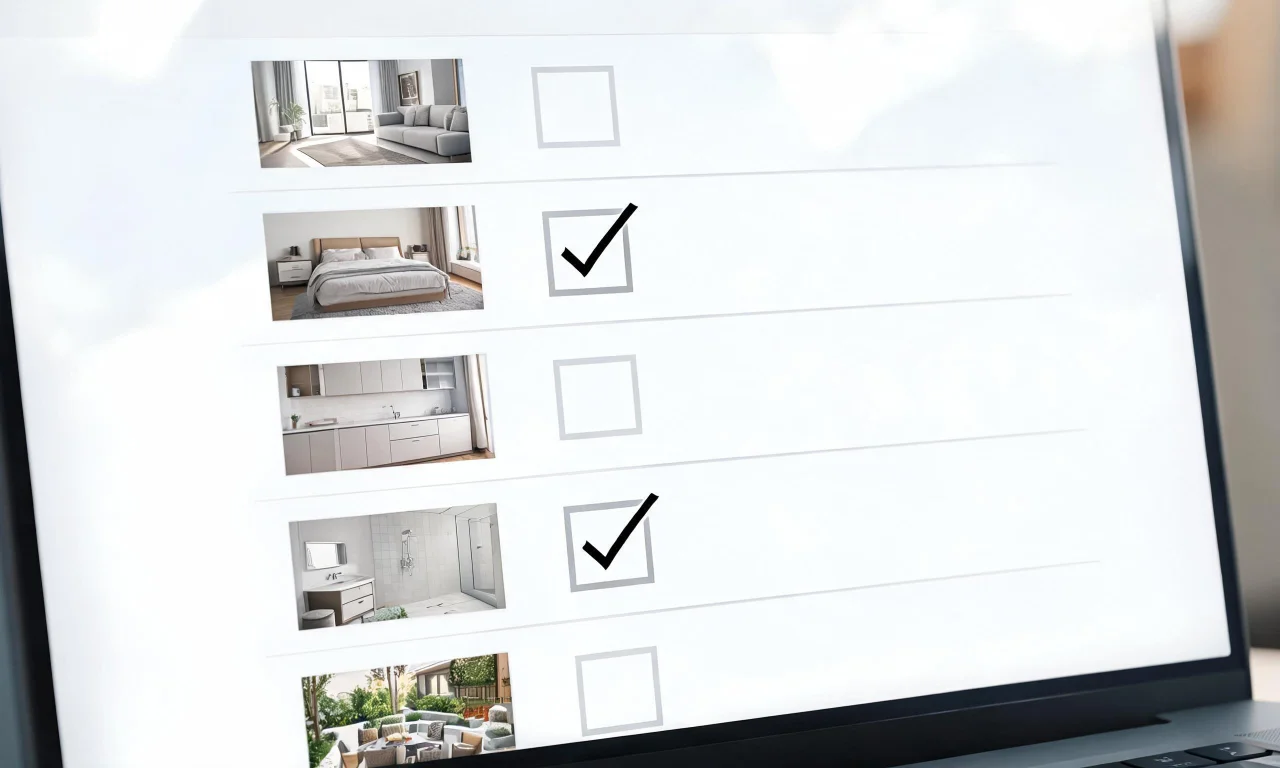
You build a workspace with checklists, tables, and notes, tracking what has been cleared, sold, or still needs sorting per room.
Its flexibility is the main strength, since you can build a custom decluttering tracker without learning a new app format.
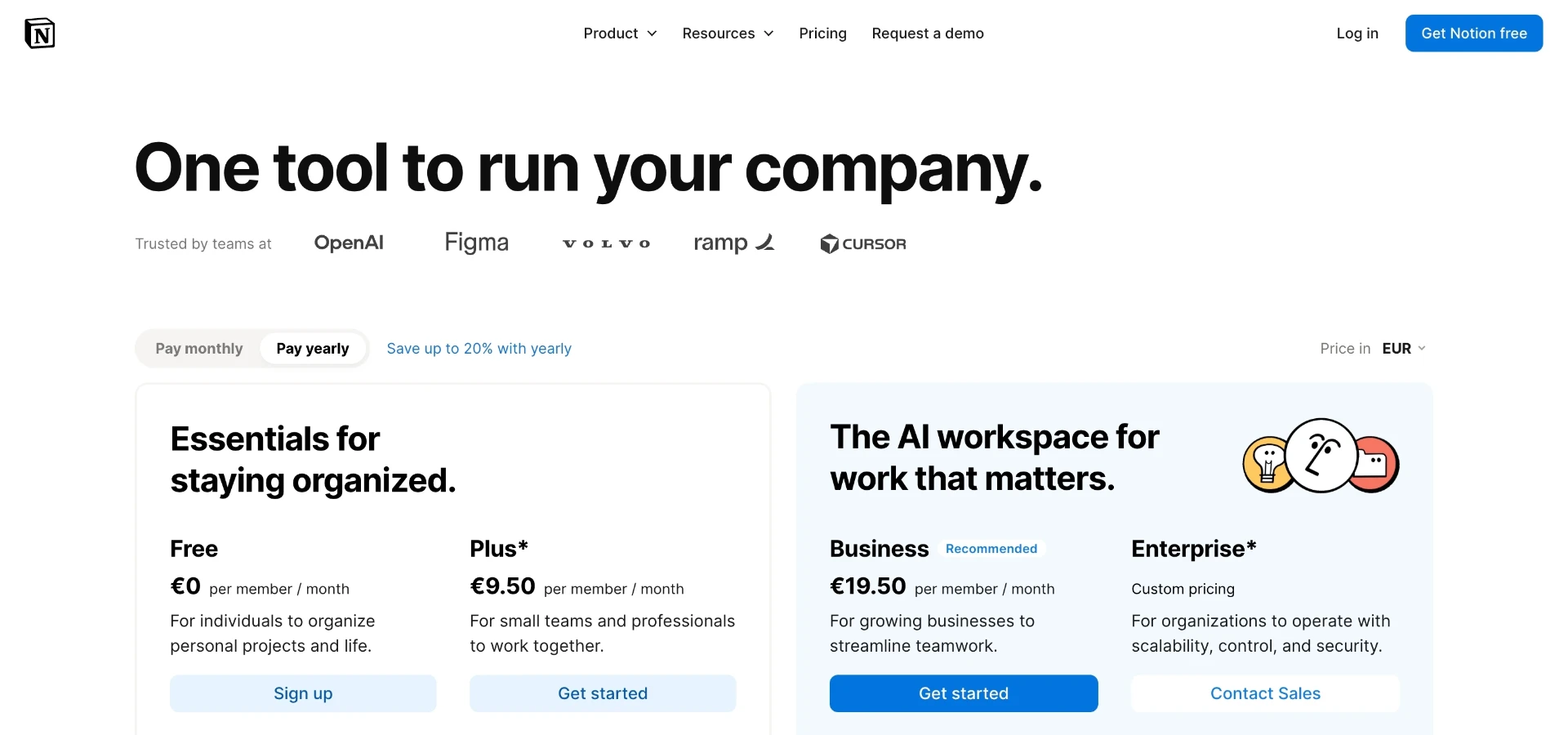
At the time of writing, Notion's Free plan is €0 per member per month, with a Plus plan at €9.50 and a Business tier at €19.50. Confirm current pricing on Notion's own page, as these figures can shift.
The downside is that Notion has no visual or photo-editing feature, so it only organizes the plan, not the room itself.
5. Trello
Trello works well for agents or teams juggling multiple listings or properties at once, each needing its own decluttering pass.
You set up a board with columns like "to clear," "in progress," and "done," moving cards for each room or property along.
Its strength is simplicity: drag-and-drop cards are easier to scan quickly than a dense spreadsheet.

At the time of writing, Trello's paid tier is listed at $6 per user per month billed annually, with a higher tier around $12.50 per user per month. Always check Trello's live pricing page for the current numbers.
The limitation is the same as Notion: no photo editing, so it manages the workflow but not the visuals.
Stop imagining. Start generating.
Redesign any interior or exterior in about 30 seconds with vividoo — no credit card needed to try it.
Try vividoo for freeRelated reading



Fresh AI before/after transformations every week.