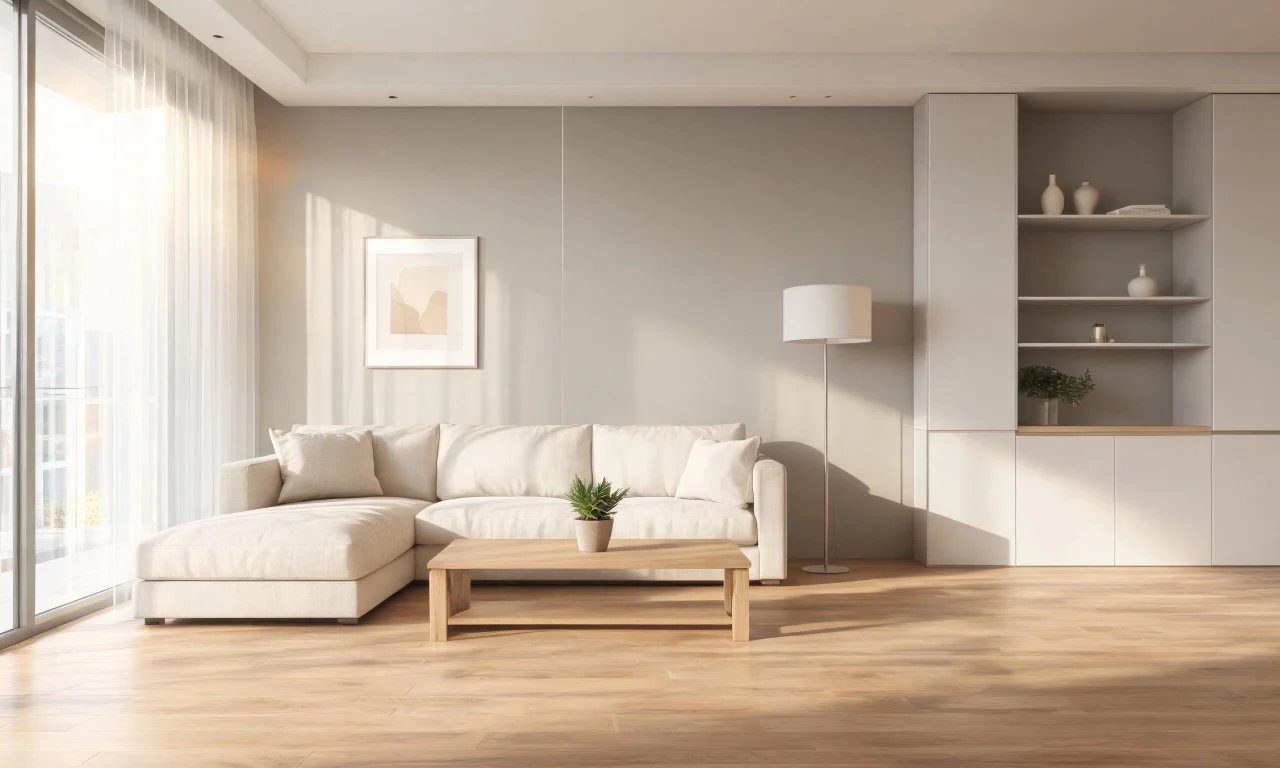
You walk into a listing photo and your eye snags on a pile of mail, a tangle of cables, or shoes by the door.
Before you've even registered the room's layout, you've registered mess. That split-second reaction is exactly what sellers need to avoid.
An ai declutter workflow lets you strip out that visual noise in minutes, without touching a single physical item in the house.
This guide walks through why clutter matters, how the technology actually works, and how to get results that look real.
Key takeaways
- Cluttered photos slow down buyer decisions and can hurt a listing's first impression.
- AI declutter tools remove light indoor clutter without needing a physical cleanup crew.
- Free tools handle loose items; heavier removal or full room clearing needs different plans.
- Realistic results depend on photo quality, lighting, and reasonable expectations for the tool.
- Decluttered photos still need basic editing checks before they go live on a listing.
Why Clutter Kills First Impressions
Buyers scroll through listings quickly, and cluttered rooms make that scroll even faster.
A messy countertop or a floor covered in toys pulls attention away from the actual selling points of a room.
It also raises a subtle doubt: if the surfaces are messy, what else has been neglected?
Clean, uncluttered photos let buyers imagine their own belongings in the space instead of yours.
- Cluttered counters distract from kitchen features like counter space or storage.
- Personal items make it harder for buyers to picture themselves living there.
- Visual noise in photos can make rooms look smaller than they are.
- Agents often cite tidy photos as a factor in stronger buyer engagement.
Pro tip
Photograph rooms at their tidiest moment, then use an ai declutter tool as a safety net for anything you missed.
How AI Declutter Tools Remove Light Clutter
AI declutter tools scan a photo, identify loose objects, and digitally remove them from the scene.
vividoo's free Virtual Decluttering tool is built for exactly this job in furnished, occupied rooms.
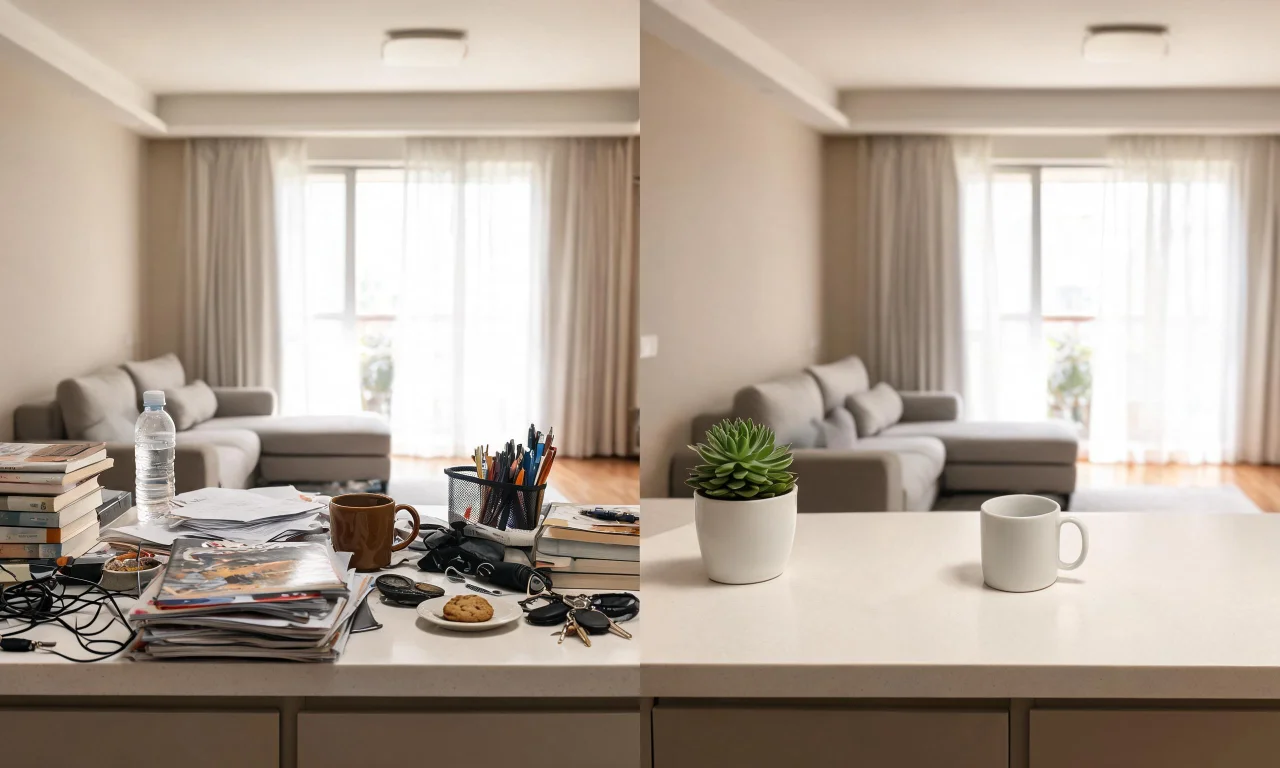
It targets light indoor clutter, things like stray papers, small objects on surfaces, or scattered laundry.
The tool works on the photo you already have, so there's no reshoot needed.
This is different from a full room clear-out. Virtual Decluttering keeps the furniture and layout intact.
It simply tidies what's already there, which makes it a fast first step before any other editing.
For sellers who want a fully staged look, this often pairs well with a follow-up restyle.
If you want to reimagine the furniture and finishes afterward, AI Room Redesign is a natural next step.
Step-by-Step: Uploading and Processing Photos
The actual workflow is short, and most sellers can complete it without any design background.
Here's the general process for using an ai declutter tool on a listing photo.
- Choose a well-lit photo of the room, ideally shot straight-on rather than at an angle.
- Upload the image into the decluttering tool.
- Let the tool process the photo and identify light clutter to remove.
- Review the result against the original to check nothing important was altered.
- Download the cleaned photo for your listing gallery.
Processing time is generally quick, but results can vary depending on how busy the original photo is.
A photo with a handful of loose items will usually process more cleanly than one packed with overlapping objects.
Best Practices for Realistic Results
Getting a natural-looking result depends more on your input photo than on the tool itself.
A few habits make a noticeable difference in output quality.
- Shoot in daylight or with even artificial lighting to avoid harsh shadows.
- Keep the camera steady to avoid blur around edges the AI needs to read clearly.
- Avoid extreme close-ups where clutter overlaps heavily with furniture or walls.
- Start with the tidiest realistic version of the room, rather than relying on AI alone.
- Always compare the processed photo to the original before uploading it anywhere.
Pro tip
Take two or three angles of each room. If one photo processes awkwardly, you'll have a backup ready.
Good source photos aren't just about the AI performing well. They also matter for accurate listing representation.
Buyers expect photos to reflect the real room, so keep edits limited to genuine tidying rather than dramatic changes.
What AI Declutter Can and Cannot Remove
Understanding the limits of an ai declutter tool helps set the right expectations before you start.
Free-tier declutter tools are built for light clutter, not full room transformations.
What it typically handles
Loose, small items on surfaces are the sweet spot for this kind of tool.
Think stray papers, small decor pieces, dishes, or scattered personal items in a furnished room.
What it's not designed for
Larger objects, like furniture you want removed entirely, usually need a different tool.
vividoo's Object Remover, part of the Starter plan, is built for that heavier lifting.
Clearing an entire room down to bare walls and floor is also a separate workflow.
The AI Empty Room Generator handles that, and can also support virtual staging once a room is empty.
| Tool | Plan | Best for |
|---|---|---|
| Virtual Decluttering | Free | Light indoor clutter in furnished rooms |
| Object Remover | Starter | Removing specific larger objects or furniture pieces |
| Empty Room Generator | Free | Clearing an entire indoor, outdoor, or exterior space |
Choosing the right tool for the job saves time and produces a more believable result.
Trying to force a light declutter tool to do a full clear-out usually looks unnatural.
Preparing Decluttered Photos for Listings
Once your photos are decluttered, a few final checks make sure they're listing-ready.
This step is easy to skip, but it catches small issues before buyers see them.
- Check file resolution matches what your listing platform requires.
- Compare each photo against the room in person to confirm accuracy.
- Keep a consistent style across all rooms so the listing gallery feels cohesive.
- Avoid over-editing beyond decluttering, since buyers still expect an honest representation.
If you're also refreshing exterior shots, a matching workflow exists for facades and outdoor spaces.
AI Exterior Redesign can tidy up curb appeal to match your decluttered interiors.
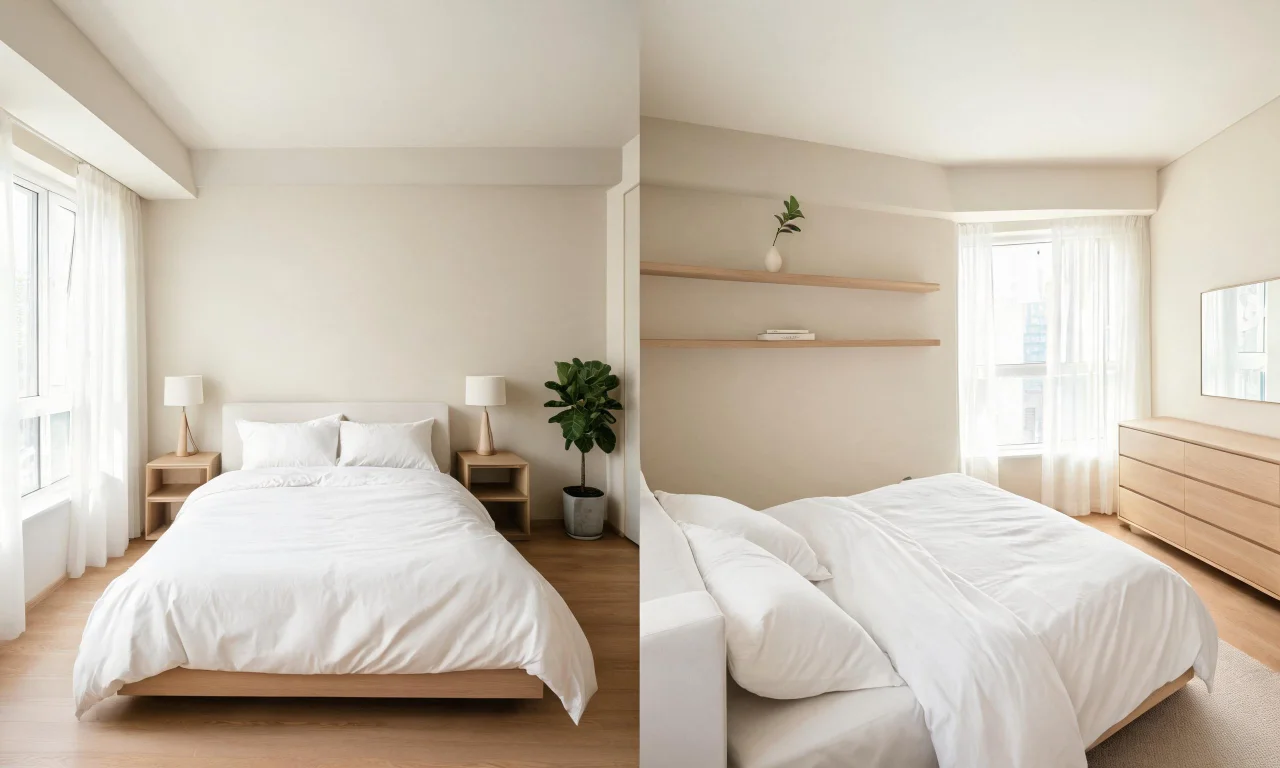
For sellers managing several properties, browsing other results can help set realistic expectations.
The Community Gallery shows examples from other users' projects.
You can also explore the full AI Design Tools lineup if you need more than just decluttering.
Pricing details for Starter and Pro features are listed on the Pricing page.
Once your listing photos are polished, the last step is simply reviewing them as a full set.
Consistent, decluttered photos across every room give buyers a clearer, more confident first impression.