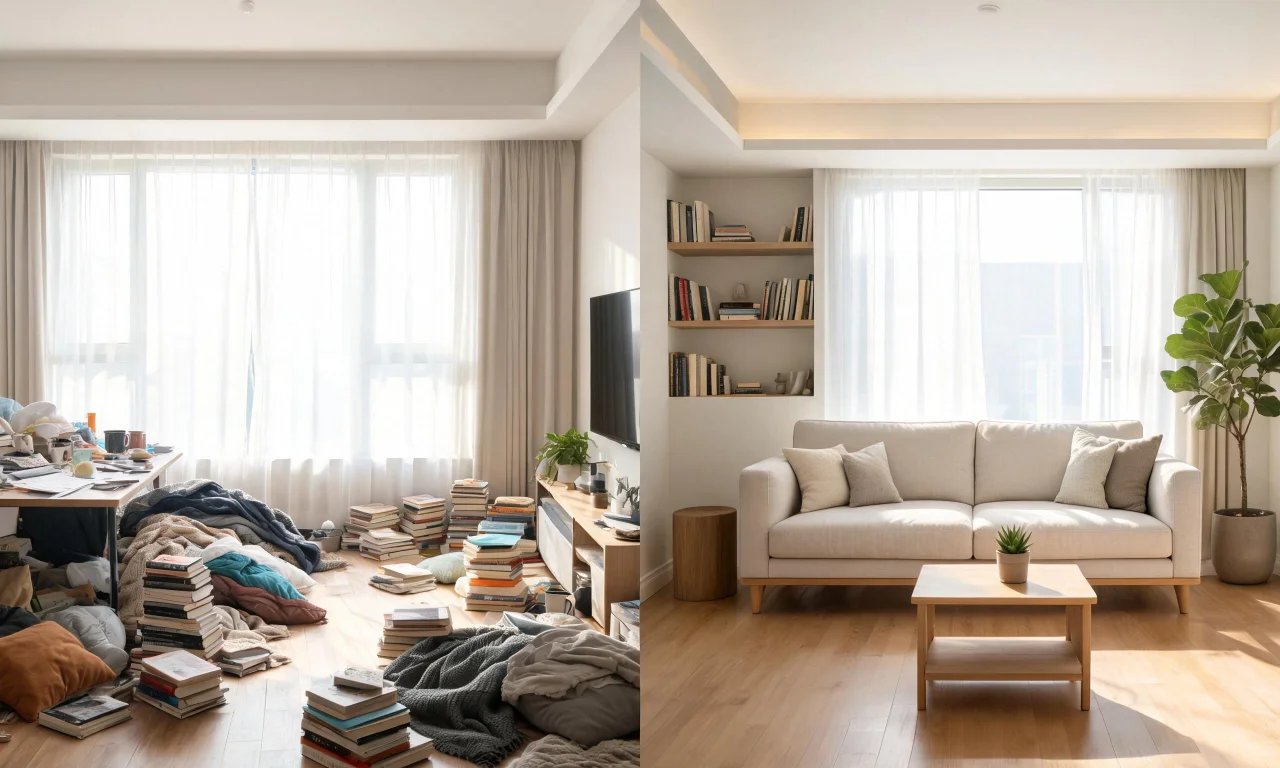
You're about to photograph a room for a listing, a flip, or a redesign mood board. But the shelves are messy, the counters are covered, and the couch has three months of laundry on it.
This is exactly where ai interior design free tools earn their keep. A good virtual decluttering tool clears the visual noise from a photo in minutes, no tidying required.
This guide walks through why decluttering matters, how the free tool works, and where its limits sit before you need something stronger.
Key takeaways
- Virtual decluttering removes light indoor clutter from photos without touching the room itself.
- The free tool works from a single photo: upload, prompt, review.
- It handles surface clutter well but struggles with heavy debris or structural mess.
- Object Remover on the Starter plan is the next step for stubborn or large items.
- Pairing decluttering with other free tools gives a cleaner before-and-after story.
Why virtual decluttering matters before listing or redesigning
First impressions happen in a thumbnail. A cluttered photo makes a room look smaller and less cared-for than it actually is.
Real estate agents know this better than anyone. Listings with tidy, clear photos tend to hold attention longer than ones buried in clutter.
Designers and flippers face the same problem earlier in the process. It's hard to picture a fresh layout when the current one is buried under clothes, boxes, and cables.
- Cleaner photos help buyers picture themselves in the space.
- Decluttered rooms are easier to redesign digitally afterward.
- It saves the time and awkwardness of a physical tidy-up before every shoot.
Decluttering isn't about hiding problems. It's about letting the room's actual bones show through the mess.
How ai interior design free tools handle decluttering on a photo
vividoo's free Virtual Decluttering tool works directly on a photo you already have. There's no need to stage or reshoot the room first.
It's built for light indoor clutter: loose items, small piles, everyday mess sitting on furniture or floors. The tool reads the photo and removes that clutter while keeping the room's layout intact.
This sits alongside vividoo's other free tools, including AI Room Redesign for restyling a furnished room and the AI Empty Room Generator for clearing a space entirely.
Pro tip
Take the photo in daylight if you can. Even lighting helps the tool distinguish clutter from furniture and fixtures.
Decluttering is often the first move in a longer workflow. Once a room is clear, it's much easier to redesign or restage digitally afterward.
Step-by-step: upload, prompt, review results
The process is short by design. Most people go from photo to cleaned-up result in a few minutes.
- Upload a clear photo of the room, ideally taken straight-on and well lit.
- Select the Virtual Decluttering tool and describe what you want cleared, such as loose items or surface mess.
- Run the generation and wait for the tool to process the image.
- Review the result against the original photo, checking that furniture and layout stayed intact.
- Download the cleaned image or move on to another free tool for further changes.
Reviewing the result matters. AI decluttering works on visual patterns, so it's worth a quick check before you use the photo publicly.
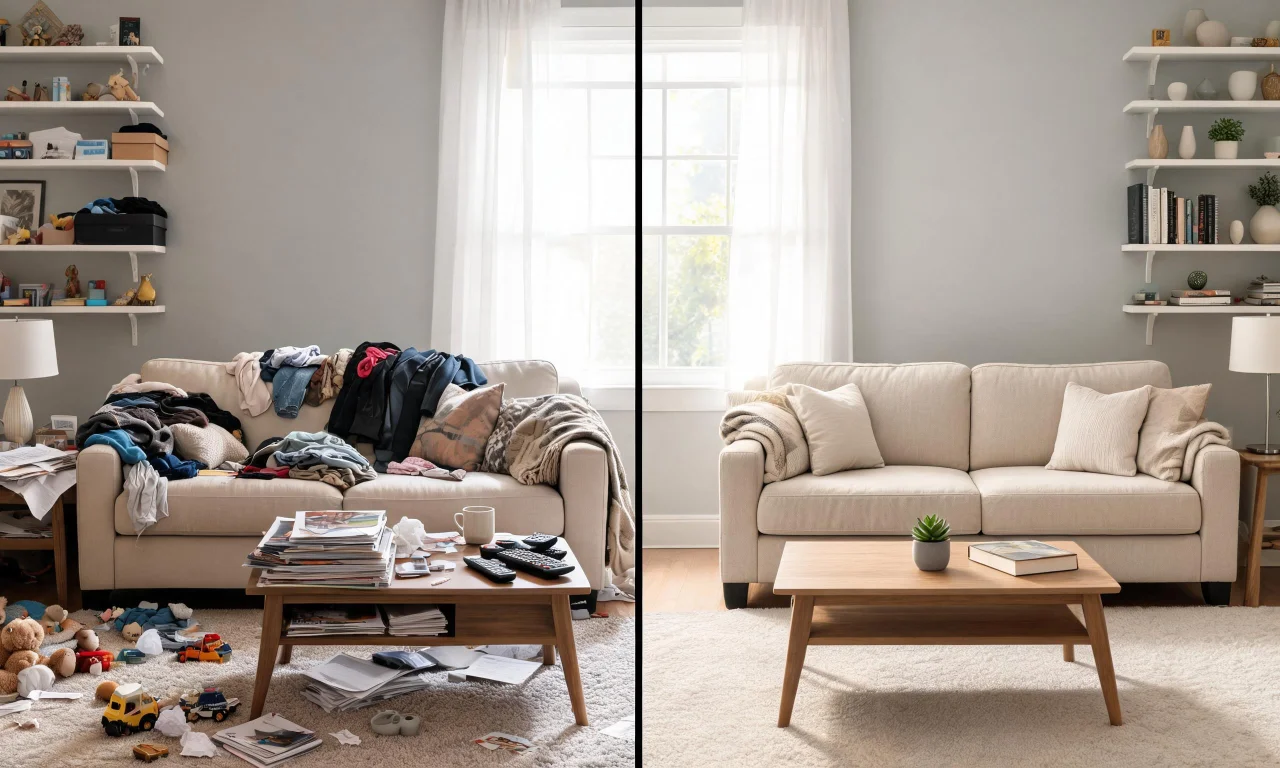
If the first pass misses something, adjusting the prompt and rerunning usually gets a cleaner result.
What it can and can't remove: light clutter vs heavy debris
Understanding the tool's limits saves frustration later. Virtual Decluttering is built for light indoor clutter, not construction debris or major structural mess.
What it handles well
Loose clothing, stray papers, small boxes, dishes, and everyday surface mess are all reasonable candidates. The tool is designed to clear this kind of visual clutter from an otherwise normal, furnished room.
- Clothes or bags left on furniture
- Small stacks of items on counters or shelves
- Loose cables, toys, or everyday odds and ends
What it doesn't do
Heavy debris, construction leftovers, or large piles of furniture are a different challenge. That level of mess falls outside what a light decluttering pass is meant to handle.
It also won't rearrange furniture or add new items. It removes clutter, it doesn't redesign the room.
Pro tip
If a space is completely empty, the Empty Room Generator is the better free tool to start with instead of decluttering an already-clear photo.
Free vs paid: when to move up to Object Remover on Starter
Not every removal job fits inside the free tool's scope. Larger, more stubborn objects usually need a more targeted tool.
That's where Object Remover comes in, available on vividoo's Starter plan. It's built for specific unwanted items rather than general surface clutter.
| Approach | Best for | Plan level |
|---|---|---|
| Manual photo editing | One-off precise fixes, but slow and skill-dependent | No plan, separate software |
| Virtual Decluttering | Light surface clutter across a whole room | Free |
| Object Remover | Specific, stubborn, or larger unwanted items | Starter |
If you're regularly dealing with awkward objects, not just general mess, Object Remover is worth checking against the Pricing page.
Starter also unlocks AI Add or Replace Furniture, Outdoor Redesign, and other tools beyond basic decluttering.
Before-and-after examples for quick inspiration
Seeing the transformation helps more than reading about it. A cluttered bedroom photo next to its cleared version makes the value obvious immediately.
Agents often pair a decluttered before-and-after with a redesigned version for listing photos. It shows both the room's potential and its current honest state.
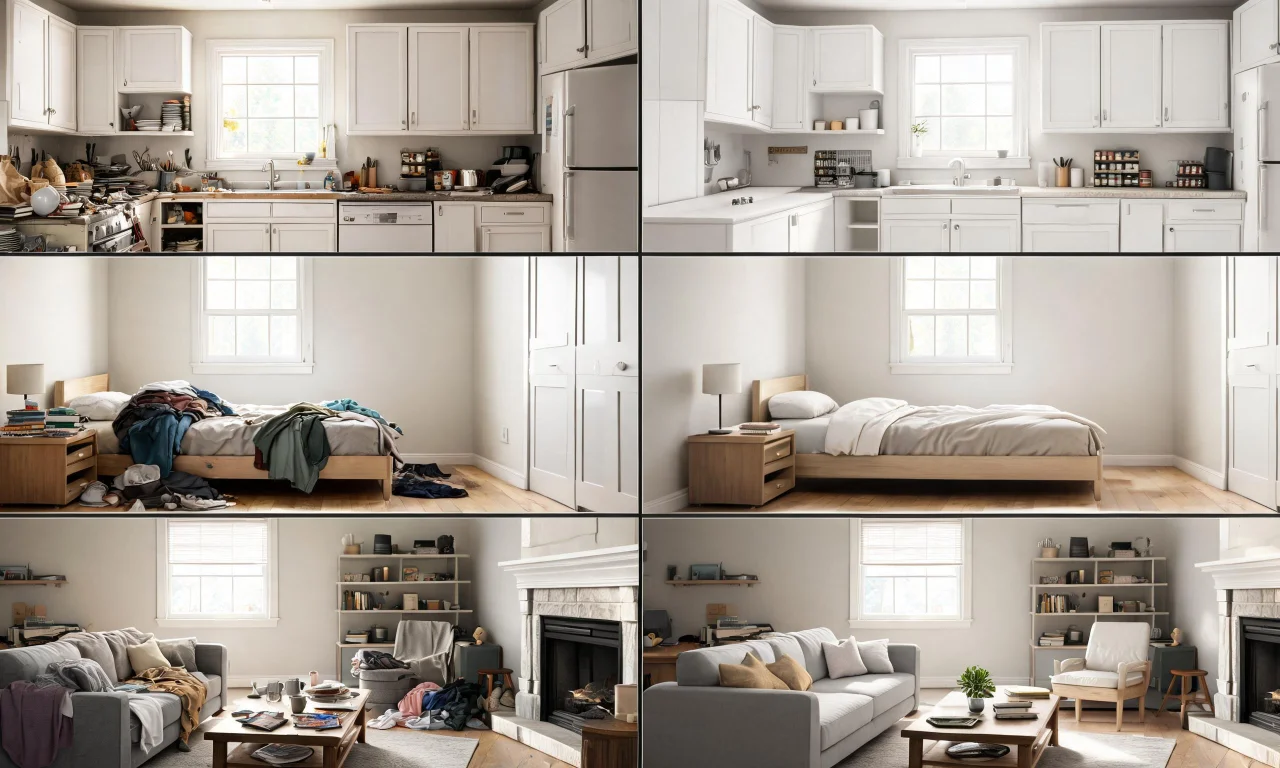
Browsing real examples from other users is a fast way to judge what's realistic. The Community Gallery collects submitted before-and-afters across different room types.
Watching the workflow in motion makes the upload-prompt-review sequence easier to picture on your own photos.
Turning a decluttered photo into a finished redesign
Decluttering is rarely the final step. Most people use it as groundwork for a full redesign or staging pass afterward.
Once a room reads clean, tools like AI Room Redesign or AI Room Renovation can take it further with new styles or finishes.
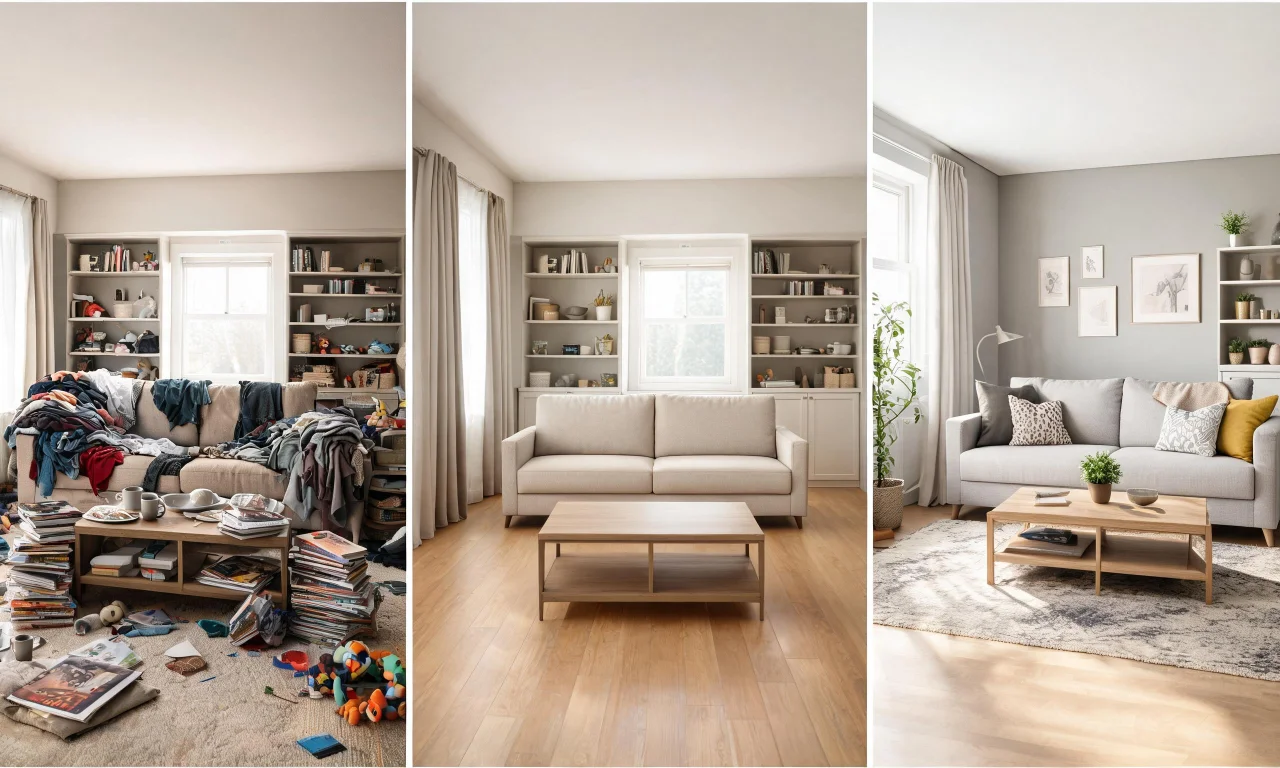
Exploring the full toolkit helps map out which free and paid steps fit your project. The AI Design Tools overview lays out what's available at each plan level.
For more walkthroughs and workflow ideas, the Blog covers other practical uses for these free tools.