You're staring at a listing photo of an empty living room, or a client's dated kitchen, and wondering what it will actually cost to visualize a fix.
Every tool in this space quotes a different number, on a different billing cycle, for a different slice of the work.
This guide breaks down what ai interior design software actually costs in 2026, how it stacks up against traditional design services, and where free tools genuinely save you money.
Key takeaways
- Free-tier AI design tools can replace several one-off spends, like a single round of virtual staging or a decluttering preview, at no cost.
- Paid software plans range from roughly $10 a month for basic 3D modeling to nearly $2,000 a year for professional architectural suites, based on published pricing at the time of writing.
- Human-led design services still cost far more per project, typically hundreds to thousands of dollars per room.
- Physical home staging runs $300-$600 per room, per month, in the US market, according to industry staging cost reports.
- The right budget tier depends on whether you need a quick visual, a full room plan, or ongoing professional support.
What ai interior design software actually costs in 2026
Pricing in this category spans three very different business models.
Some platforms are pure software subscriptions, billed monthly or annually, with no human involved.
Others are marketplaces that pair you with a real designer, so you're paying partly for software and partly for labor.
A third group, including AI redesign tools, sits somewhere in between: automated output, tiered by feature access rather than by hours worked.
- Pure software subscriptions: priced per user, per month or year, regardless of how many rooms you design.
- Marketplace design services: priced per project or per package, because a person is doing the work.
- AI redesign platforms: usually free for core visual tools, with paid tiers unlocking more advanced editing.
Knowing which model you're buying into matters more than the sticker price itself.
How we evaluated pricing and value across platforms
We looked at five criteria for every tool in this guide.
First, what does the free tier actually let you do, not just what it claims.
Second, what triggers an upgrade, and is that upgrade worth it for a typical homeowner or agent.
Third, how the published price compares to the real-world cost of the task it replaces.
- Transparency: is current pricing published, or hidden behind a sales call.
- Fit: is the tool built for DIY homeowners, professional designers, or both.
- Workflow: does it produce a finished visual, a technical plan, or a shoppable list.
- Value versus the human alternative it's replacing.
Pro tip
Always check a provider's live pricing page before buying. Software pricing changes often, and screenshots go stale within months.
Full-service and DIY software platforms compared
These are the established names homeowners and agents often shortlist alongside AI redesign apps.
Each serves a different job, so the "best" one depends entirely on what you're trying to produce.
Havenly
Havenly is best for someone who wants a real interior designer's input, delivered remotely, without a full in-home consultation.
You answer a style questionnaire, get matched with a designer, and receive a room concept plus a shopping list back.
Its notable strength is the human judgment behind every plan, which automated tools can't fully replicate yet.
The limitation is turnaround time and cost per room, since a person is doing bespoke work rather than generating instant previews.
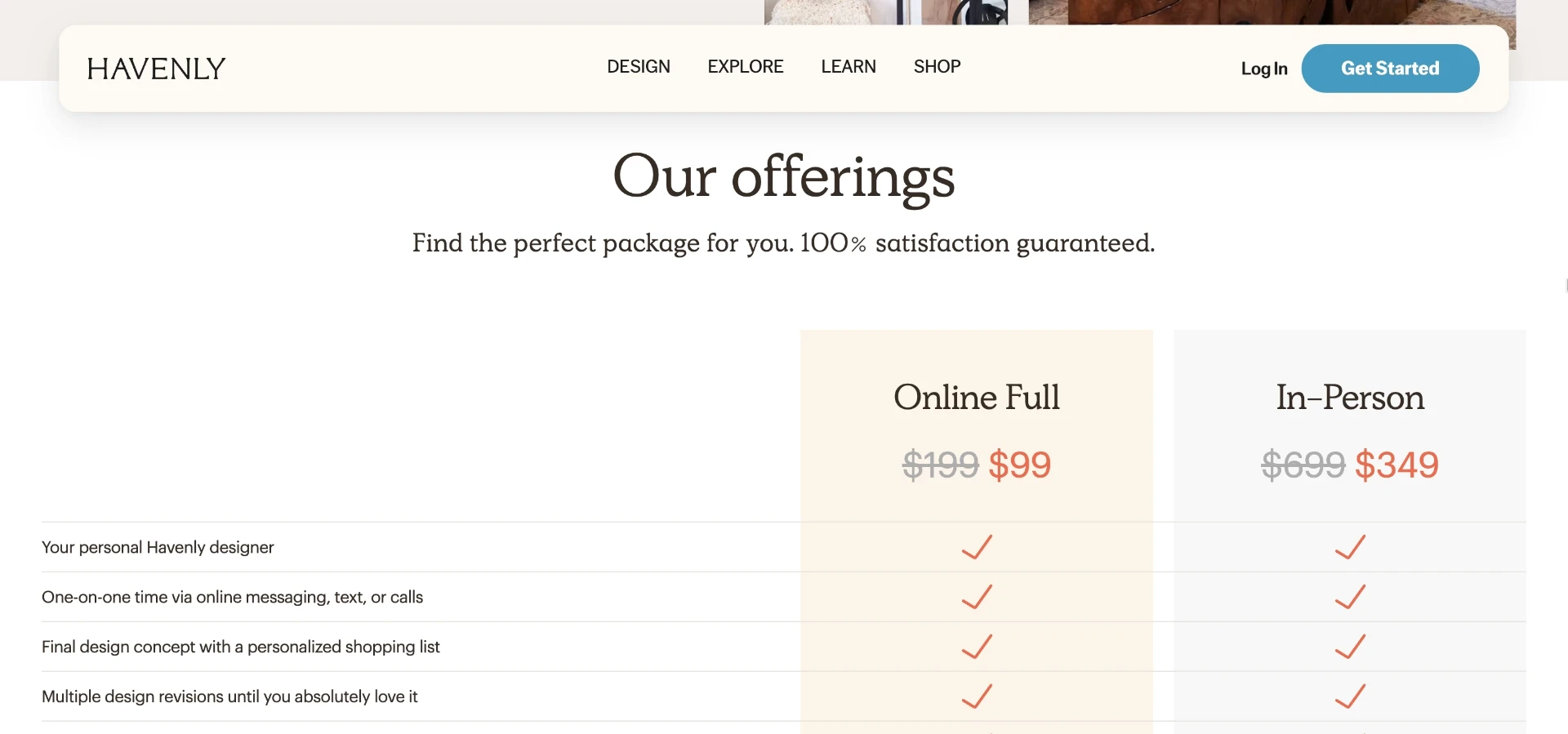
At the time of writing, Havenly's published pricing shows an Online Full package around $199, discounted to $99, and an In-Person package around $699, discounted to $349. Always confirm current pricing on Havenly's plan page.
SketchUp
SketchUp suits people who need actual 3D modeling, not just a styled photo, such as remodelers planning a layout.
You build a model from scratch or a template, then render walls, furniture, and finishes in editable 3D space.
Its strength is precision: it's built for people who need dimensions and structure, not just a mood-board render.
The limitation is the learning curve, since it's modeling software first and a design inspiration tool second.
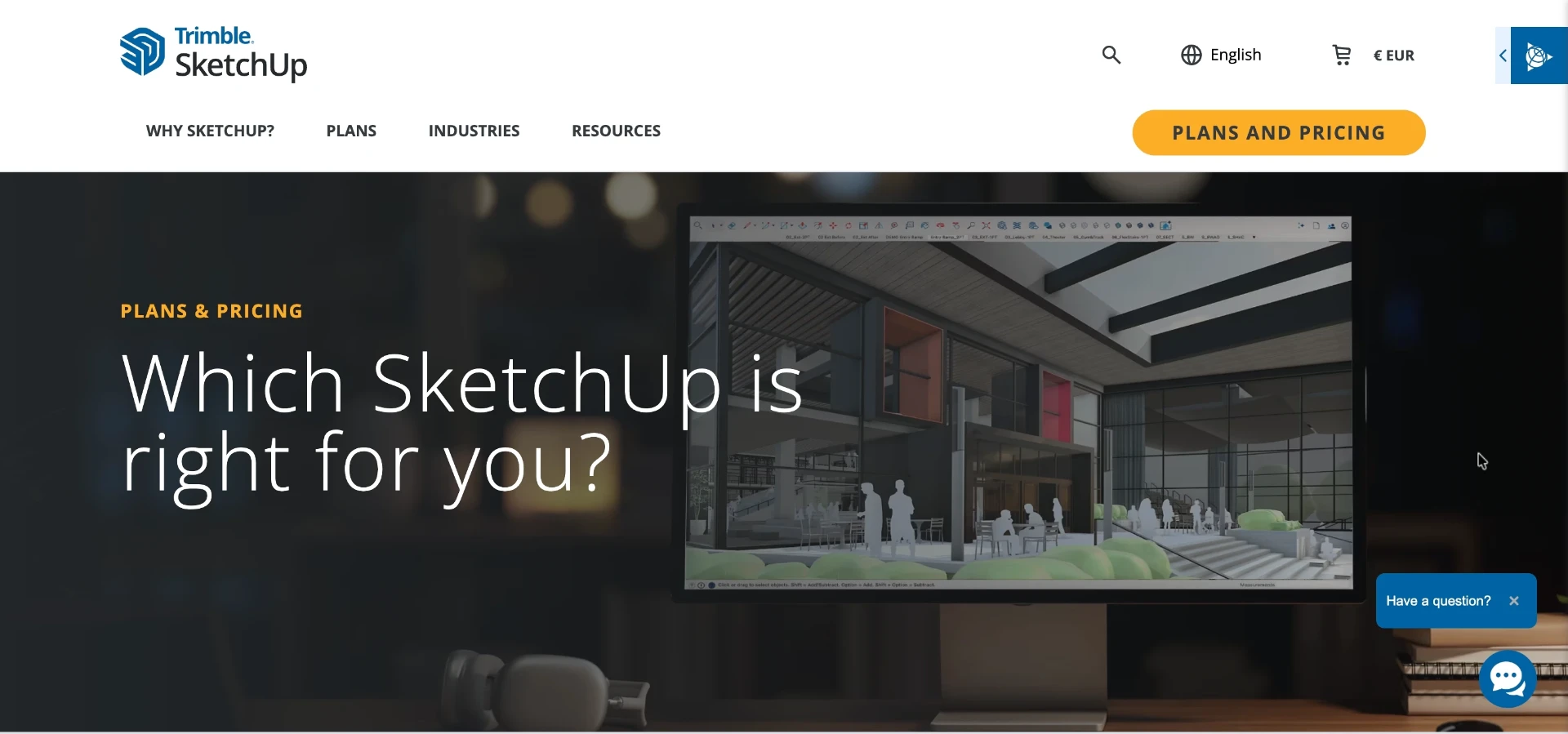
At the time of writing, SketchUp lists a Go annual plan at $10.75, a Pro annual plan at $33.25, and a Studio annual plan at $68.25, all in USD. Check SketchUp's plans page for current terms.
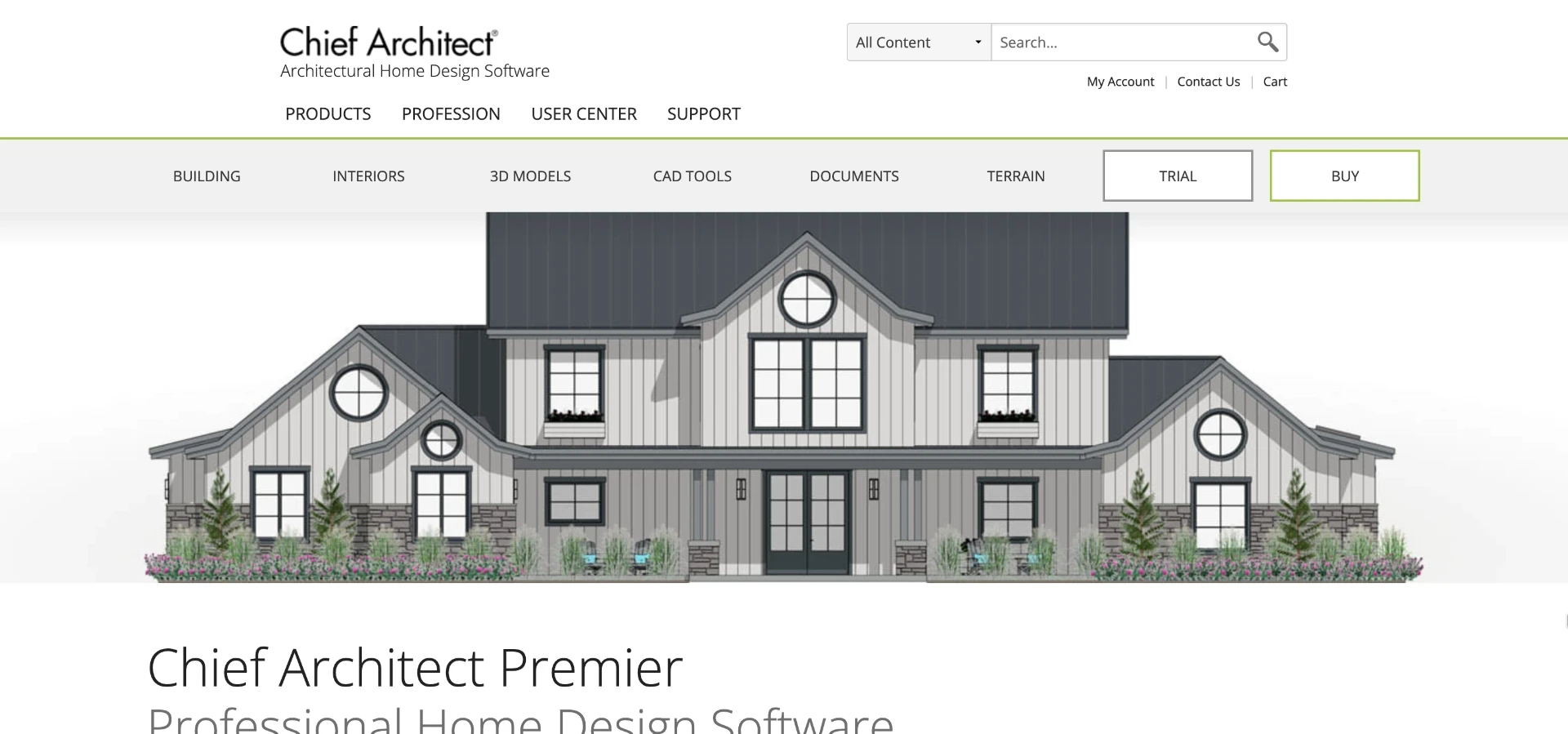
Chief Architect
Chief Architect is aimed at professional designers, builders, and remodelers who need construction-grade drawings.
You work in a CAD-style environment that generates floor plans, elevations, and material takeoffs alongside 3D views.
Its strength is depth: it's closer to architectural software than a consumer design app.
The limitation is cost and complexity for anyone who just wants a quick style preview rather than a build-ready plan.
At the time of writing, Chief Architect lists an annual plan at $1,995 per year, or $229 per month billed monthly, with the annual option working out to roughly $166.25 per month. Confirm current figures on Chief Architect's product page.
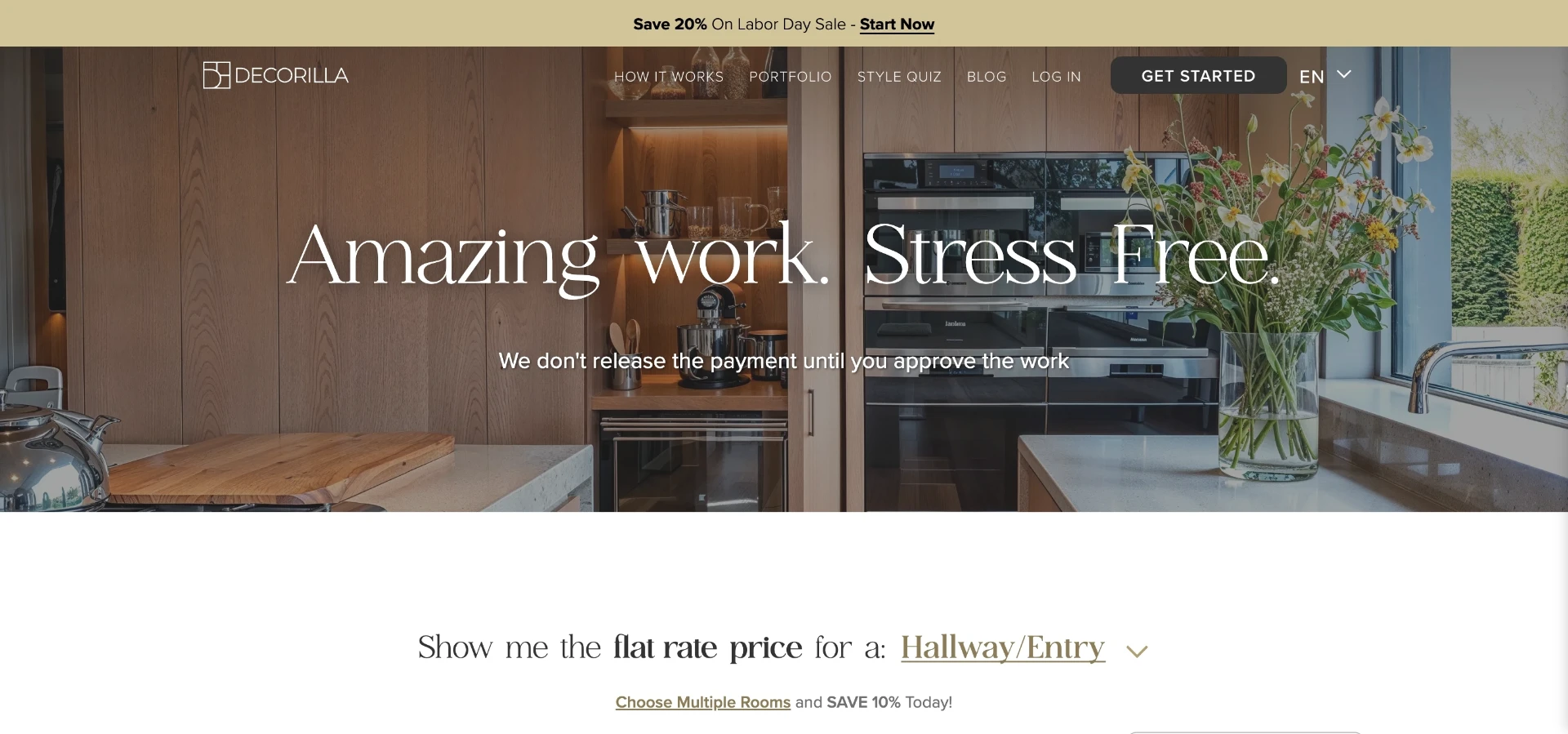
Decorilla
Decorilla suits homeowners who want a curated, e-design experience with a choice of designer styles.
You submit room photos and a budget, then get back a design package with renderings and a shopping list.
Its strength is the ability to pick from multiple designer styles before committing to a package.
The limitation, for budget-conscious readers, is that specific package pricing wasn't available on its public page at the time of writing, so you'll need to check Decorilla's own pricing page for current numbers before comparing it to software alternatives.
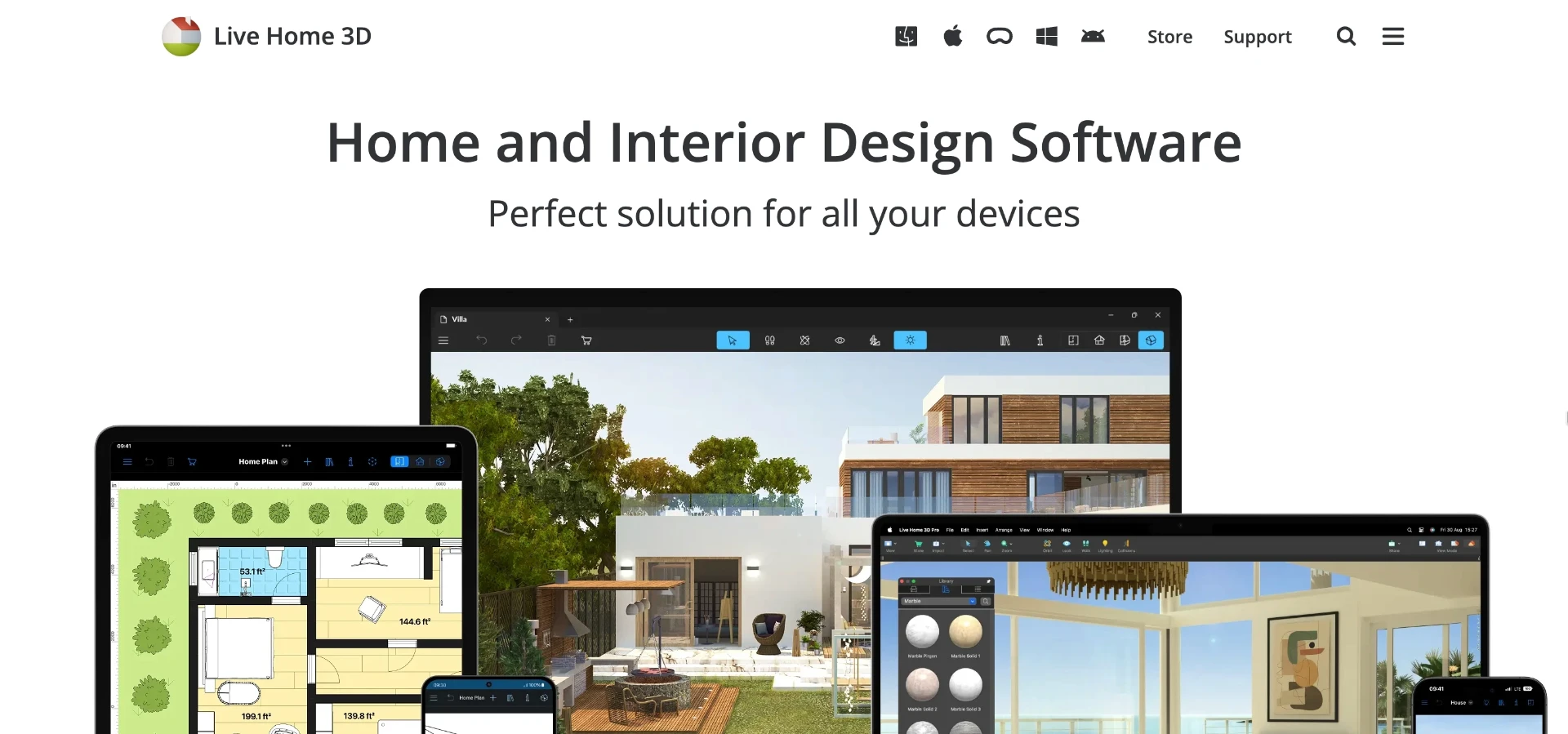
Live Home 3D
Live Home 3D is aimed at homeowners planning a renovation who want a simple floor-plan and 3D walkthrough tool.
You draw walls and rooms, then furnish them in a simplified 3D editor built for non-professionals.
Its strength is approachability compared to full CAD software like Chief Architect.
At the time of writing, its pricing page wasn't accessible for verification, so check Live Home 3D's current site directly before budgeting around it.
Where vividoo fits in the pricing picture
vividoo takes a different approach: most of the core visual work is free, and you only pay to unlock more advanced editing.
That changes the budget conversation, because you're not paying per project just to see a concept.
vividoo
vividoo suits homeowners, agents, flippers, and designers who need fast, believable visuals without commissioning a full design package.
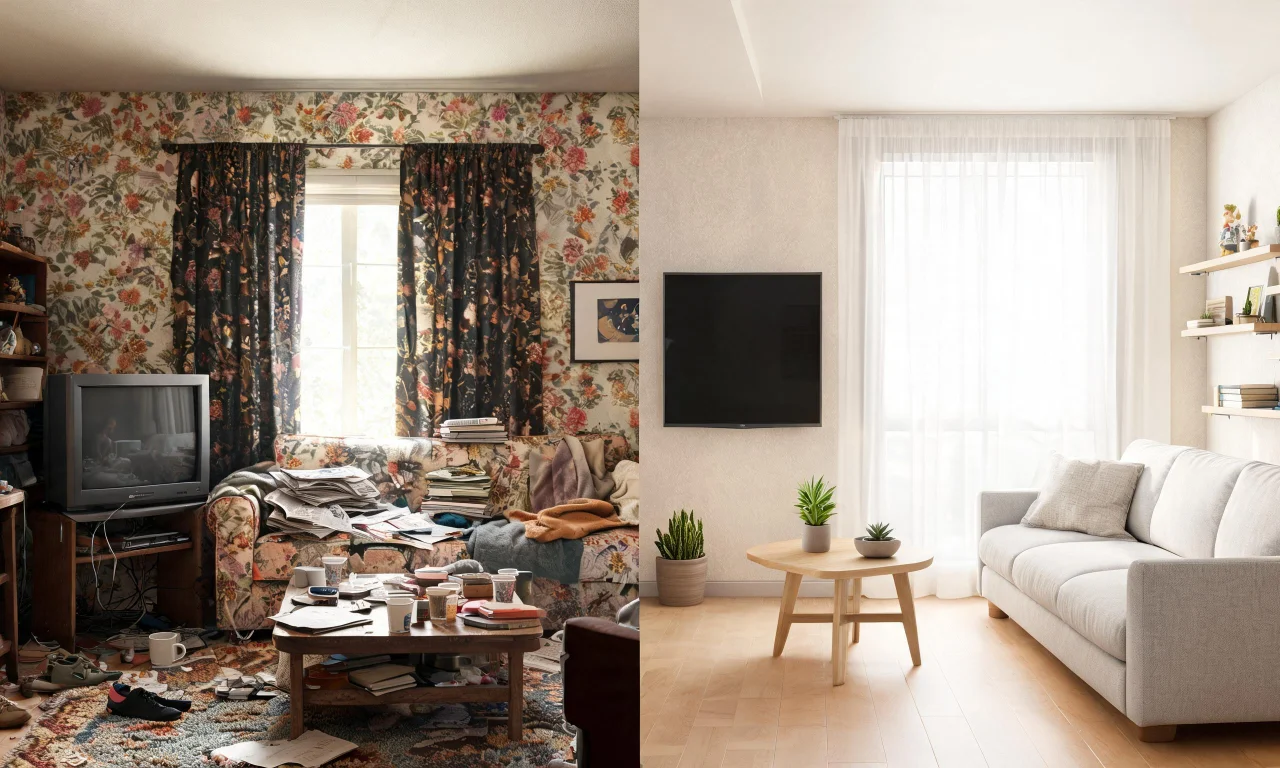
On the free plan, you can use AI Room Redesign to restyle a furnished indoor room, Virtual Decluttering to clear light indoor mess, the Empty Room Generator to clear an indoor, outdoor, or exterior space, AI Exterior Redesign for facades, and AI Room Renovation to preview materials and finishes.
Its notable strength is that a listing agent or flipper can generate a usable before-and-after visual without waiting on a designer's schedule or a staging crew's calendar.
The limitation is that some workflows sit behind paid tiers: the Starter plan adds Object Remover, AI Add or Replace Furniture, Outdoor Redesign, Landscape Renovation, and AI Clear Outdoor Space, while the Pro plan adds Exterior Renovation, AI Add or Replace Exterior Features, and AI Clear Exterior Space.
For exact current plan costs, check the pricing page directly, since tiers and features can shift.
Free vs paid: what actually changes when you upgrade
The jump from free to paid isn't about better quality, it's about what tasks you can do at all.
Free tiers across most AI design tools cover restyling, decluttering, and basic empty-room previews.
Paid tiers unlock object removal, adding or swapping specific furniture and features, and outdoor or exterior work beyond a simple restyle.
- Free: restyle a furnished room, declutter light mess, clear a space, preview finishes, restyle a facade.
- Starter-level paid: remove unwanted objects, add or replace furniture, redesign outdoor areas, renovate landscaping.
- Pro-level paid: full exterior renovation, add or replace exterior features, clear larger exterior spaces.
If your project is a single interior room refresh, the free tier of a tool like vividoo may cover the whole job.
If you're prepping an entire exterior or need targeted object edits, budget for a paid tier.
Pro tip
Test the free tier on your actual worst room first. If it solves that, you may not need to upgrade at all.
Real cost comparison: software versus traditional design services
Numbers make this easier than opinions, so here's a straight cost comparison across the options in this guide.
| Option | Typical cost | What you get |
|---|---|---|
| vividoo free plan | $0 | Room redesign, decluttering, empty room generation, exterior redesign, renovation preview |
| vividoo paid tiers | See current pricing page | Object removal, furniture add/replace, outdoor and exterior renovation tools |
| Havenly Online Full | $199, $99 at time of writing | One remote designer-led room concept and shopping list |
| Havenly In-Person | $699, $349 at time of writing | One in-home designer consultation and plan |
| SketchUp Go (annual) | $10.75/mo, billed annually, at time of writing | Basic 3D modeling software, no design service included |