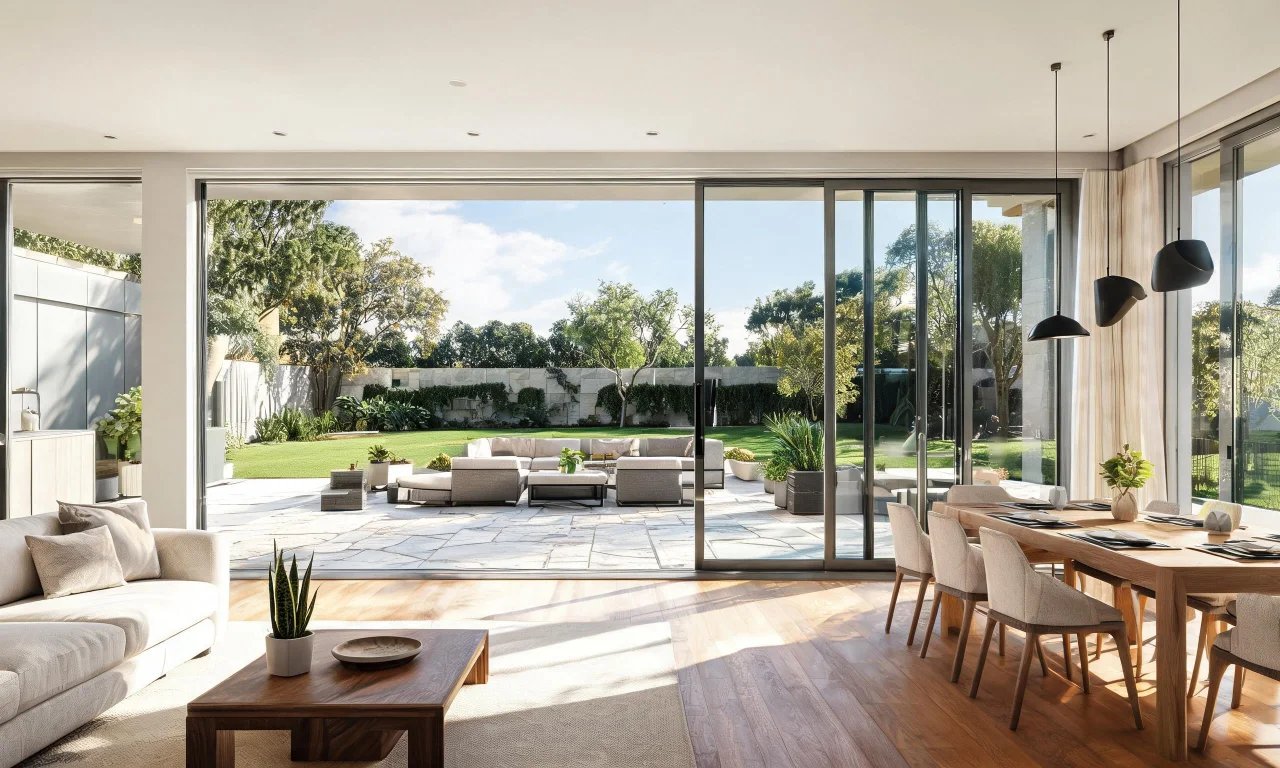
You want to see a room before you touch a single wall. Or convince a buyer to picture a home without the clutter.
That's exactly why AI design tools have exploded in 2026. Homeowners, agents, flippers and designers all want fast, believable visuals without hiring a full design team.
This guide compares the best ai design tools on the market right now, including where vividoo fits in.
Key takeaways
- The best ai design tools balance realism, speed and a clear free-to-paid path.
- Free plans are great for quick previews; paid tiers unlock outdoor and exterior work.
- vividoo covers indoor redesign, decluttering, empty rooms and exterior restyling from its free plan.
- Some tools focus purely on interiors, others stretch into landscaping and facades.
- Match the tool to your project type before comparing price.
What makes an AI design tool worth using
Not every AI design app deserves your time. Some produce blurry, unrealistic renders that don't match real materials or lighting.
A genuinely useful tool respects the original room's structure while changing style, furniture or finishes convincingly.
It should also be fast enough to use during a client call or a walkthrough, not something that takes ten minutes per image.
- Keeps room proportions and architecture intact
- Offers a usable free tier for testing before you pay
- Covers more than one use case, like interiors and exteriors
- Produces images clean enough to show a client or buyer
Pro tip
Always test a tool on a photo of your own space, not a demo image. Real rooms expose weak tools fast.
Criteria for comparing these tools
To make this roundup useful, every tool below is judged against the same short checklist.
This keeps the comparison fair, whether the tool is built for agents, flippers or homeowners doing a weekend refresh.
- Who the tool is realistically best suited for
- How the actual workflow feels, step by step
- One genuine strength worth highlighting
- One meaningful limitation to know before you commit
With that framework set, here are the seven tools worth your shortlist this year.
Top picks for 2026, reviewed
These seven tools cover the full spread, from pure interior mockups to exterior and landscape previews.
Each entry below explains what it does well, what it doesn't, and who should actually use it.
1. vividoo
vividoo is best for homeowners, agents and flippers who need both interior and exterior previews in one place.
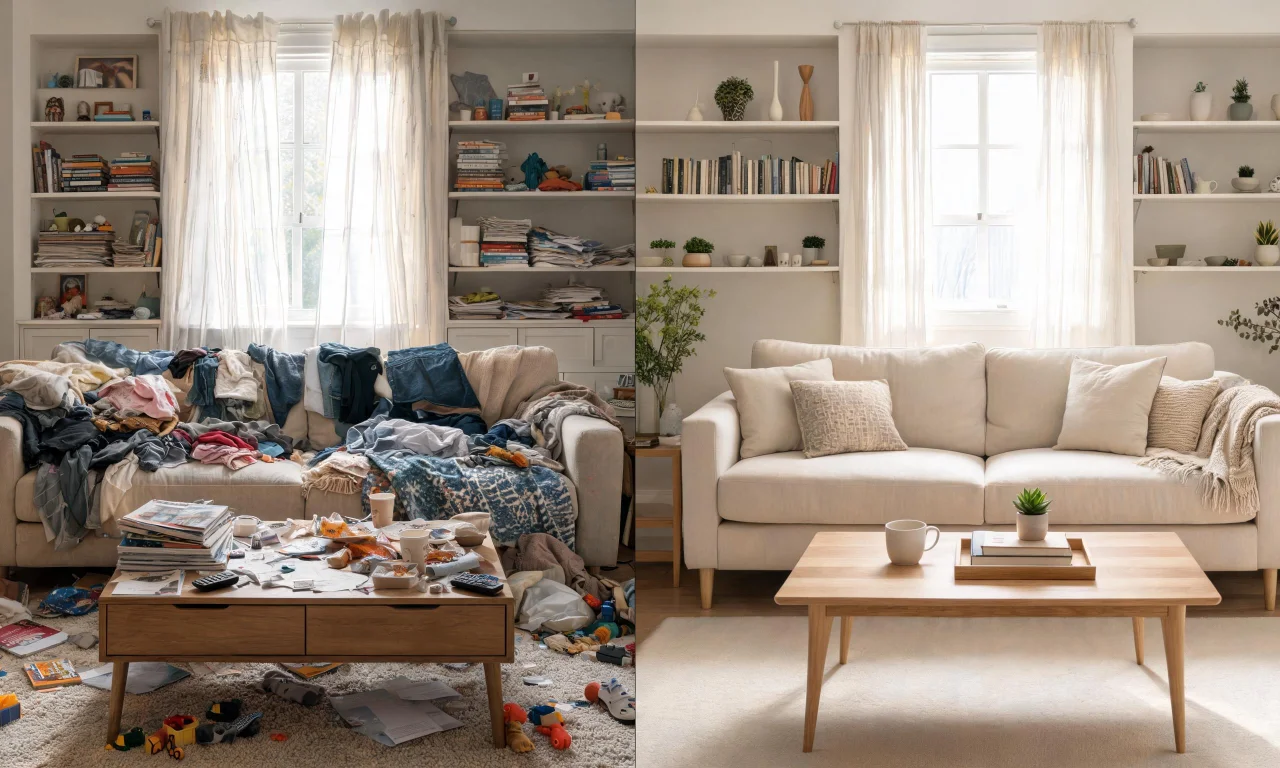
The free plan alone covers a lot of ground: AI Room Redesign for restyling a furnished room, Virtual Decluttering for light indoor mess, an Empty Room Generator for clearing indoor, outdoor or exterior spaces, plus AI Exterior Redesign for facades and AI Room Renovation for previewing materials and finishes.
Its clearest strength is breadth without a paywall on day one. You can test interior restyling and exterior facade changes before deciding whether to upgrade.
The limitation is that more advanced editing, like removing objects or swapping furniture precisely, sits on the Starter plan rather than free.
Pro tip
Start with the free Empty Room Generator if you're staging a listing photo. It's the fastest way to show a space with potential.
2. RoomGPT
RoomGPT is best for homeowners who want a quick, casual style preview without creating an account first.
You upload a photo, pick a style like "modern" or "coastal," and the tool generates a redesigned version of the same room.
Its strength is simplicity. There's very little setup, which makes it a nice entry point for people who've never used an AI design tool before.

The limitation is depth. It's built for one-off style previews rather than ongoing project work across multiple rooms or exteriors.
3. Interior AI
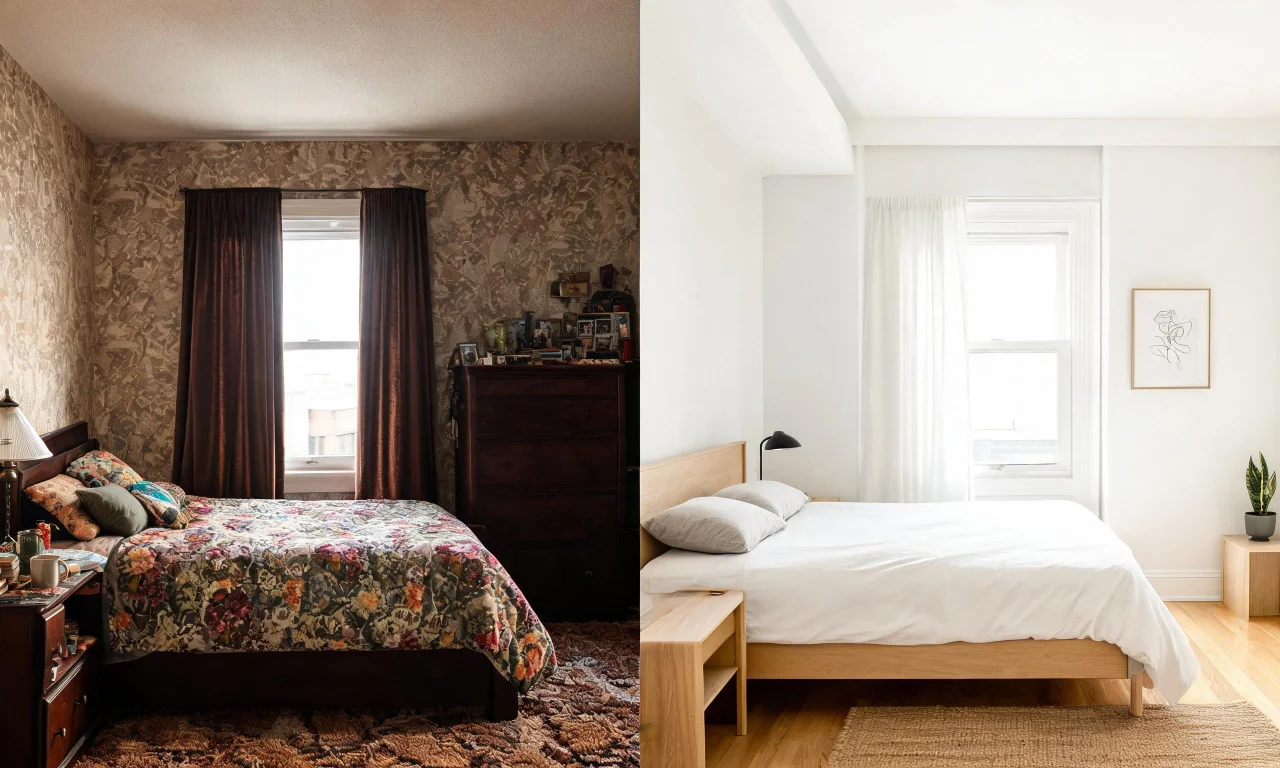
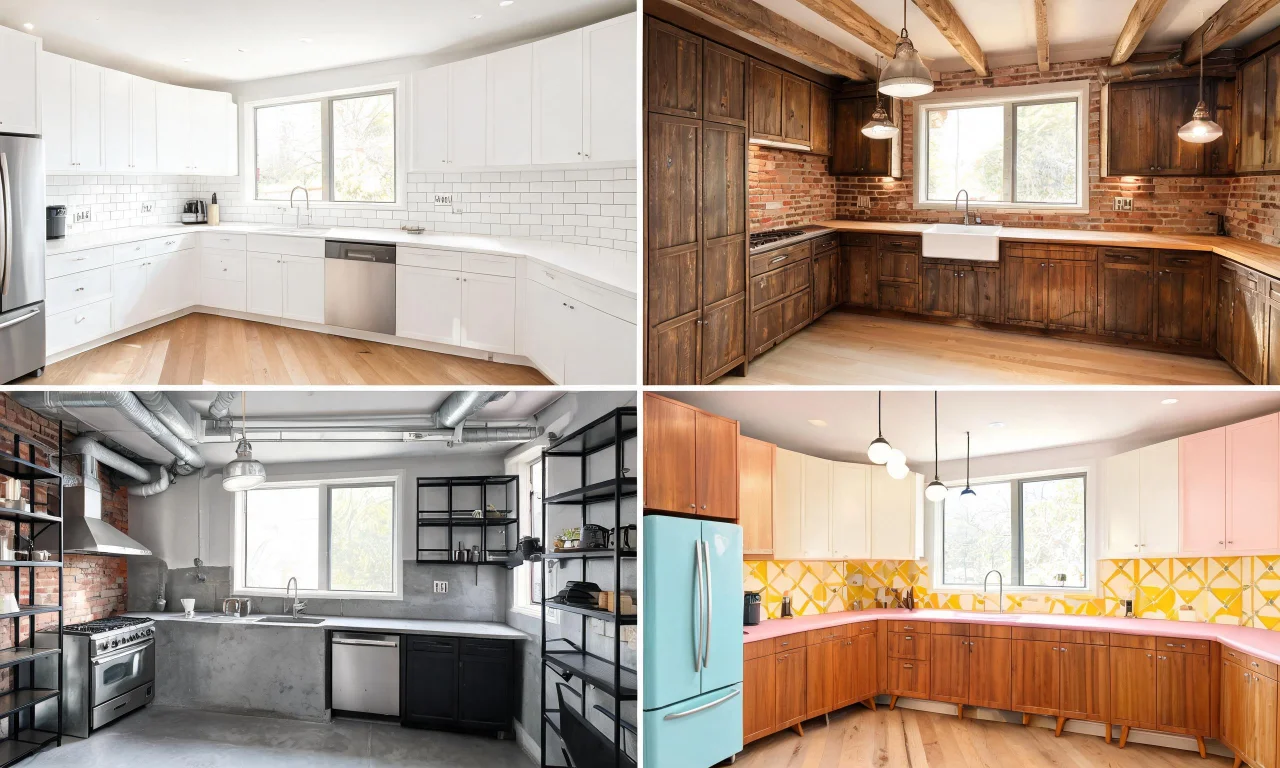
Interior AI suits designers and content creators who want a wide range of style presets to experiment with quickly.
You upload a room photo, choose a style and room type, and the platform renders several variations at once.
Its notable strength is variety. Having multiple style options per upload helps when you're pitching ideas to a client who hasn't decided on direction yet.
A fair limitation is that render quality can vary noticeably between styles, so some results need regenerating before they look shareable.

4. Homestyler
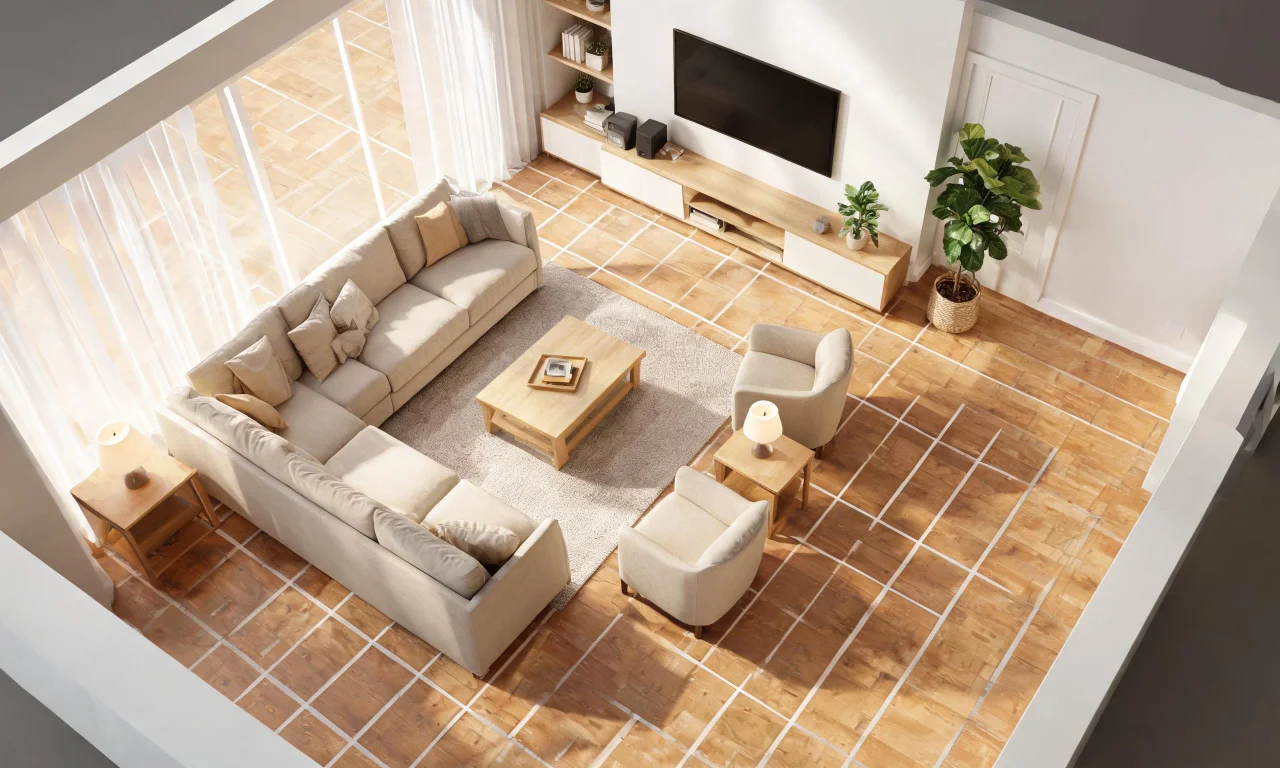
Homestyler is a good fit for people who want to combine AI rendering with more manual 3D floor planning.
Its workflow blends drag-and-drop furniture placement with AI-assisted rendering, so you can build a layout rather than just restyle a photo.
The strength here is control. If you want to plan an actual layout rather than just preview a style, this gives you more hands-on tools.
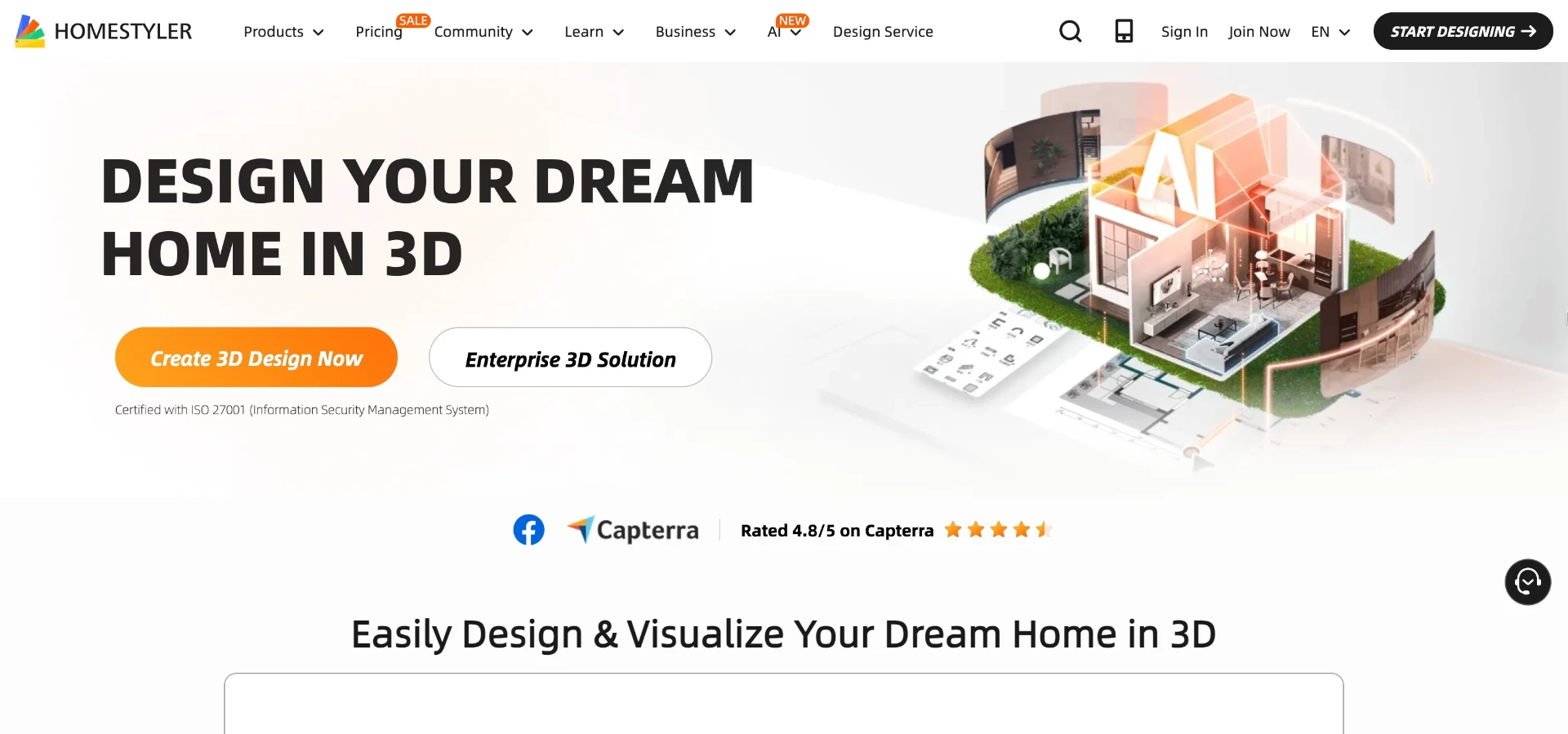
The tradeoff is a steeper learning curve. It asks for more time investment than a simple upload-and-render tool.
5. Planner 5D
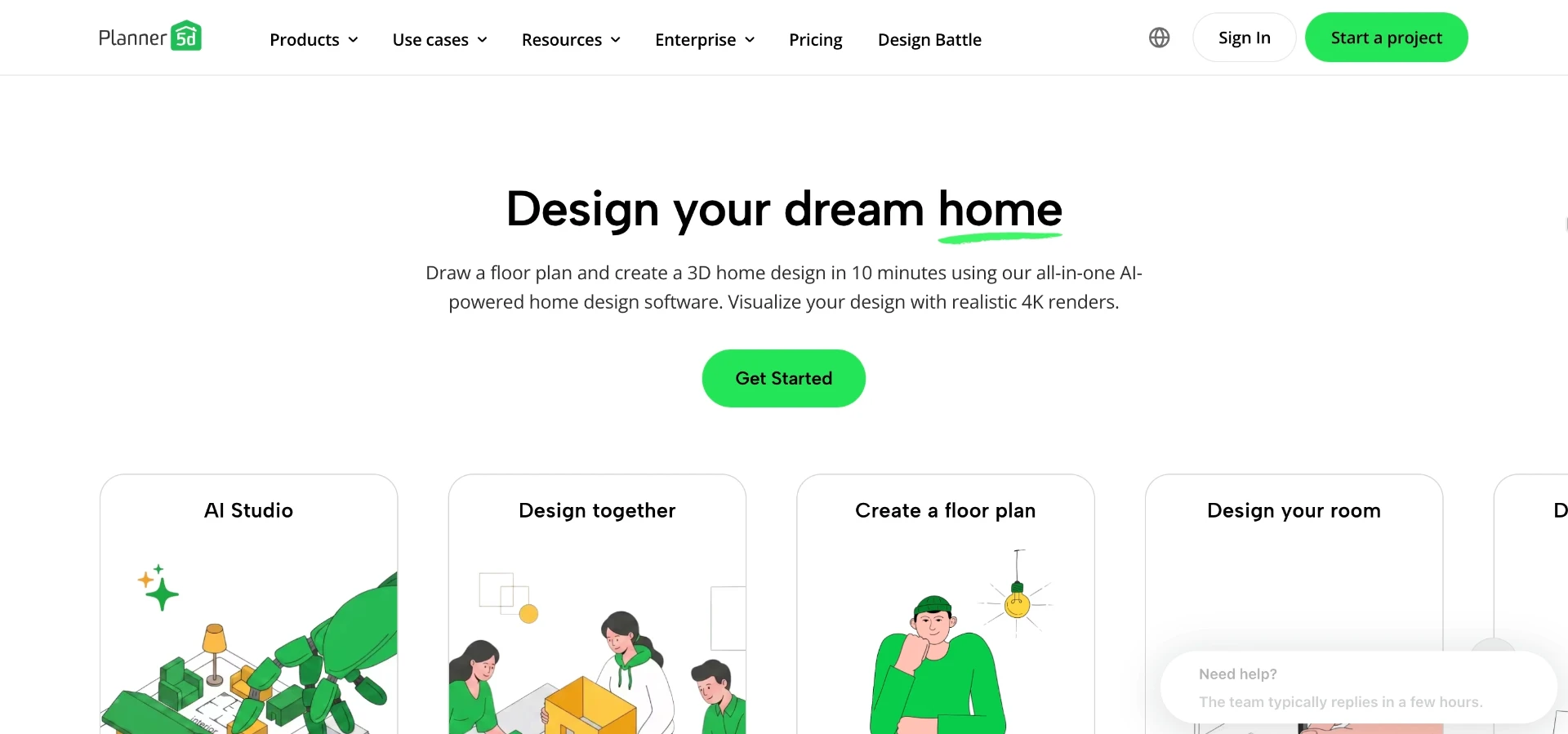
Planner 5D works well for homeowners planning a renovation who also want to sketch a rough floor plan alongside style previews.
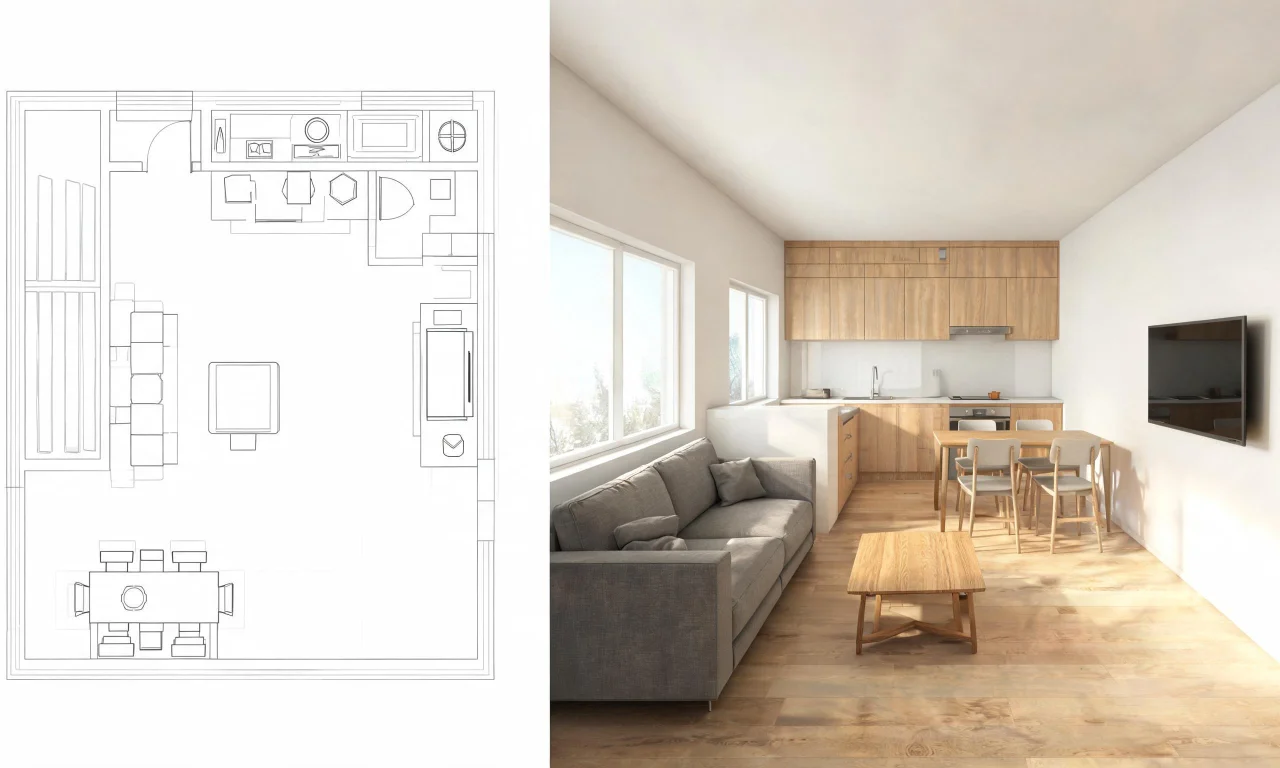
You build a basic layout, add furniture from its catalog, and generate a rendered view of the finished room.
Its strength is the combination of planning and visualization in one app, useful for people who haven't settled on a layout yet.
The limitation is that it leans more toward new builds and full room planning than quick photo-based restyling of an existing space.
6. Spacely AI
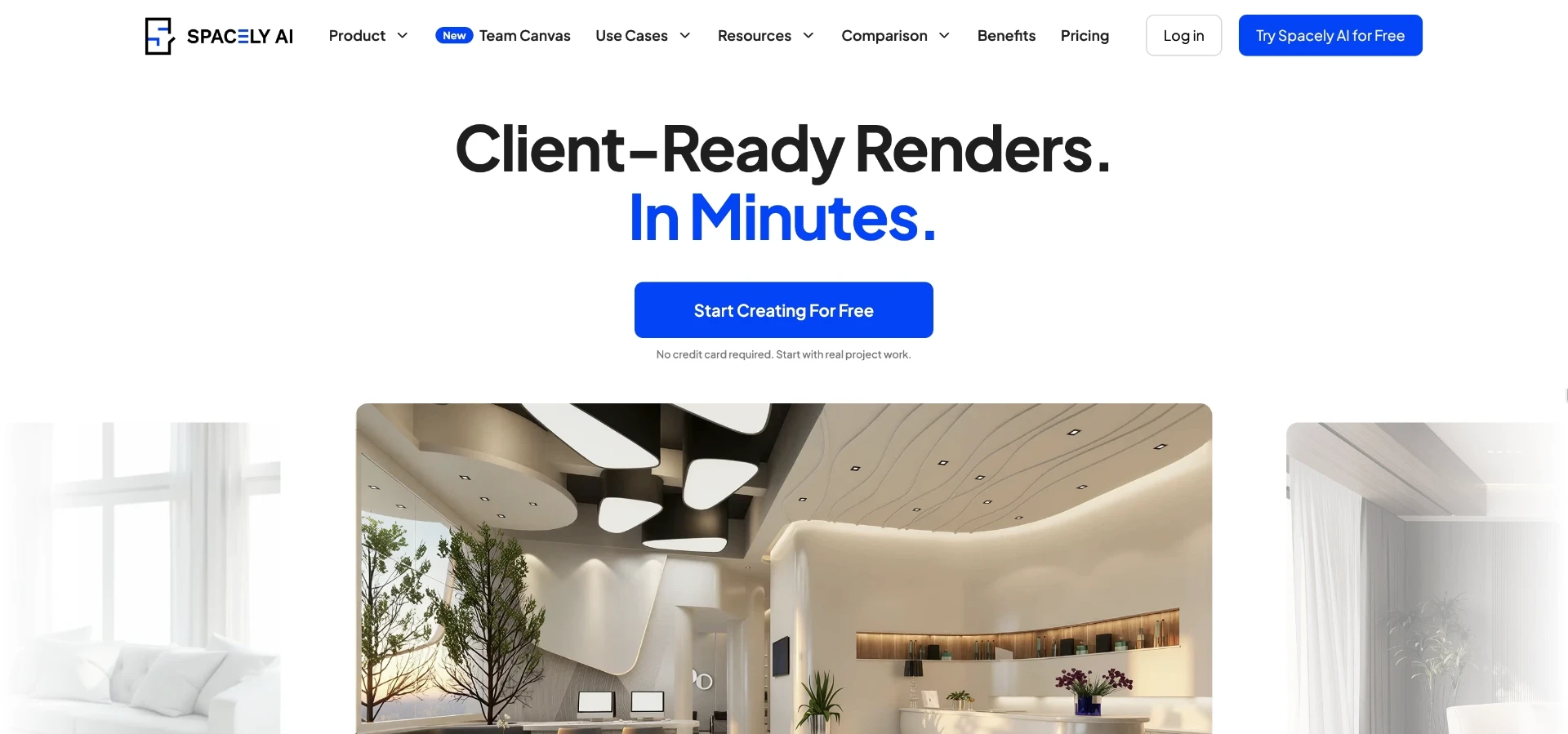
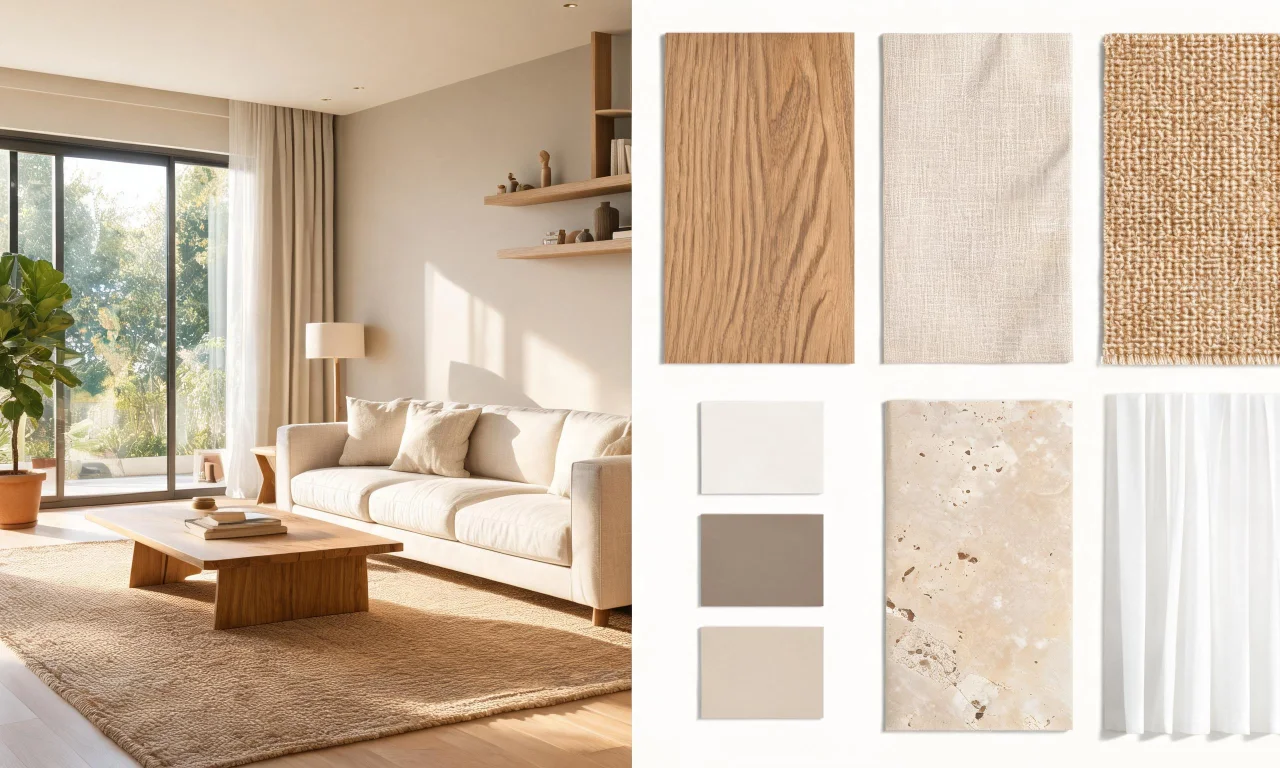
Spacely AI is aimed more at professional designers who need to present concept boards to clients.
The workflow centers on uploading a space, selecting a design style, and generating polished renders meant for client presentations.
Its strength is presentation quality, which matters if you're sending mockups to a paying client rather than just exploring ideas yourself.
The limitation is that it's built with professional workflows in mind, so casual homeowners may find it more than they need.
7. REimagine Home
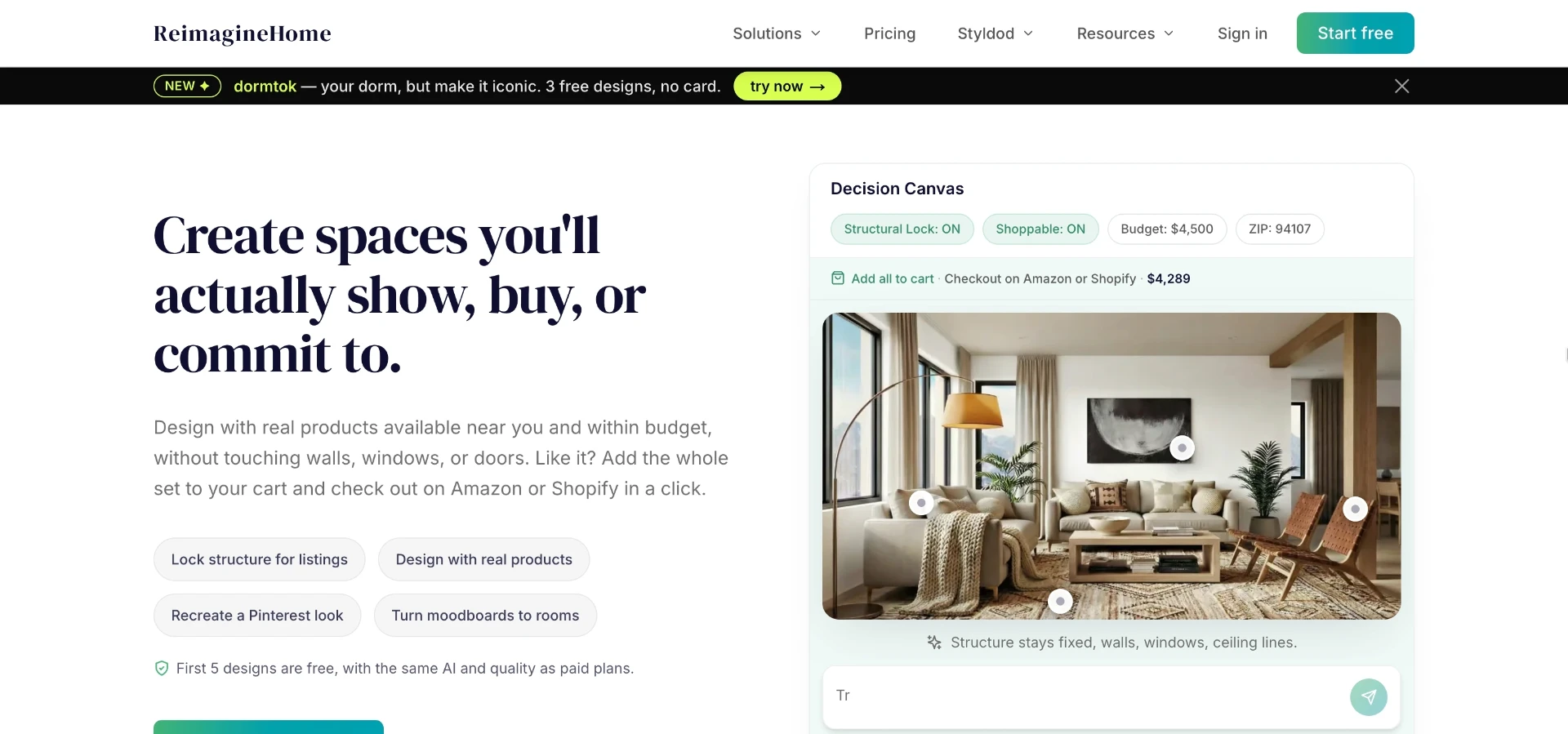
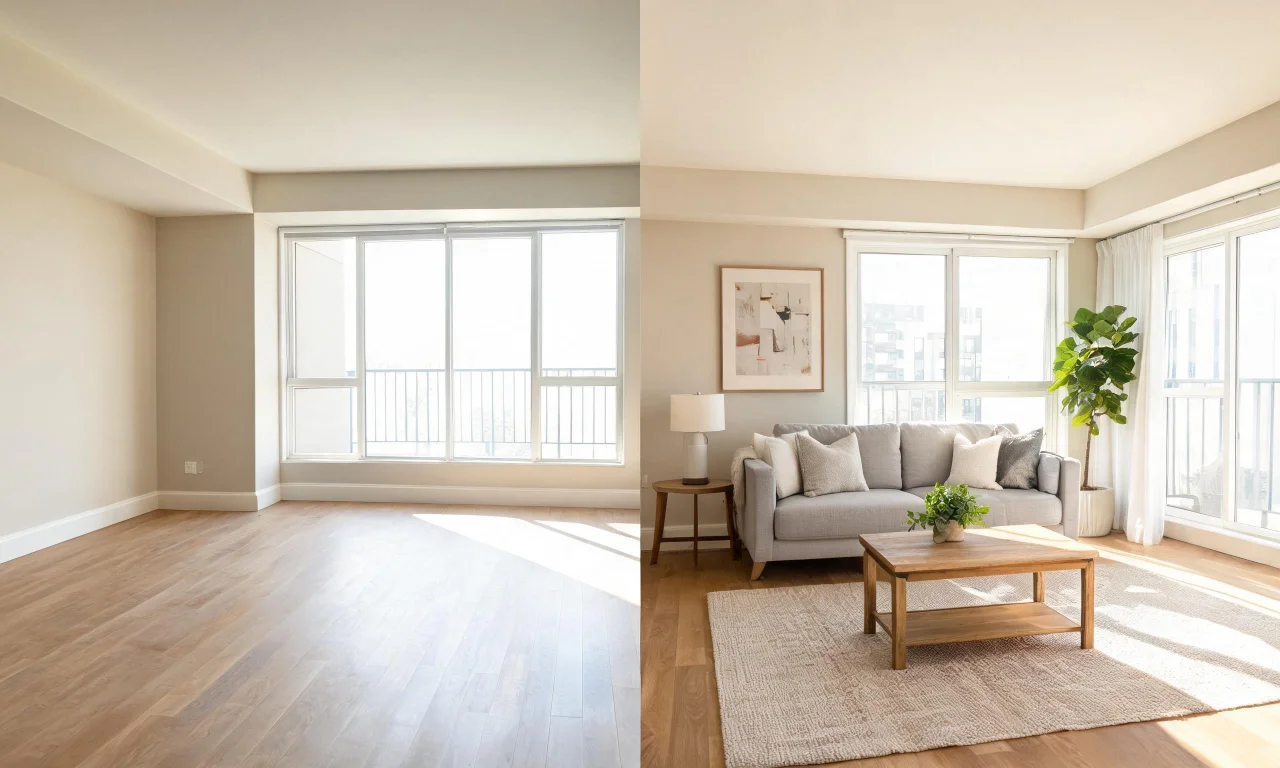
REimagine Home is best for real estate agents who need quick virtual staging renders for listing photos.
Agents upload a photo of an empty or furnished room, and the tool generates a staged or restyled version for marketing use.
Its strength is speed for listing turnaround, since agents often need several rooms staged in one session before photos go live.
The limitation is that its focus stays mostly indoors, with less coverage of exterior or landscape previews compared to broader tools.
Free versus paid feature breakdown
Pricing structures vary a lot across these tools, so it helps to separate what's actually free from what requires a plan.
With vividoo specifically, the free plan is more generous than most competitors for combined indoor and exterior work.
- Free with vividoo: AI Room Redesign, Virtual Decluttering, Empty Room Generator, AI Exterior Redesign, AI Room Renovation
- Starter plan with vividoo: Object Remover, AI Add or Replace Furniture/Items, Outdoor Redesign, Landscape Renovation, AI Clear Outdoor Space
- Pro plan with vividoo: Exterior Renovation, AI Add or Replace Exterior Features, AI Clear Exterior Space
Other tools on this list generally gate their more advanced rendering or planning features behind a subscription or credit system too.
Always check each provider's current plan page before assuming a feature is free, since limits and tiers shift over time.
Pro tip
If you only need occasional previews, stack free tiers across two tools rather than paying for one you'll rarely fully use.
Side-by-side comparison table
Here's a condensed view of how these seven tools stack up on core capability.
| Tool | Best for | Interior coverage | Exterior coverage | Free tier depth |
|---|---|---|---|---|
| vividoo | Homeowners, agents, flippers | Strong | Strong (free redesign, paid renovation) | Generous |
| RoomGPT | Quick casual previews | Moderate | Limited | Basic |
| Interior AI | Style exploration | Strong | Limited | Basic |
| Homestyler | Manual 3D planning | Strong | Limited | Moderate |
| Planner 5D | Layout plus visualization | Strong | Limited | Moderate |
| Spacely AI | Professional presentations | Strong | Limited | Basic |
| REimagine Home | Listing staging | Strong | Limited | Moderate |
This table is a starting point, not the full story. Your actual project needs should decide which row matters most.
Choosing the right tool for your project
The right pick depends heavily on whether you're working indoors, outdoors, or both.
If you're a homeowner planning a single room refresh, a simple free tool may be all you need.
If you're an agent staging multiple listings, speed and consistency across rooms matters more than style variety.
- Single room refresh: try a free redesign tool before committing to anything paid
- Listing prep: prioritize tools built for fast, repeatable staging
- Flipping a property: look for tools covering both interior and exterior previews
- Professional design work: favor tools built for polished client presentations
For most homeowners and agents comparing the best ai design tools this year, coverage across both indoor and outdoor work saves the most time.
That's the gap vividoo's free plan is built to close, letting you test interiors and exteriors before paying for anything.
You can also browse real examples in the community gallery or explore the full AI design tools lineup before deciding.
For deeper guides on specific workflows, the blog and design studio are worth a look too.