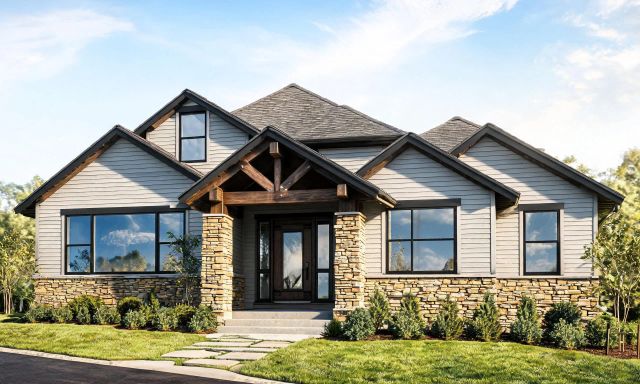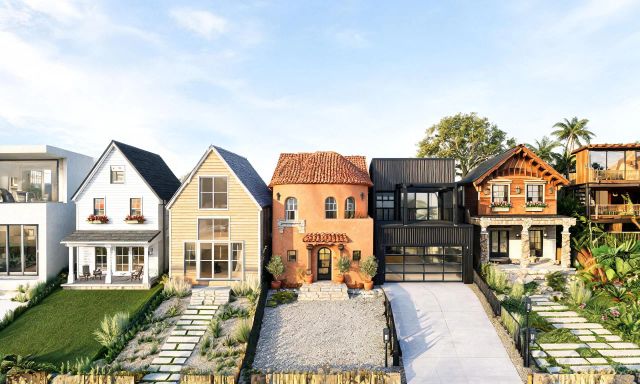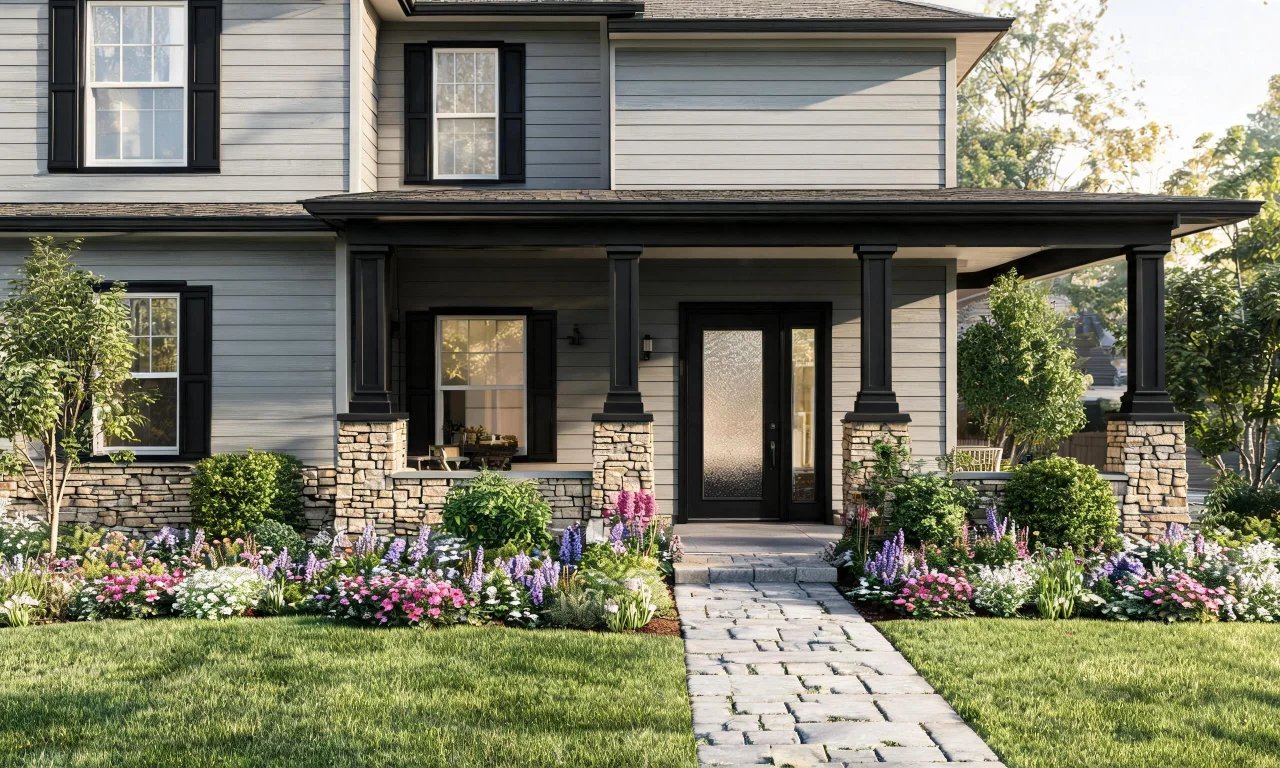
Buyers decide how they feel about a home before they open the car door. That first glance at the facade sets the tone for everything else.
Good curb appeal ai prompts can show you what a tired exterior could look like with new paint, better landscaping or a refreshed entryway. This guide walks through exactly how to write them.
Key takeaways
- Curb appeal starts with facade color, roofline, and entry door, not just plants.
- A clean, well-lit exterior photo makes every AI prompt more accurate.
- Prompt formulas work best when they name style, material and one fixed constraint.
- Landscaping and entryway changes should be prompted separately from structural facade edits.
- Vague prompts like "make it nicer" produce generic, unusable results.
Curb Appeal Basics Buyers Notice First
Before typing a single prompt, it helps to know what actually moves the needle on curb appeal.
Real estate agents consistently point to a short list of features that shape first impressions.
- Facade color and material condition
- Front door style and color
- Roofline and trim condition
- Driveway and walkway surfaces
- Landscaping shape, not just greenery volume
- Exterior lighting fixtures
These are the elements worth prioritizing when you start generating AI exterior concepts, rather than trying to change everything at once.
Pro tip
Tackle one category per prompt session: facade first, then entryway, then landscaping. It keeps results easier to compare.
Setting Up Your Exterior Photo
Your source photo matters more than most people expect. A messy or angled shot limits what any AI tool can do with it.
Choosing the Right Angle
Stand back far enough to capture the full facade, roofline and front yard in one frame.
A straight-on or slight three-quarter angle usually gives the most accurate redesign results.
Lighting and Timing
Overcast daylight or early morning light avoids harsh shadows that can confuse an AI model's read on color and texture.
Avoid photos taken at dusk or with strong backlighting behind the house.
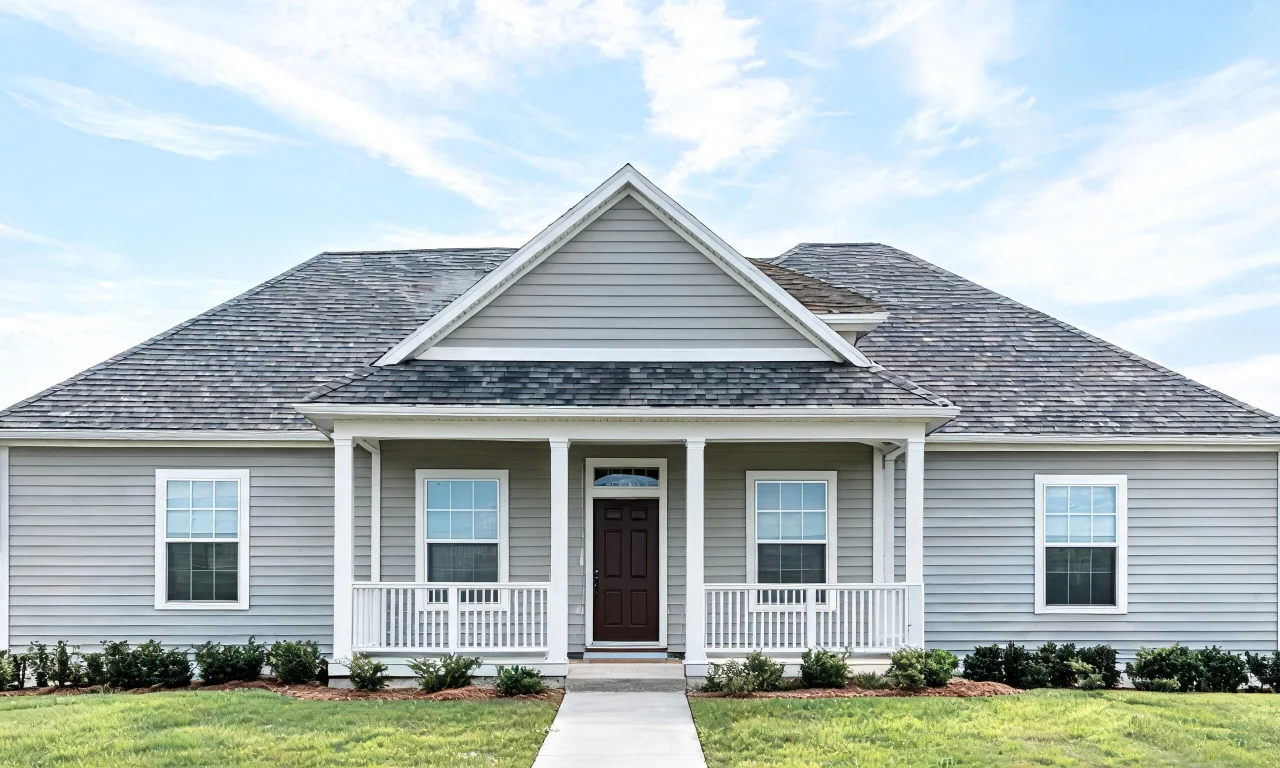
Once you have a clean base photo, you're ready to start testing prompt formulas on the facade itself.
Prompt Formulas for Facade Styles
A reliable prompt formula names the style, the material, and one constraint to keep the AI from over-editing the whole structure.
The Style + Material + Constraint Formula
Structure your prompt as: [architectural style] + [facade material or color] + [what to keep unchanged].
- "Modern farmhouse style, board-and-batten white siding, keep the existing roofline"
- "Coastal cottage style, light blue clapboard, keep the front windows in place"
- "Craftsman style, warm gray stone accents, keep the driveway unchanged"
This formula gives the AI a clear direction without asking it to invent an entirely new structure.
Testing Multiple Facade Styles
Run the same base photo through two or three style variations before committing to one direction.
Comparing options side by side makes it easier to see which facade style actually suits the home's proportions.
For structural facade changes like siding, trim color or window frame updates, AI Exterior Redesign is built specifically for restyling the outside of a home.
Landscaping and Entryway Prompt Examples
Landscaping and entryway details deserve their own prompts, separate from facade material changes.
Landscaping Prompt Examples
Keep landscaping prompts focused on shape, plant type and hardscape material.
- "Add a low boxwood hedge along the front walkway"
- "Replace the lawn edge with a curved stone border"
- "Add potted plants flanking the front steps, no other changes"
Entryway Prompt Examples
Entryway prompts work well when they isolate the door, hardware and immediate porch area.
- "Change the front door to matte black with brass hardware"
- "Add a covered porch overhang above the entry door"
- "Replace the porch light fixture with a modern black lantern style"
If the yard itself is cluttered with old furniture, debris or overgrown beds before you start, clearing it first gives cleaner results.
An AI Empty Room Generator workflow can also clear outdoor spaces down to a blank canvas before you layer in new landscaping ideas.
Pro tip
Prompt landscaping and entryway changes in separate passes. Combining them in one prompt often produces muddled, unrealistic results.
Common Prompt Mistakes to Avoid
Most disappointing AI exterior results trace back to a handful of repeatable mistakes.
Being Too Vague
Prompts like "make it look better" or "modernize this house" give the AI no real direction.
Always name a specific style, material or color instead of a general improvement.
Changing Too Much at Once
Asking for new siding, new landscaping, a new roof and a new driveway in one prompt usually produces a chaotic, unbelievable result.
Isolate one category per generation so you can judge each change on its own.
Ignoring the Original Structure
Forgetting to specify what should stay the same can lead to an AI redesign that changes window placement or roof shape unnecessarily.
Always include a short constraint, like "keep the roofline" or "keep the window positions."
| Prompt Approach | Typical Result Quality | Best Used For |
|---|---|---|
| Vague, one-word prompts | Low, generic output | Not recommended |
| Style + material formula | Consistent, on-brief output | Facade color and material changes |
| Style + material + constraint | High, structure-preserving output | Facade redesigns near real estate listings |
| Isolated landscaping-only prompts | High, focused output | Yard and entryway updates |
Reviewing a range of finished examples before you prompt can also help calibrate expectations, and the Community Gallery is a useful place to see real exterior transformations.
Turning Results Into an Action Plan
An AI-generated concept is only useful if it turns into a realistic renovation plan.
Ranking Changes by Impact and Effort
Not every visual change costs the same in real life. Sort your favorite AI concepts into rough categories.
- Low effort, high impact: door color, house numbers, lighting fixtures
- Medium effort: landscaping, walkway materials, shutters
- Higher effort: full siding replacement, roofline changes
This ranking helps homeowners and agents decide what to tackle first, especially ahead of a listing date.
Sharing Concepts With Contractors or Clients
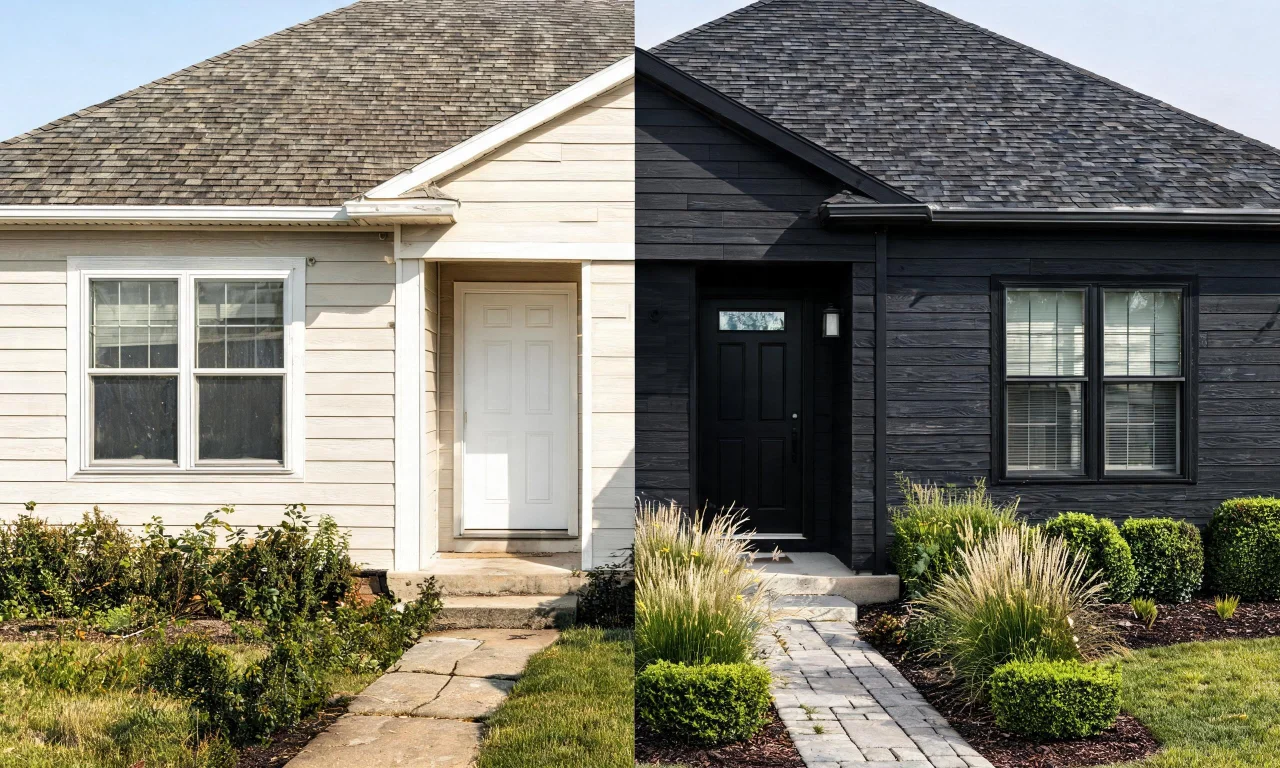
A clear before-and-after image communicates a vision faster than a written description ever could.
Real estate agents can use these concepts to help sellers visualize a low-cost refresh before photos go live.
For a broader set of exterior and interior workflows beyond facade prompts, the full AI Design Tools lineup covers everything from decluttering to material previews.
If you want to explore more prompting guides and real project breakdowns, the Blog has additional walkthroughs worth reading.
Curb appeal improvements don't need to be guesswork anymore. With a clean photo and a focused prompt formula, you can preview real changes before spending a dollar on materials.