An empty room photo rarely sells a home. Buyers scroll past bare walls and echoing floors without a second glance.
That's why more agents are turning to ai for interior design tools to stage listings before they ever go live. Virtual staging turns a flat, vacant space into something a buyer can picture living in.
This guide walks through the workflow agents actually use, from empty room photo to finished staged listing.
Key takeaways
- Virtual staging helps buyers visualise a space without the cost of physical furniture rental.
- vividoo's free Empty Room Generator clears clutter and prepares a room for staging in one workflow.
- Furniture style choices should match the likely buyer, not the agent's personal taste.
- Clear, specific prompts produce more realistic staged rooms than vague ones.
- Starter and Pro tools add furniture swaps and exterior staging once a listing needs more polish.
Why virtual staging matters for listings
Empty rooms are hard to read. Buyers struggle to judge scale, flow and purpose without furniture as a reference point.
A staged photo answers questions a listing description can't. It shows where a sofa fits, how much space is left around a bed, whether a room feels like an office or a nursery.
Traditional staging solves this with rented furniture and a stylist visit. It works, but it takes coordination, time and a real budget.
AI virtual staging skips the logistics. An agent uploads a photo and gets a furnished version back in minutes, not days.
Pro tip
Stage the rooms buyers care most about first: living room, primary bedroom and kitchen. These carry the most weight in first impressions.
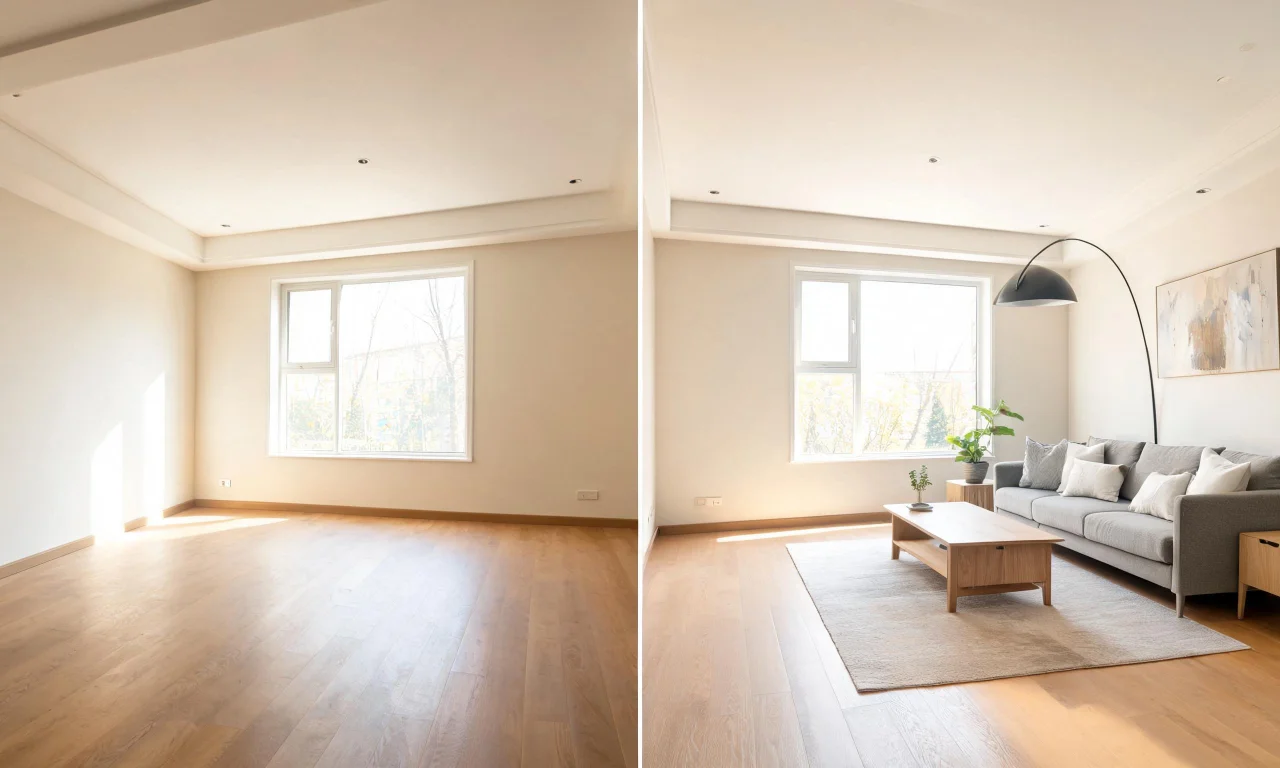
Turning an empty room photo into a staged space
The core workflow starts with a genuinely empty room. If the space still has old furniture or clutter, that needs clearing first.
vividoo's free Empty Room Generator handles both indoor and outdoor spaces, stripping a room back to bare walls and floors. That clean base is what makes the staged result look believable.
Once the room is empty, the same workflow furnishes it. This is presented as the Empty Room Generator process, and it's how vividoo's AI Virtual Staging works in practice.
- Upload a clear, well-lit photo of the empty room.
- Choose a room type so the layout suggestions make sense.
- Select a furniture style or describe one in a prompt.
- Generate the staged version and review it against the original angle.
Agents who already have a furnished but dated room can skip straight to AI Room Redesign instead, since it restyles what's already there.
Choosing furniture styles that appeal to buyers
The right style depends on who's likely to buy the property, not on the agent's own preferences.
A downtown condo aimed at young professionals reads differently than a suburban family home. Style choice should reflect that audience.
- Modern minimalist: works well for condos, new builds and buyers who value clean lines.
- Transitional: a safe, broadly appealing choice for family homes and mixed-taste markets.
- Scandinavian: light woods and neutral palettes suit smaller rooms that need to feel airy.
- Traditional: often fits older homes with classic architectural details.
- Coastal or farmhouse: can suit specific regional markets where that aesthetic already sells.
When in doubt, neutral and broadly appealing beats bold and polarising. Staged photos are marketing tools, not personal design statements.
Prompting tips for realistic staged rooms
Vague prompts produce generic results. Specific prompts produce staged rooms that actually match the property.
Describe the room's real dimensions and light, not just the style you want. A small bedroom needs different furniture scale than a large one.
- Name the room type explicitly: "primary bedroom," not just "bedroom."
- Mention the light direction if it's notable, such as "north-facing, softer light."
- Reference the style plus one detail, like "transitional style, warm wood tones."
- Keep furniture density realistic for the room size rather than overcrowding it.
Pro tip
Run the same room through two or three style prompts before choosing. Comparing options side by side makes the best fit obvious.
For rooms with lingering clutter or old decor, AI Room Redesign can restyle it directly without a full empty-room reset.
Before and after examples for common room types
Different rooms need different staging priorities. Here's what tends to matter most for each.
Living rooms
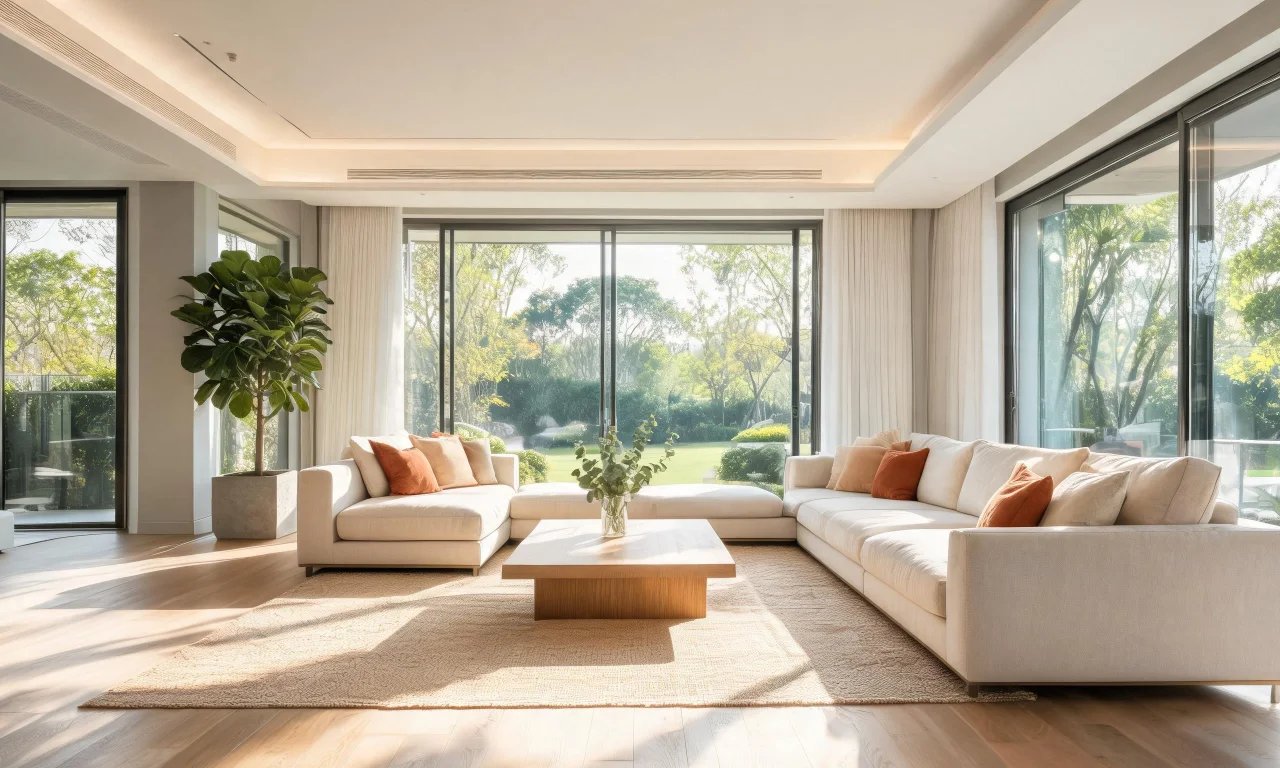
Living rooms need to show flow: where seating goes, how much floor space remains, and where a TV or focal point sits.
An empty living room photo often looks smaller than it is. Staged furniture gives buyers a true sense of scale.
Bedrooms
Bedrooms benefit from simple staging: a bed, two nightstands, and minimal extras. Overcrowding a small bedroom photo backfires.
Buyers want to see that their own bed and dresser would fit, not admire an elaborate set dressing.
Home offices
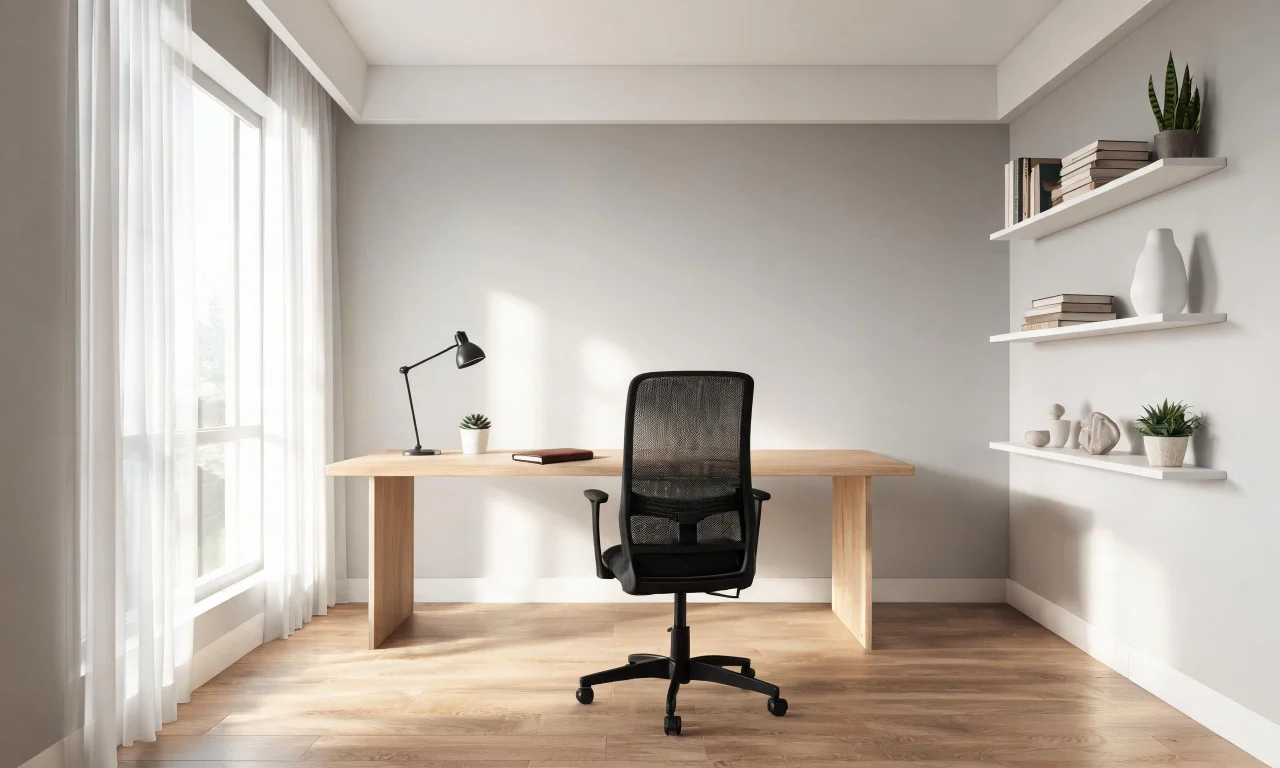
Home offices are increasingly a deciding factor for buyers. Staging a spare room as a functional office can widen a listing's appeal.
A desk, chair and simple shelving usually communicates the idea clearly, without needing extra props.
Bonus rooms and basements
Unfinished or ambiguous spaces confuse buyers more than any other room type. Staging suggests a clear purpose, like a playroom or gym.
This is often where virtual staging adds the most value, since physical staging for these rooms is rarely worth the cost.
Comparing staging approaches
Not every listing needs the same staging method. Budget, timeline and property type all factor into the decision.
| Approach | Typical cost | Turnaround | Best for |
|---|---|---|---|
| Traditional physical staging | Higher, ongoing rental fees | Days to weeks | High-end listings with in-person showings |
| DIY photo editing | Low, but time-intensive | Hours per room | Agents comfortable with manual editing tools |
| AI virtual staging with vividoo | Free plan available; paid tiers for advanced tools | Minutes per room | Fast-moving listings and remote or vacant properties |
For agents juggling multiple listings, speed usually wins. That's where AI virtual staging earns its place in the workflow.
Getting the most from the free Empty Room Generator
The free plan covers a surprising amount of ground for agents just getting started with ai for interior design.
Alongside the Empty Room Generator, the free plan includes AI Room Redesign, Virtual Decluttering, AI Exterior Redesign and AI Room Renovation for material previews.
- Use Virtual Decluttering first if a listing photo still has light clutter.
- Run the Empty Room Generator on any indoor, outdoor or exterior space that needs clearing.
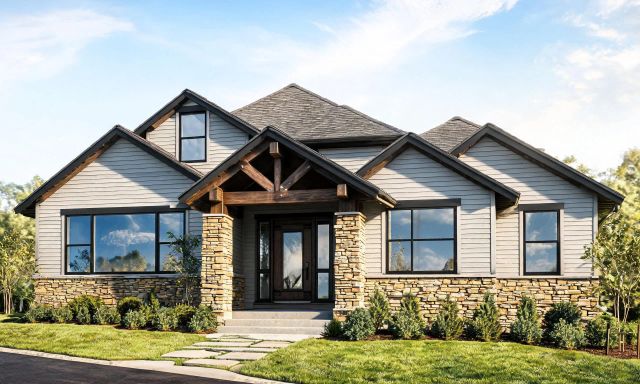
- Try AI Exterior Redesign on facade photos to freshen curb appeal shots.
- Preview flooring or countertop changes with AI Room Renovation before recommending upgrades to a seller.
When a listing needs furniture swapped rather than added, or outdoor spaces staged, that moves into Starter-plan tools like AI Add or Replace Furniture and Outdoor Redesign.
Full exterior features, like AI Add or Replace Exterior Features, sit on the Pro plan for agents handling more exterior-heavy listings.
Browse the full lineup in AI Design Tools to see which plan fits a given workload.
Pro tip
Start every new listing with the free tools. Upgrade only for the specific listings that need furniture swaps or exterior work.
Agents can also browse staged examples from other users in the Community Gallery for style inspiration.
For a deeper look at plan differences, check the Pricing page before committing to a tier.
Virtual staging isn't replacing good photography or honest listing descriptions. It's filling the one gap that empty rooms always leave: imagination.
Agents who build it into their workflow save time on every vacant listing, not just the occasional flip. Start with the free tools, then scale up as the listing demands it.
For more workflow guides like this one, visit the Blog or explore the Design Studio for hands-on experimentation.