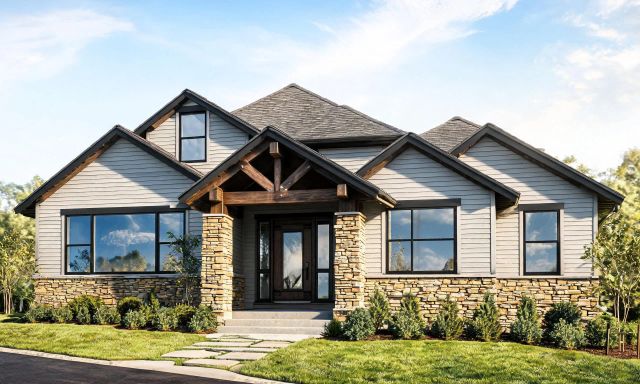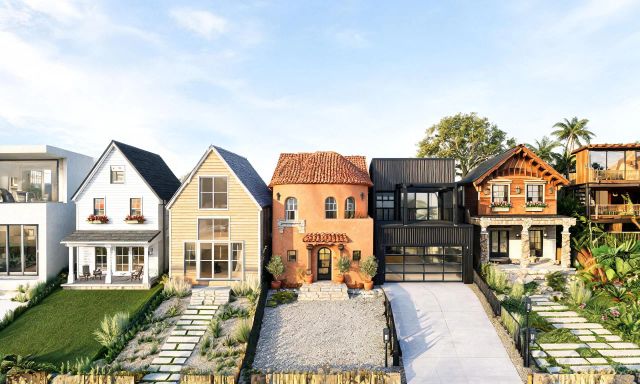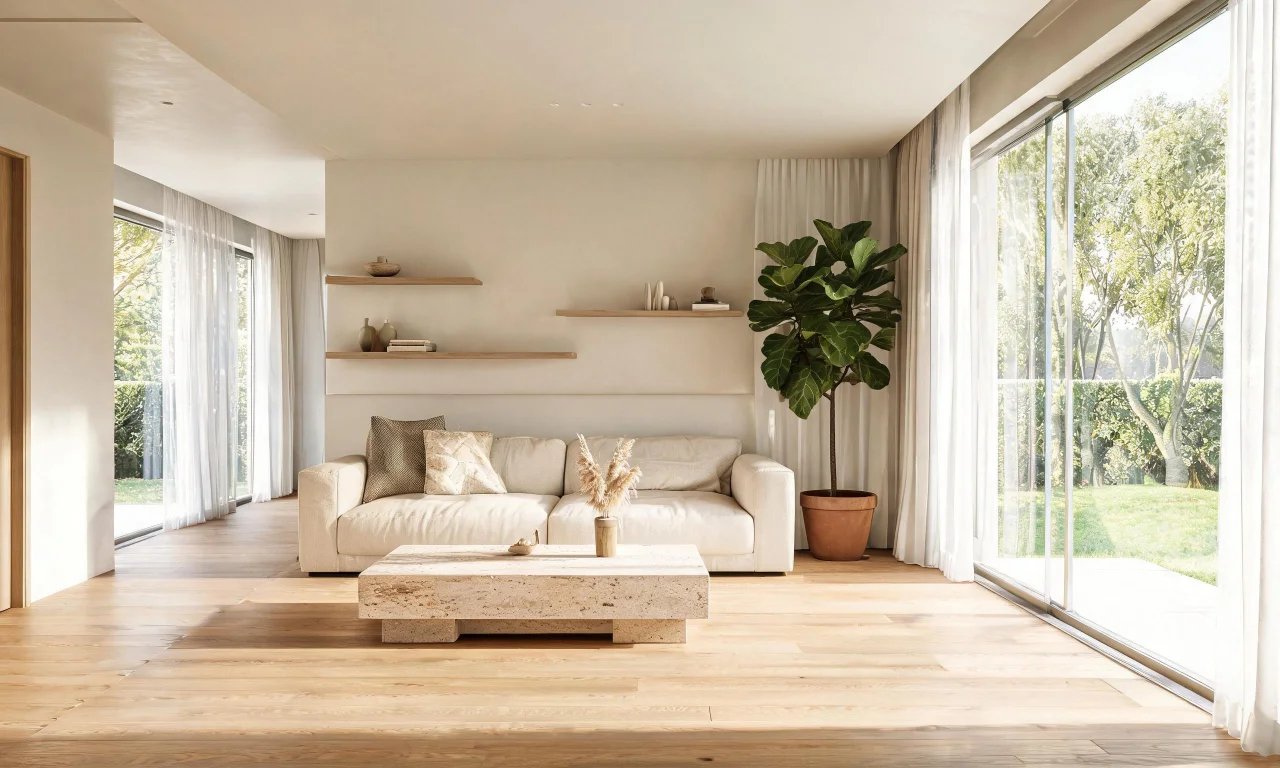
Type a room description into Midjourney and a lush, photorealistic space appears in seconds. It's tempting to think this replaces dedicated design software entirely.
This midjourney interior design review breaks down what the tool actually does well, where it struggles, and who it fits.
We'll walk through prompt setup, pricing structure, and the practical limits every homeowner, agent or designer should know before relying on it for real projects.
Key takeaways
- Midjourney generates original interior concept art from text prompts, not edits of your actual room photo.
- It excels at mood boards, style exploration and marketing visuals, not measurable renovation planning.
- Pricing is subscription-only with tiered image limits, and no permanent free plan.
- For real rooms, a dedicated app built on your own photos, such as vividoo, delivers more usable results.
What Midjourney Can Do for Interiors
Midjourney is a general-purpose AI image generator, not a purpose-built interior design tool.
Feed it a text description of a style, room type or mood, and it returns a grid of image variations to choose from.
From General Art Tool to Design Inspiration
Designers and content creators have adopted it for concept art because the visual quality is consistently high.
It handles lighting, texture and composition impressively, which makes it good at selling an idea before any real furniture is bought.
Where Midjourney Lives Now: Web App and Discord
Midjourney originally ran only through Discord commands, but it now offers a standalone web app for generating and browsing images.
Both routes use the same prompt-based workflow, so the interface choice comes down to personal preference.
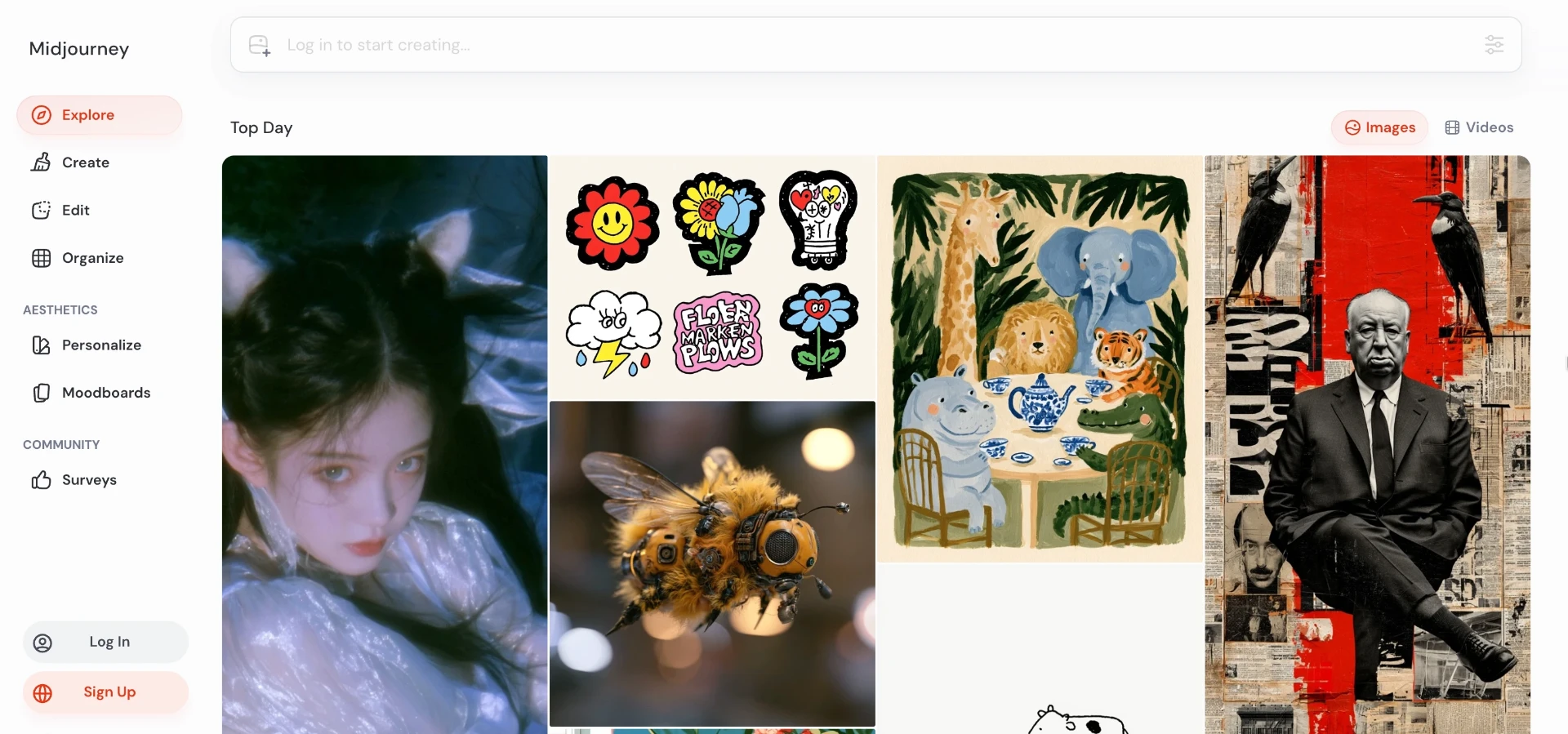
Common interior use cases include:
- Mood boards for a design pitch
- Style exploration before committing to a direction
- Marketing or social content for a design brand
- Abstract "what if" visuals for a space that doesn't exist yet
Setting Up Prompts for Room Concepts
Getting a usable interior image out of Midjourney depends almost entirely on how the prompt is structured.
Prompt Structure That Works
A strong interior prompt usually stacks several elements in order.
- Room type: living room, kitchen, primary bedroom
- Style keywords: Scandinavian, mid-century, coastal, industrial
- Lighting description: soft morning light, warm evening lamps
- Camera angle: wide shot, eye level, corner view
- Technical parameters: aspect ratio, image version, stylisation level
Leaving out any of these tends to produce generic, unfocused results.
Iterating and Refining Results
Midjourney rarely nails a concept on the first try, so expect several rounds of regenerating and tweaking wording.
Small changes to adjectives can shift the entire mood of the output, which is part of the learning curve.
Pro tip
Save prompts that work well in a simple document. Reusing a proven structure saves far more time than writing each prompt from scratch.
Pros: Creativity and Style Range
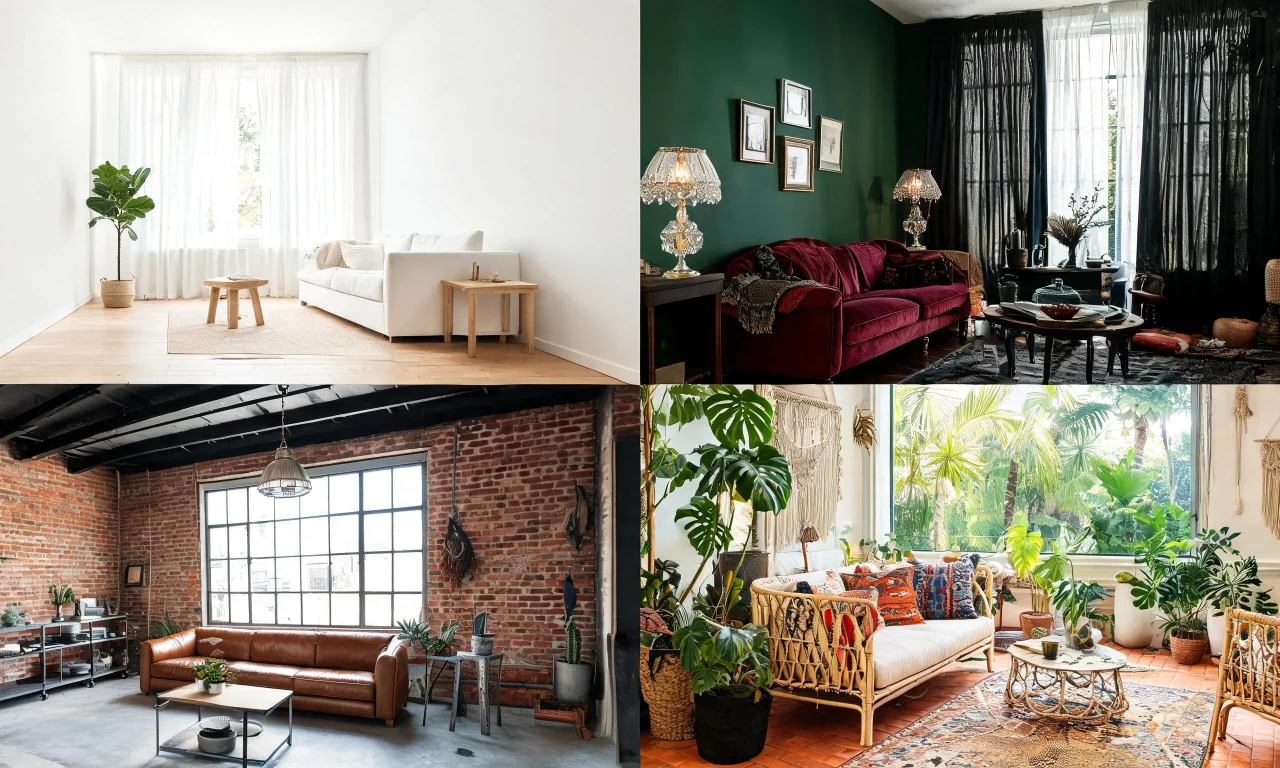
Midjourney's biggest strength for interiors is sheer creative range.
- Wide style variety, from maximalist to minimalist, in the same session
- Fast ideation for early-stage concept work
- Strong composition and lighting quality out of the box
- A large public gallery for browsing other people's prompt results
For anyone still deciding on a direction, this breadth is genuinely useful.
It's also a fast way to generate talking points for a client meeting before any real design work begins.
Cons: Accuracy and Practical Limits
The core limitation is simple: Midjourney doesn't work from your actual room photo in a reliable, controllable way.
- Invented layouts that don't match real wall positions, windows or doors
- No measurements, floor plans or shopping links
- Inconsistent architecture between regenerated variations
- No guaranteed preservation of existing structural features
- Results can look stunning but be impossible to recreate in the real room
That gap matters most for anyone using visuals to plan an actual renovation rather than a mood board.
Pro tip
If you need a concept applied to your real room, upload a photo to a dedicated app rather than describing the room from memory in a prompt.
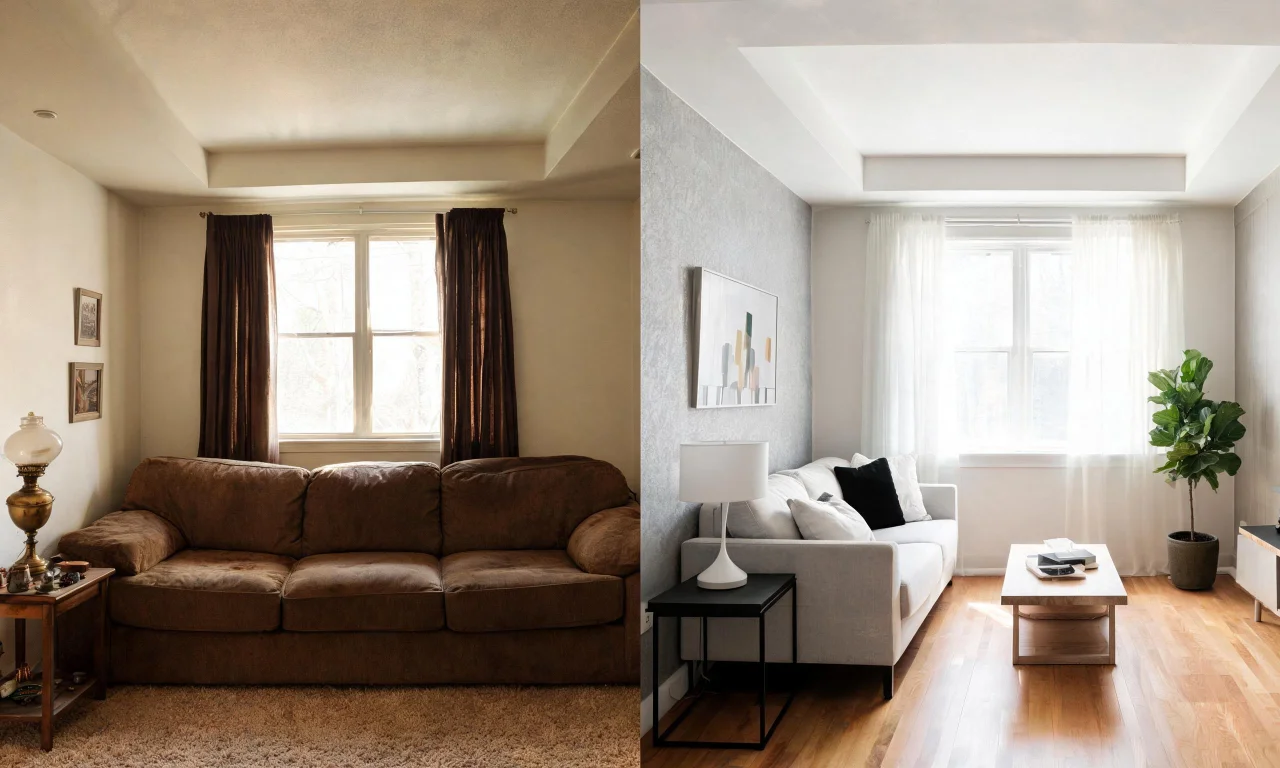
Tools built specifically for photo-based redesign handle this differently. AI Room Redesign restyles a furnished room from your own photo, keeping the actual layout intact.
Pricing Breakdown for 2026
Midjourney runs on a subscription model with tiered plans based on monthly generation limits, not a permanent free option.
Exact pricing and quotas shift over time, so it's worth checking Midjourney's own plan page before subscribing.
How the Cost Model Compares
The table below outlines the general approach rather than exact figures, since plan details change.
| Approach | Best for | Works from your photo | Cost model |
|---|---|---|---|
| Midjourney | Concept art, mood boards, style exploration | No | Subscription, tiered by generation volume |
| vividoo | Restyling, decluttering and renovation previews of real rooms and exteriors | Yes | Free tools plus paid plans for advanced features |
| 3D rendering software | Detailed architectural visualisation | Partially, with manual modelling | One-time licence or subscription, steep learning curve |
vividoo's free plan covers AI Room Redesign, Virtual Decluttering, the AI Empty Room Generator, AI Exterior Redesign, and AI Room Renovation.
Check the full breakdown on the pricing page before comparing plan tiers side by side.
Who Should Use It Instead of Dedicated Design Apps
Midjourney earns its place for creative exploration, not for planning an actual room renovation.
Good Fit: Creative Exploration and Marketing
Designers pitching an abstract concept, content creators building visuals, and anyone browsing style ideas will get real value here.
Its output works well for social posts, mood boards and early client conversations.
Better Fit: Homeowners and Agents Who Need Real-Room Accuracy
Homeowners, flippers and agents usually need results tied to their actual space, not an invented one.
For that, a photo-based app is the more practical route.
- Restyle a furnished room without losing the real layout
- Clear clutter from an indoor space before listing photos
- Preview material and finish changes ahead of a renovation
- Generate an empty room view, then furnish it for staging
Browse real examples in the community gallery to see how photo-based redesigns compare to generated concept art.
For a fuller rundown of what's available beyond the free tier, the AI design tools overview covers every workflow in one place.
If your goal is a shareable concept, Midjourney can spark ideas quickly.
If your goal is a renovation, staging listing, or client-ready preview of a real space, a dedicated app will get you there faster and more reliably.
You can also read more prompt and workflow comparisons on the blog before deciding which tool fits your next project.