Small apartments punish bad decisions fast. One oversized sofa and the whole room feels smaller, not bigger.
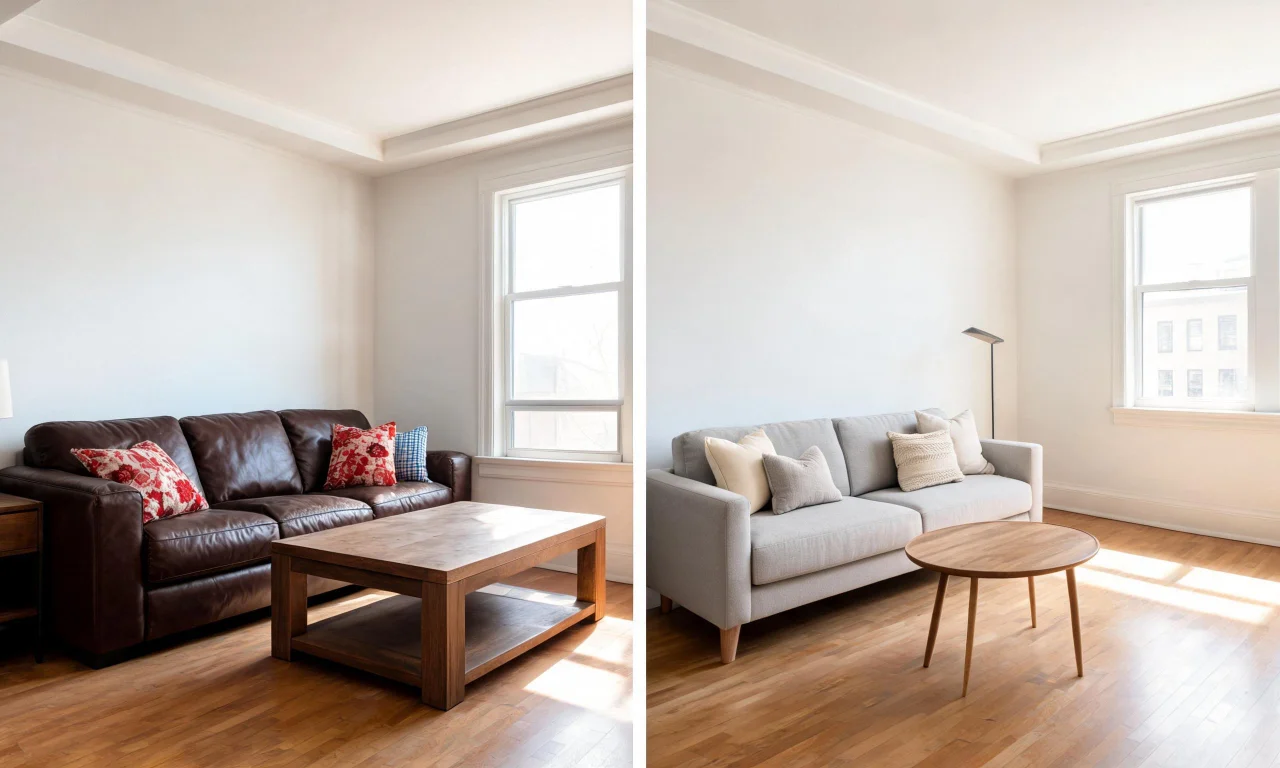
An ai room decorator lets you test furniture, colors and layouts on a photo of your actual space before you buy anything. That single change removes most of the guesswork from tight-square-footage living.
This guide walks through studio layouts, compact bedrooms, multi-functional living rooms and tiny kitchens, with practical ways to use AI tools at every stage.
Key takeaways
- Small spaces need fewer, better-considered design decisions, not more furniture.
- An ai room decorator helps you preview layouts and styles before spending money.
- Studio and one-room apartments benefit most from zoning tricks tested virtually first.
- vividoo's free tools cover redesign, decluttering and empty-room visualization for indoor spaces.
- Testing ideas digitally is cheaper and faster than trial-and-error with real furniture.
Why Small Spaces Need Smarter Design Choices
Every square foot in a small apartment has to earn its place. There's no room for furniture that only does one job.
Bad proportions, wrong colors or clutter show up immediately in a compact room. There's nowhere for mistakes to hide.
This is exactly where digital planning tools help most. You can see how a piece will actually look before committing shelf space or budget to it.
- Test color and material choices without buying paint or samples.
- Preview furniture scale before it arrives and doesn't fit.
- Compare multiple layouts side by side instead of guessing.
- Spot clutter problems in photos you might miss in person.
Pro tip
Photograph your room from the doorway first. That angle shows the most floor space and gives an ai room decorator the clearest layout to work with.
Studio Apartment Layout Ideas
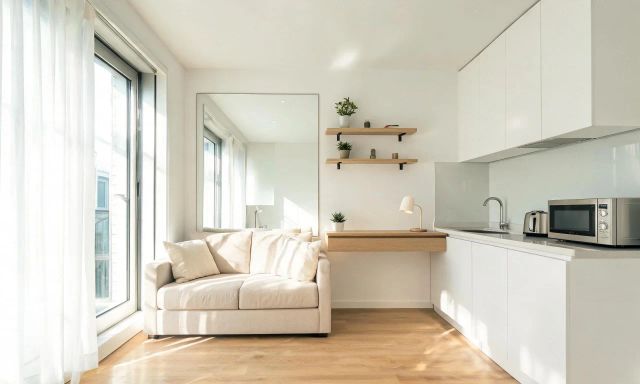
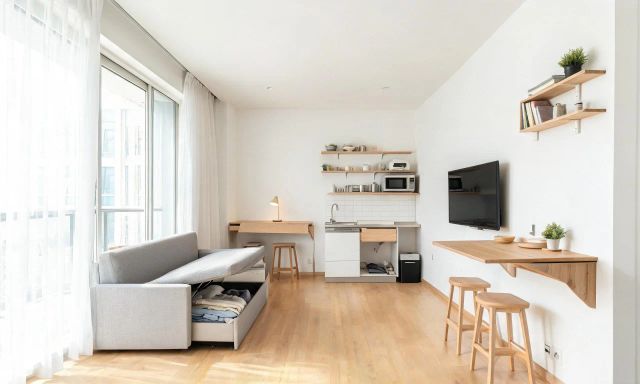
Studios force sleeping, working and living zones into one open room. The trick is visual separation, not physical walls.
Open-Plan Zoning
Rugs, lighting and furniture orientation can divide a studio into distinct "rooms" without a single wall. A reading chair angled away from the bed already reads as a separate zone.
Try uploading a photo of your studio and testing different furniture arrangements with an AI Room Redesign tool. It lets you compare zoning ideas on your actual walls and windows.
Vertical Storage Tricks
When floor space is fixed, height becomes your best resource. Tall shelving units draw the eye up and free up walking room.
Before buying anything, it helps to see the room completely bare. An AI Empty Room Generator clears existing furniture from a photo so you can imagine a fresh layout from scratch.
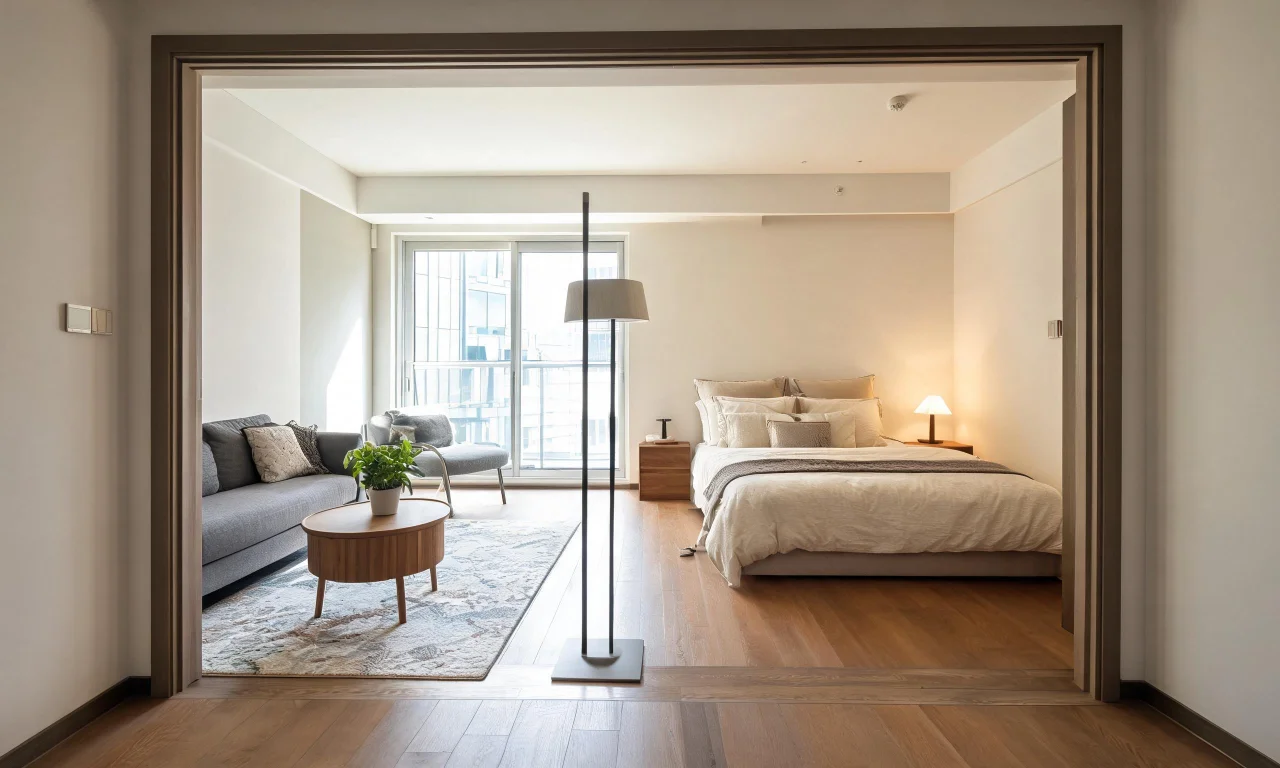
Compact Bedroom Styling with an AI Room Decorator
A small bedroom only needs to do three things well: sleep, store and feel calm. Everything extra becomes clutter fast.
Choosing a Restrained Palette
Light, cohesive colors make a compact bedroom feel less boxed in. Dark accent walls can work, but only in small, deliberate doses.
Restyling a furnished bedroom digitally lets you test a palette shift without repainting. You get to see the finished mood before touching a brush.
Furniture Scale and Placement
Oversized headboards and nightstands are the most common small-bedroom mistake. Scale matters more here than almost anywhere else in the home.
Clutter also compounds the problem. A blog full of small-space case studies can help, but seeing your own room decluttered digitally first is more useful than reading about someone else's.
Pro tip
Remove visual clutter from a bedroom photo before testing new furniture styles. A tidy base makes it much easier to judge whether a new layout actually works.
vividoo's free Virtual Decluttering tool handles light indoor clutter removal, which is a useful first step before restyling.
Multi-Functional Living Room Concepts
In a small apartment, the living room often doubles as an office, guest room or dining space. Furniture needs to flex.
Convertible and Dual-Purpose Furniture
A daybed that seats guests and sleeps overnight visitors solves two problems with one purchase. Nesting tables do the same for occasional extra surface space.
Before buying a convertible piece, it's worth previewing how it fits your specific room. Restyling the same photo with different furniture styles shows scale issues immediately.
Sightlines and Flow
Small living rooms feel bigger when there's a clear path through them. Furniture that blocks natural walking routes makes a room feel cramped, even if it technically fits.
Try a few arrangements virtually and compare which one keeps the room's main sightline open.
| Method | Speed | Cost | Best for |
|---|---|---|---|
| Physical trial and error | Slow, one layout at a time | High if furniture is wrong | Small tweaks to existing setups |
| Sketching or mood boards | Moderate | Low | Early idea gathering |
| AI room decorator tools | Fast, multiple options quickly | Low, often free-plan friendly | Testing real layouts before buying |
Tiny Kitchen and Nook Makeovers
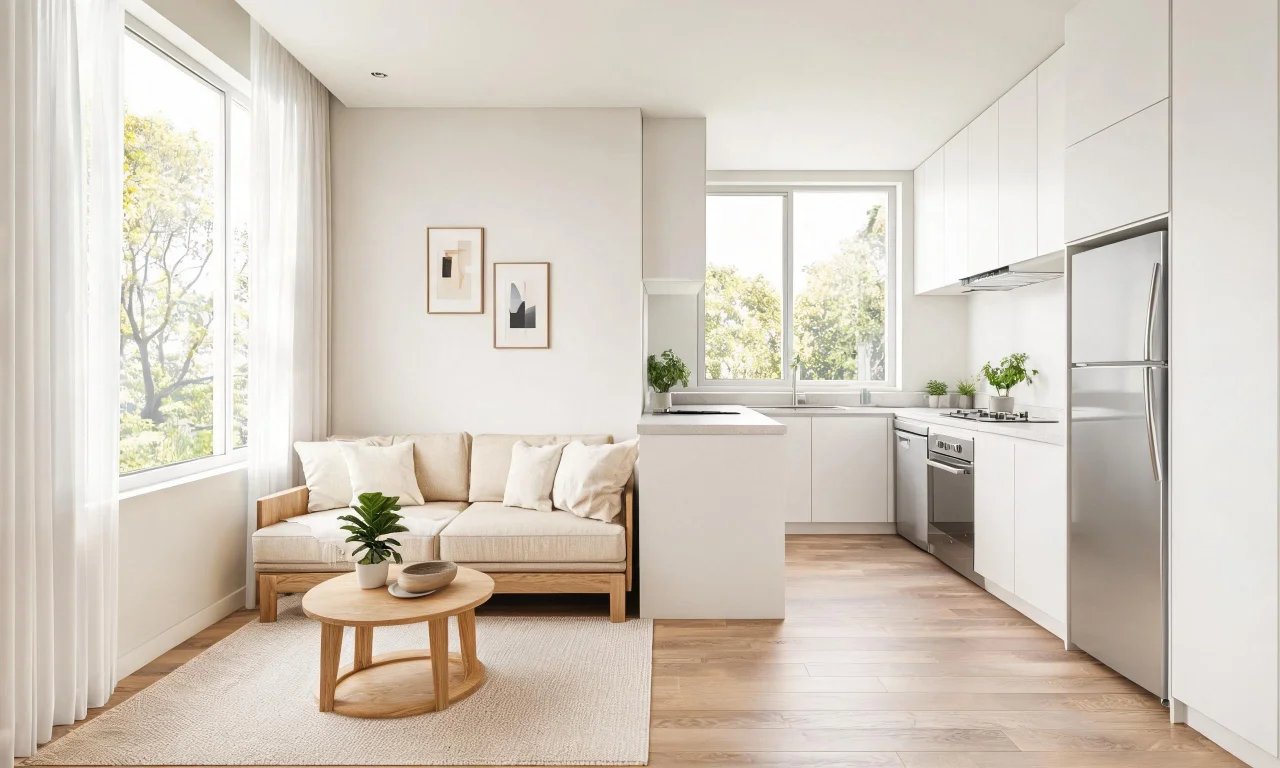
Tiny kitchens live or die by finish choices. There's little room for bold experiments that don't pay off.
Testing Materials Before Renovating
Countertops, backsplashes and cabinet fronts are expensive to change twice. Previewing finishes on a photo of your actual kitchen avoids costly regret.
An AI design tool built for material previews lets you compare finishes side by side before any renovation work starts.
Breakfast Nooks and Corner Solutions
A small nook can still feel intentional with the right seating and lighting choices. Built-in-style benches often outperform freestanding chairs in tight corners.
Because these spaces are so small, even minor scale mistakes stand out. Testing a few seating options digitally first is worth the extra few minutes.
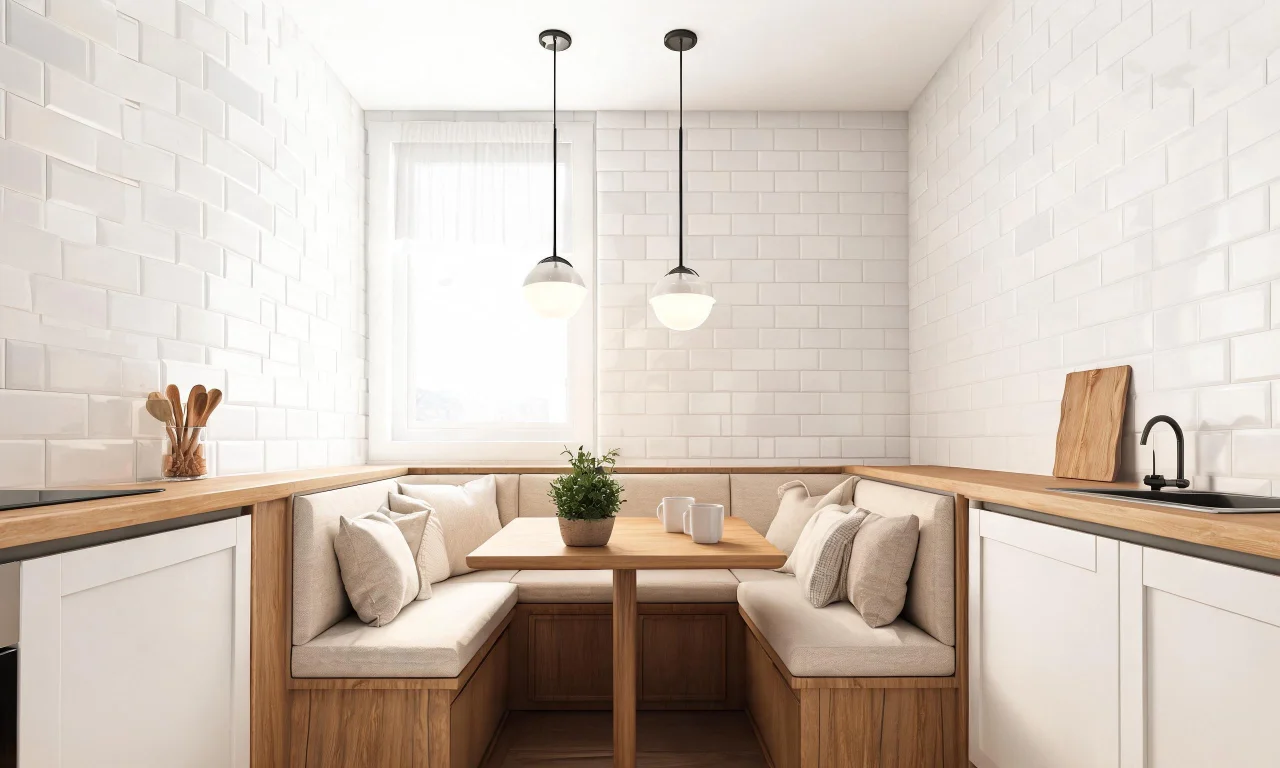
vividoo's Starter plan covers finish previews through AI Room Renovation, useful once you're ready to move past furniture and into materials.
Tips for Testing Ideas Before You Commit
The biggest advantage of digital testing is speed. You can rule out bad ideas in minutes instead of weeks.
- Photograph the room in good, even light from a corner angle.
- Clear obvious clutter from the shot before testing new styles.
- Test two or three distinct styles rather than dozens of small variations.
- Compare results against your actual storage and traffic-flow needs.
- Save the versions you like and revisit them after a day away from the screen.
It also helps to see how others have approached similarly small spaces. Browsing a community gallery of real small-apartment redesigns can spark ideas you wouldn't have considered alone.
Pro tip
Don't test every idea on the same photo angle. A second angle often reveals scale problems the first one hides.
Once you've settled on a direction, check current plans and pricing to see which tools fit your project, from free furnished-room restyling to Starter-level furniture swaps.