You've got a dated living room, a listing photo that isn't selling itself, or a renovation idea you can't quite picture. Hiring an actual interior designer feels like overkill for a "what if" question.
That's the gap vividoo is trying to fill. It positions itself as an ai interior designer you can use from your phone, no consultation booking required.
This review walks through setup, the free tools, the paid tiers, and where the platform actually earns its keep in 2026.
Key takeaways
- vividoo's free plan covers room redesign, decluttering, empty-room generation, exterior redesign and material previews.
- Starter unlocks object removal, furniture add/replace, and outdoor-specific tools like landscape renovation.
- Pro is built for exterior-heavy work: full renovation, exterior feature swaps, and clearing outdoor clutter.
- It's best suited to homeowners, agents and flippers who need fast visual previews, not exact measurements or shopping links.
- The free plan alone is enough to judge whether the ai interior designer approach fits your workflow.
First Impressions and Setup
Signing up feels closer to a photo-editing app than a design consultancy.
There's no project brief, no mood board questionnaire, no waiting for a human to respond.
You upload a photo, pick a tool, and the interface nudges you toward a result within a couple of minutes.
- Account creation takes under a minute, with no mandatory credit card for the free tier.
- The dashboard groups tools by indoor, outdoor and exterior use cases.
- First-time users are pointed toward AI Room Redesign as a starting point.
The onboarding assumes you already know what you want to test, which suits agents and flippers more than total beginners.
Pro tip
Upload a well-lit, uncluttered photo first. Cleaner source images consistently produce more usable redesigns.
Free Plan Walkthrough
The free plan is where most people will spend their first real session, and it's more generous than a typical trial.
Five tools are included, covering both restyling and clearing tasks across indoor and outdoor spaces.
AI Room Redesign
Best for homeowners who want to restyle a room that's already furnished.
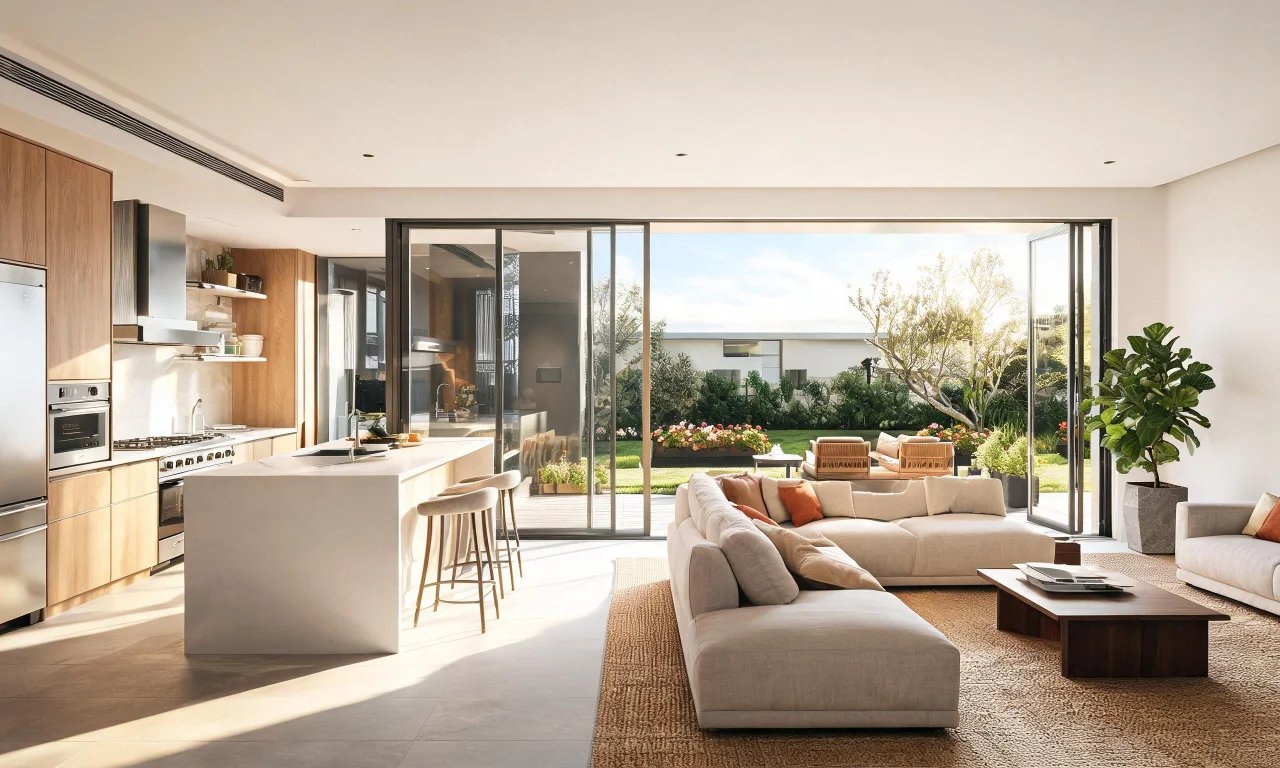
You upload a photo of the existing space and choose a style direction; the tool reworks the look while keeping the room's basic layout.
The strength here is speed: you can compare several style directions in one sitting without any manual editing.
The limitation is that it works from what's already in the room, so it won't invent a layout from scratch.
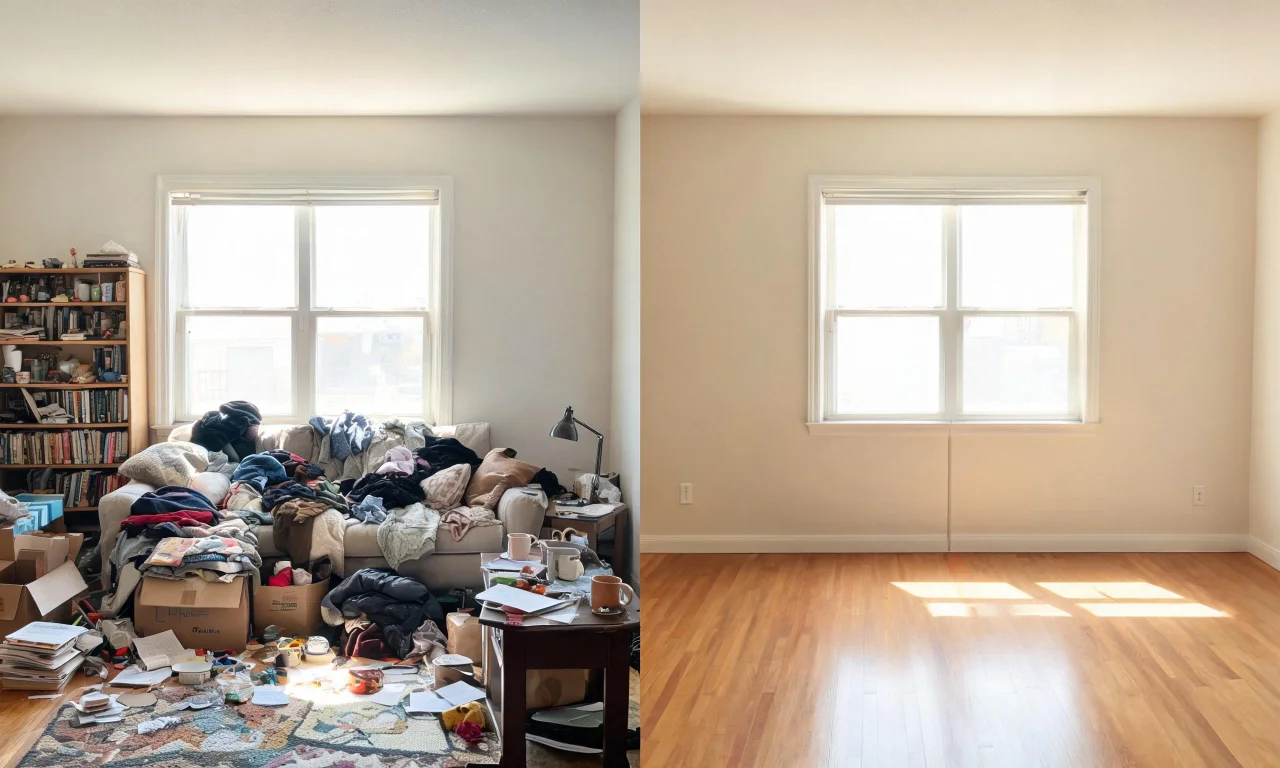
Virtual Decluttering
Best for anyone prepping a lived-in room for photos without doing a physical clean-up first.
It removes light clutter from an indoor scene, leaving the furniture and structure intact.
This is a genuinely practical free feature for agents shooting listings on a tight timeline.
It's built for light mess, not heavy renovation debris or bulky furniture removal.
Empty Room Generator
Best for visualising a space with nothing in it, whether that's indoor, outdoor or an exterior area.
Upload a photo and the tool clears it down to an empty shell, which is also the workflow behind vividoo's virtual staging concept.
That connection matters: if you're hoping to furnish an empty room virtually, this is the free entry point into that process.
It clears the space rather than adding new furniture in the same step, so plan your workflow accordingly.
AI Exterior Redesign
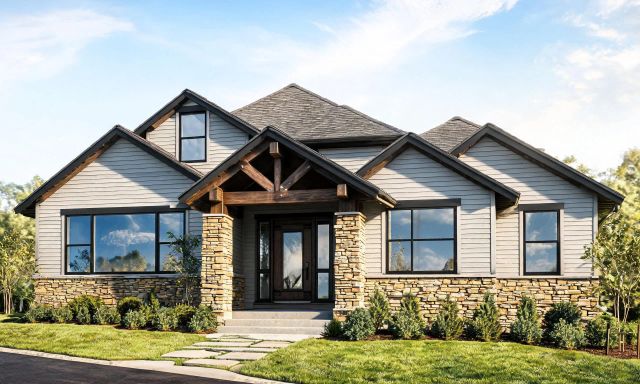
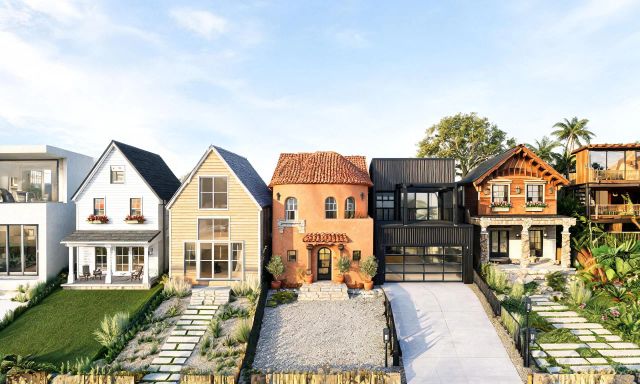
Best for homeowners and agents wanting a quick facade refresh before committing to paint or cladding.
It restyles the exterior and surrounding space directly from an uploaded photo.
Testing exterior colour or material ideas here costs nothing, which is unusual for facade visualisation tools.
It's a restyling tool, not a structural planning one, so it won't map out construction changes.
AI Room Renovation
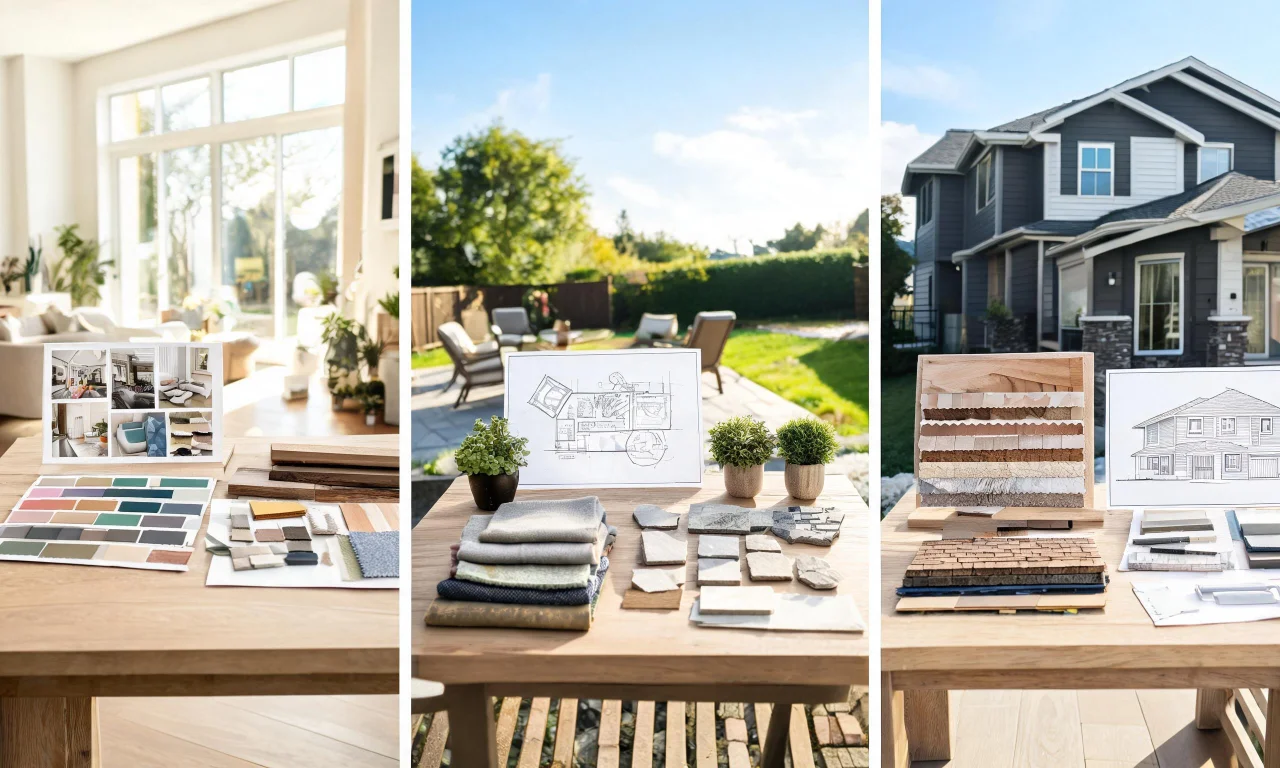
Best for previewing indoor materials and finishes before a renovation decision.
You upload a room photo and the tool previews alternative flooring, wall or surface finishes in that same space.
It's useful for narrowing down finish options before speaking to a contractor.
It previews materials only; it won't estimate cost or suggest suppliers.
Starter and Pro Features Tested
Once the free tools stop being enough, vividoo splits its paid tools by scope: Starter for object-level and outdoor edits, Pro for full exterior work.
Starter Plan Tools
Starter is built for people doing repeat, detail-level edits rather than one-off style previews.
Object Remover strips specific unwanted items from a photo, which is more targeted than the free decluttering tool.
AI Add or Replace Furniture/Items lets you swap or introduce specific pieces into a room, useful for testing furniture choices without buying anything.
Outdoor Redesign and Landscape Renovation extend the same restyling logic to gardens and yards, while AI Clear Outdoor Space handles heavier outdoor clutter than the free tools cover.
Pro Plan Tools
Pro is aimed squarely at exterior-heavy projects, think full house exteriors rather than single rooms.
Exterior Renovation previews structural-style finish changes across a whole facade.
AI Add or Replace Exterior Features handles specific elements like a porch, roofline or cladding section.
AI Clear Exterior Space is the exterior equivalent of the outdoor clutter tool, built for larger or more complex scenes.
For agents managing multiple listings, or flippers evaluating several properties, these tools reduce a lot of guesswork before renovation spend begins.
Pro tip
Test a style idea on the free tier first. If it holds up, Starter or Pro is easier to justify.
Pros and Cons
No ai interior designer tool is a perfect fit for every user, and vividoo has clear trade-offs.
- Pro: generous free plan covering both indoor and exterior use cases.
- Pro: clear separation between restyling, decluttering and clearing tasks makes tool choice straightforward.
- Pro: exterior tools are unusually well developed for a design app, not an afterthought.
- Con: no exact furniture placement, shopping links or cost estimates are provided.
- Con: heavier object-level edits and outdoor clutter removal sit behind Starter, not free.
- Con: full exterior renovation work requires the Pro tier.
Browsing the community gallery is a useful way to gauge realistic output before upgrading.
Pricing Breakdown
Pricing tiers map cleanly onto complexity: free for single-room previews, Starter for detail edits, Pro for full exterior projects.
| Plan | Best for | Included tools |
|---|---|---|
| Free | First-time users, quick style previews | AI Room Redesign, Virtual Decluttering, Empty Room Generator, AI Exterior Redesign, AI Room Renovation |
| Starter | Agents and homeowners needing detail edits | Object Remover, Add/Replace Furniture, Outdoor Redesign, Landscape Renovation, Clear Outdoor Space |
| Pro | Flippers and designers handling full exteriors | Exterior Renovation, Add/Replace Exterior Features, Clear Exterior Space |
Exact prices and credit allowances change from time to time, so check the current pricing page before committing.
If you're only testing one or two rooms, the free tier alone may cover your needs.
Final Verdict: Is vividoo Worth It as Your AI Interior Designer?
For quick, low-stakes visual previews, vividoo earns its place as an ai interior designer tool.
Homeowners get a free way to test styles before spending on paint or furniture.
Agents and flippers get faster listing prep and renovation previews without commissioning renders.
Designers may still want it as a client-facing ideation step, even alongside their own tools.
- Start with the free plan to test the Empty Room Generator or Room Redesign.
- Move to Starter once you need object-level control or outdoor edits.
- Upgrade to Pro only if full exterior renovation previews are a regular need.
Explore the full AI design tools lineup, or browse the blog for real project walkthroughs, before deciding which tier fits your workflow.