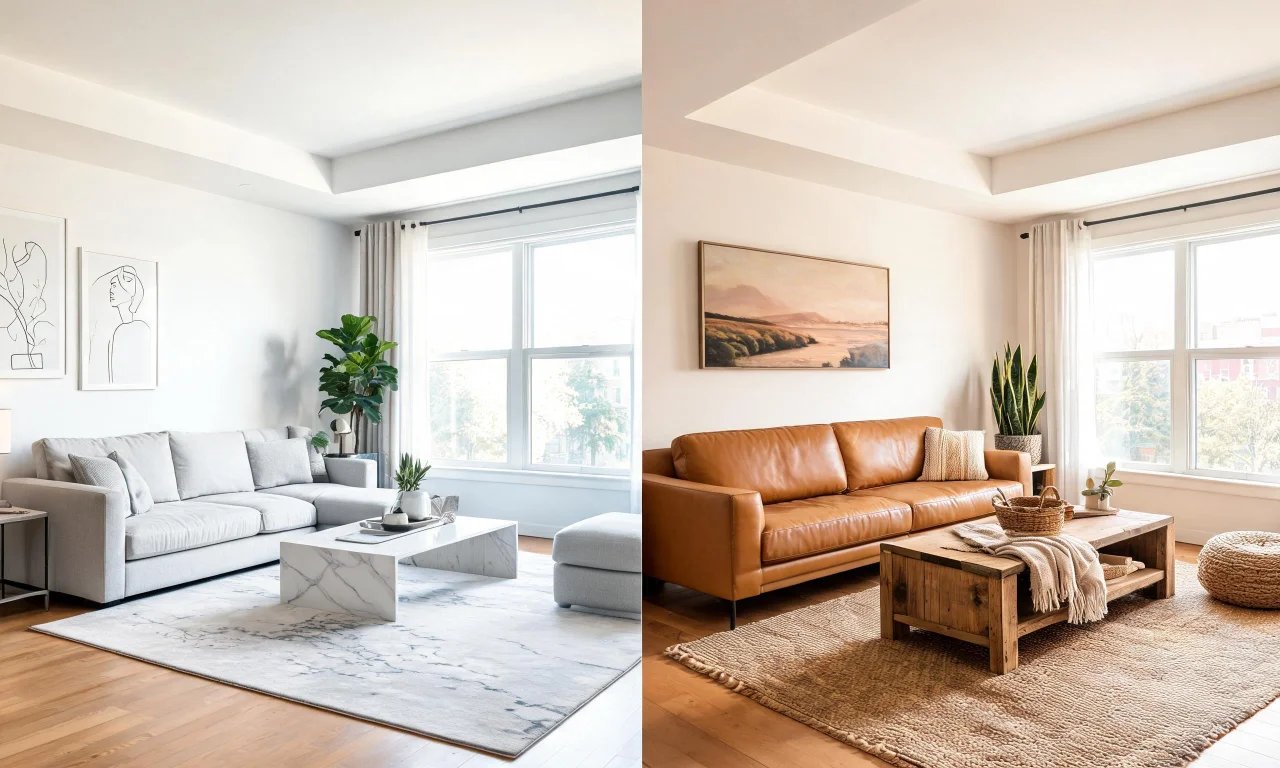
You have an empty listing and a deadline. The photos look fine, but empty rooms rarely sell themselves.
This is where virtual staging software earns its keep, turning bare rooms into furnished, photo-ready spaces without hiring a stager.
Two names come up constantly in agent forums: vividoo and BoxBrownie. Both promise faster, cheaper staging, but the workflows and pricing differ a lot.
This comparison walks through how each platform actually works, what it costs, and which type of agent each one suits best.
Key takeaways
- vividoo stages empty rooms through its Empty Room Generator, available on the free plan.
- BoxBrownie relies on human-assisted editing with a submission-and-wait turnaround model.
- vividoo's paid tiers unlock furniture editing, outdoor redesign and exterior tools; BoxBrownie's pricing sits outside vividoo's tier structure entirely.
- Output style differs: vividoo produces instant AI renders, BoxBrownie leans on manual retouching for photorealism.
- The right choice depends on volume, budget and how much control you want over the final image.
What virtual staging software actually does
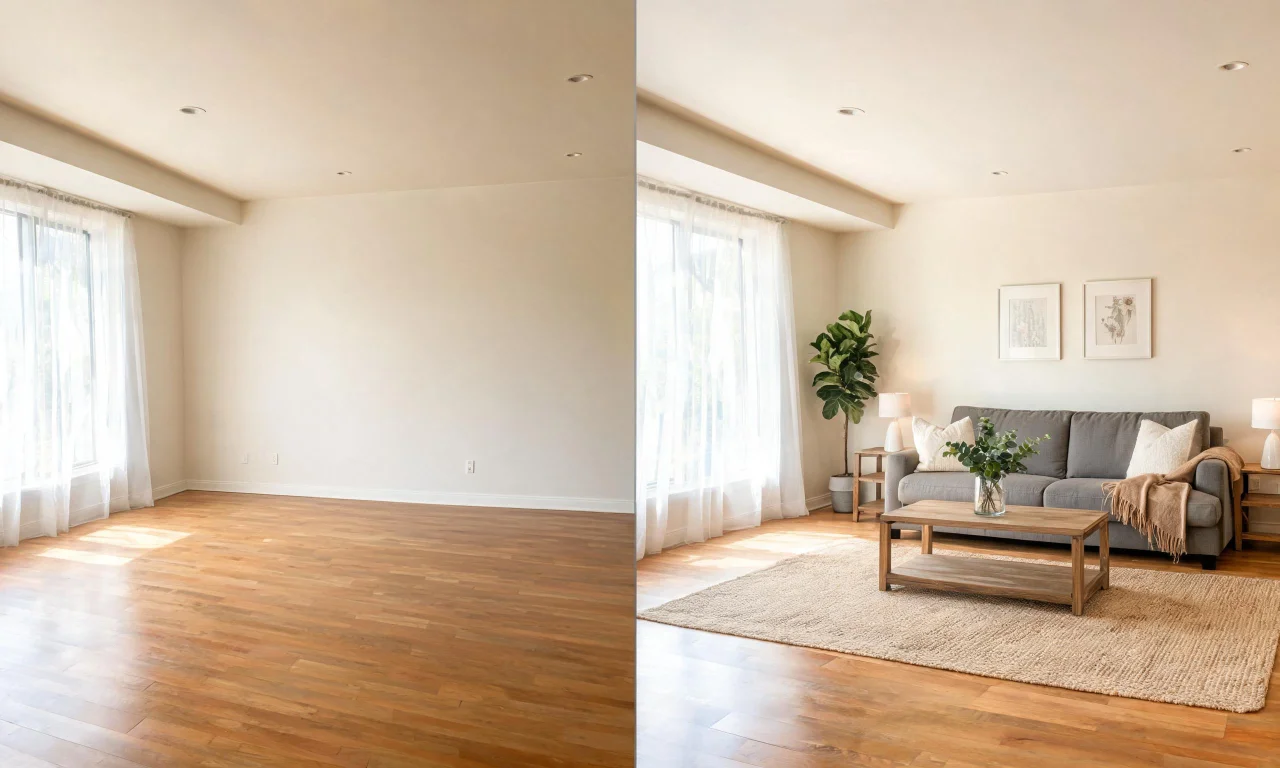
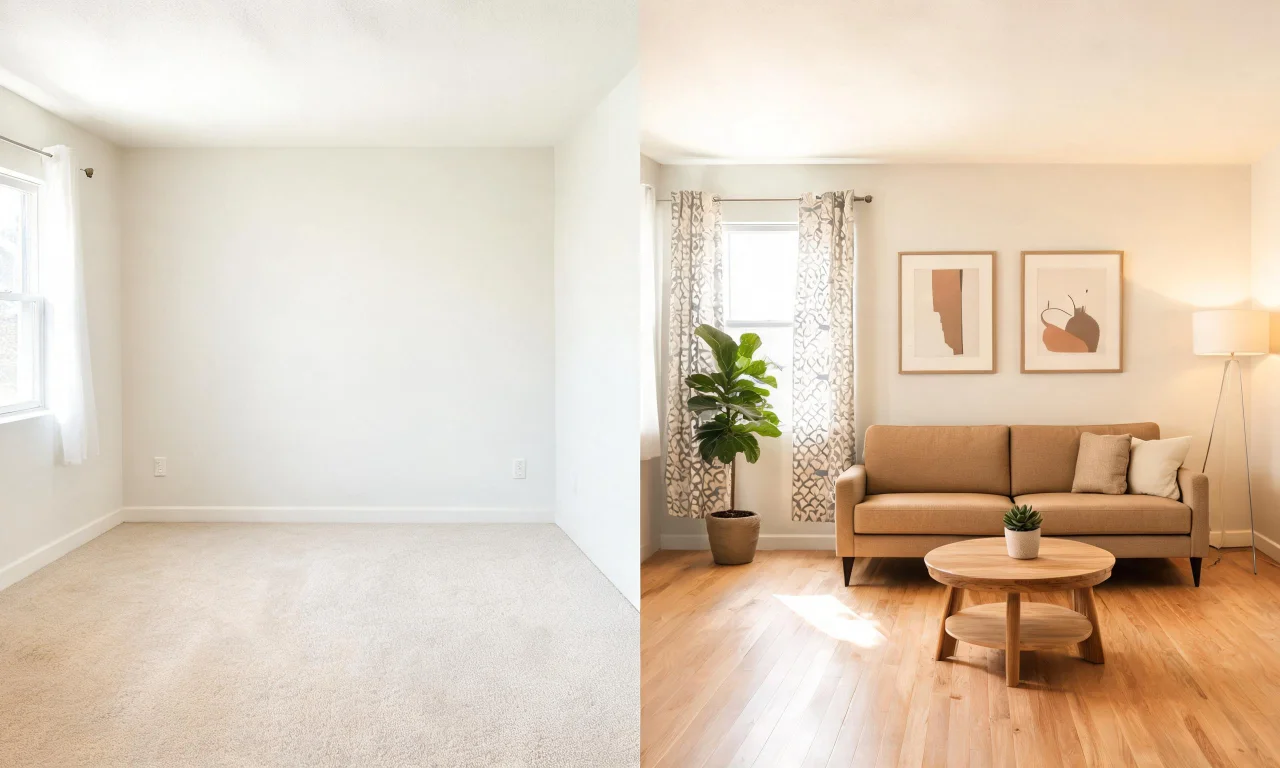
Virtual staging software takes a photo of an empty or lightly furnished room and adds digital furniture, decor or finishes.
The goal is simple: help buyers picture themselves living there, without moving a single physical couch.
Most platforms also offer adjacent tools, like decluttering an occupied room or previewing new flooring and paint.
- Furnishing an empty room for listing photos
- Removing clutter or unwanted objects from an occupied space
- Restyling a room's furniture and decor in a new aesthetic
- Previewing materials, finishes or exterior facades before renovation
The tools reviewed here approach these tasks very differently, and that difference matters more than the marketing copy suggests.
vividoo's Empty Room Generator staging workflow
vividoo handles virtual staging through its Empty Room Generator, which furnishes an empty indoor, outdoor or exterior space.
This workflow is what most people mean by AI virtual staging: taking a bare room and populating it with furniture and decor.
Best for
Agents and flippers listing vacant properties who need staged photos fast, without scheduling a physical staging crew.
How it works
Upload a photo of the empty space, choose a style direction, and the tool generates a furnished version of the room.
Because the Empty Room Generator sits on vividoo's free plan, agents can test the workflow before committing to a paid tier.
The same tool also handles clearing outdoor or exterior spaces, which is useful for land or new-build listings.
You can explore the full AI Empty Room Generator workflow directly to see how the upload-to-render process feels.
Strength and limitation
The clear strength is speed: there's no submission queue, no waiting on a human editor to pick up the job.
The limitation is that it's built for empty spaces specifically. If a room is already furnished but tired-looking, that's a job for AI Room Redesign instead.
Pro tip
If a vacant room still has stray boxes or leftover fixtures, clear those first before running the staging generator for a cleaner base image.
BoxBrownie's staging process and turnaround
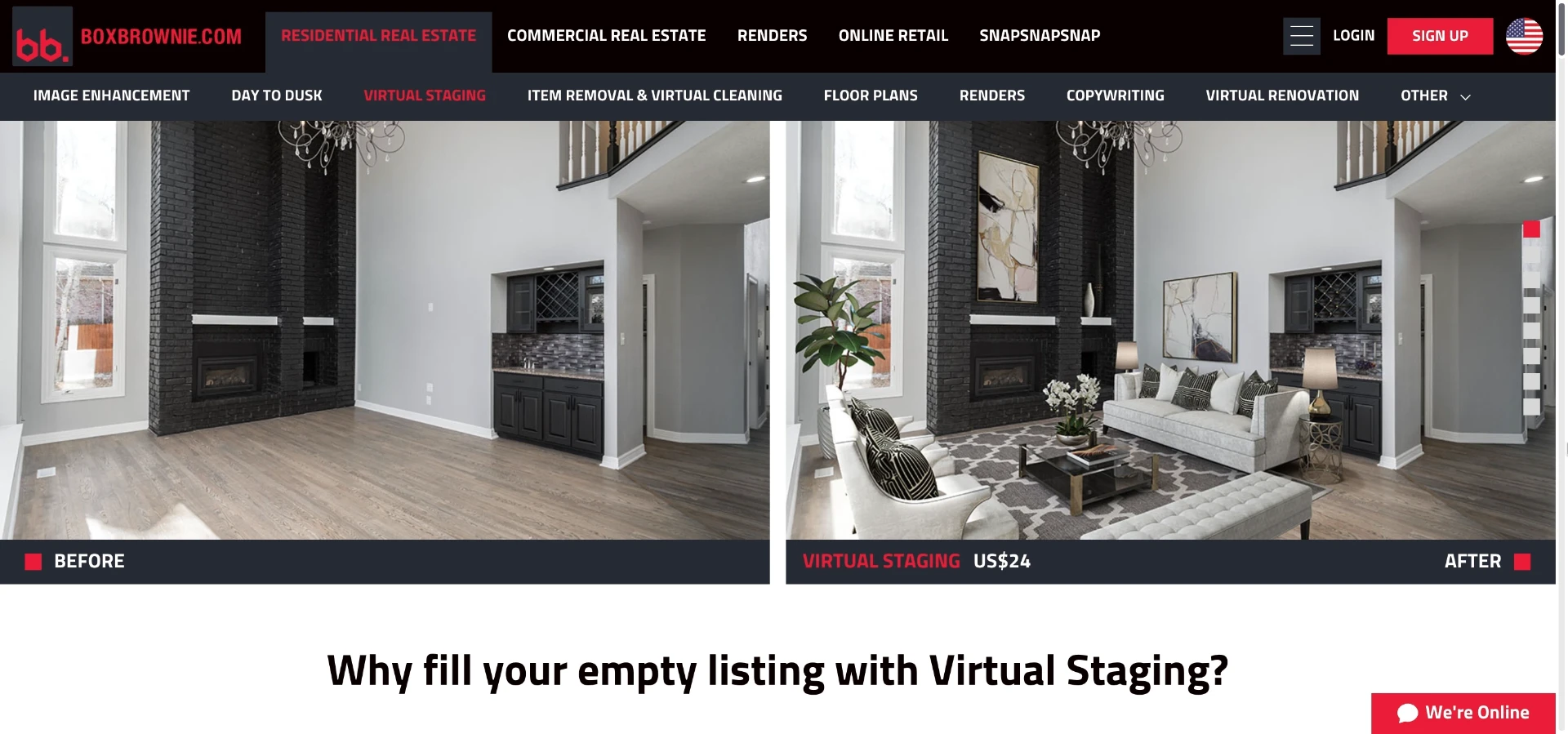
BoxBrownie has been a fixture in real estate photo editing for years, and staging is one of its core services.
Unlike an instant AI generator, BoxBrownie's process typically involves a mix of automated tools and human editors.
Best for
Agents who want a more hands-off, submit-and-receive process and don't mind waiting for a finished image.
How it works
You upload a photo through BoxBrownie's order system, select a staging style, and submit the job for processing.
Turnaround has historically been measured in hours rather than seconds, since editors are involved in finishing the image.
Exact turnaround times and packages change, so it's worth checking BoxBrownie's current order page before assuming a specific delivery window.
Where it falls short
The submission model means you're dependent on someone else's queue, which can be awkward against a tight listing deadline.
It also generally means paying per image rather than getting unlimited generation within a flat plan.
Pricing tiers side by side
Pricing structure is often the real deciding factor once two tools produce comparable results.
vividoo organizes access into free, starter and pro tiers, each unlocking more advanced editing tools.
BoxBrownie generally prices per image or per credit pack, which can suit low-volume users but adds up at scale.
| Plan level | vividoo | BoxBrownie |
|---|---|---|
| Free / entry | Empty Room Generator, AI Room Redesign, Virtual Decluttering, AI Exterior Redesign, AI Room Renovation | No free tier; pricing is per-image or per-order |
| Mid tier | Starter plan adds Object Remover, Add or Replace Furniture, Outdoor Redesign, Landscape Renovation, Clear Outdoor Space | Bundled credit packs, priced by volume of images ordered |
| Top tier | Pro plan adds Exterior Renovation, Add or Replace Exterior Features, Clear Exterior Space | Higher-volume agency packages, terms vary by order size |
Because BoxBrownie's per-image pricing shifts with order volume, it's best to confirm current rates directly on its site.
For vividoo's exact current tier pricing, check the pricing page before subscribing.
Pro tip
If you're only staging a handful of listings a month, compare per-image cost against a flat monthly plan before deciding.
Output quality and realism comparison
Realism is subjective, but the underlying process shapes what you can expect from each tool.
AI-generated staging is fast and consistent, but style choices are guided by the model rather than a human designer's eye.
Human-assisted editing can catch small realism issues, like lighting mismatches, that automated tools sometimes miss.
- vividoo: instant generation, consistent style options, no waiting on an editor
- BoxBrownie: human-reviewed finishing, potentially more manual polish per image
- vividoo: best suited to testing multiple styles quickly before choosing a final look
- BoxBrownie: best suited to a single, carefully finished image per order
Neither tool should be assumed to guarantee exact furniture placement or measurements in the final render.
Always review the output against local advertising disclosure rules for virtual staging before publishing listing photos.
Which tool fits which type of agent
The right pick depends less on brand loyalty and more on how you actually work day to day.
Solo agents and flippers
If you're juggling multiple vacant listings and tight timelines, vividoo's free-plan staging tools let you move fast without upfront cost.
High-volume brokerages
Teams processing dozens of listing photos monthly may prefer BoxBrownie's per-order model if budgets are allocated per property.
Designers and renovation-focused users
If staging is just one part of a broader visualization need, vividoo's wider toolkit covers more ground.
That includes AI Exterior Redesign for facades, alongside interior staging and renovation previews in one place.
- List the exact rooms or exteriors you need staged this month
- Check whether they're empty, furnished or need clutter removed first
- Match that need against the free-plan tools before paying for anything
- Only upgrade once you outgrow what the free tier covers
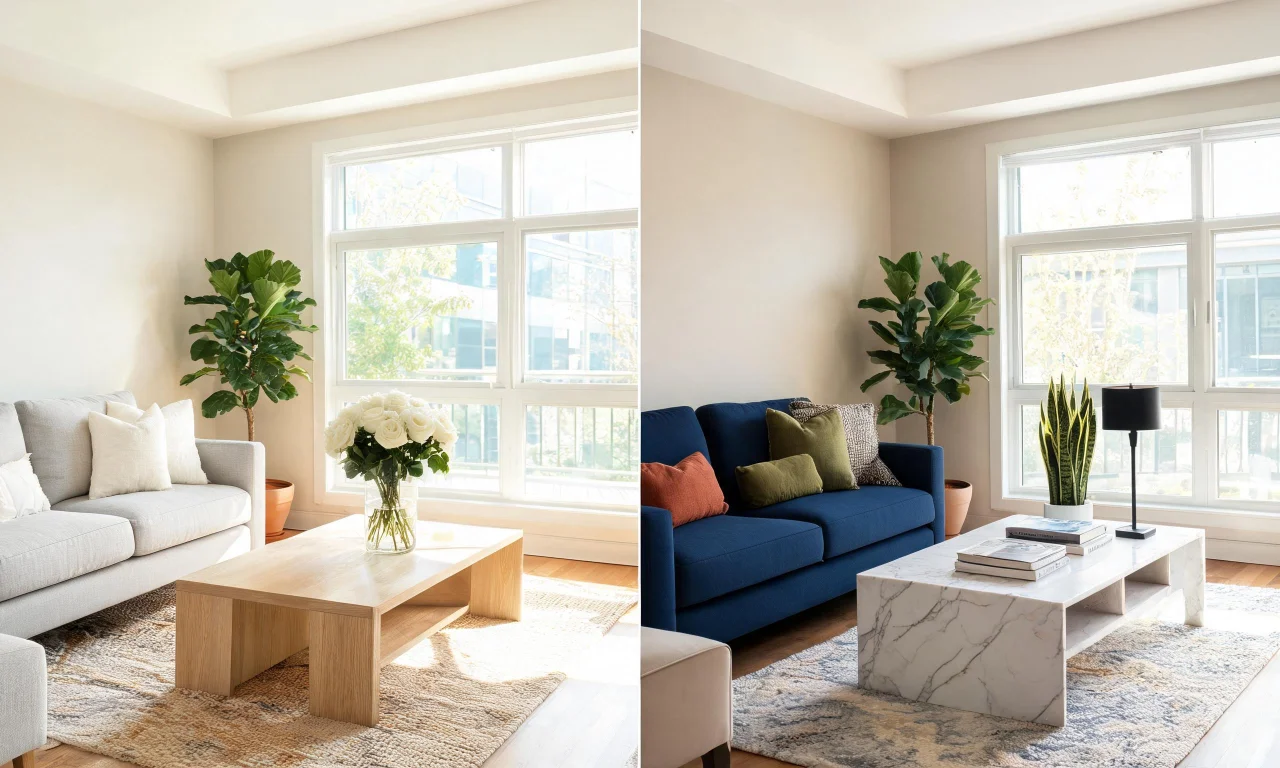
Browsing the community gallery can also help you gauge which staging style resonates before committing to a plan.
For a broader rundown of available tools, the AI design tools overview covers the full lineup beyond staging alone.
Whichever tool you choose, test it on one real listing photo before rolling it out across your whole portfolio.
That single test tells you more about fit than any feature list ever will.