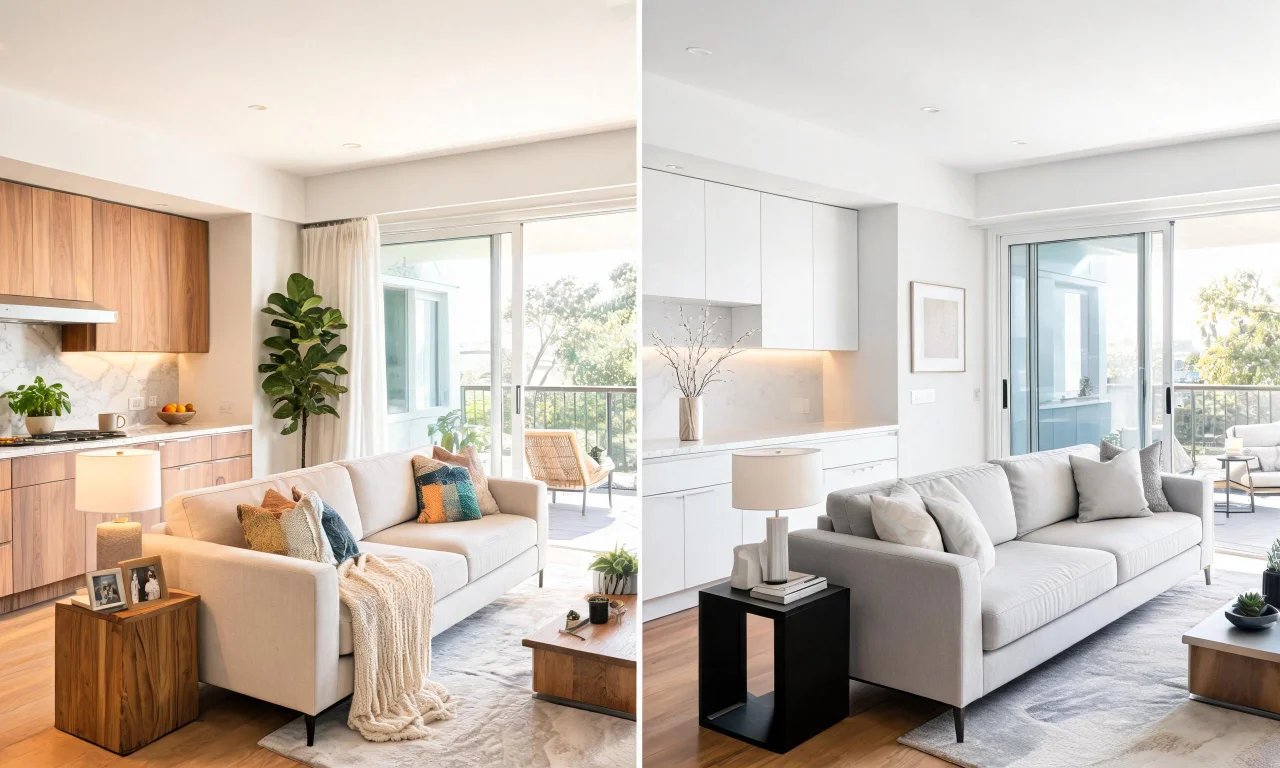
You are staring at a dated living room photo, trying to picture it redone before you commit to paint or furniture.
Typing "interior ai" into a search bar brings up dozens of tools promising instant makeovers, but two names keep surfacing: vividoo and Interior AI.
This comparison looks at what each platform actually does, what is free, and who each one really suits in 2026.
Key takeaways
- vividoo offers five free tools covering indoor redesign, decluttering, empty-room generation and exterior restyling.
- Interior AI is best known for interior-only concept renders, typically gated behind credits or subscription tiers.
- vividoo separates paid tools by plan: Starter unlocks object removal and outdoor tools, Pro adds exterior renovation features.
- Agents and flippers who need exterior work should weigh which platform actually covers outdoor spaces.
- Always confirm current pricing and limits on each platform's own pricing page before committing.
Platform Overview: vividoo vs Interior AI
Both tools use generative AI to reimagine a room or exterior from a single photo.
The difference shows up in scope: one platform treats interiors and exteriors as equally important, the other leans heavily toward interior styling.
That distinction matters if you are comparing an interior ai tool for a full property, not just one living room.
vividoo
vividoo is built for homeowners, agents, flippers and designers who need both interior and exterior visualisation in one place.
You upload a photo, choose a workflow, and the tool applies a new style, clears clutter, or previews finishes depending on which mode you pick.
Its free plan includes AI Room Redesign for restyling a furnished room, Virtual Decluttering, an Empty Room Generator, AI Exterior Redesign, and AI Room Renovation for material previews.
That breadth is the standout strength: few free plans cover exteriors alongside interiors.
The limitation is that more advanced edits, like removing objects or swapping specific furniture pieces, sit behind the Starter plan rather than the free tier.
Interior AI
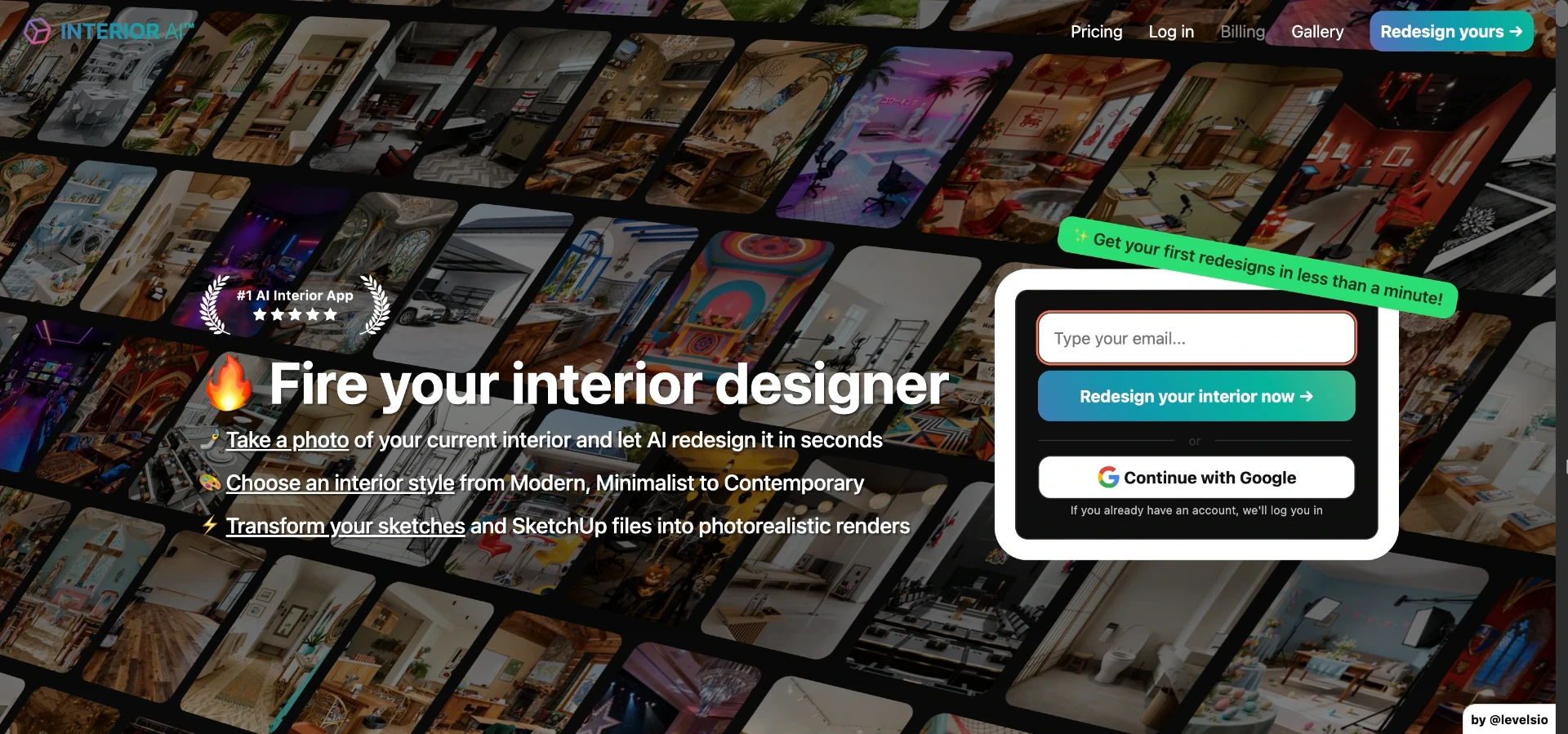
Interior AI is a widely used interior-focused generator aimed at homeowners, renters and designers wanting quick style concepts.
The typical workflow is upload a room photo, pick a style preset, and receive several AI-generated interpretations of that space.
Its strength is a large library of aesthetic presets, which appeals to users who want fast inspiration rather than a specific renovation plan.
A meaningful limitation is that exterior and facade redesign is not the platform's core focus, so outdoor projects may need a separate tool.
Pricing and free-credit allowances change periodically, so check Interior AI's own site for current limits before assuming free access.
Pro tip
If a property has both interior and exterior work needed, test the exterior workflow first. It often reveals a platform's real limits fastest.
Free Plan Feature Comparison
Free tiers are where most people decide which interior ai tool to trust with a real project.
vividoo's free plan is unusually broad, covering five distinct workflows rather than a single style-transfer feature.
Interior AI's free or trial access tends to concentrate on interior restyling with limited exterior support.
| Feature | vividoo (free plan) | Interior AI |
|---|---|---|
| Furnished room restyling | Yes, via AI Room Redesign | Yes, core feature |
| Light clutter removal | Yes, via Virtual Decluttering | Not a core focus |
| Empty room furnishing preview | Yes, via Empty Room Generator | Varies by plan, check current listing |
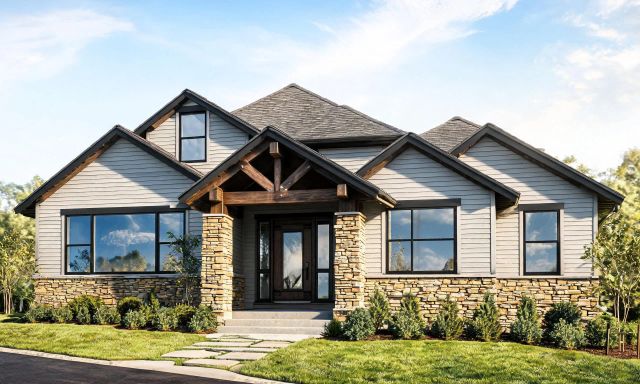
| Exterior facade restyling | Yes, via AI Exterior Redesign | Limited or unavailable |
| Material and finish preview | Yes, via AI Room Renovation | Not confirmed as a free feature |
If you want a hands-on feel for the difference, start with a furnished room you already know well.
Design Quality and Output Speed
Output quality depends heavily on the source photo, but general patterns still emerge between the two platforms.
vividoo's workflows are split by task, which tends to keep each output focused on one clear change rather than a full re-imagining.
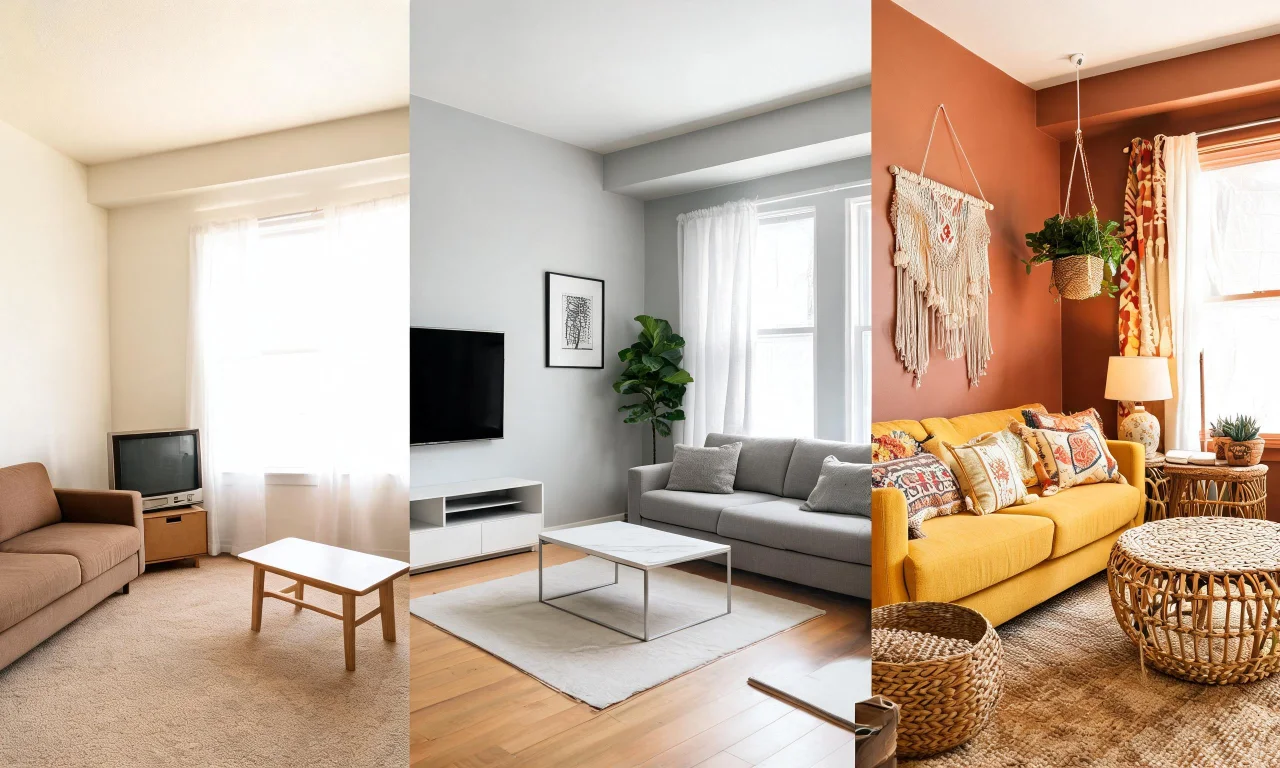
Interior AI's preset-driven approach can produce more dramatic style shifts, which suits inspiration browsing over precise planning.
- Task-specific tools, like vividoo's separate decluttering and redesign modes, generally produce more predictable results.
- Preset-heavy tools can generate faster inspiration but may drift further from the original room's layout.
- Neither platform guarantees exact furniture placement or measurements, so treat outputs as visual concepts, not blueprints.
- Exterior renders benefit from tools built specifically for facades, since interior-trained models can misread outdoor materials.
Pro tip
Upload the same photo to both platforms and compare only one variable at a time, such as style consistency or speed.
Pricing and Plan Tiers
Pricing structure often matters more than raw feature count once you move past casual browsing.
vividoo splits paid access into two tiers above the free plan.
The Starter plan unlocks Object Remover, AI Add or Replace Furniture, Outdoor Redesign, Landscape Renovation and AI Clear Outdoor Space.
The Pro plan adds Exterior Renovation, AI Add or Replace Exterior Features and AI Clear Exterior Space.
Interior AI's plan tiers are typically credit or subscription based, with limits that can shift over time.
Because pricing pages update frequently, verify current numbers directly rather than relying on older reviews.
Pro tip
Check a platform's current pricing page before comparing tiers, since free allowances can change without notice.
Best Fit for Homeowners vs Agents
Who should pick which tool depends heavily on whether the project stops at the front door.
Homeowners doing a single-room refresh may find either platform workable for quick inspiration.
Agents and flippers usually need more, since listing photos rarely stop at interiors.
- Homeowners planning one interior update: either platform's free tools can help visualise a new style.
- Agents prepping listing photos: vividoo's exterior workflows add value that interior-only tools cannot match.
- Flippers evaluating a whole property: broader tool coverage across rooms and facades speeds up decision-making.
- Designers presenting concepts to clients: browsing a community gallery of real outputs can help set client expectations.
For a fuller sense of what one platform's toolkit covers end to end, see the full list of AI design tools vividoo offers.

Final Verdict
Both platforms answer the "interior ai" search, but they answer different versions of the question.
Interior AI leans toward fast, style-heavy interior concepts for anyone who just wants inspiration.
vividoo leans toward practical coverage across interiors and exteriors, with a genuinely useful free tier to start from.
If your project includes a facade, a yard, or a full property flip, that broader coverage tends to save time.
If you only care about one furnished room's style, either tool can get you started today.
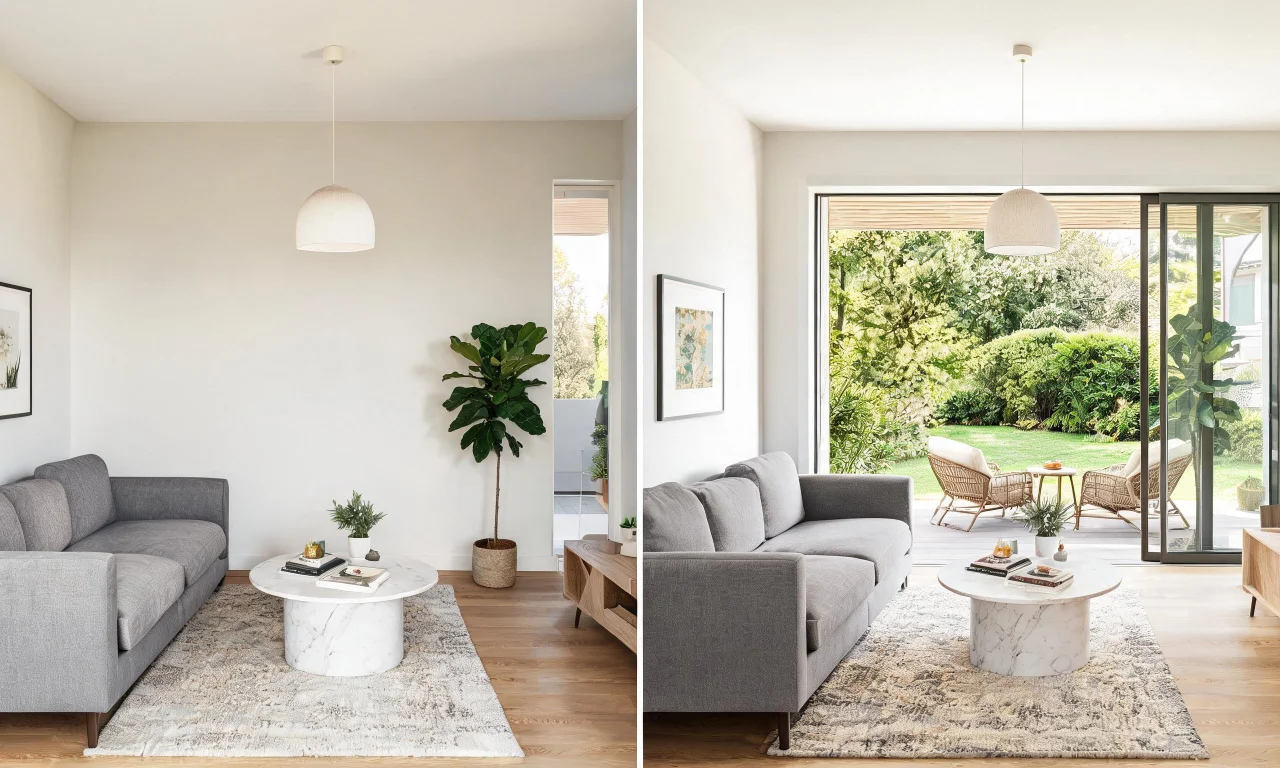
Read more comparisons and workflow breakdowns on the vividoo blog before making a final decision.